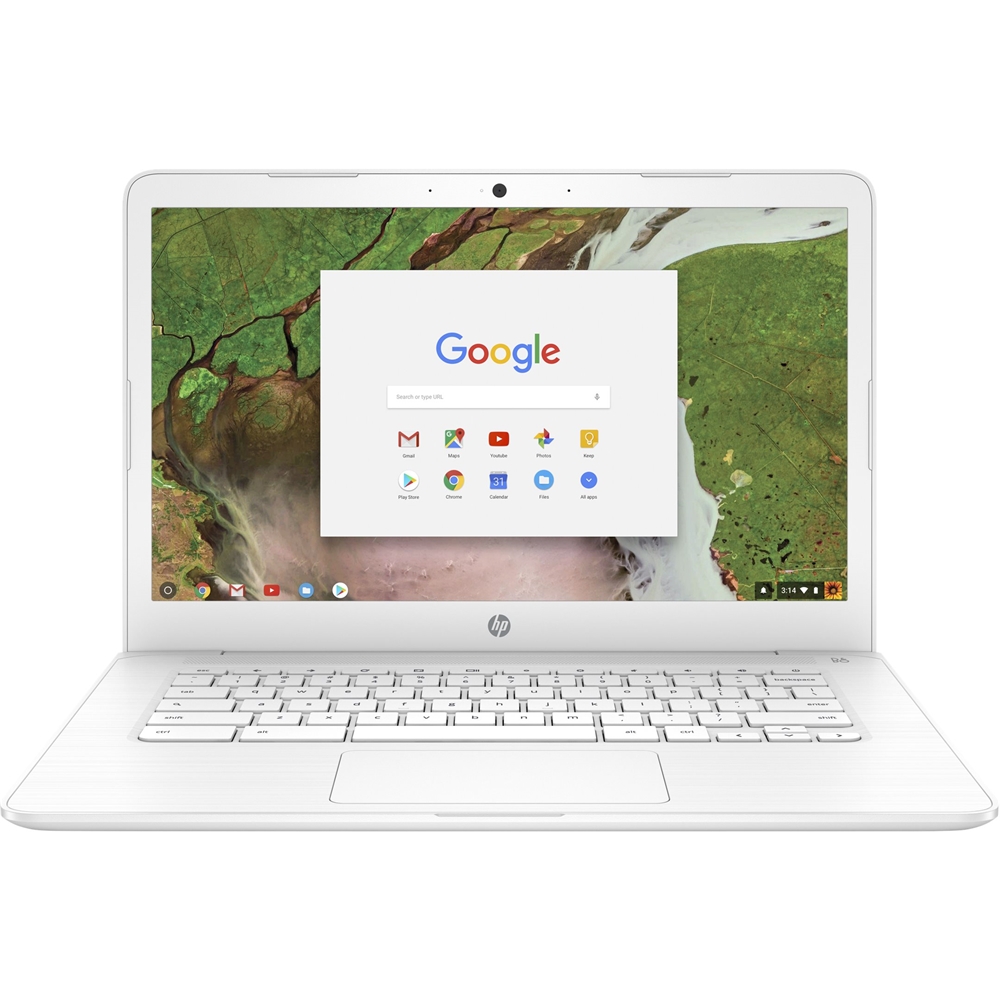
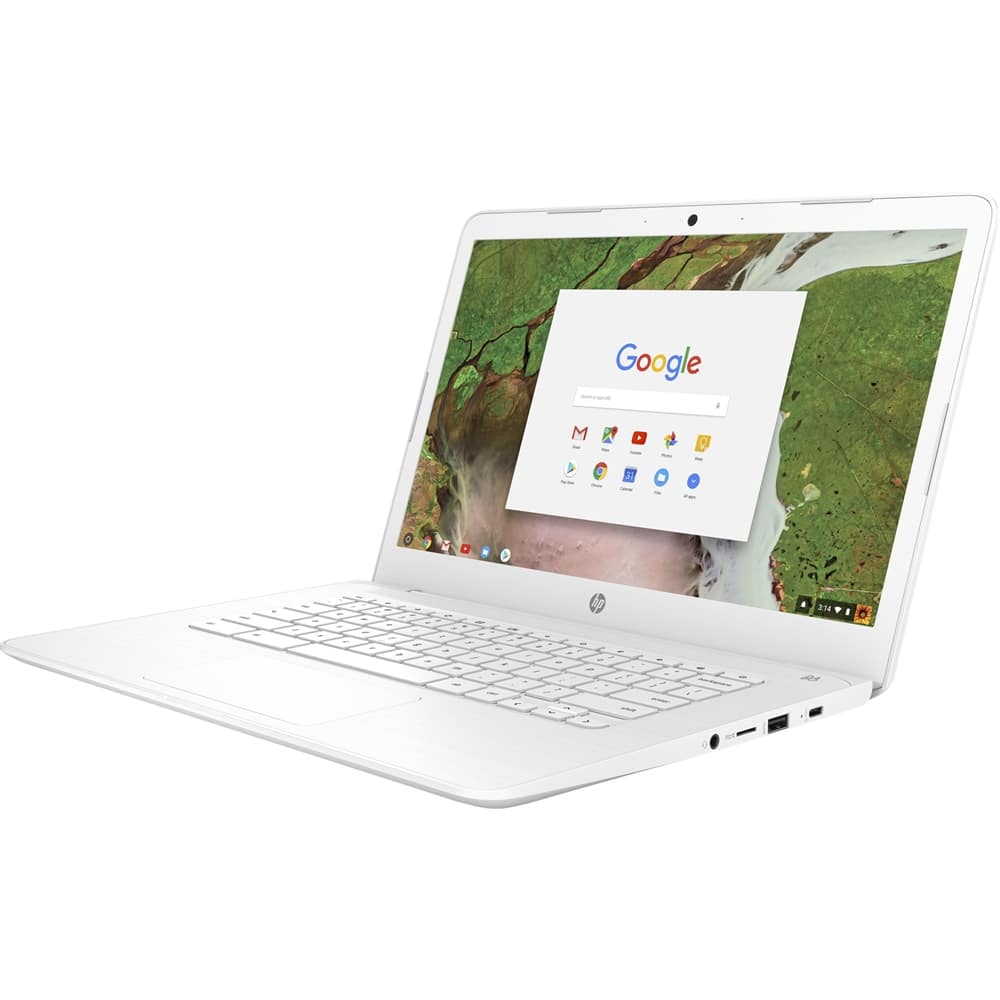
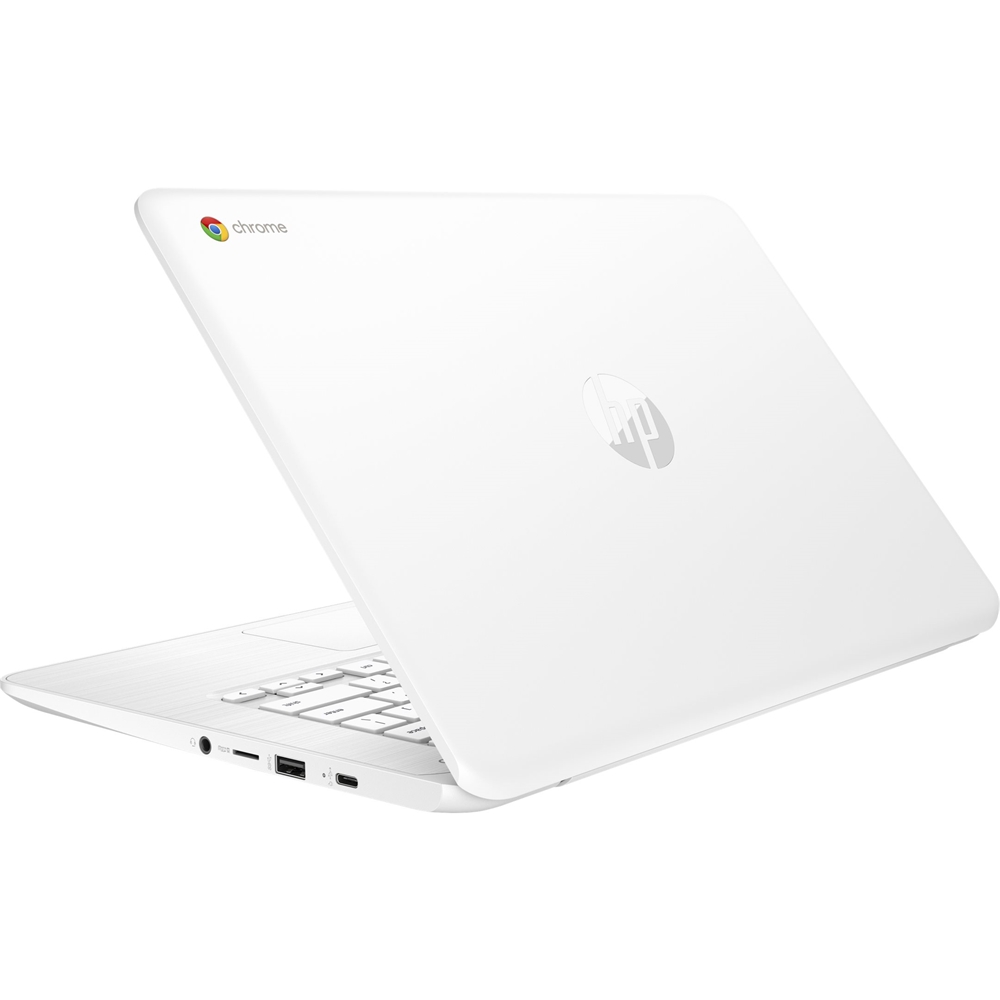
A:AnswerIt should be good for everything except storing photos and zoom meetings. 32gb is not a lot for storing photos. You can use a cloud, or an external hard drive that would probably work better. I tried to use it for zoom meetings, but the webcam quality is very poor, it freezes a lot, especially when you are trying to talk. Also when I had to do a presentation I couldn't share my screen and have my webcam on at the same time because it does not have a desktop version of zoom. I used my google pixel 3a for zoom meetings and it performed infinitely better.
A:AnswerDepends on the printer. If the printer is on the same network and uses IPP, it should connect just fine. Airprint and other protocols should be supported. You can check by trying to print from an Android OS phone first. If the printer is older, you can also use Google Cloud Print which "hosts" the printer from another computer.
A:AnswerYes, Chromebooks have excellent parental control features you can find out more at this link from Google. https://support.google.com/chromebook/answer/7680868?hl=en