A:AnswerAny programs that strictly require Windows as the operating system cannot be run on a Chromebook. There are a number of programs and features that have online versions or modified applications that are Chromebook compatible.
A:AnswerChromebooks do not support Windows versions of those games, but you can use any apps from the Google Play store, including Minecraft and Roblox (but not currently SIMS).
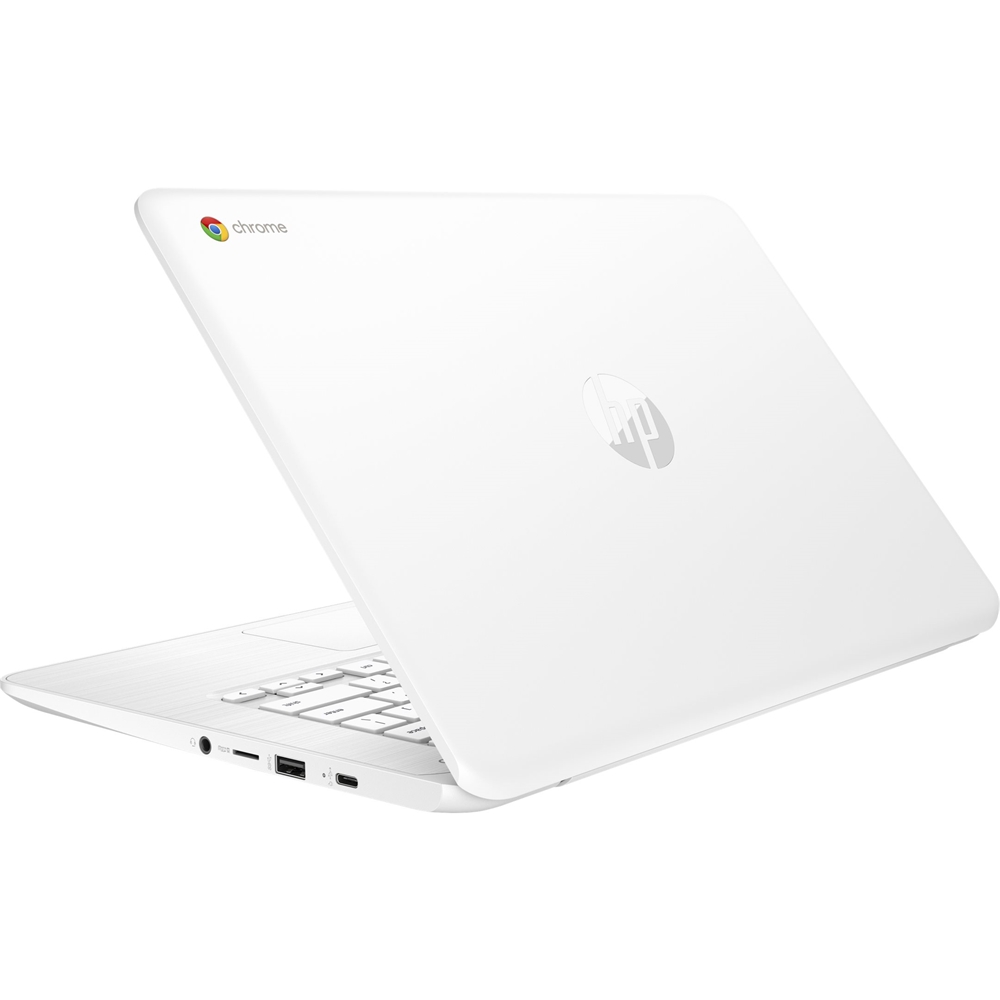
A:AnswerUnfortunately no, it does not. Chromebooks do not have the space for disk drives. However, you can use an external DVD drive, which will connect to any available USB port.
A:AnswerThis Google Support forum page should be able to help! https://productforums.google.com/forum/#!topic/drive/ownD7BIW2wQ It looks like you'll need to make sure you're using the right Gmail account, and that you've redeemed your storage! https://www.laptopmag.com/articles/get-100gb-free-google-drive-space-chromebook
A:AnswerNo, it is designed to run over the internet directly. There is not a cell modem for data. You could probably purchase an external cell link, but I am guessing this is not the device you need.
A:AnswerChromebooks can use Google equivalents such as Google Docs and Google Sheets, as well as the Google Play app versions of Microsoft Office programs or the full versions of Office 365.
A:AnswerNo, this Chromebook does not have the technical specifications required to run Fortnite. The game also isn't compatible with the Chrome OS in general.
A:AnswerFor a VERY limited time only $179
https://www.bestbuy.com/site/hp-14-touch-screen-chromebook-intel-celeron-4gb-memory-32gb-emmc-flash-memory-grey/6199102.p?skuId=6199102
I just bought mime online vie Bastbuy -free shipping.
A:AnswerThis is not a model we recommend gaming on. Google Chrome's operating system is not designed the same as Windows, so games unavailable through the Google Play store will not be playable. Additionally, this lacks adequate processing power, memory, graphics capability, and storage for Fortnite.