A:AnswerIf it is available as an app, yes. Chromebooks are different from standard laptop products in that they are designed to be used primarily while connected to the Internet, with most applications and documents living in the cloud. Because of this they don’t have much for on board storage but they also are not expensive either. Chromebooks run off apps like an Android phone or tablet so you cannot download and install applications or .exe files. If you need to use third party software applications that must be installed on the computer, a Chromebook is likely not for you, where a Windows laptop would suit you better.
A:AnswerThe manufacturer's warranty is one year from date of purchase against hardware defects. Warranty details are posted here for your convenience: https://www.acer.com/ac/en/US/content/service-contact
A:AnswerIf Roblox is available as an app, then yes. Chromebooks are different from standard laptop products in that they are designed to be used primarily while connected to the Internet, with most applications and documents living in the cloud. Because of this they don’t have much for on board storage but they also are not expensive either. Chromebooks run off apps like an Android phone or tablet so you cannot download and install applications or .exe files. If you need to use third party software applications that must be installed on the computer, a Chromebook is likely not for you, where a Windows laptop would suit you better.
A:AnswerYes. Here are a couple links that have information on this you might find helpful:
http://cbookreviewguide.com/chromebook-compatible-printers-cloud-ready/ and,
https://support.google.com/chromebook/answer/7225252?hl=en
A:AnswerYes you can print from a Chromebook. Here are a couple link that has information on the best printers to use and setting it up:
https://support.google.com/chromebook/answer/7225252?hl=en
http://cbookreviewguide.com/chromebook-compatible-printers-cloud-ready/
A:AnswerNo, this is a Chromebook that runs the Chrome operating system. Chromebooks are different from standard laptop products in that they are designed to be used primarily while connected to the Internet, with most applications and documents living in the cloud. Because of this they don’t have much for on board storage but they also are not expensive either. Chromebooks run off apps like an Android phone or tablet so you cannot download and install applications or .exe files. If you need to use third party software applications that must be installed on the computer, a Chromebook is likely not for you, where a Windows laptop would suit you better.
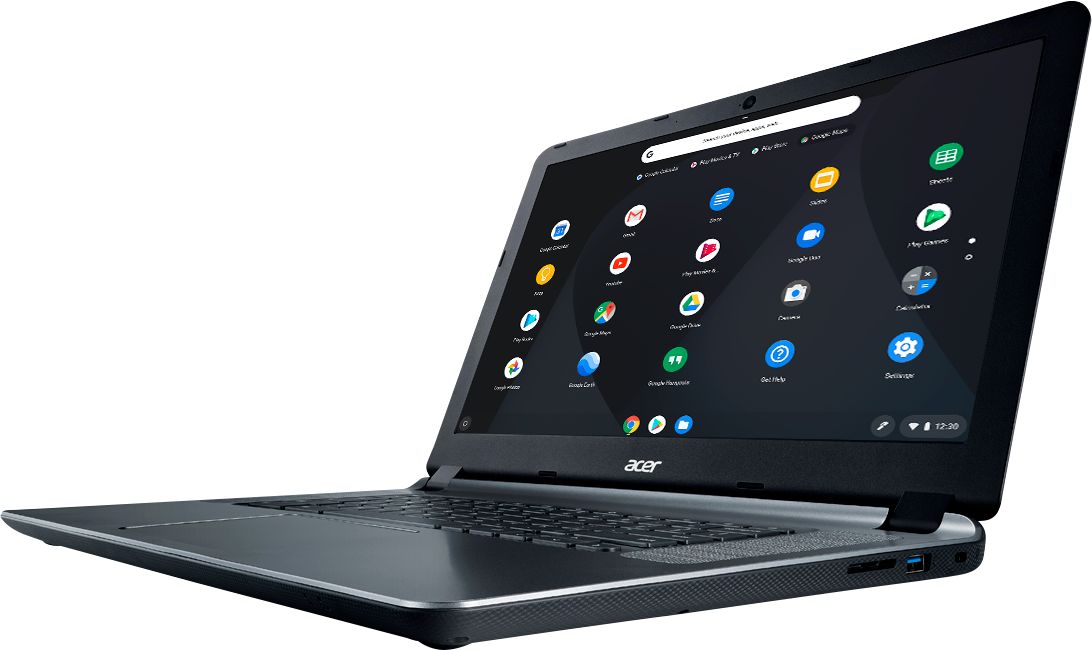
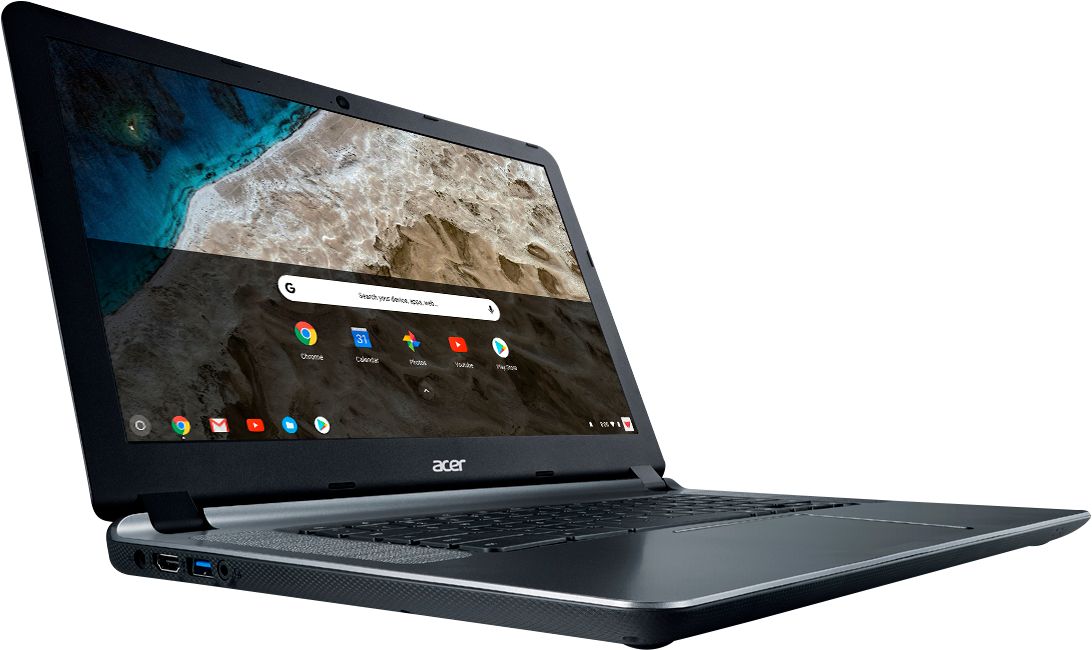
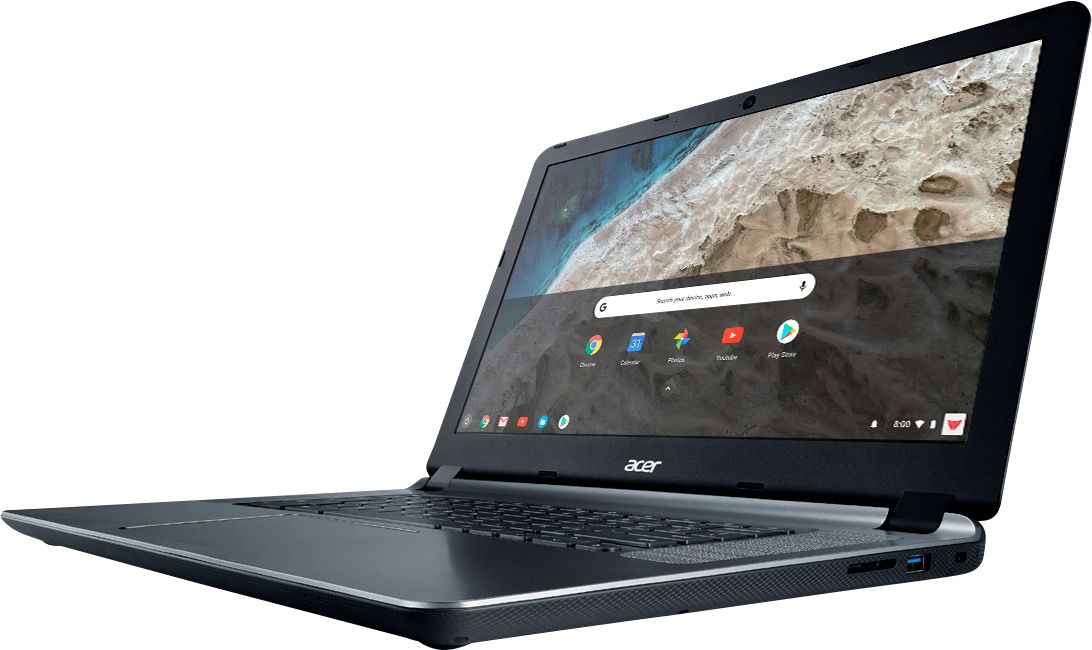
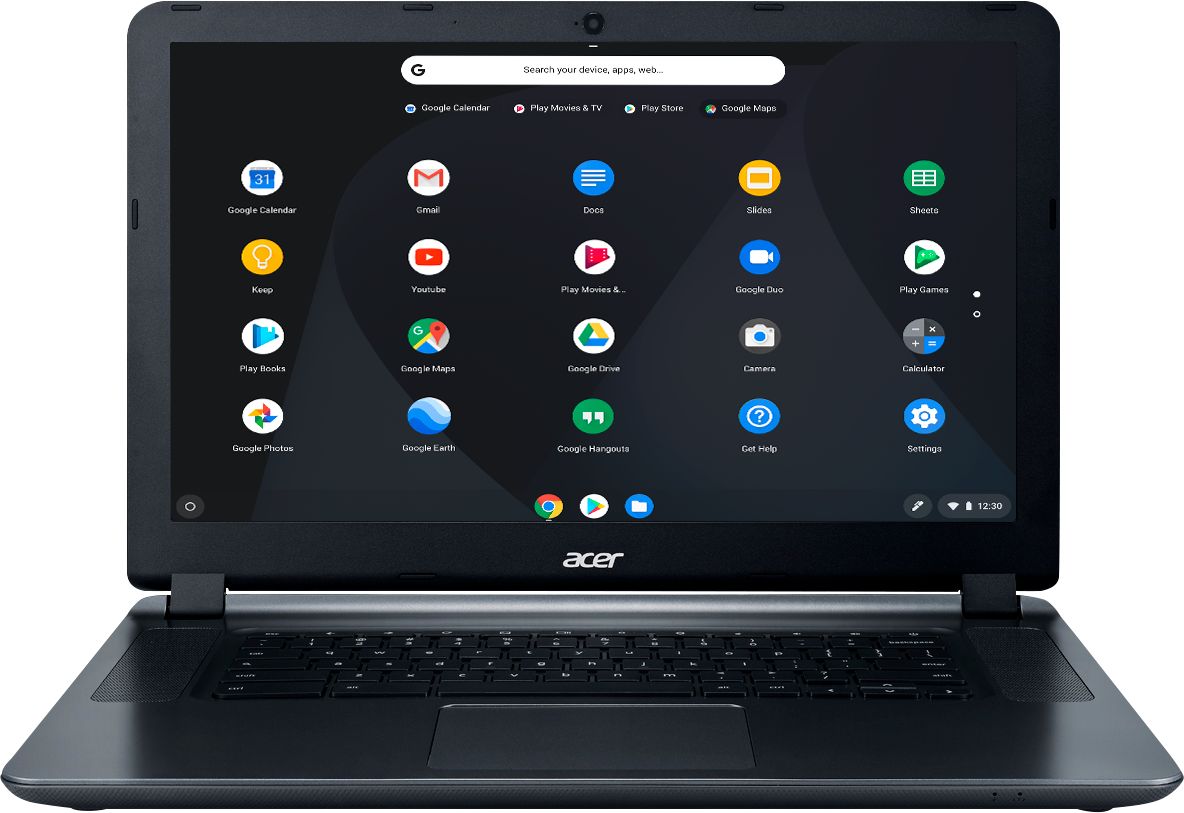
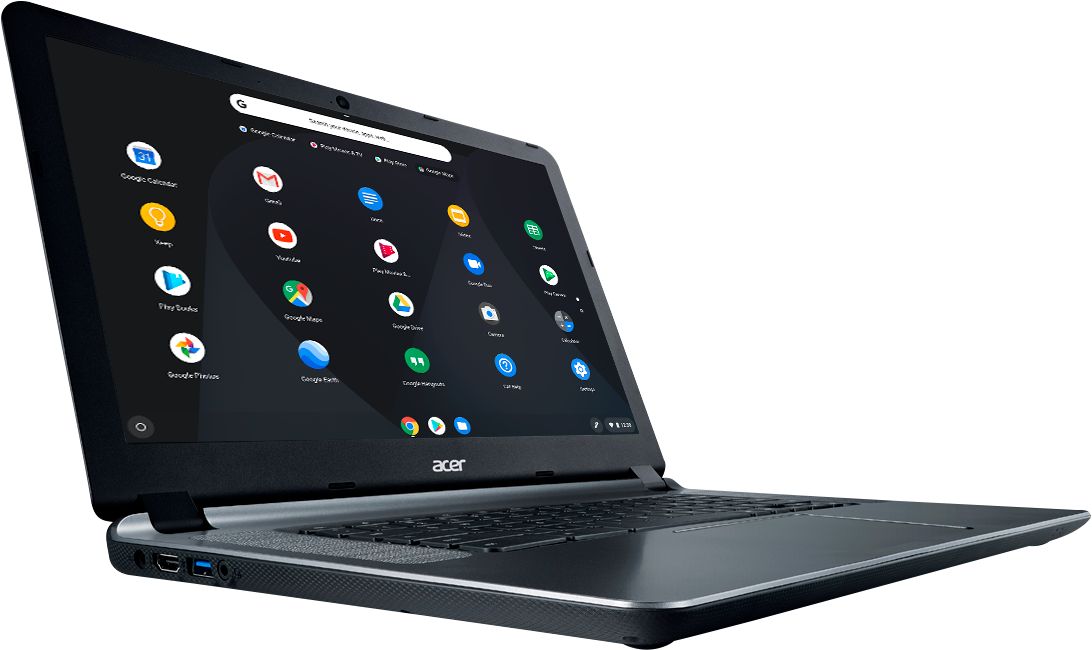
A:AnswerThe screen shown is the app screen. When you open an app it fills the entire screen. This is a standard look on most Android devices. The Acer Chromebook is an excellent piece of equipment, I recommend them to my clients and to my family.
A:AnswerIf it is available as an app, yes. Chromebooks are different from standard laptop products in that they are designed to be used primarily while connected to the Internet, with most applications and documents living in the cloud. Because of this they don’t have much for on board storage but they also are not expensive either. Chromebooks run off apps like an Android phone or tablet so you cannot download and install applications or .exe files. If you need to use third party software applications that must be installed on the computer, a Chromebook is likely not for you, where a Windows laptop would suit you better.