A:AnswerJust start playing with it. Swipe up down left and right with one finger. try again using two fingers as that lets you scroll, the touch pad also lets you one and/or two finger click I think to do different actions. Basically you can hardly mess up anything so don't be nervous, just play around with anything and you'll best figure out and remember what to do. the bottom left item is good to play with. Also most all chromebooks work the same so use google to search for chromebook help and or tutorials.
A:AnswerIt comes with it own unique connector. It is a small round post that plugs into the Chromebook. That leaves the USB port available for general use for whatever you want to hook up to the machine.
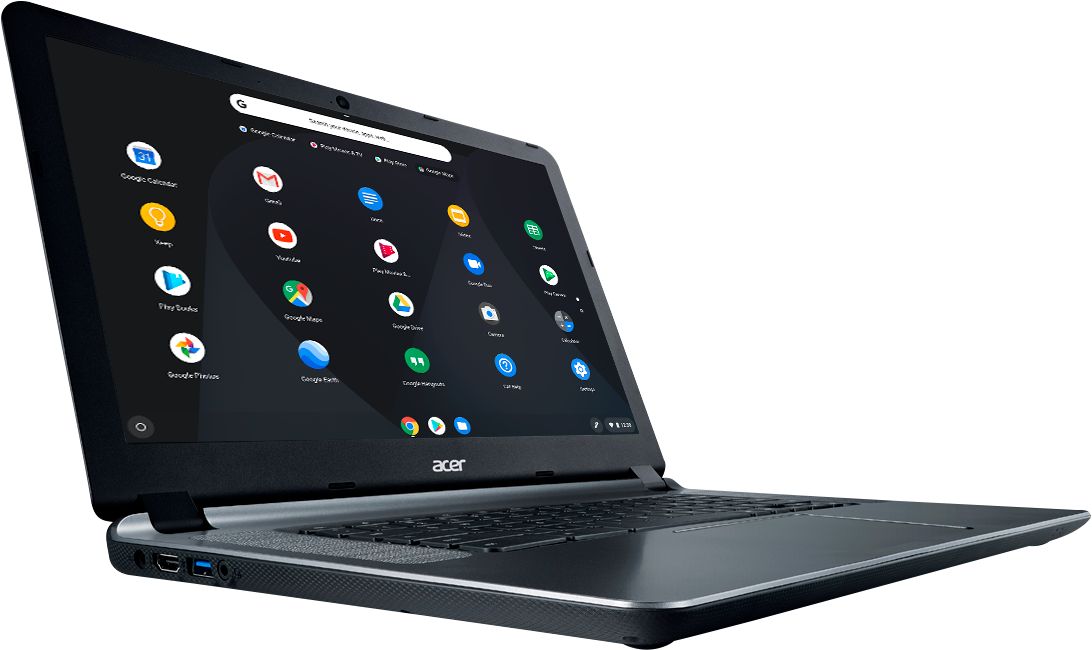
A:AnswerIf the headset has a USB connection, then yes. This Chromebook also has one Headphone/Speaker jack, supporting 3.5 mm headset with built-in microphone.
A:AnswerChromebooks run off apps like an Android phone or tablet. If the app is available from Google Play Store or the Chrome web store, it should run fine. If this software must be installed on a Windows computer, likely this Chromebook would not suit your needs.
A:AnswerSorry, much of what you ask is technical specs that do not come with the computer. Its documentation is quite skimpy. The RAM memory is stated as 4GB. For email, surfing the web and photo editing the Chromebook is quite speedy. To expand the storage (hard drive), just buy yourself an SD card. Remember the Chromebook main storage is web-based, so you don't need a lot on the computer itself.
A:AnswerYou don't install/download discs on the Chromebook Anony , but you can go to the webstore . Everything is stored in the cloud. You can download/upload , and save your papers. I would suggest going to a Best Buy and working with one. Google Docs is a breeze to work with.