A:AnswerYes, as long as the editing software is an app for a Chromebook. Chromebooks run off apps like an Android phone or tablet so you cannot download and install applications or .exe files. If you need to use third party software applications that must be installed on the computer, a Chromebook is likely not for you, where a Windows laptop would suit you better.
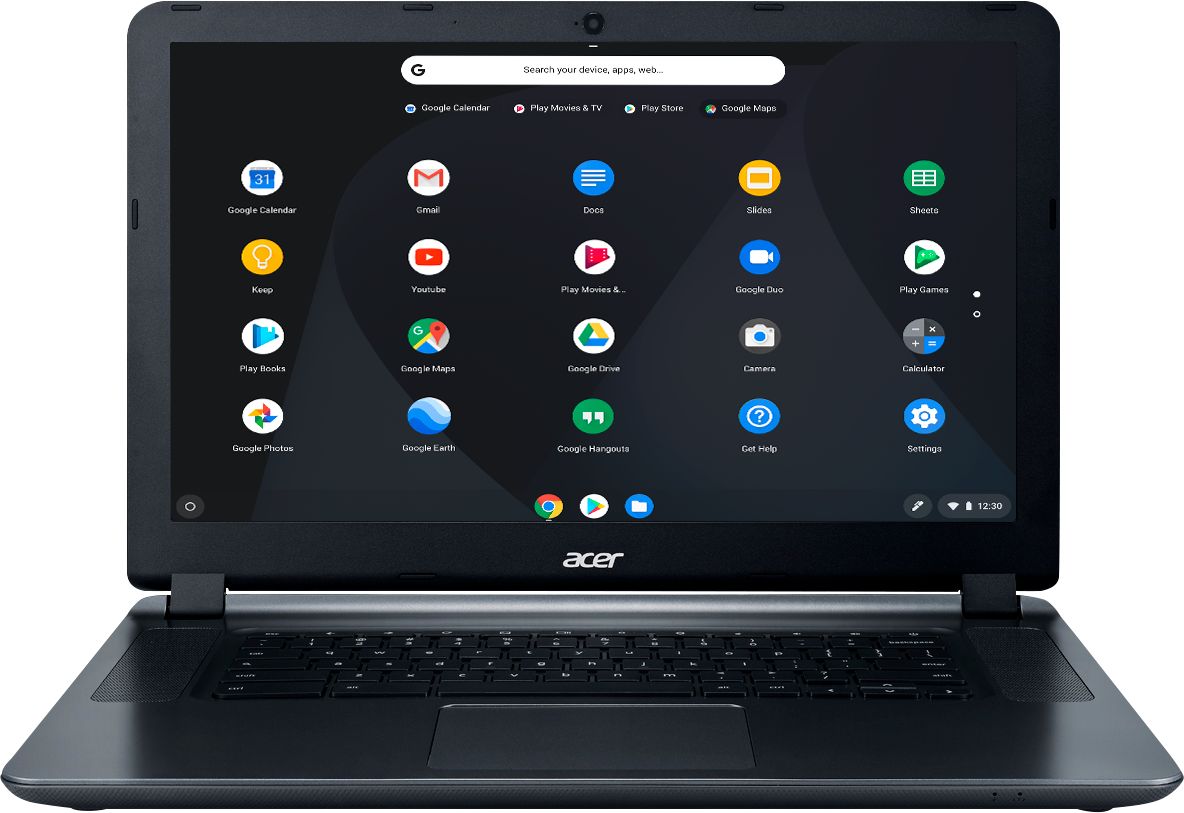
A:AnswerYou can't use the Facetime app because that is for Apple systems only. But you can video chat using Skype, Viber, Facebook Messanger, or Google Hangouts.
A:AnswerYou will need a Cloud Ready printer to use with a Chromebook. Here is a link you might find helpful: https://www.secretasianman.com/best-printer-for-chromebook/
A:AnswerBattery should be replaceable. About the micro SD, you would have to buy a micro sd card reader. Its an adapter that you plug into your laptop by USB and it reads it perfectly. (Not expensive; under $5).
A:AnswerHere is a link with information on the best printers for Chromebooks, that you might find helpful: https://www.secretasianman.com/best-printer-for-chromebook/
A:AnswerNo. Chromebooks do not run Windows or Mac software, and so you'd need to find a web-based equivalent for Photoshop (such as Pixlr Editor, Photopea, FreePhotoTool.com, etc).