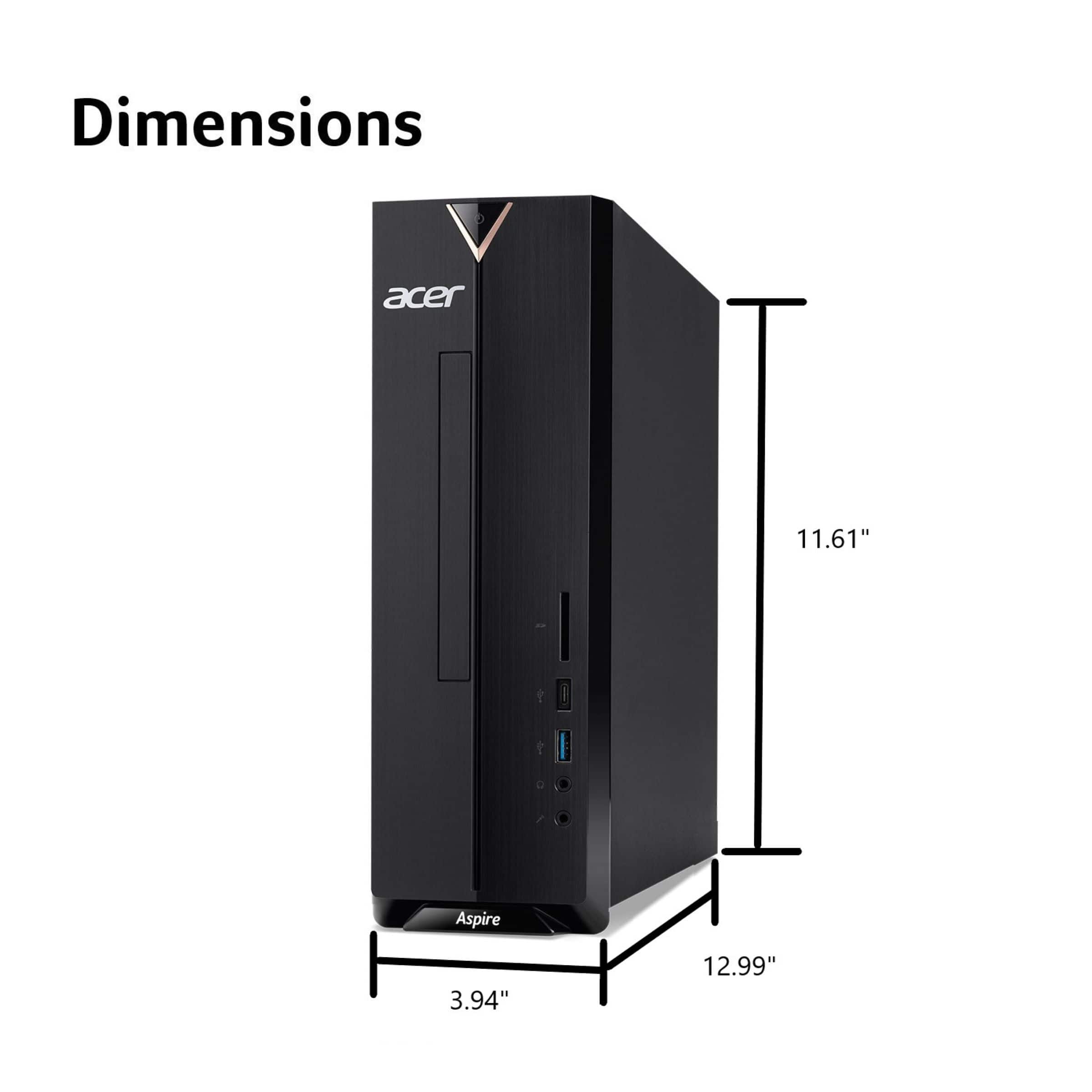
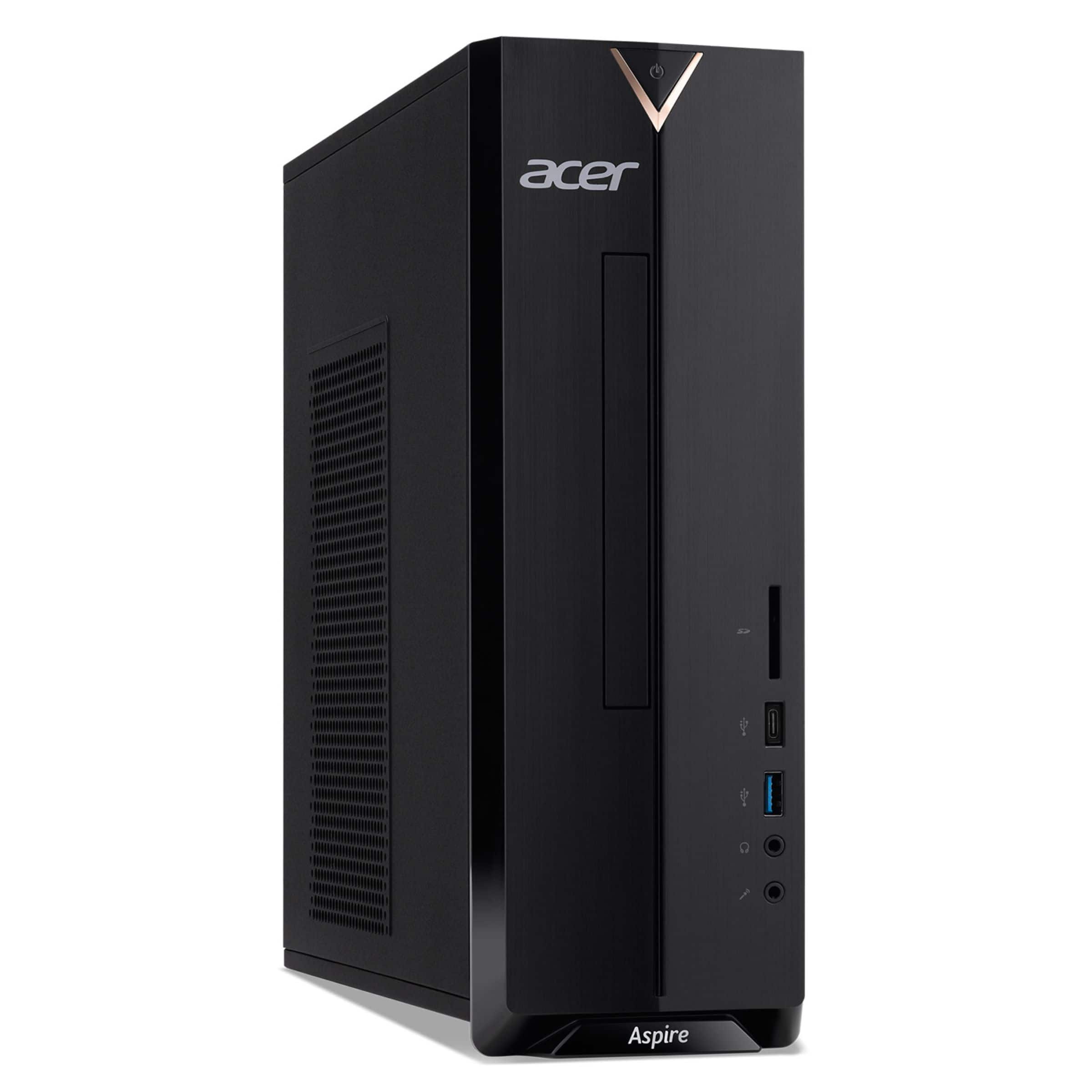
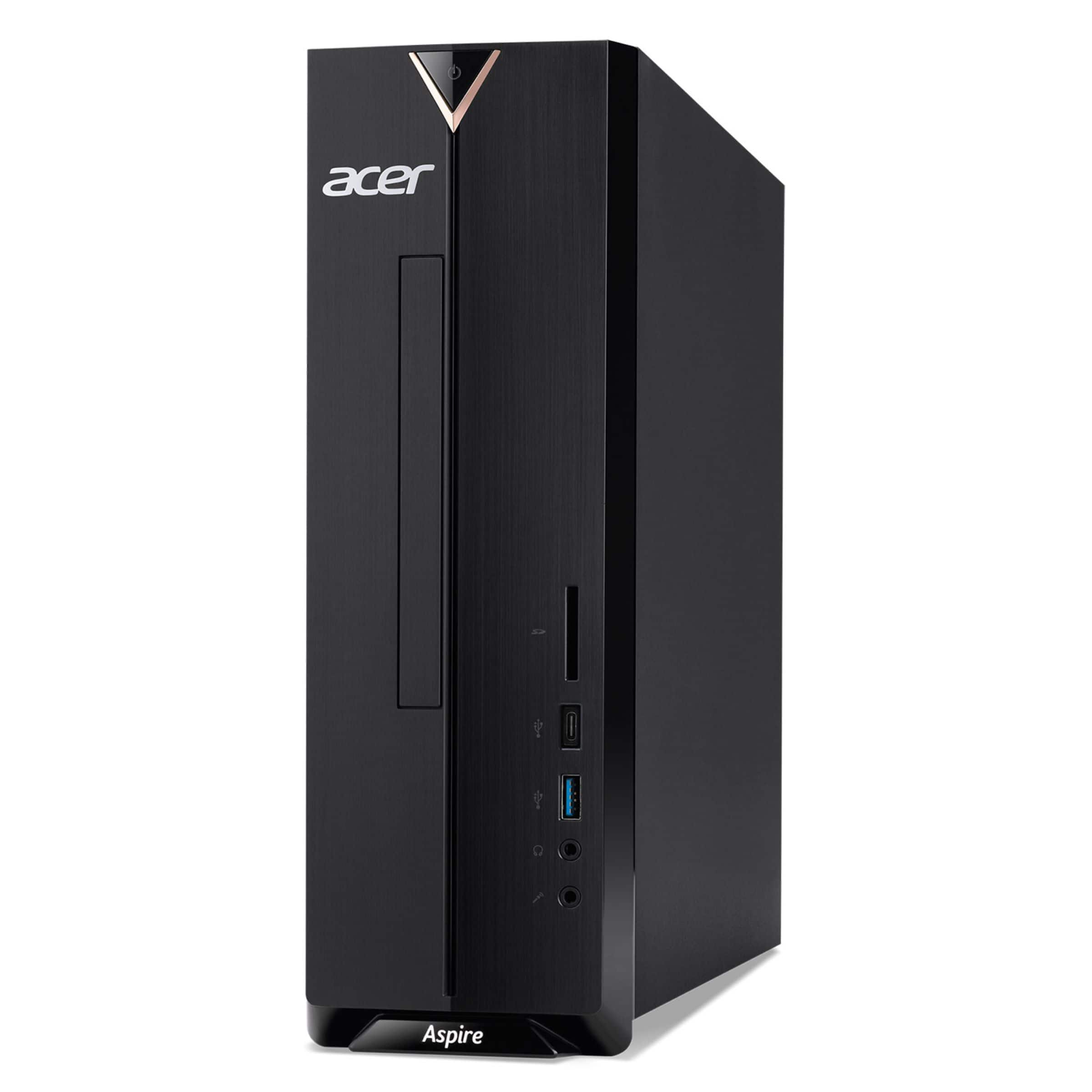
A:AnswerYes you can install a GPU on this model but keep in mind the small form factor (SFF) and low-power components. We suggest you post your question on the Acer community forum at community.acer.com. This is a very good peer-to-peer forum for questions and answers on Acer products.
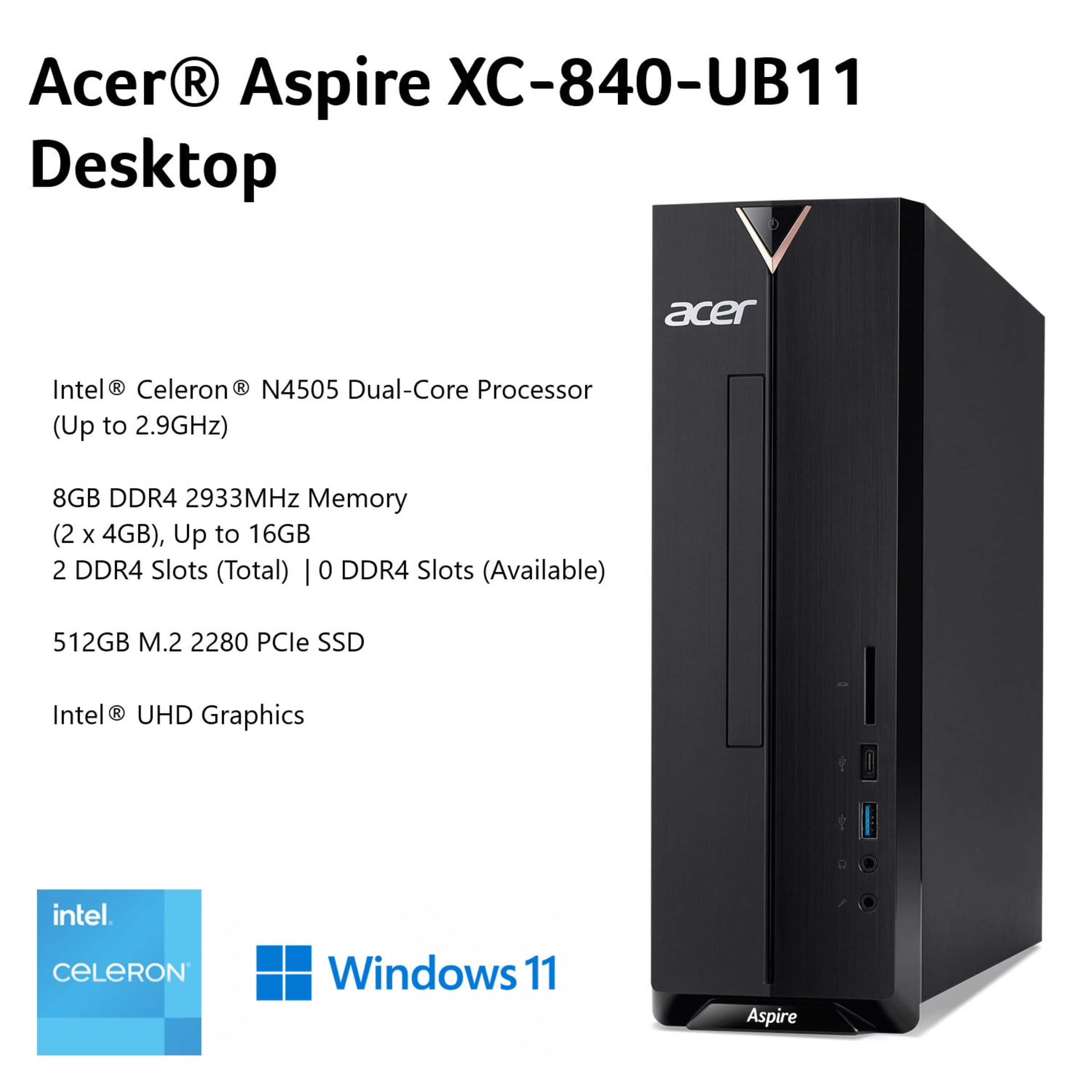
A:AnswerNo, the Acer Aspire XC-840-UB11 is not very good for modern gaming; it's an entry-level PC with a weak Intel Celeron CPU and integrated graphics, only suitable for basic tasks, web browsing, or very old, simple games.
A:AnswerNo, the Acer Aspire XC-840-UB11 is not a gaming PC; it's an entry-level desktop designed for everyday tasks like browsing, email, and streaming, featuring a basic Intel Celeron processor and integrated graphics unsuitable for demanding modern games.
A:AnswerThe Acer Aspire XC-840-UB11 is not designed for gaming and may struggle significantly to run games like Fortnite. While it might technically "run" the game, the performance will likely be poor, resulting in a less than enjoyable experience. If you want a PC that will handle these types of games, we suggest you look into gaming PC's with more robust GPU and CPU.
A:AnswerThis PC has two open SATA 3.0 ports and a drive bay. There is an available mounting area and the necessary SATA ports on the motherboard to install an additional 2.5" SATA HDD or SSD. The computer's small form factor (SFF) does not support a larger 3.5" HDD.
A:AnswerNo, the Acer Aspire XC-840-UB11 will not run GTA Online well. Please keep in mind this desktop is designed for basic daily tasks, not demanding games like Grand Theft Auto V and GTA Online.
A:AnswerIt will play on this model but be advised this is a basic computer not designed for gaming, and performance may be limited. It will likely run less demanding games within Roblox, though you may experience some lag in more complex games. You might post your question on the Acer community forum at community.acer.com. This is a very good peer-to-peer forum for questions and answers on Acer products.
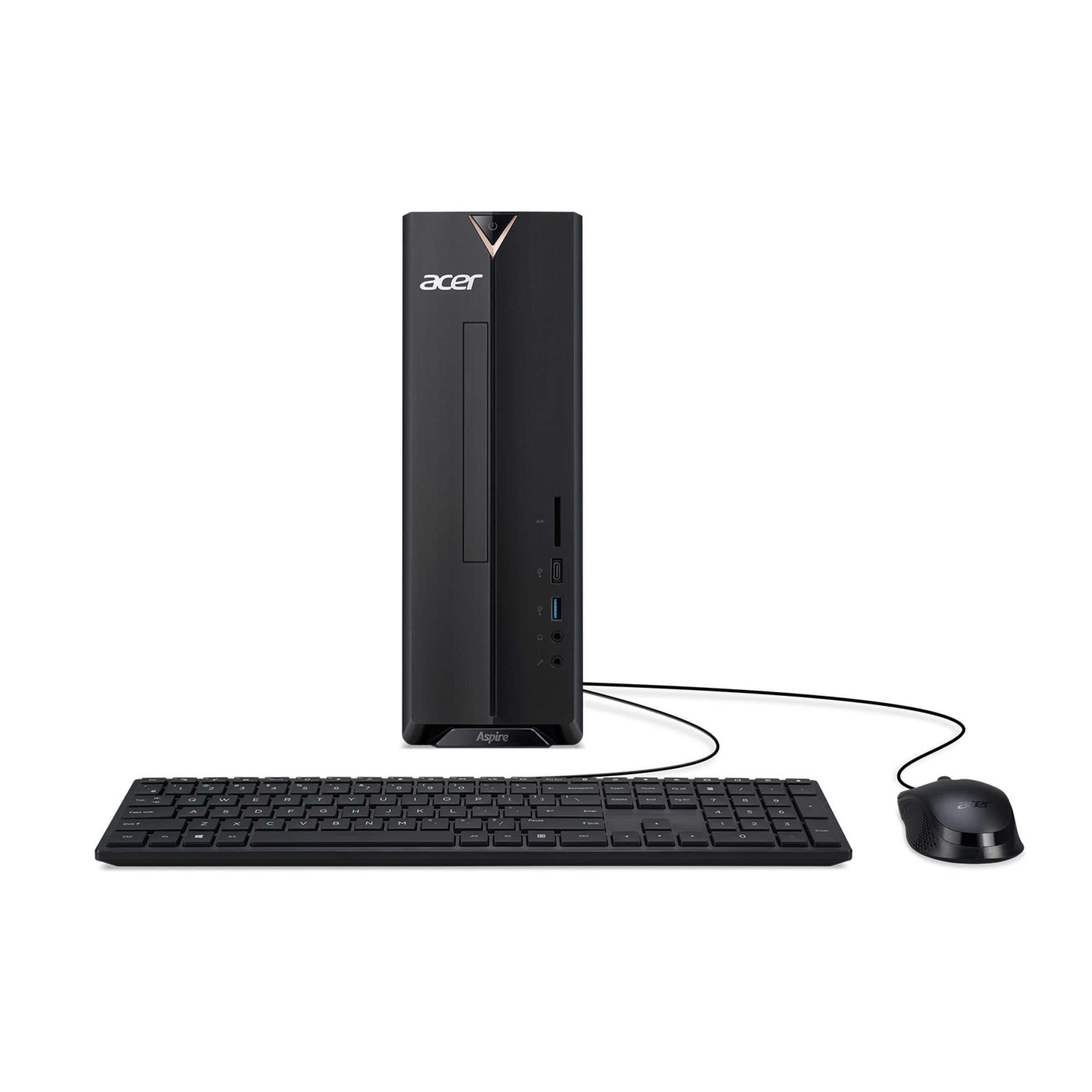
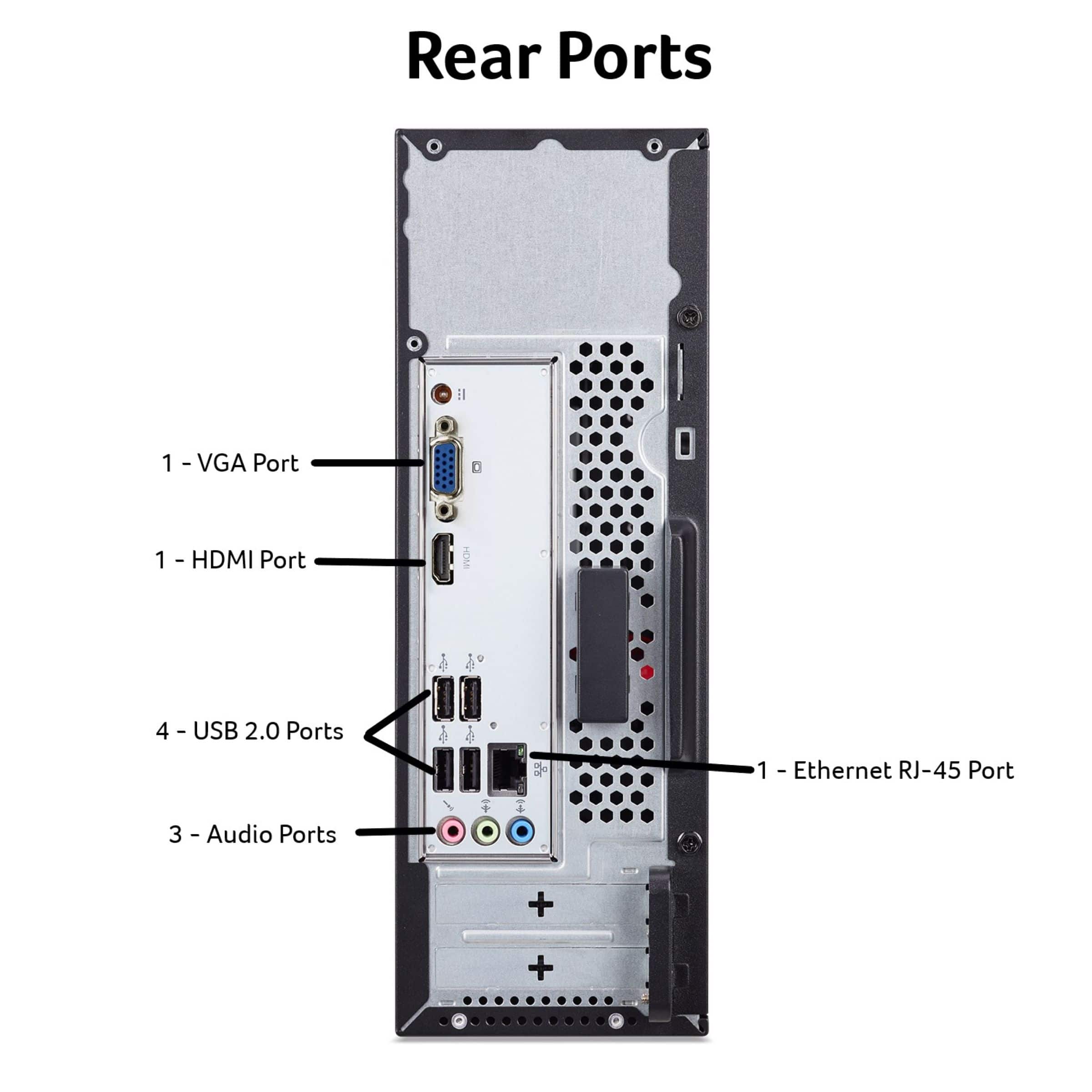
A:AnswerAny monitor with an HDMI or VGA port will work with the Acer XC-840-UB11 computer, as it has both of these connections. To ensure a good connection, you should use the correct cable, such as an HDMI cable, and make sure it is securely plugged in at both ends.
A:AnswerYes, you can play Minecraft on the Acer Aspire XC-840-UB11, but keep in mind this model is designed for basic computing and office tasks, not demanding games. You will need to play with low graphic settings and performance may be limited, but the game should be playable.
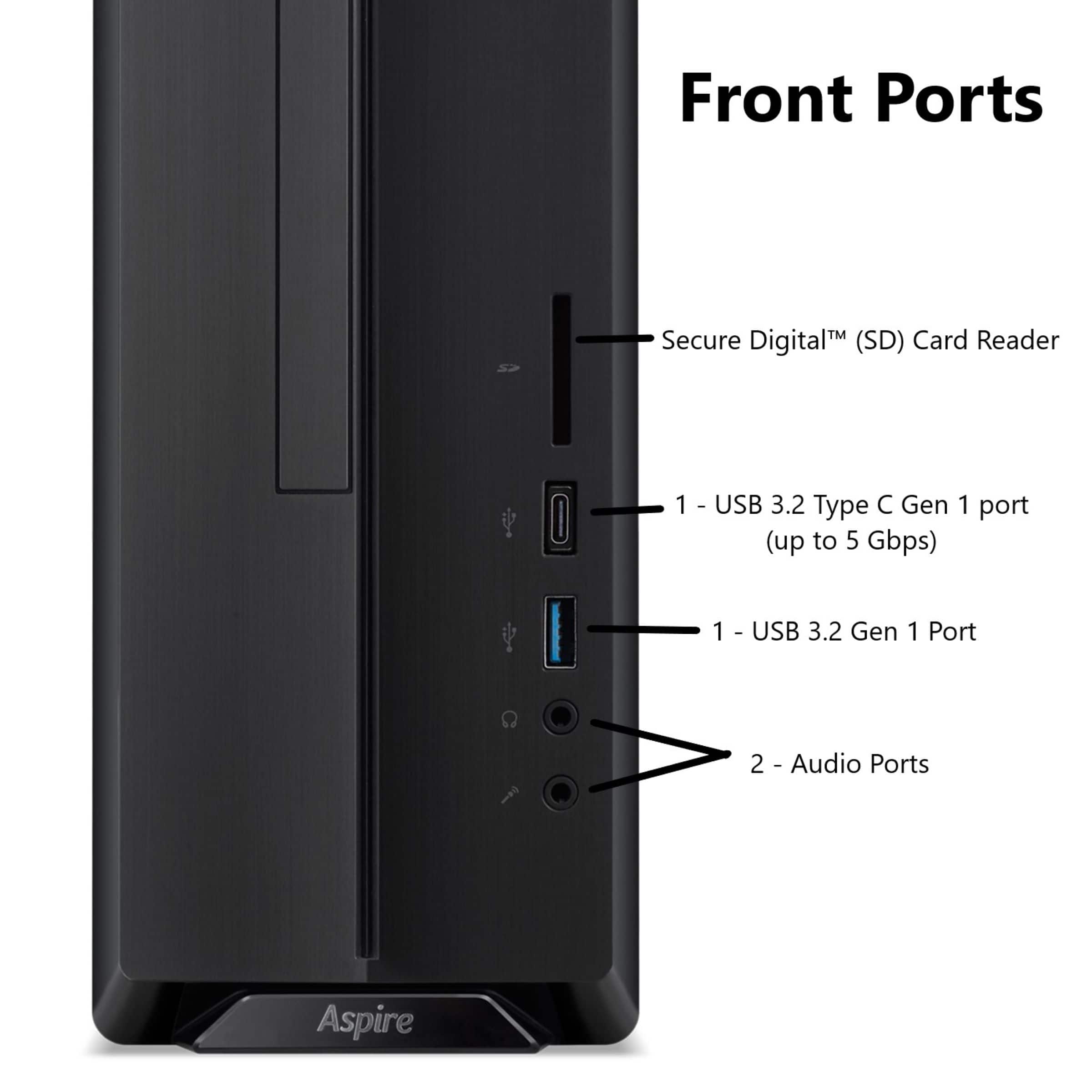
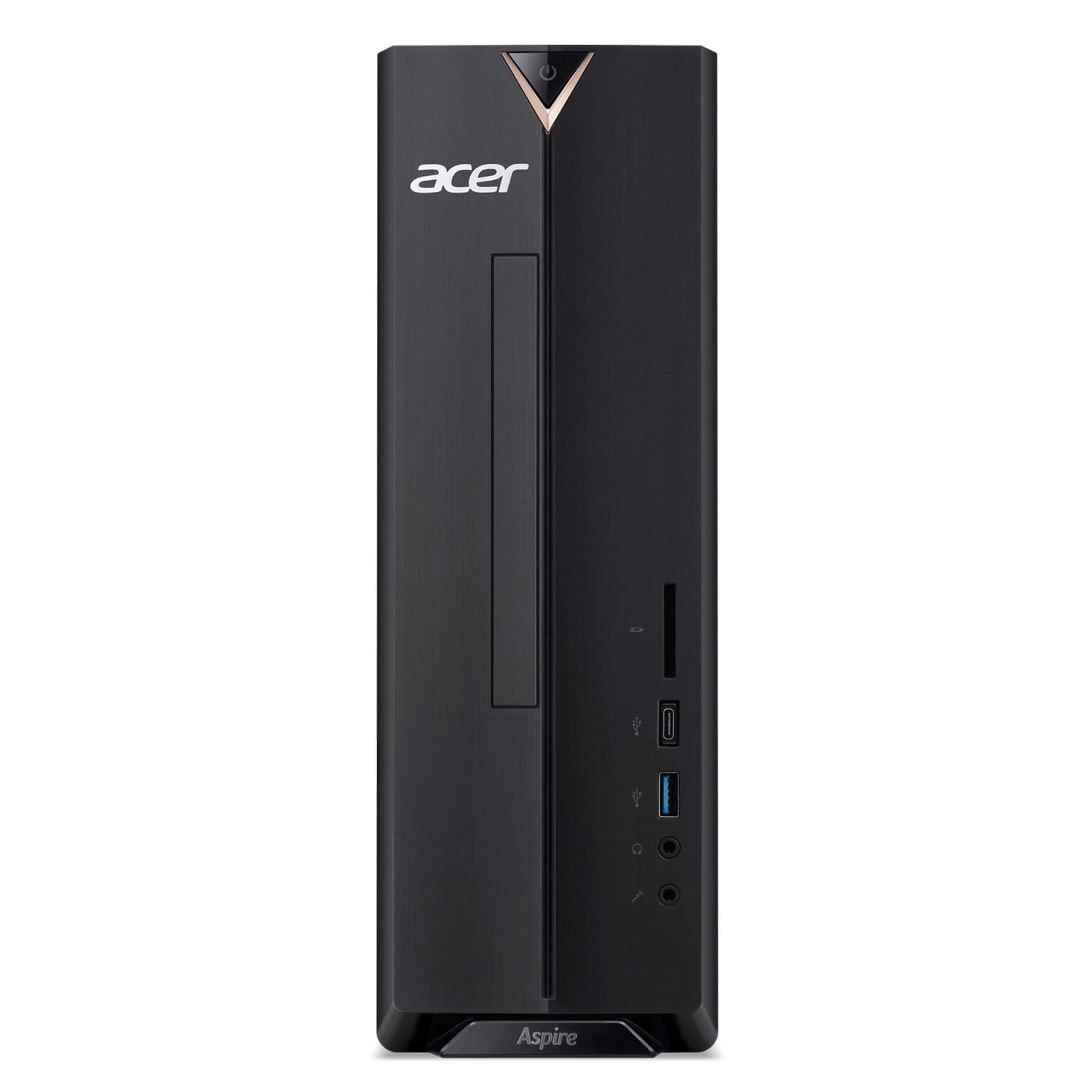
A:AnswerNo, the Acer Aspire XC-840-UB11 does not have a built-in DVD drive. You can, however, add one by installing an internal slim optical drive or by purchasing an external USB DVD drive. You might also check with the printer manufacturer to see if they offer the software/drivers for their printer on their website to download rather than using the install CD.
A:AnswerThe Acer XC-840-UB11 has a 65W power adapter, which is external and functions like a laptop charger. It provides an output of 19V at 3.42A and has a standard DC connector.