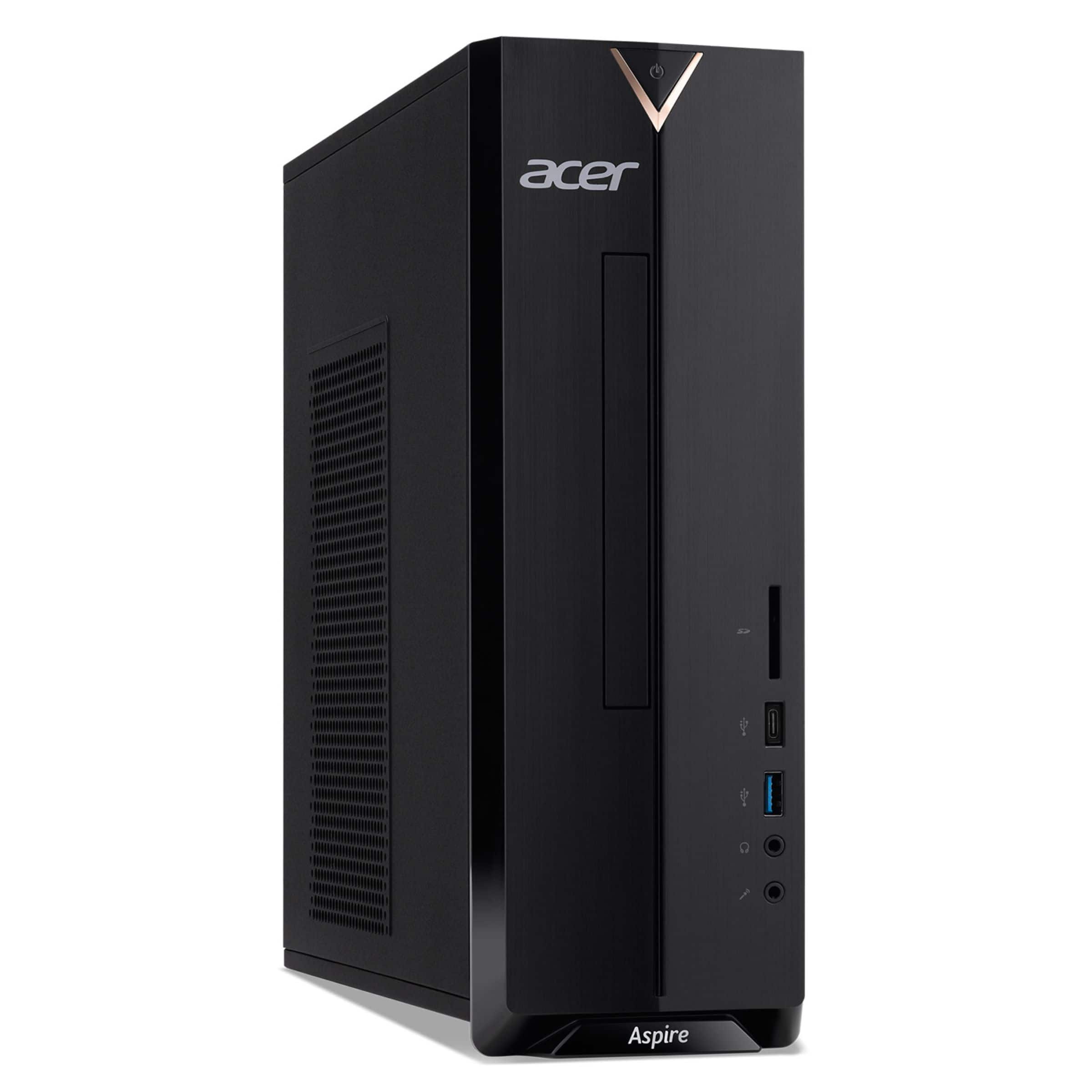
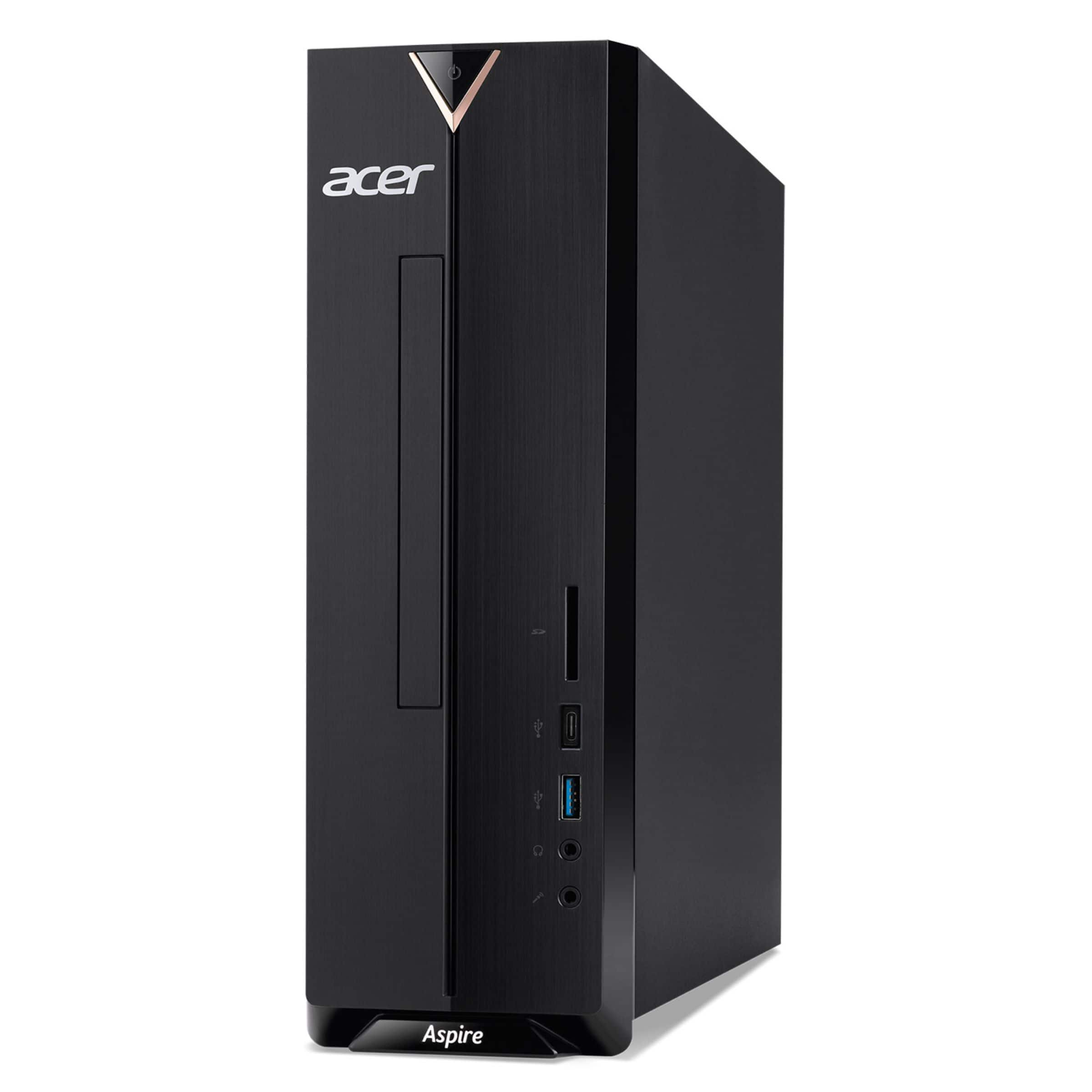
A:AnswerYes you can use the PCI-e slot for a network card. Installing one will not void the warranty as long as no damage occurs to the PC by doing so.
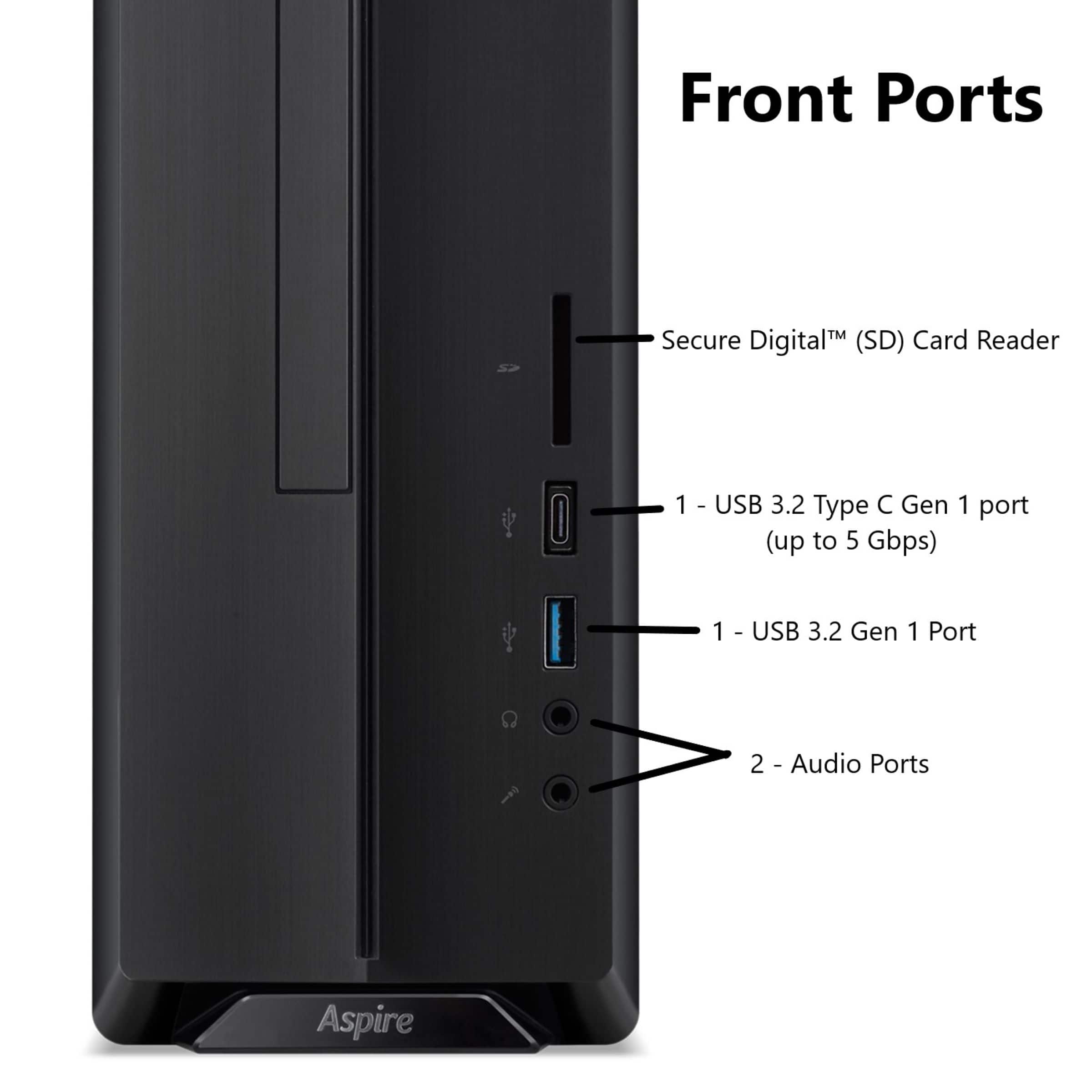
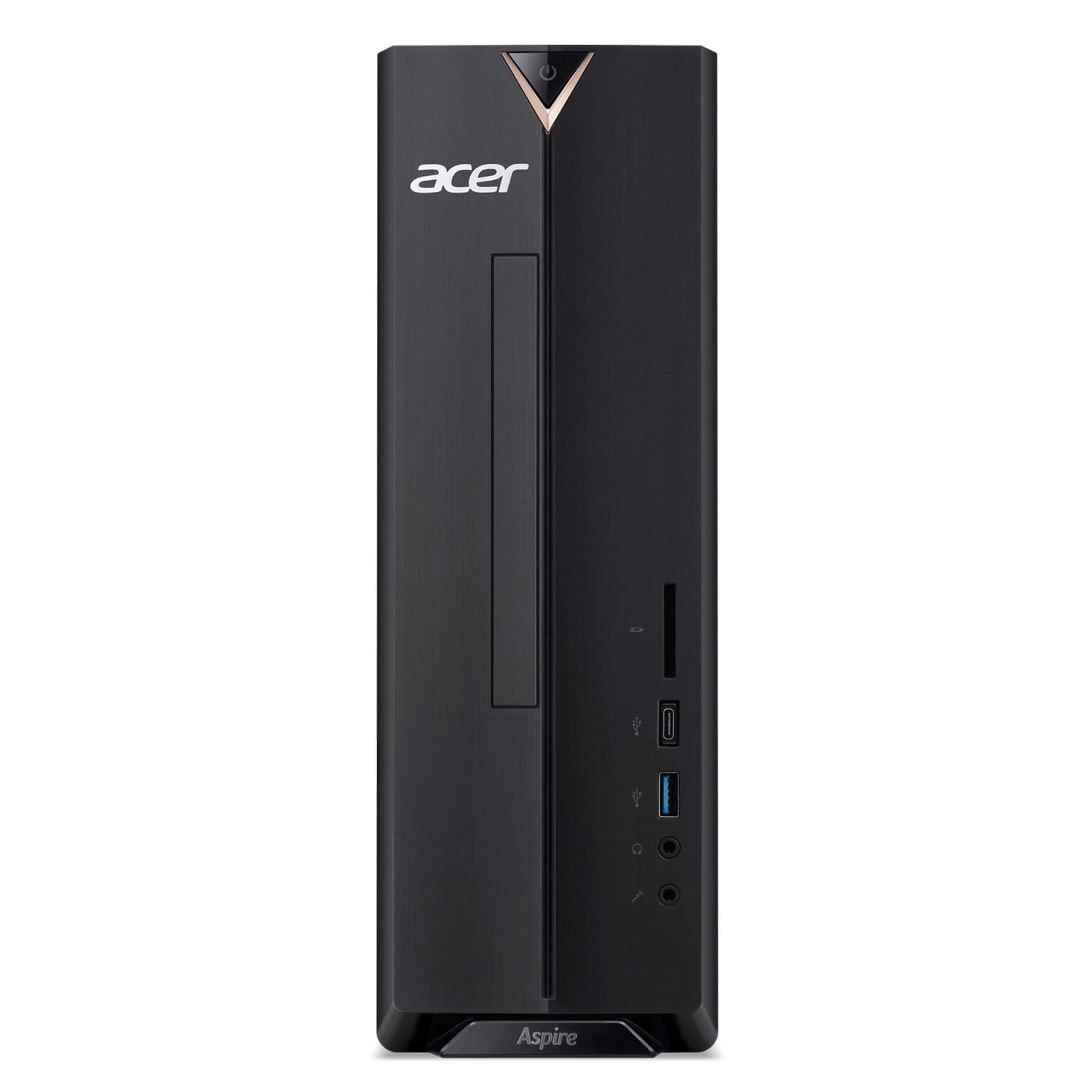
A:AnswerIf the printer connects via USB, you shouldn't have a problem. We do recommend you check first with Canon to see if it is compatible with Windows 11.
A:AnswerGreetings from the Intel team. Thank you for your question.
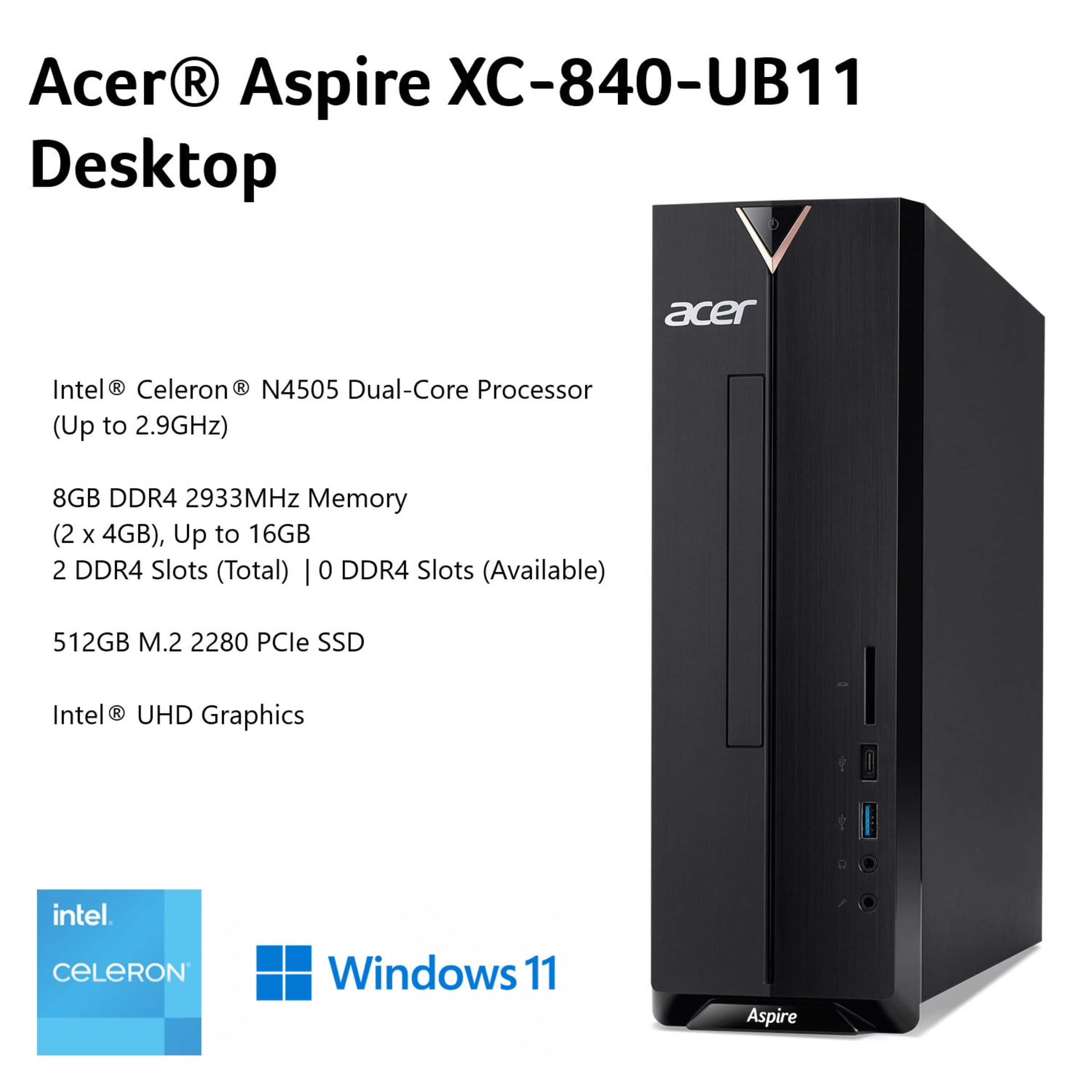
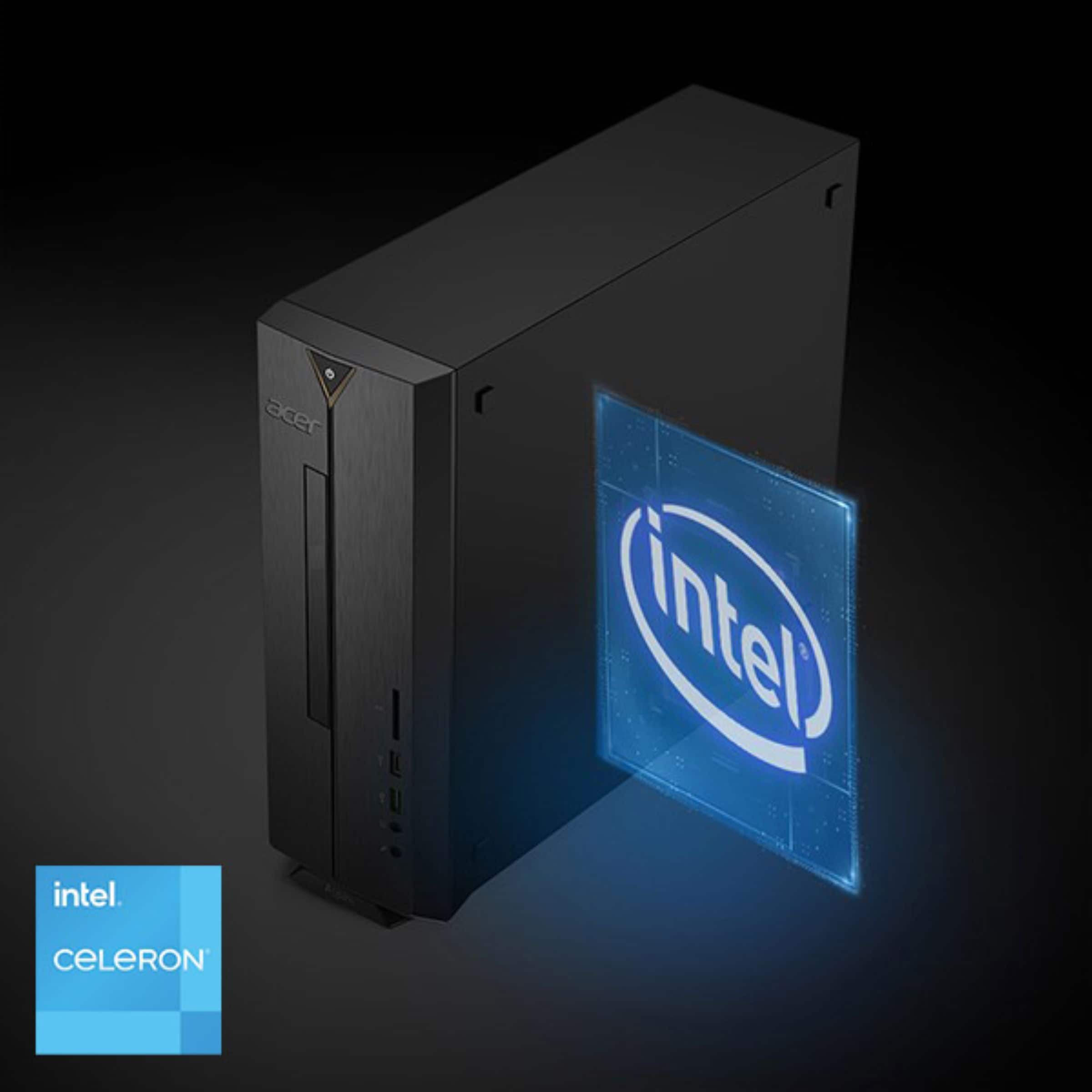
According to the system specifications on the retailer's website, the Acer Aspire XC-840-UB11 Desktop has an Intel® Celeron® Processor N4505 with a Base Frequency of 2.00 GHz and a Burst Frequency of 2.90 GHz.
Burst frequency is the maximum single-core frequency at which the processor can operate.
For detailed information about the Intel® Celeron® Processor N4505, visit:
https://www.intel.com/content/www/us/en/products/sku/212324/intel-celeron-processor-n4505-4m-cache-up-to-2-90-ghz/specifications.html
Thank you for choosing Intel! Emilio_Intel
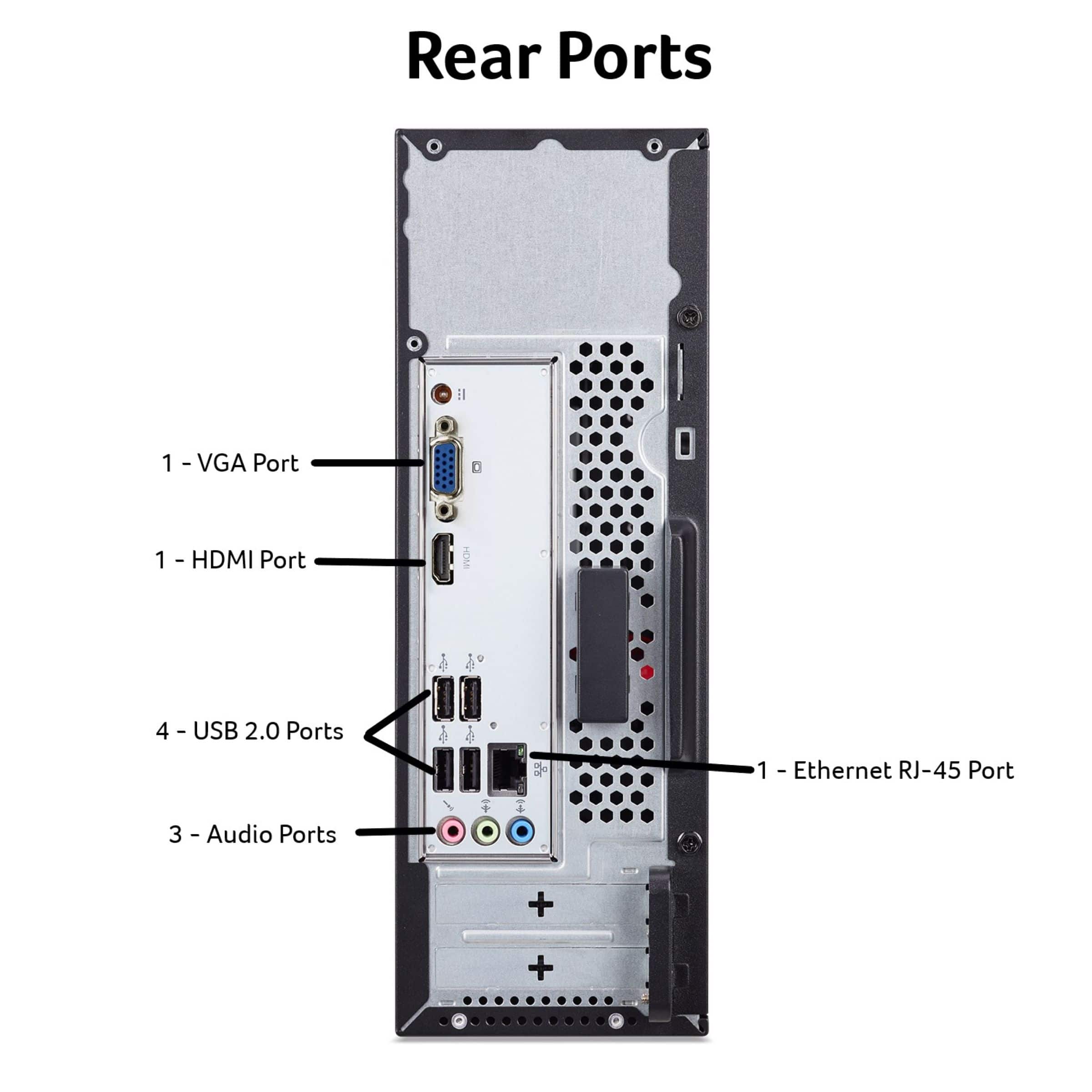
A:AnswerIt sounds like the monitor connection you have is the older DVI connection which looks similar to a VGA connection. If this is the case, we suggest looking for a DVI to HDMI, or DVI to DisplayPort adapter. If you need help with this please feel free to contact our support team at 866-695-2237; they are available to assist 24/7 for in-warranty products.