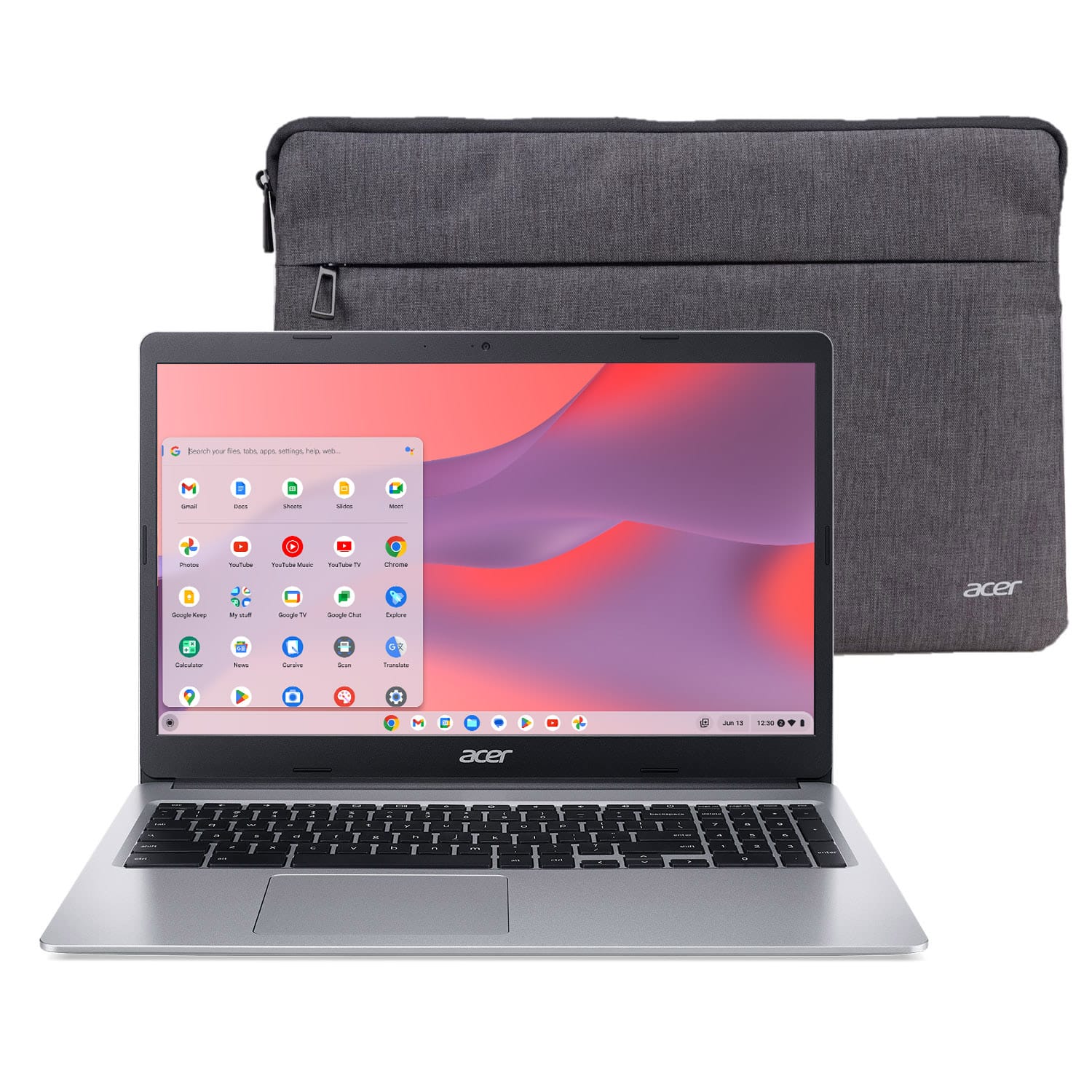
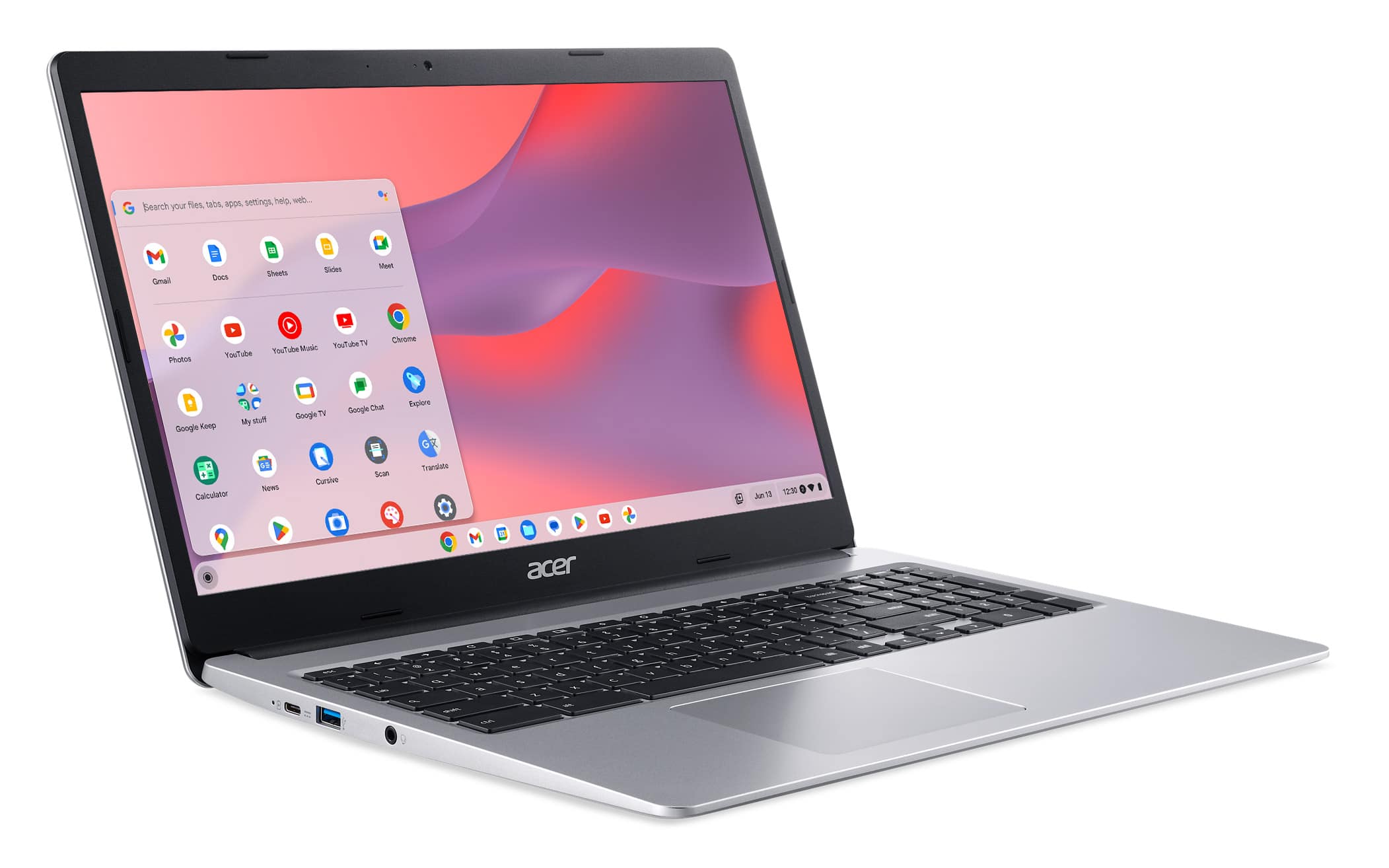
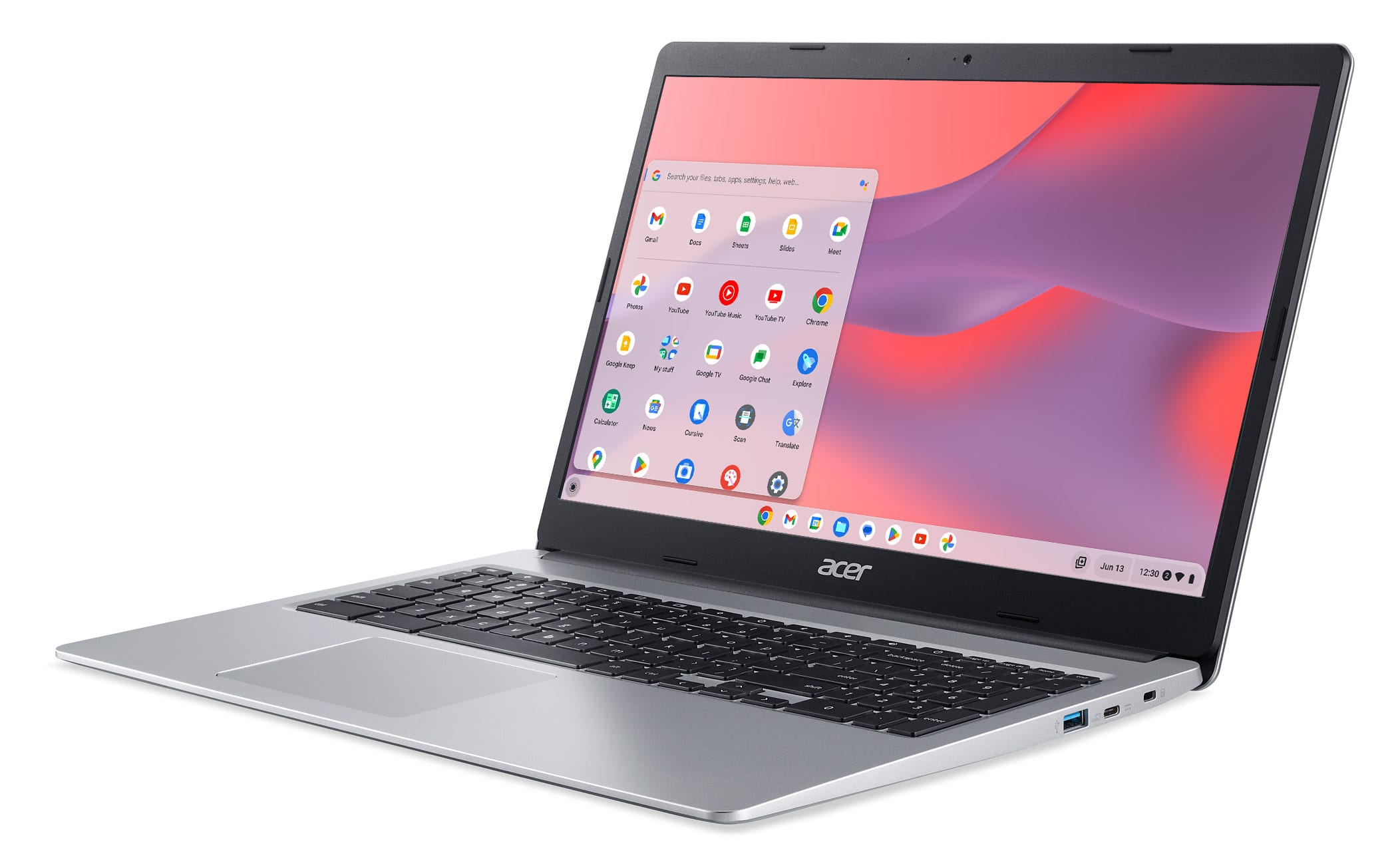
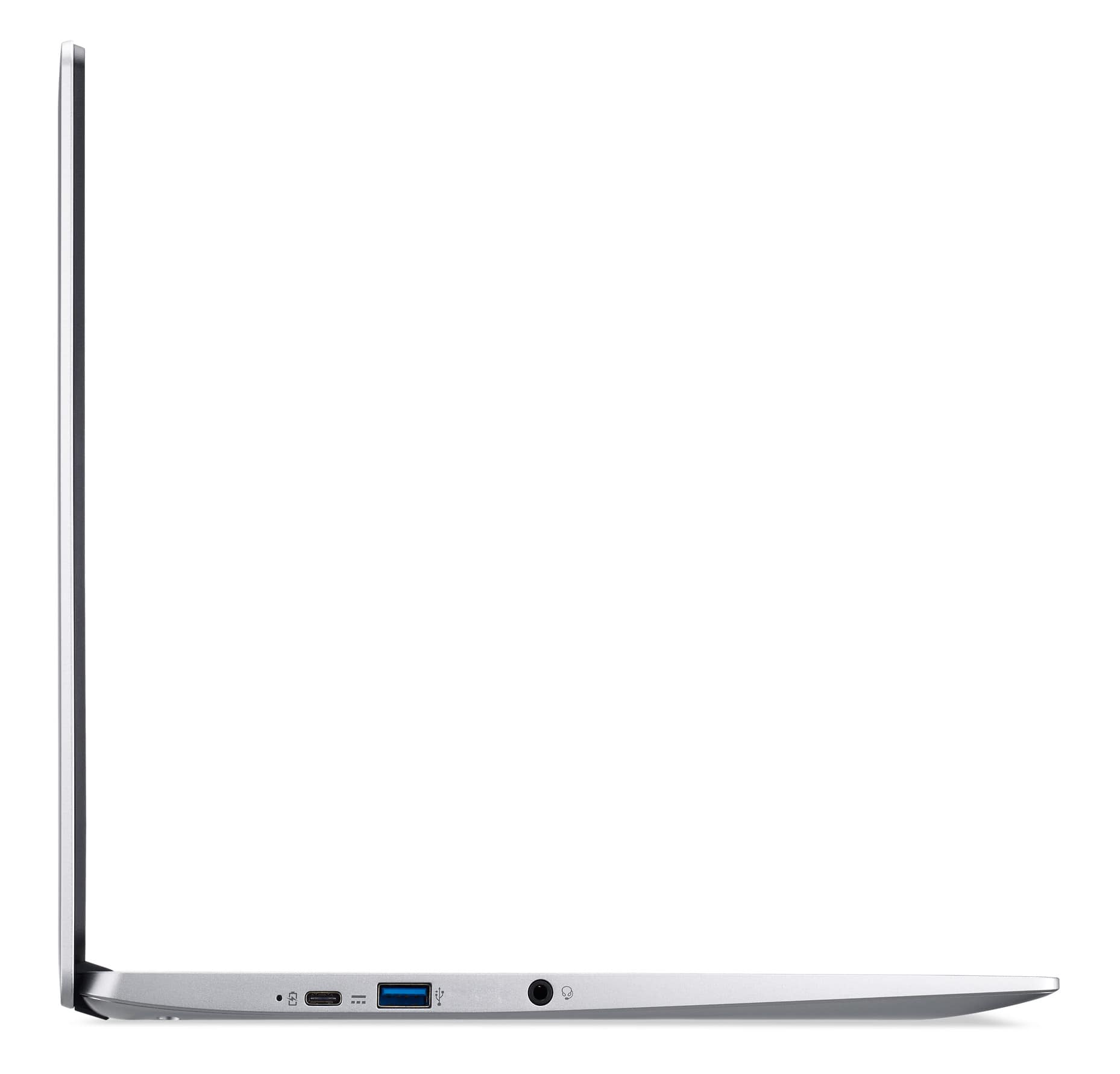
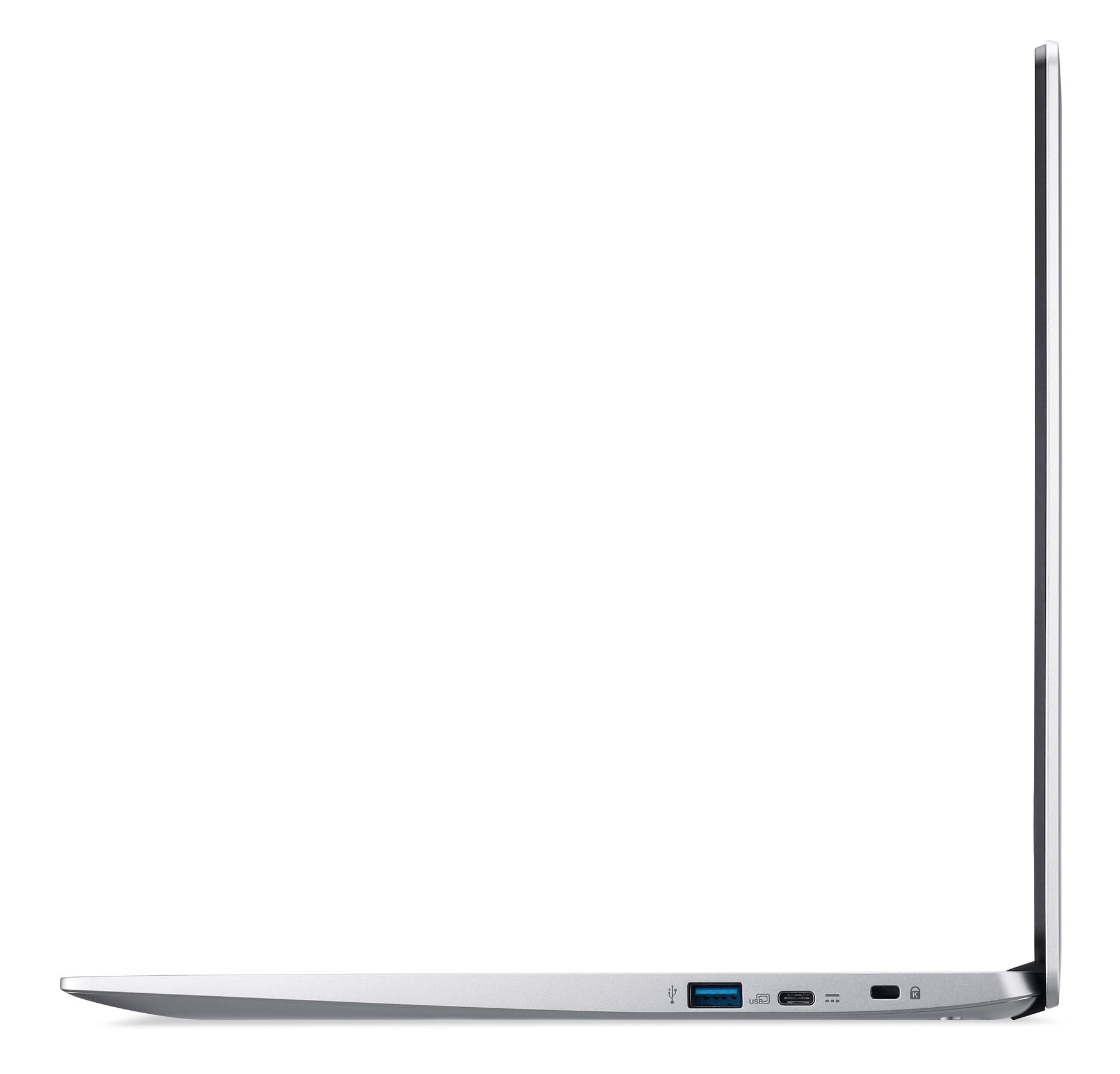
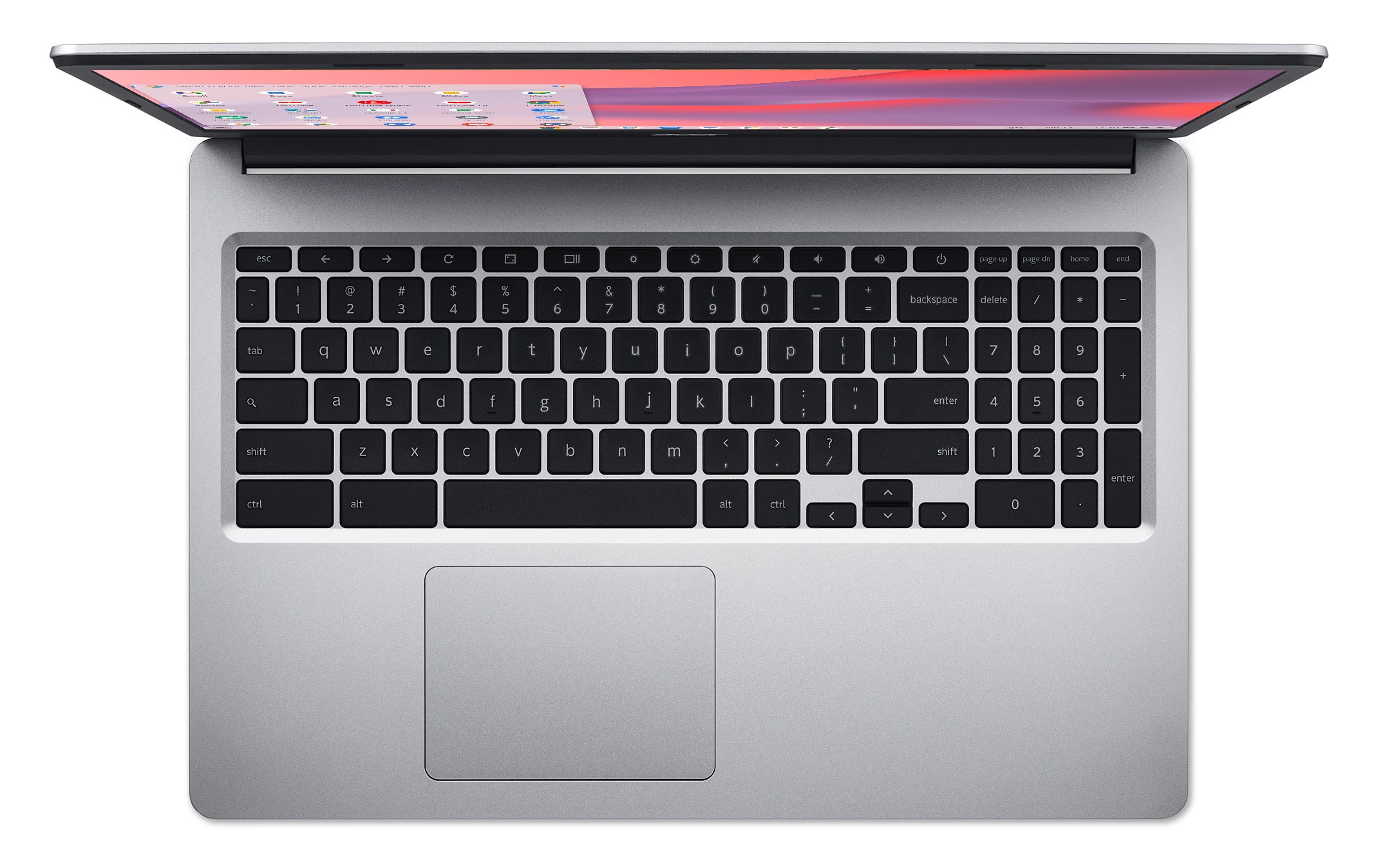
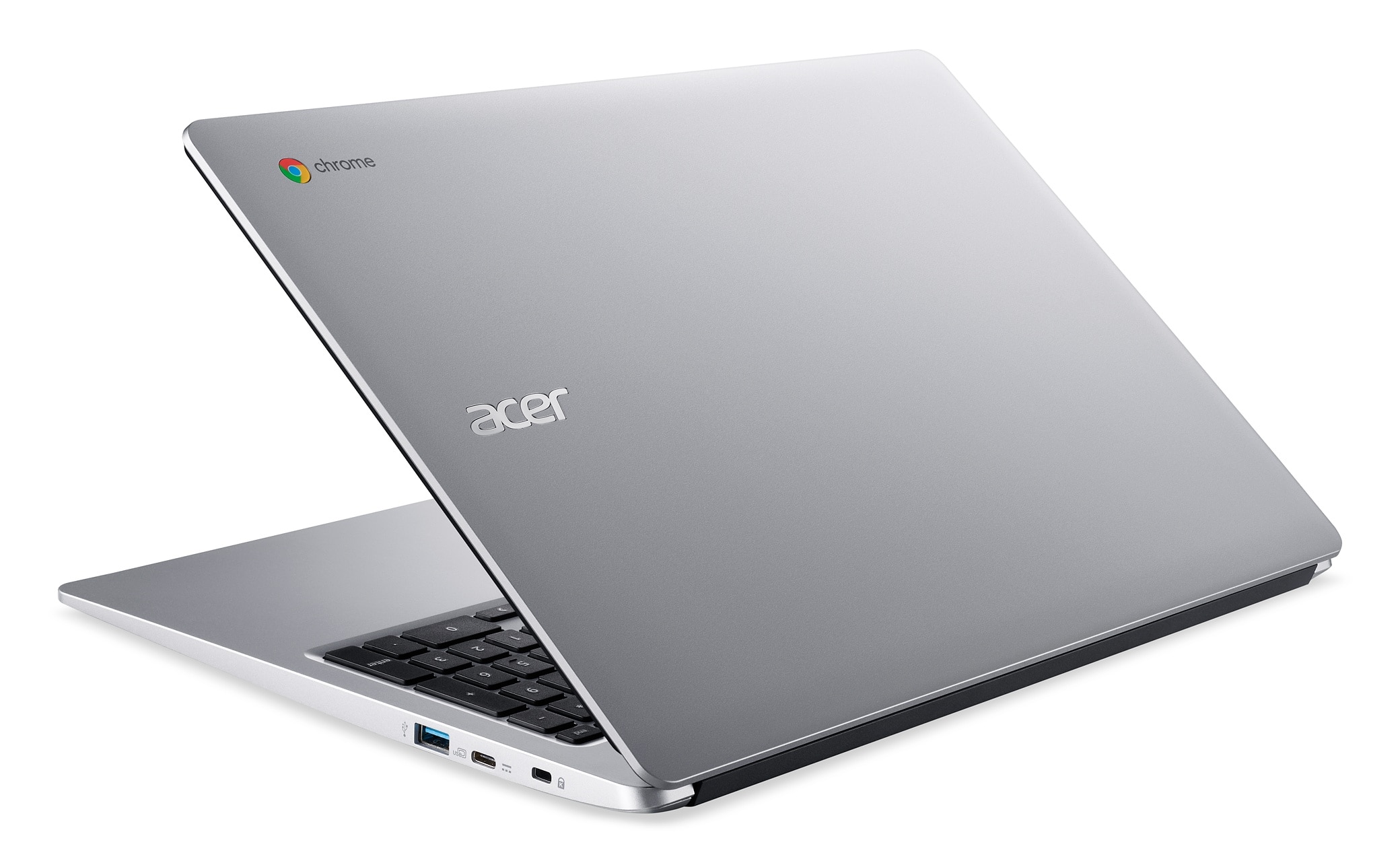
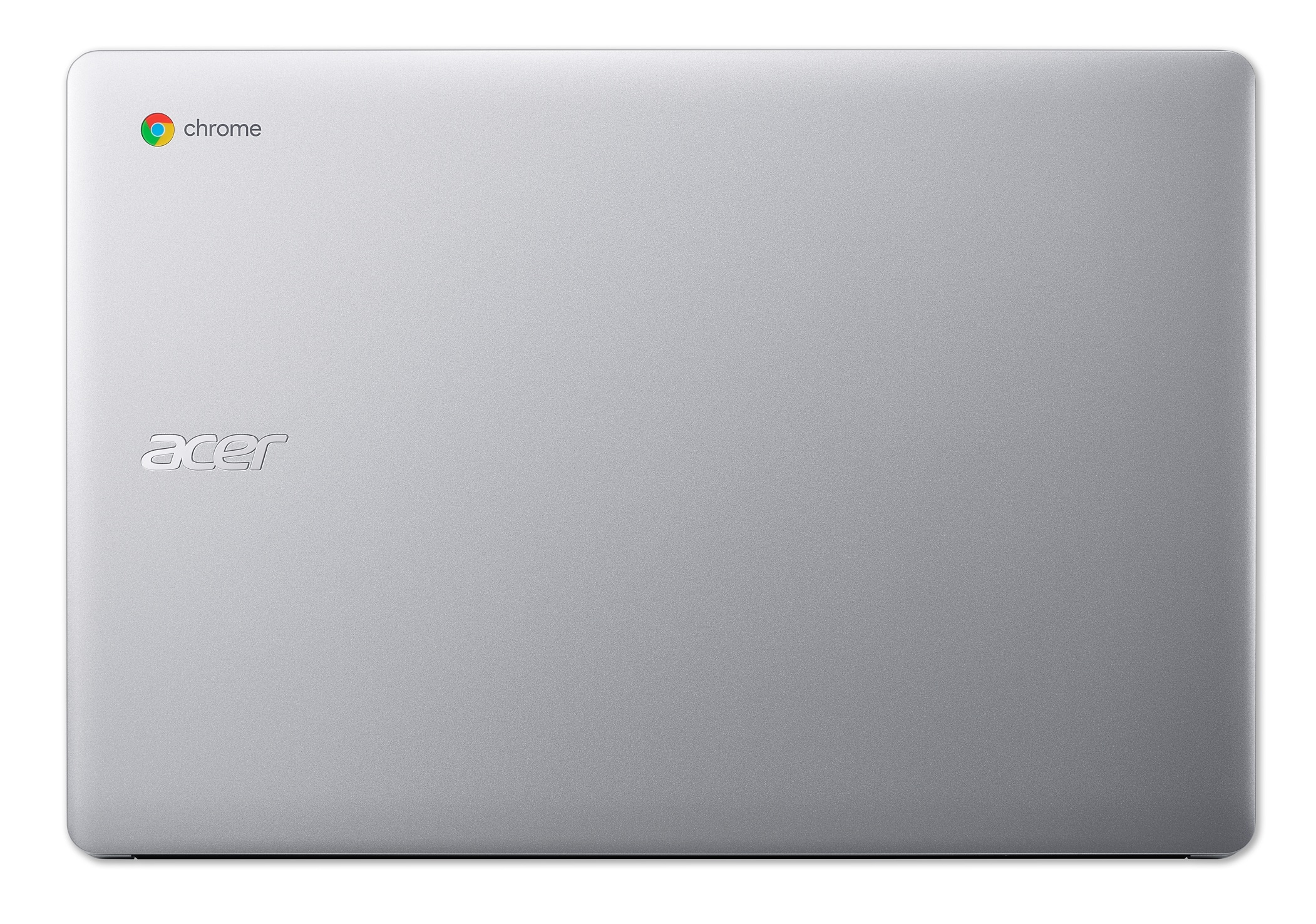
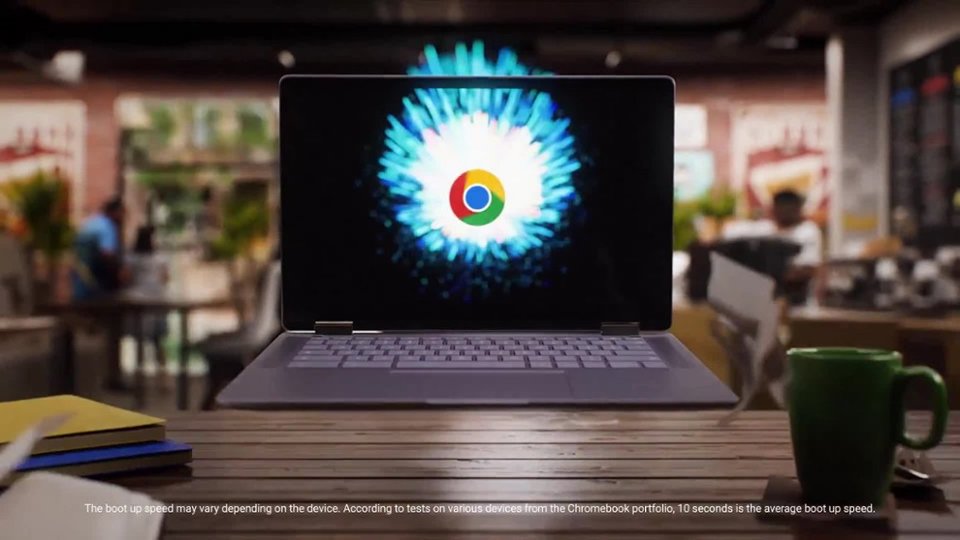
A:AnswerThis is a Chromebook that runs the Chrome operating system, not a Windows product. Chromebooks are different from Windows laptop products in that they are designed to be used primarily while connected to the Internet, with most applications and documents living in the cloud. Because of this they don’t have much for on-board storage but they also are not expensive either. Chromebooks run off apps like an Android phone or tablet so you cannot download and install applications or .exe files. If you need to use third party software applications that must be installed on the computer, a Chromebook is likely not for you, where a Windows laptop would suit you better.
A:AnswerThe Chrome operating system includes accessibility settings under “Keyboard and text input,” where you select “Enable Dictation (speak to type).”
A:AnswerIt can vary depending on the Chrome OS version at the time of manufacture. Chrome, Gmail, Play Store, and Camera app are preinstalled on all. However Chrome requires internet to set up and it will download and update apps as needed. The apps are downloaded through the Google Play store or Chrome store.