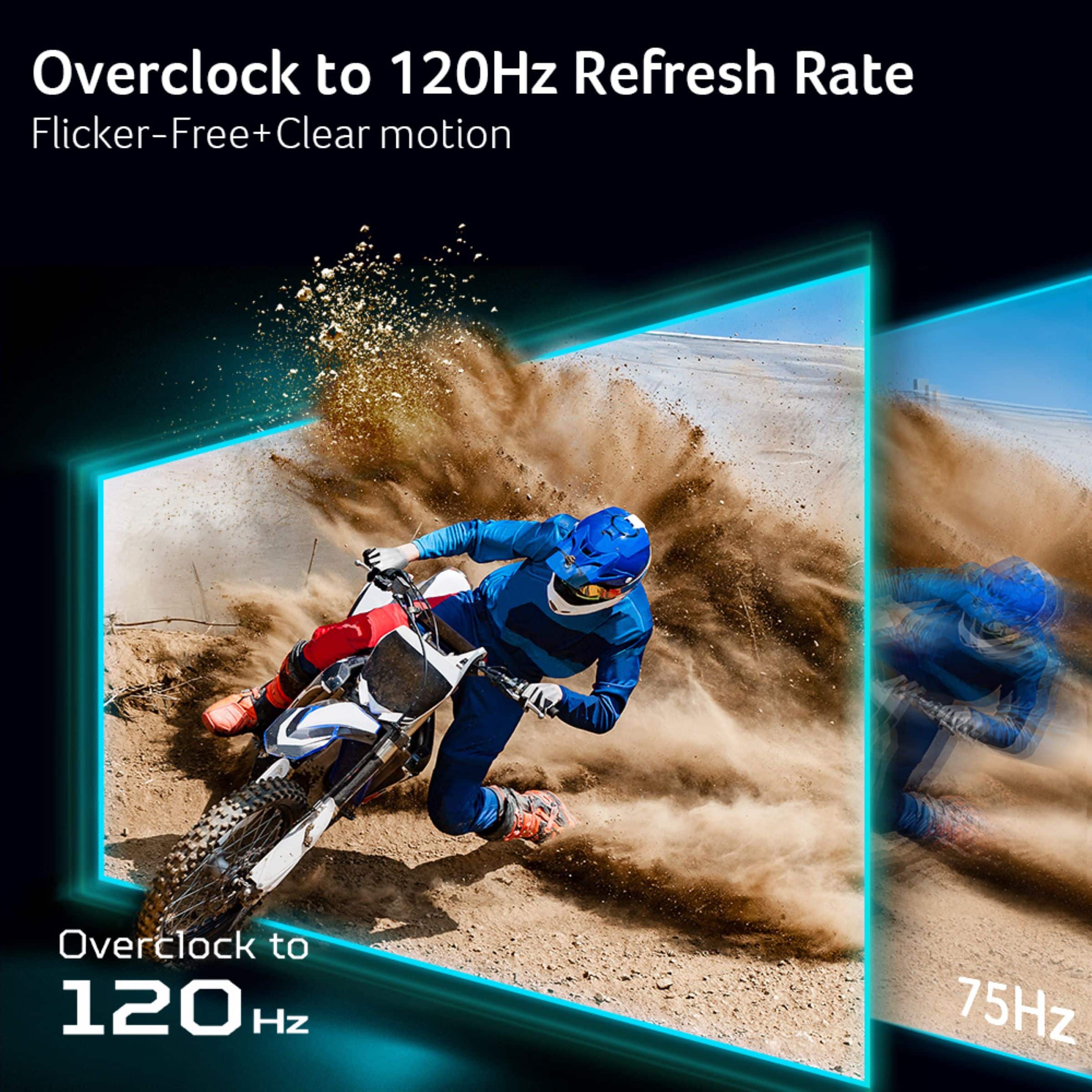
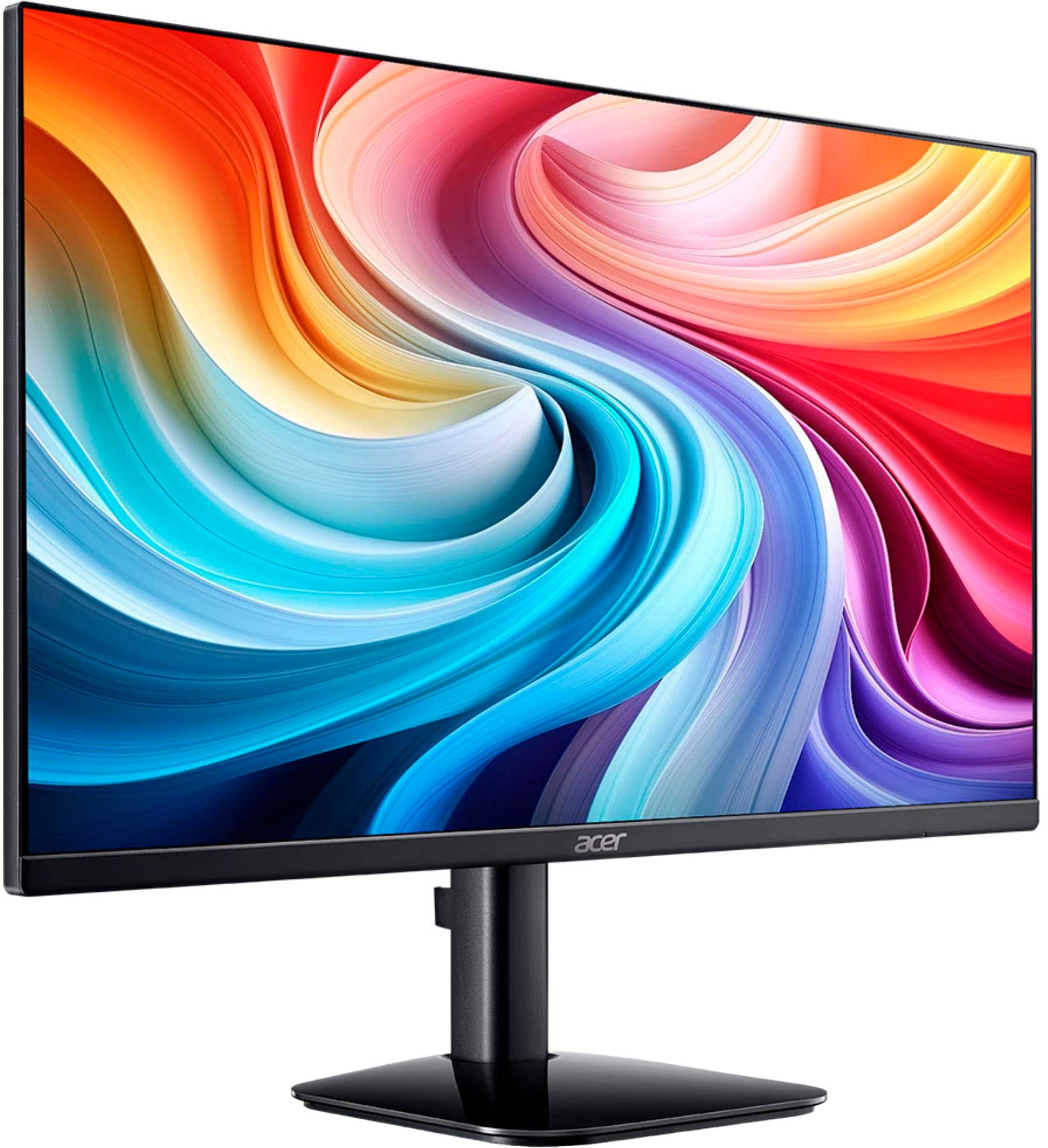
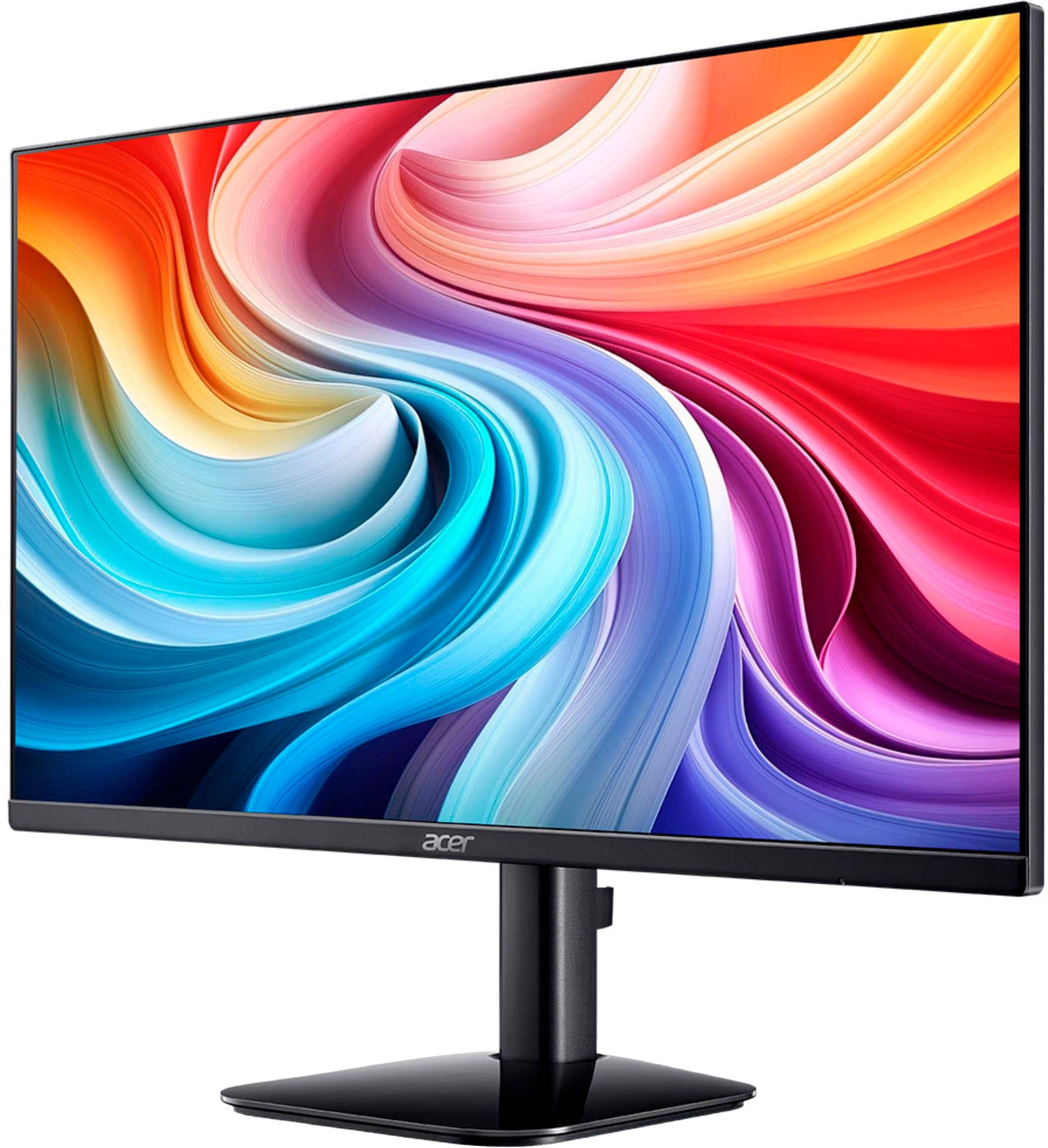
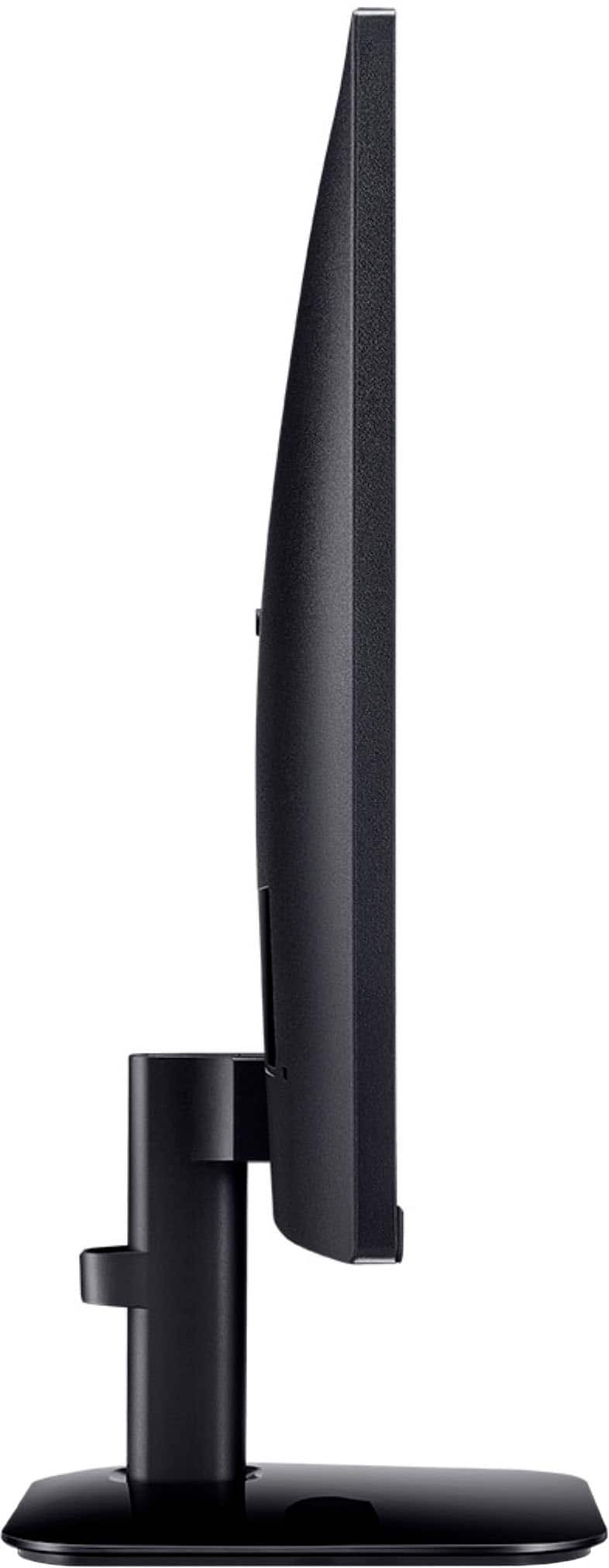
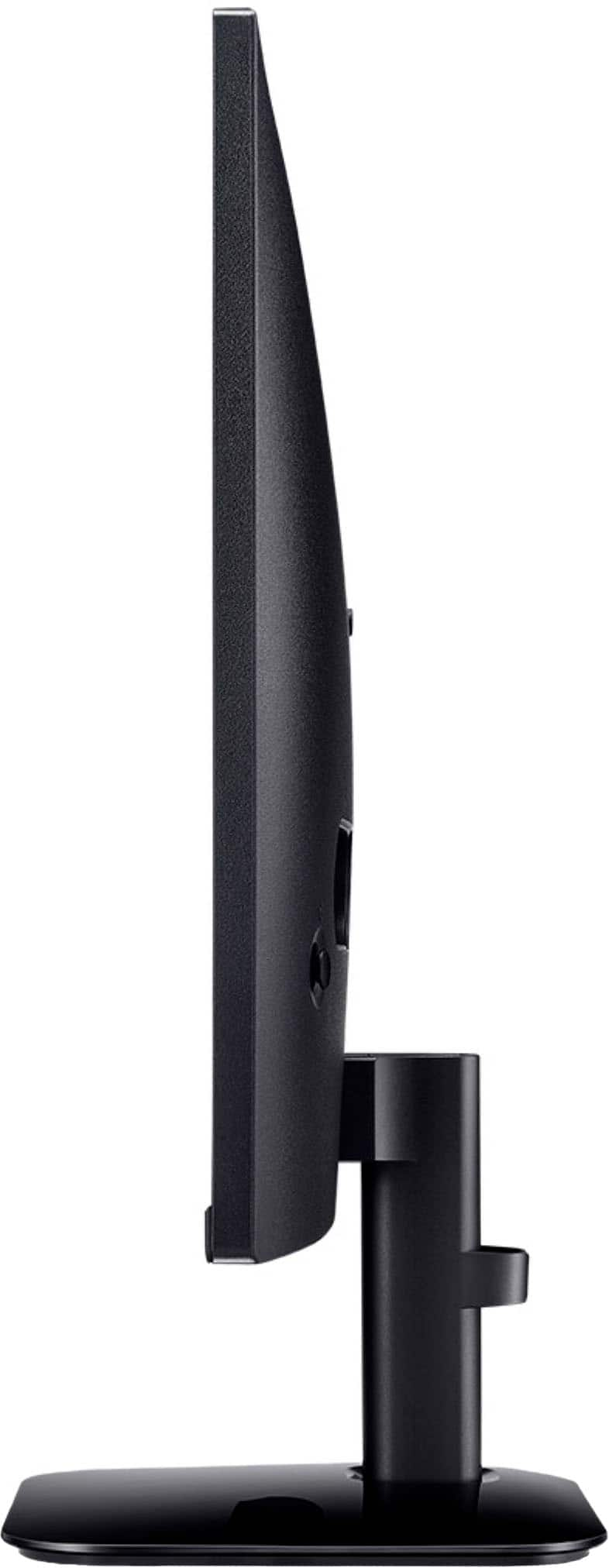
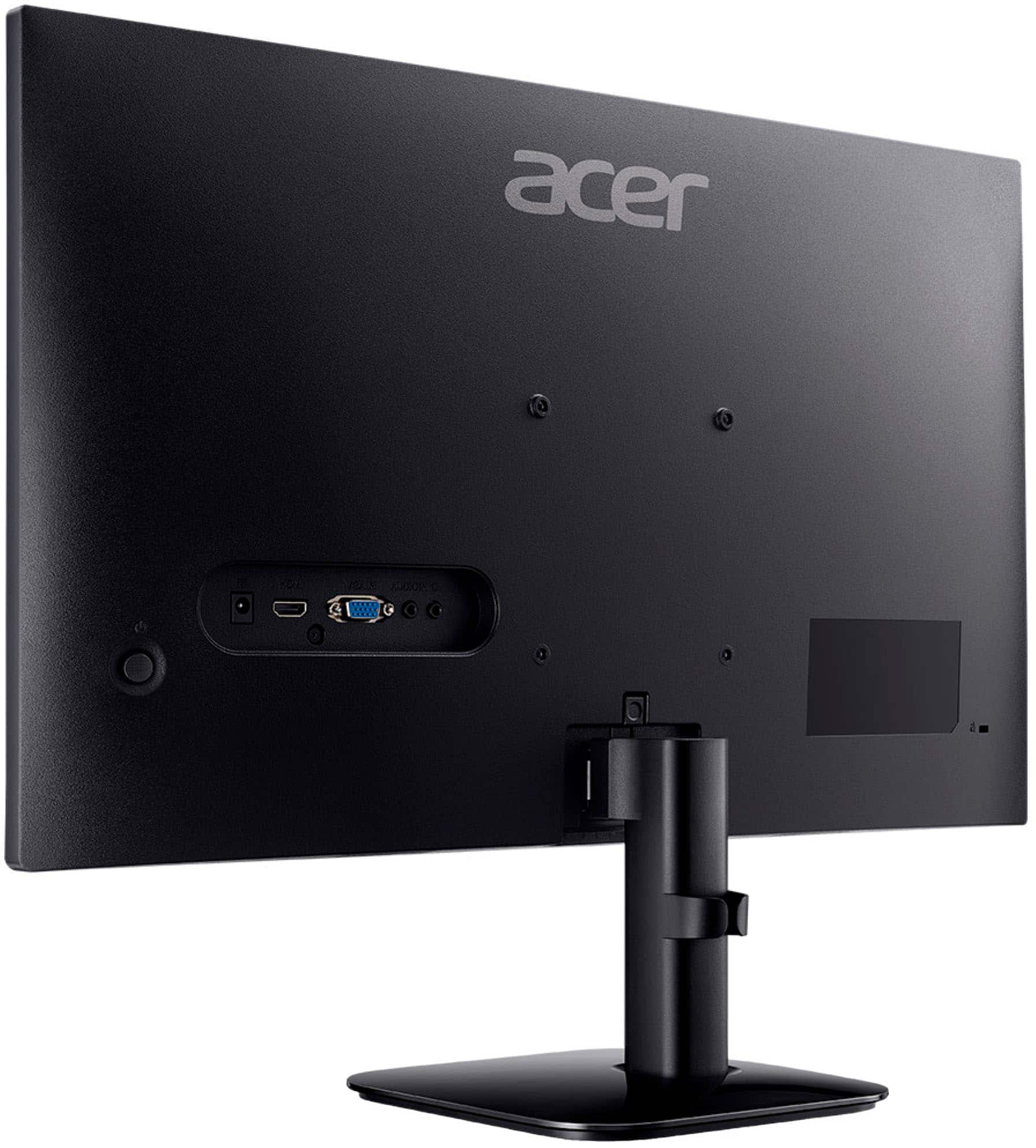
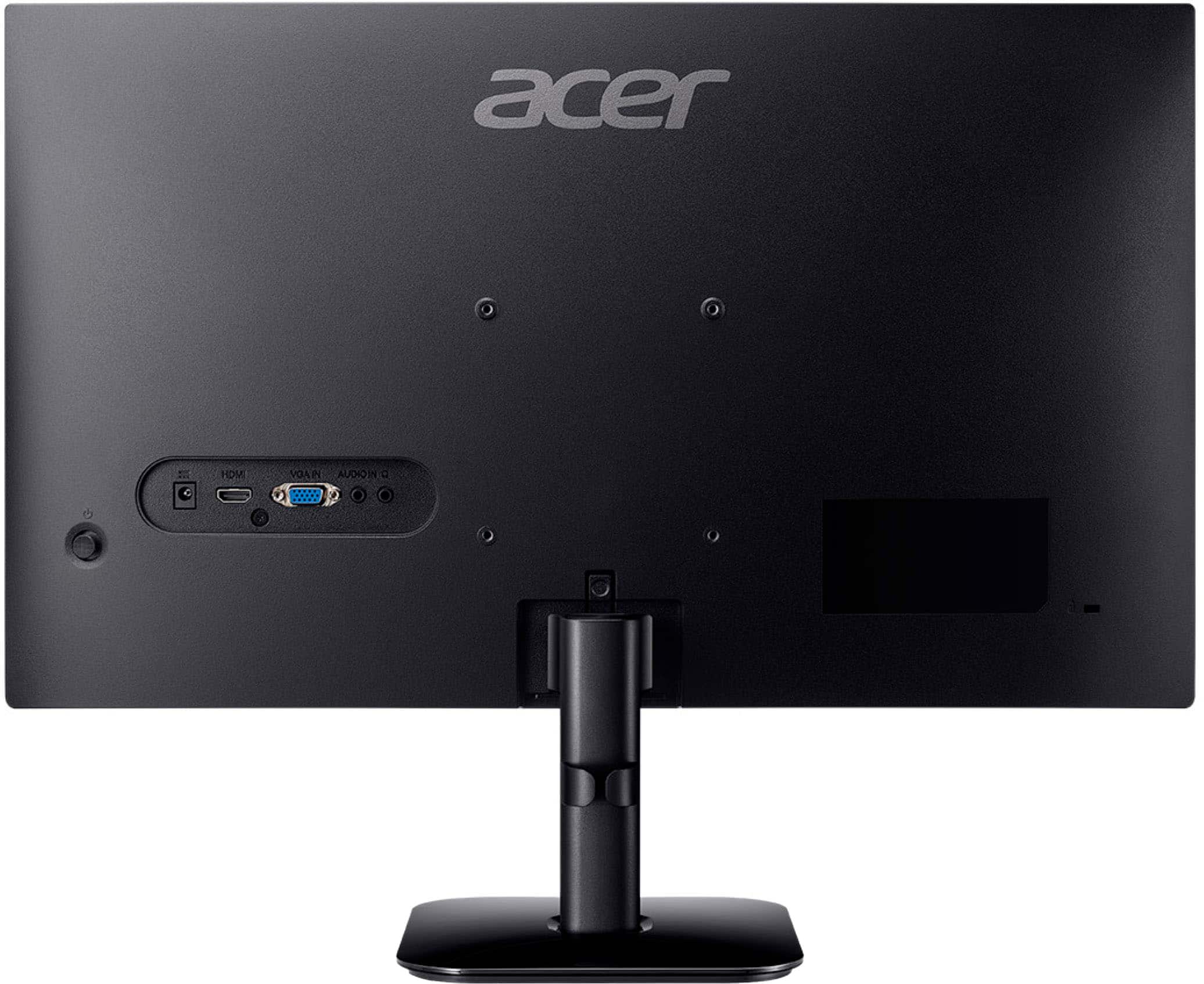
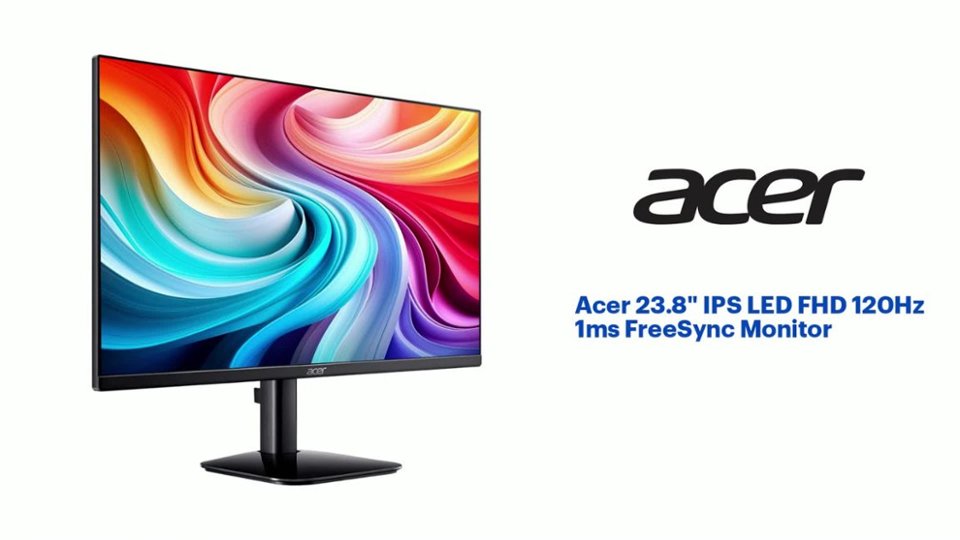
A:AnswerThe maximum refresh rate for the Acer KA242Y G0bi is 120 Hz, but its VRR (FreeSync) range typically operates up to 100 Hz over HDMI. The intermittent black screening you are experiencing at 120 Hz with VRR active likely is because you are pushing the monitor outside of its stable VRR operating range, or that the connection is unstable at that higher frequency.
A:AnswerDear anynmous,
We are sorry to hear the cable that came with your Acer monitor is not working and we understand this is frustrating for you. This is not the experience we want our customers to have and we would like to help you get this resolved. If you are in the US or Canada, please feel free to contact our support team at 866-695-2237; they are available to assist 24/7 for in-warranty products.
Regards,
Acer America
A:AnswerMake sure you are using the HDMI port and cable supporting v2.0; VGA does not support beyond 60hz. Next you need to verify if the device connected to the monitor is capable of outputting to 120hz.
A:AnswerNo, the Acer KA242Y does not automatically switch on after being unplugged, and a "hard turn on/off" isn't a standard feature; you typically need to use the power button to turn it on after it's been disconnected from power, but a brief press of the button will activate it.
A:AnswerYes, you can mirror movies from your phone to a Chromebook using screen mirroring methods. The most common method is using Google Cast, or a third-party app like AllCast Receiver on the Chromebook and a screen mirroring app on your phone.
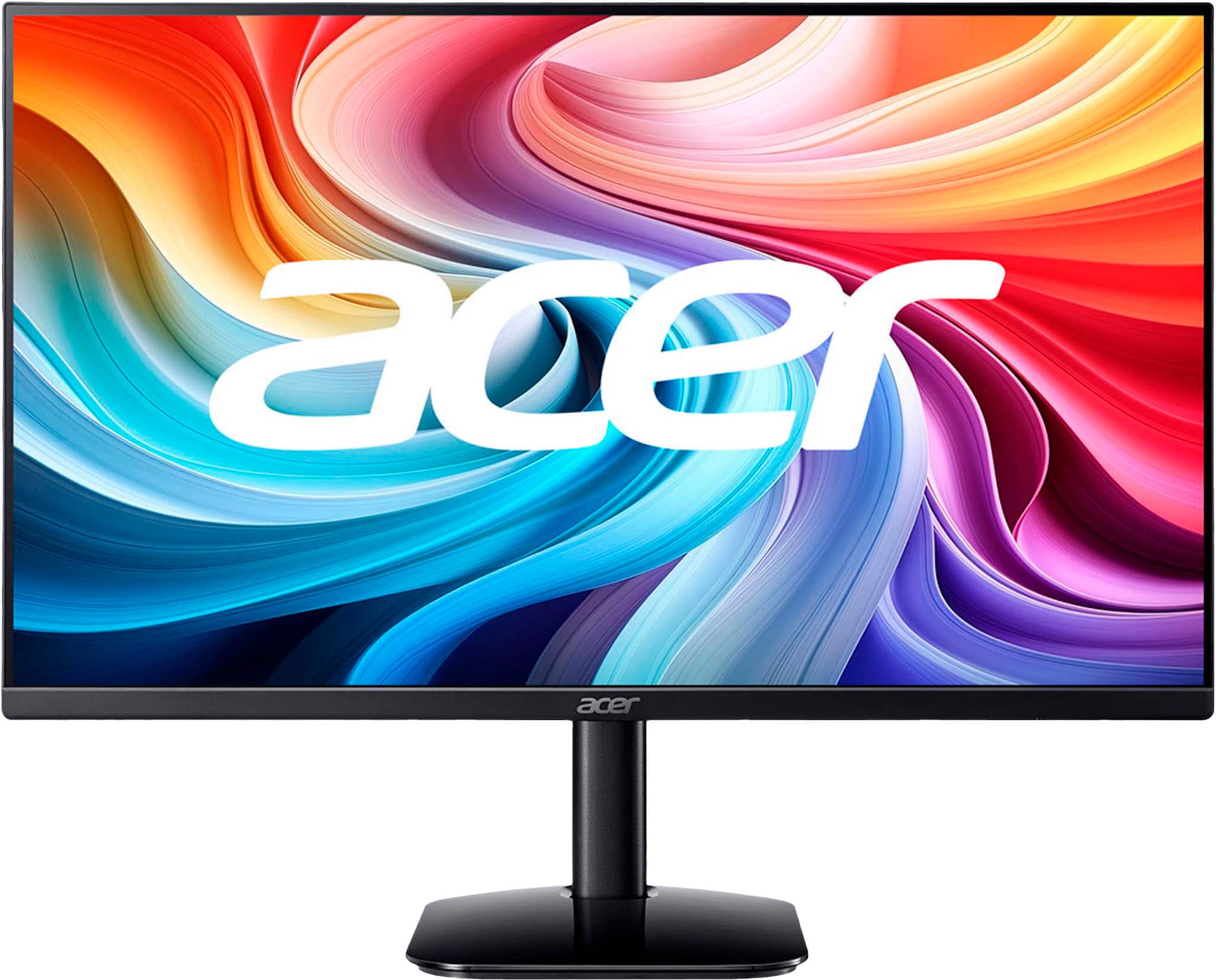
A:AnswerMonitor screens are measured diagonally which for this model is 23.8" in diagonal. While we do not have actual measurements of the glass screen itself, the dimensions including the narrow bezel are: 21.21" wide by 12.54" high.