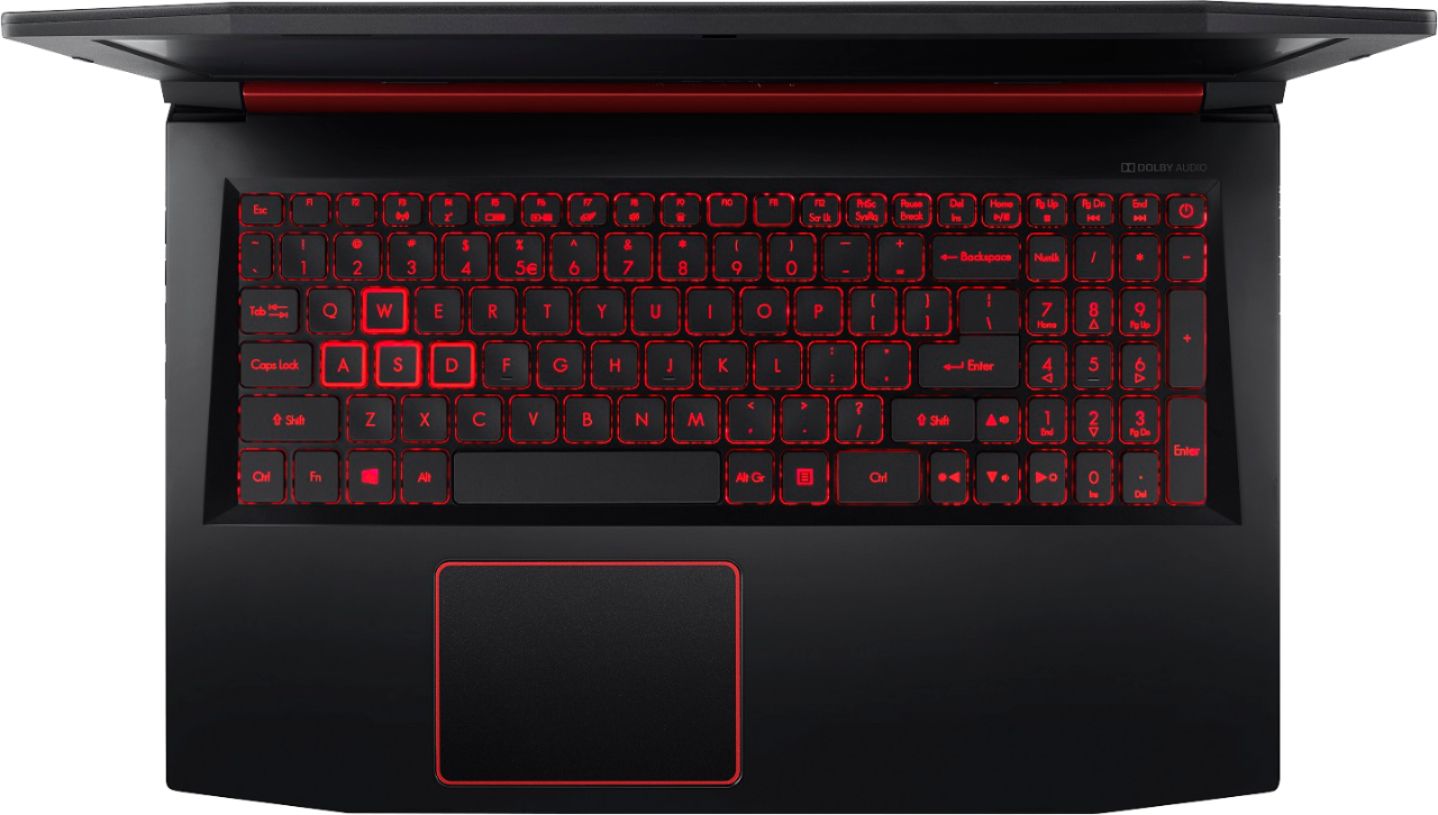
A:AnswerWe posted a BIOS update that will allow the user to adjust the keyboard backlight time. The version is v1.13 and is posted here: https://www.acer.com/ac/en/US/content/support-product/7605?b=1
A:AnswerThis laptop supports up to 32GB system memory, using two memory slots. Memory type supported is DDR4 2400 SO-DIMM, and DDR4 2666 SO-DIMM. Acer has tested up to 512GB M.2 SSD's in this model family, but you can likely go higher.
A:AnswerWhile Acer does not test many gaming applications we would recommend you check that the computer meets the system requirements of the application/game to determine if it will work. You might also post your question on the Acer Community where there are many users that post questions and offer help and advice on Acer products. The link is: https://community.acer.com/
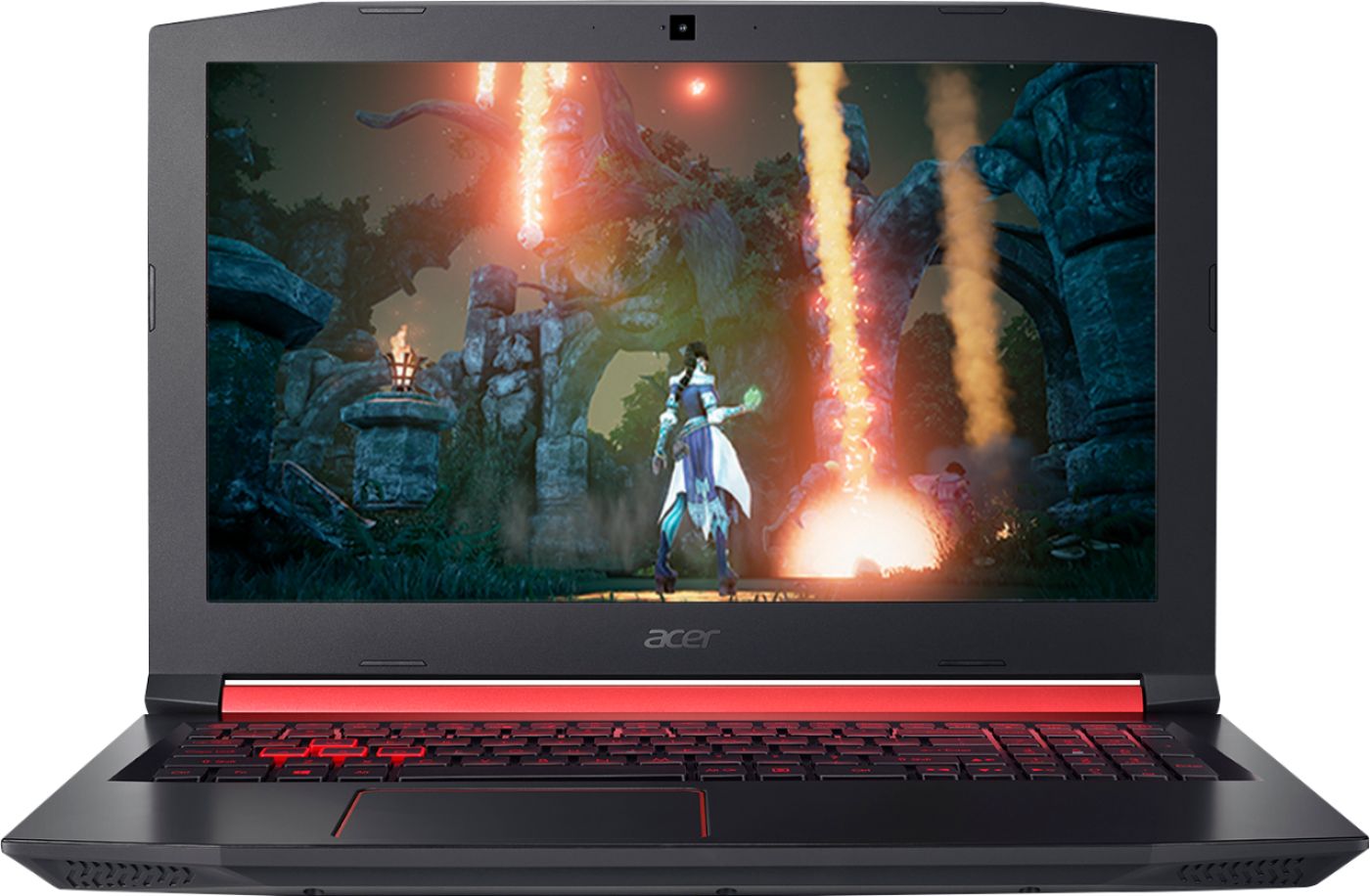
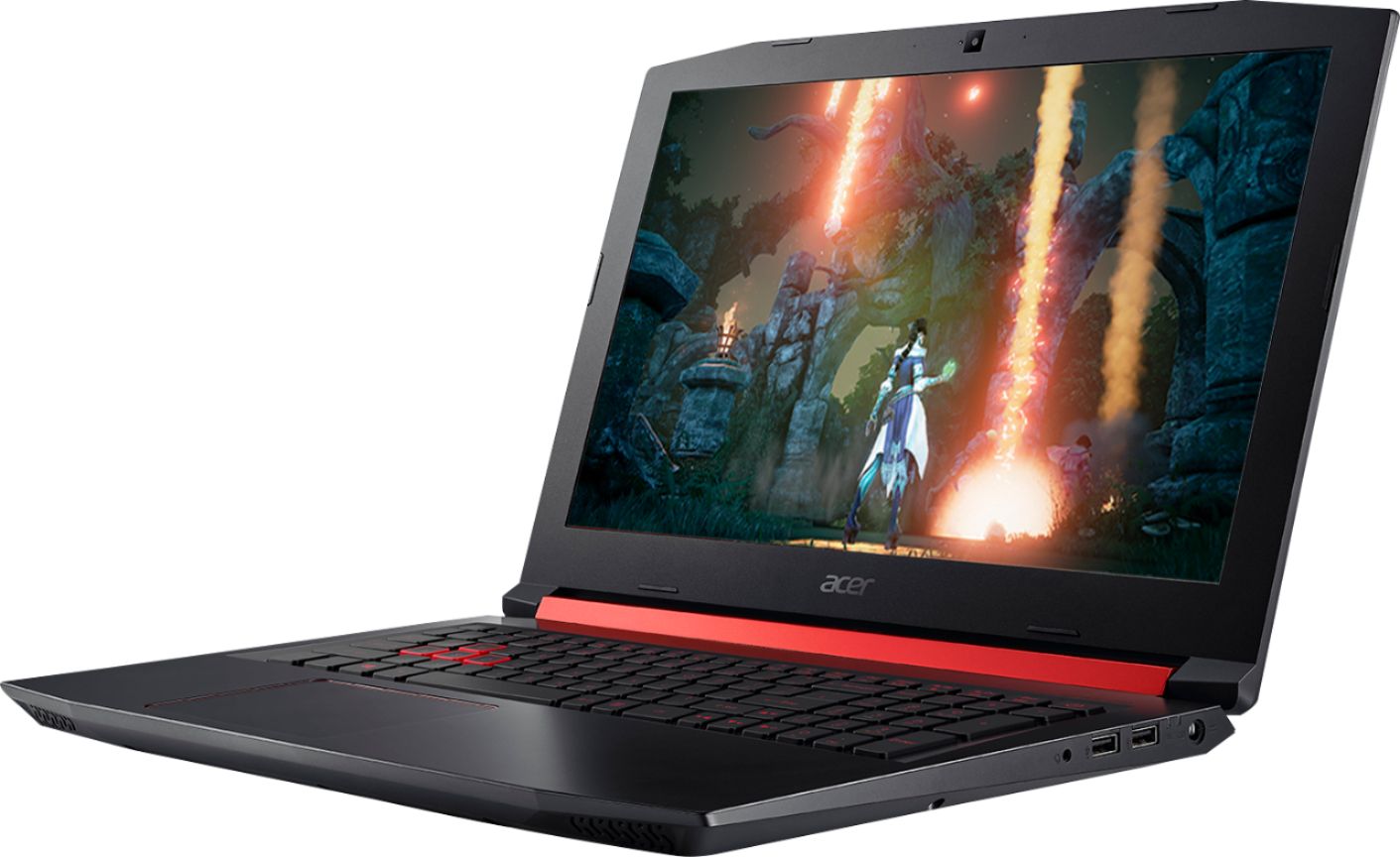
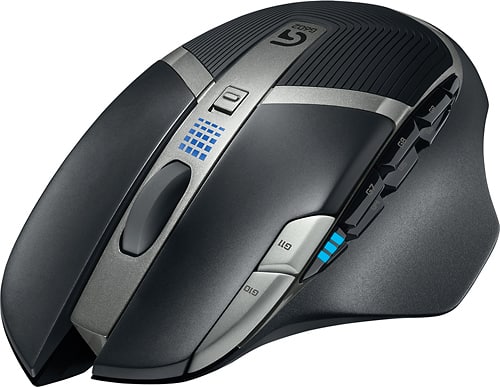
A:AnswerI play Planet Coaster on mine on low graphics settings and it works great getting about 60+ frames per second. I would recommend a monitor to plug in at home when you're on the go though, because for some games the 15" display on the laptop isn't quite big enough to do some games justice. I'd recommend one either with HDMI or a USB-C compatible monitor because this laptop has a USB-C 3.1 port on it which is compatible for display output. I'd also recommend a mouse for any games like Planet Coaster or Planet Zoo as well as for any FPS games if you don't have a controller to use. I have the Logitech G602 wireless gaming mouse and it works great and you can adjust the DPI on the fly with the dedicated buttons right on the mouse.
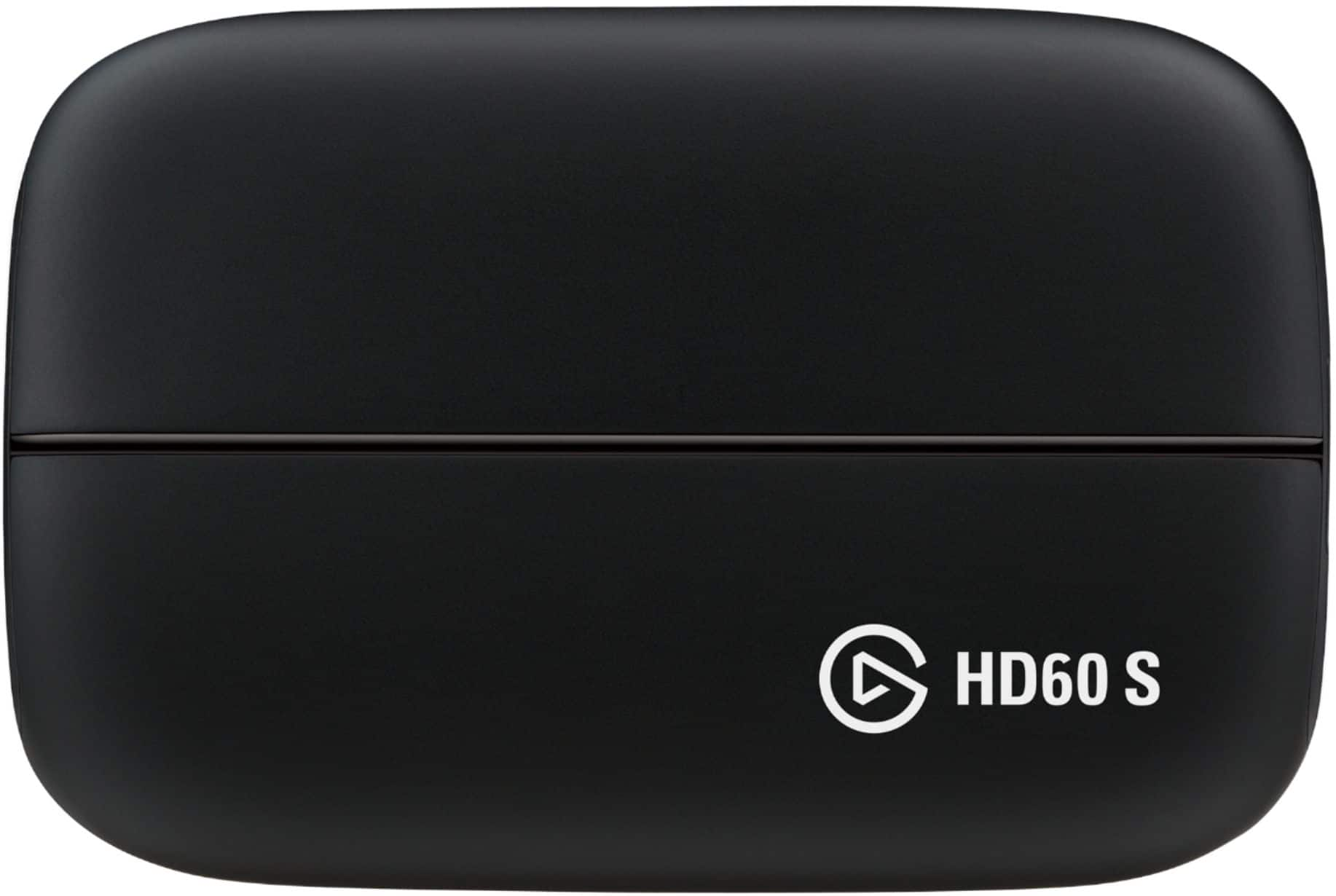
A:AnswerHas a good processor and graphics cards (integrated Radeon Vega 8 on the CPU and the Radeon RX 560X dedicated GPU) and I've streamed using Streamlabs OBS for a PC game right on the machine. I do recommend doing your research and getting a decent USB capture card to connect the Switch to, seeing there's no standalone HDMI input of the machine without one. I'd recommend an Elgato HD60 S for the capture card, seeing it has USB-C and would pair perfectly with the laptop's USB-C 3.1 port.
A:AnswerWhile Acer does not test many gaming applications we would recommend you check that the computer meets the system requirements of the application/game to determine if it will work. You might also post your question on the Acer Community where there are many users that post questions and offer help and advice on Acer products. The link is: https://community.acer.com/
A:AnswerAcer has not tested an X-box One remote on this laptop. This laptop has a touchpad but you can still use a wireless or USB mouse with the laptop.
A:AnswerSo how the laptop is if you want to do a big game I would recommend that you would set graphics settings to low as though it does say it do 1080 P it really does struggle on some bigger games that I have had games like fall out and Grand Theft Auto. I think it'll really struggle unless you put the graphics saying too low. smaller games such as fighting games and other titles like the Digimon game that just recently came out I put it on the highest setting and it runs. well I recommend if you get this laptop that you always check the graphics settings or each game to make sure that they run well and if you can afford a stronger laptop I would recommend that as well but for me as a regular college student who uses the laptop just to wait and entertain myself while I wait for my next class it has served me well