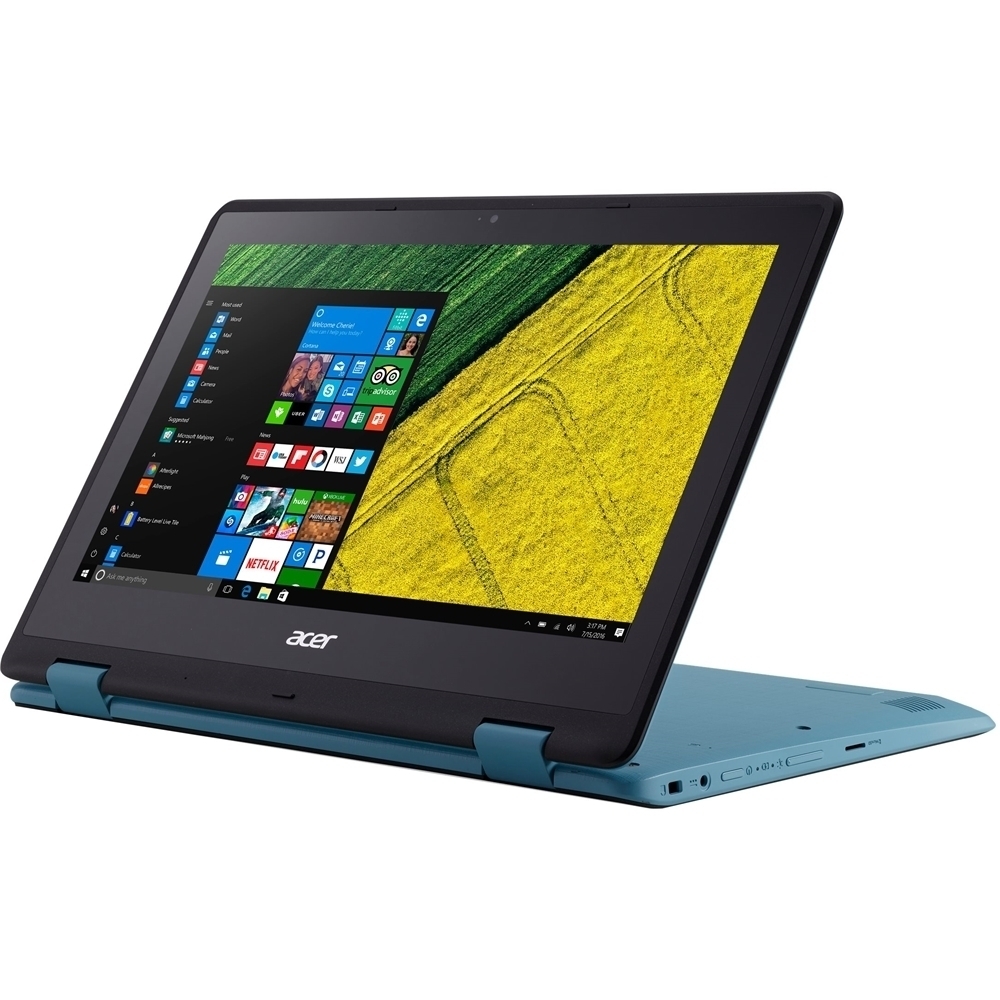
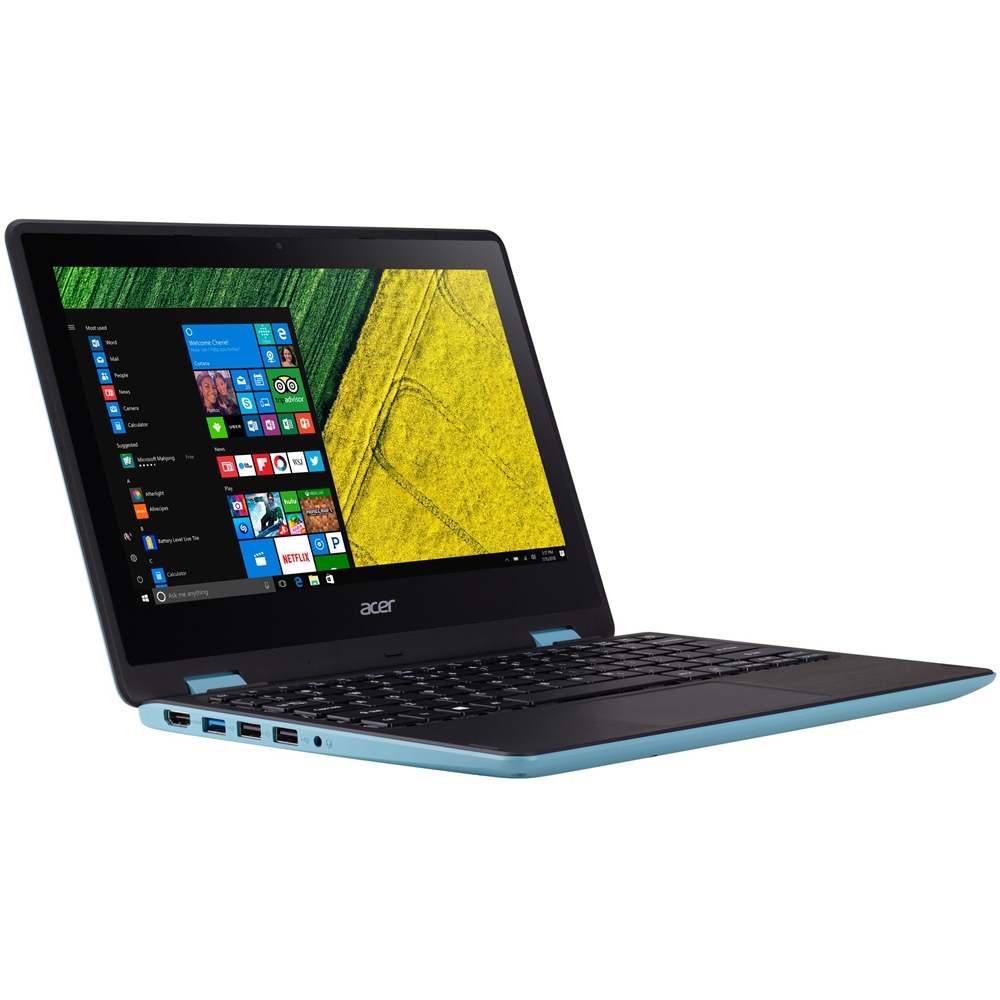
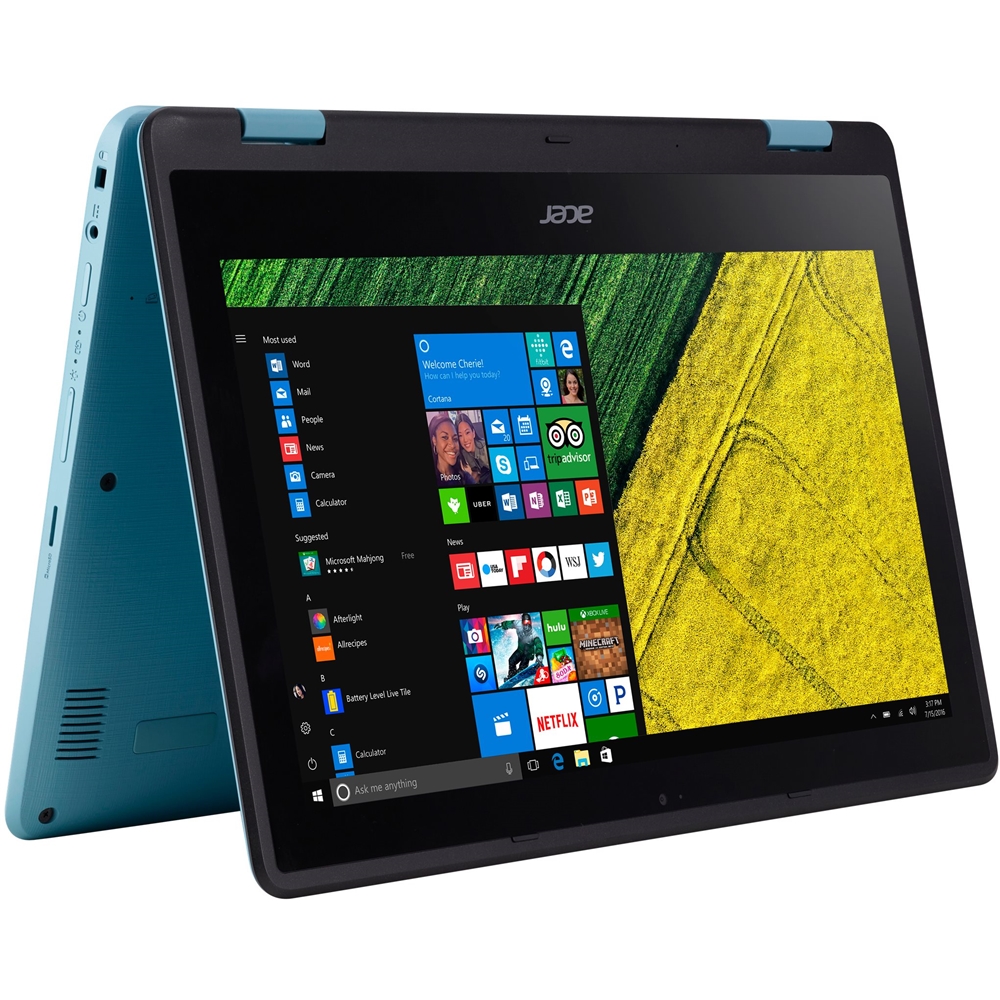
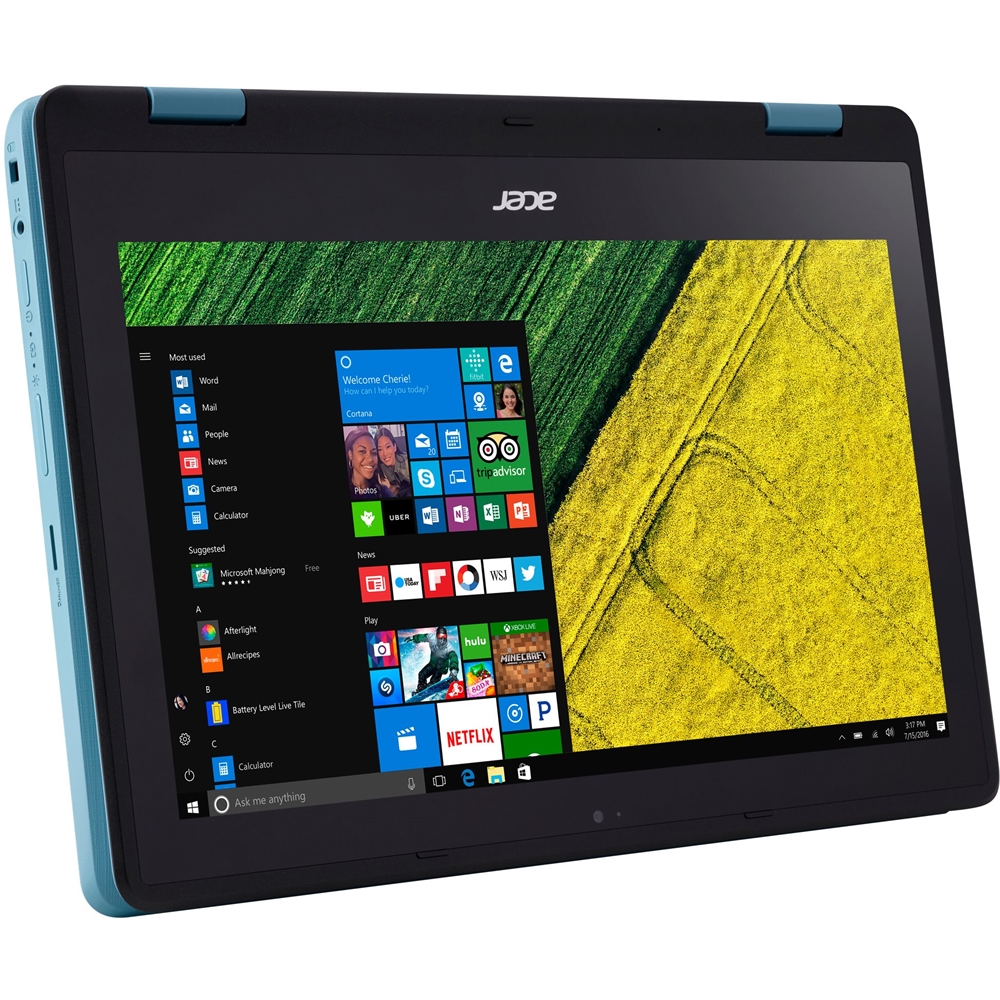
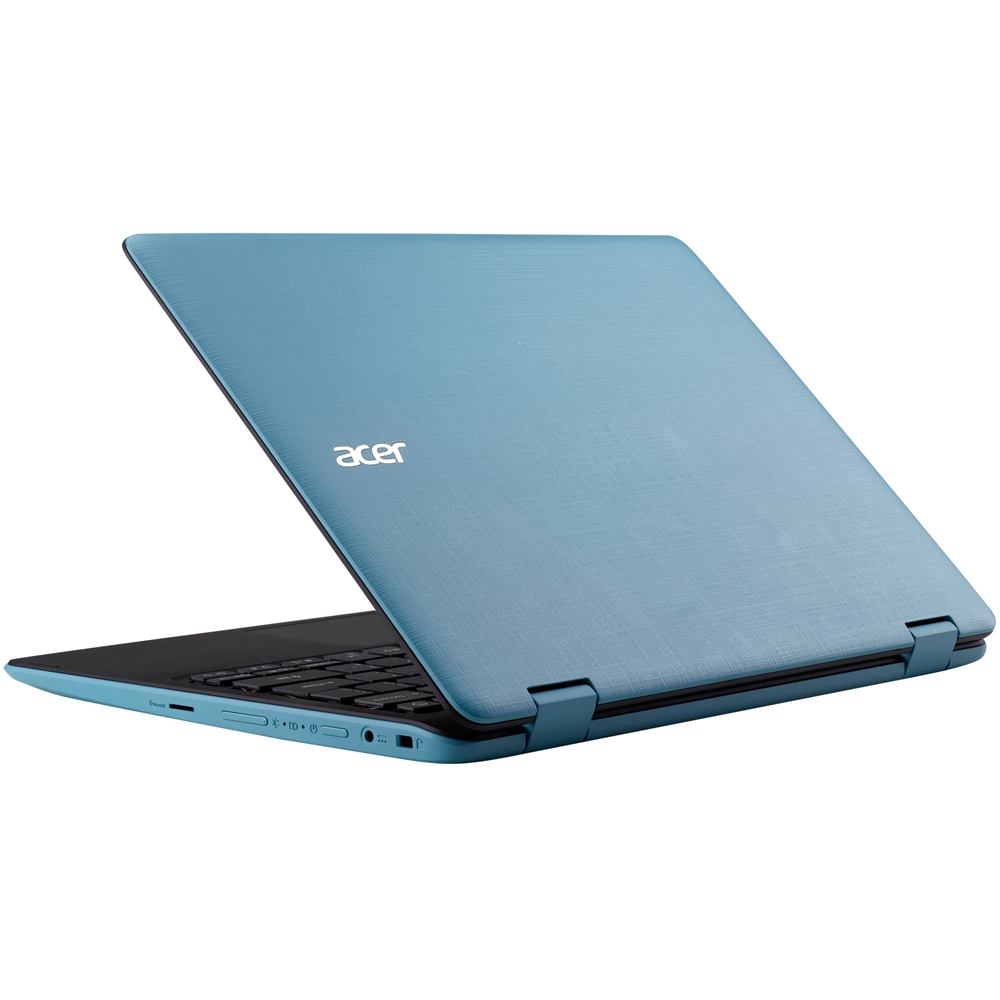
A:AnswerThis model ships with an Intel® Celeron® N3350 CPU. Specifications are also posted here as well: https://www.acer.com/ac/en/US/content/model/NX.GL2AA.001
A:AnswerYou will typically buy this laptop thinking that 128Gb is probably enough; you can always use your flash or external hard drives. I made that mistake. The computer says it has 128 Gb of memory. It is deceptive advertising because they never tell you that only a fraction of that memory remains for your use. Even after I deleted all freebies and temporary stuff they give you, about 70 to 80% of the 128Gb is taken up by the system on things that cannot be deleted. Therefore, since I needed to install some software in that unit and could not, I promptly returned it to Best Buy.
If all you want is a unit to browse the Internet or watch Hulu or Netflix, emails and such, this unit is ok. otherwise, go old school and buy a laptop.
A:AnswerMine did not come with Microsoft installed but you can purchase it and install it. It connects to WiFi and has hdmi capabalities so should be therotically be able to print.
A:AnswerThere could be a number of reasons it was recertified-some are demo units, review units or customer returns. Unfortunately there is no way to determine why a particular model was recertified.
A:AnswerThe weight of this laptop is 3.31 pounds. Windows 10 is pre-installed and the language for the operating system can be changed when you set it up.
A:AnswerWhile I can’t speak as to whether or not you can play Sims 4 on the laptop specifically, it does have enough RAM to function smooth and fast when operating other games that I have played. It is a great laptop for writing essays! That is actually its main function for me. Its compact size, light weight and comfortable keyboard feel make it easy to take along and write wherever you may find yourself! It is pretty fast when loading. It’s not the fastest when it comes to large programs, but it’s definitely not slow by any means! All in all, great choice for a laptop that won’t break the bank! I hope that answers your questions!
A:AnswerAcer includes AC adapters with all laptop products. While Acer does not test many gaming applications we would recommend you check that the computer meets the system requirements of the application/game to determine if it will work. You can also contact the software vendor to see if they can provide information on compatibility with their software. You might also post your question on the Acer Community where there are many users that post questions and offer help and advice on Acer products. The link is: https://community.acer.com/
A:AnswerYou can purchase an AC adapter and power cord for your Acer SP111-31 notebook from the Acer store: https://us-store.acer.com/accessories/finder or by calling them at 800-910-2237. Hours are 8am-5pm CST, Mon-Fri.
A:AnswerAcer has not tested this software so we recommend you check the system requirements of Synthesia and make sure the laptop you want meets or exceeds the system requirements of the software.
A:AnswerAcer has not tested nor provides support for this configuration, but an internet search came up with several links with information on installing Chrome on a Windows laptop. Here is one that you might find helpful: https://fieldguide.gizmodo.com/how-to-install-chrome-os-on-your-windows-laptop-1777553751