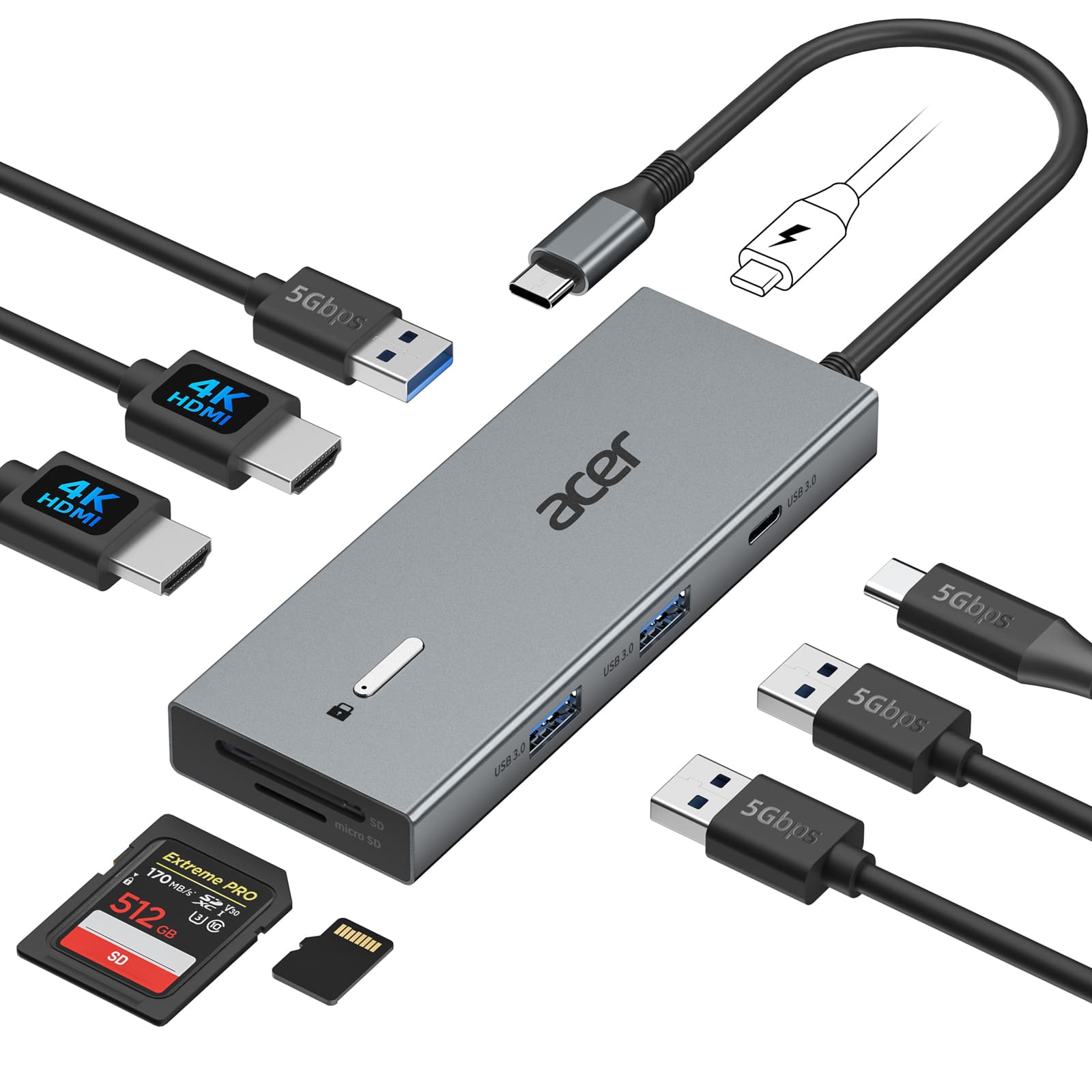
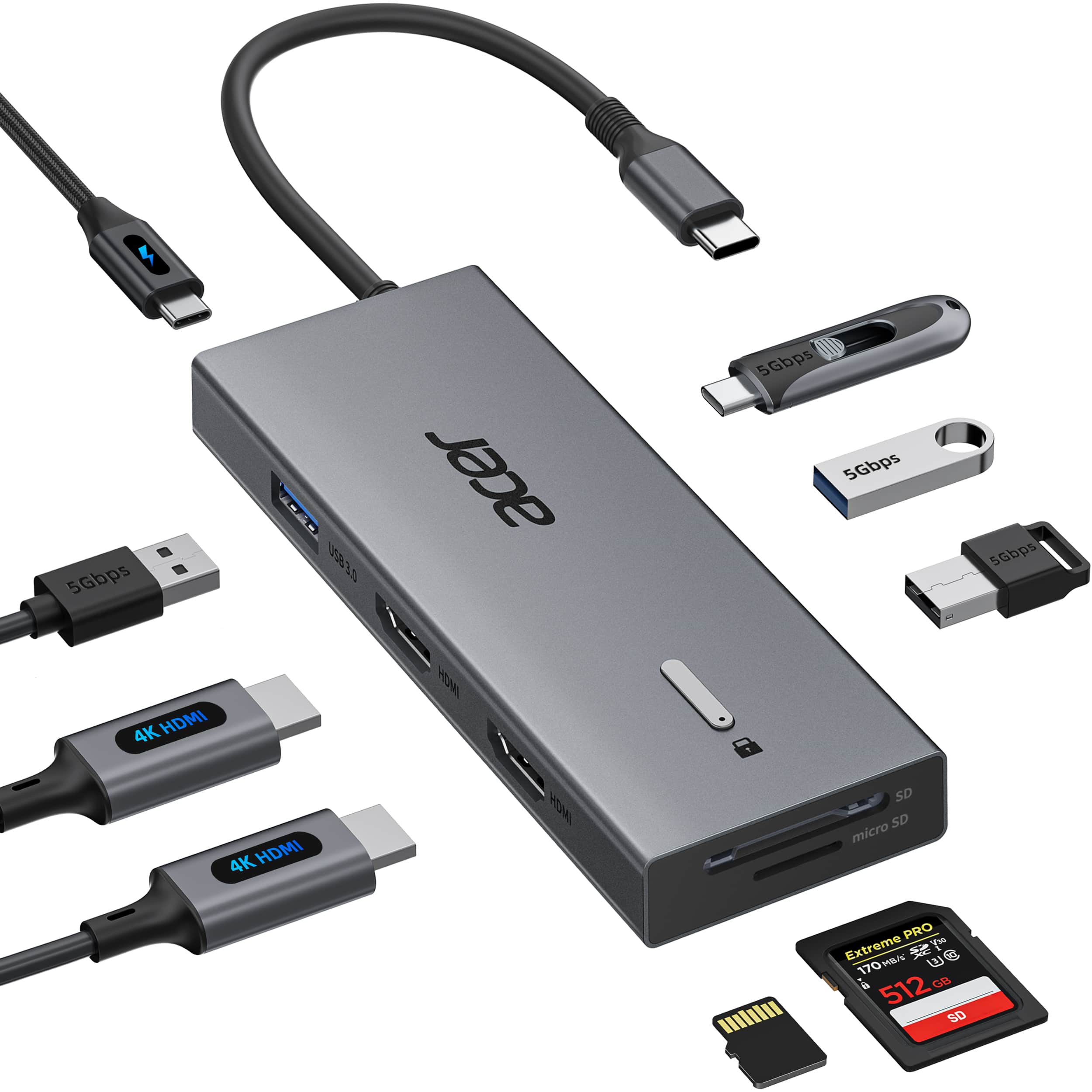
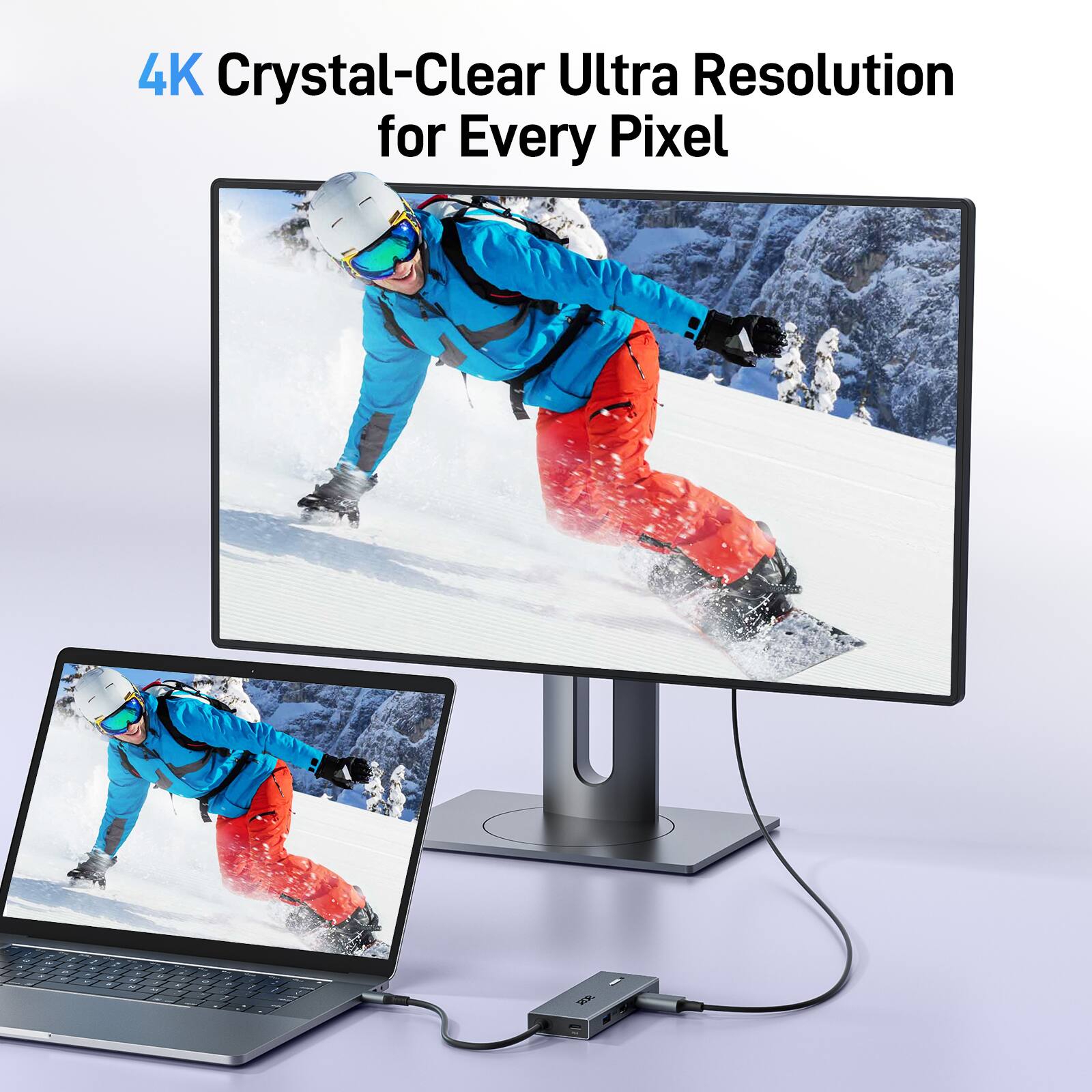
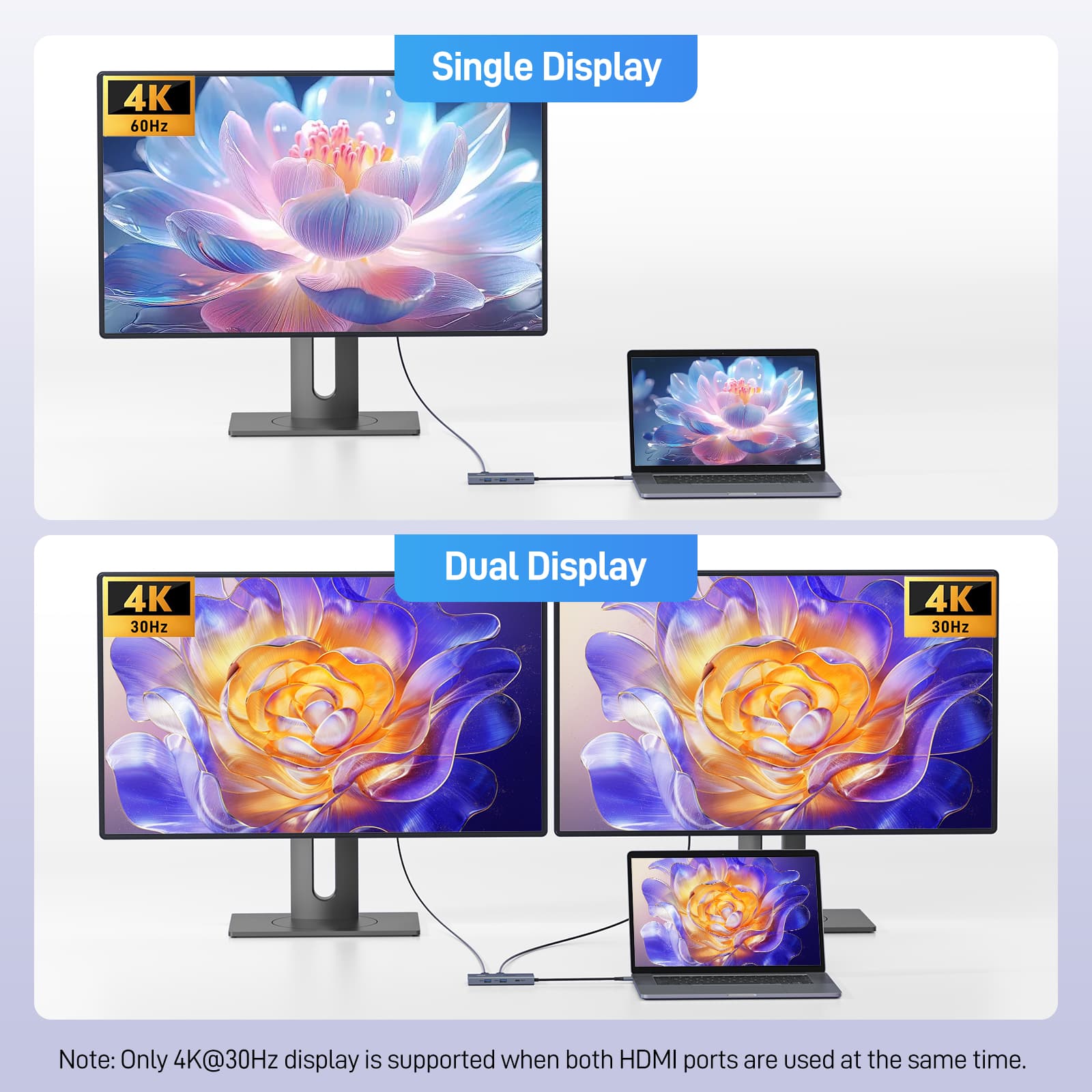
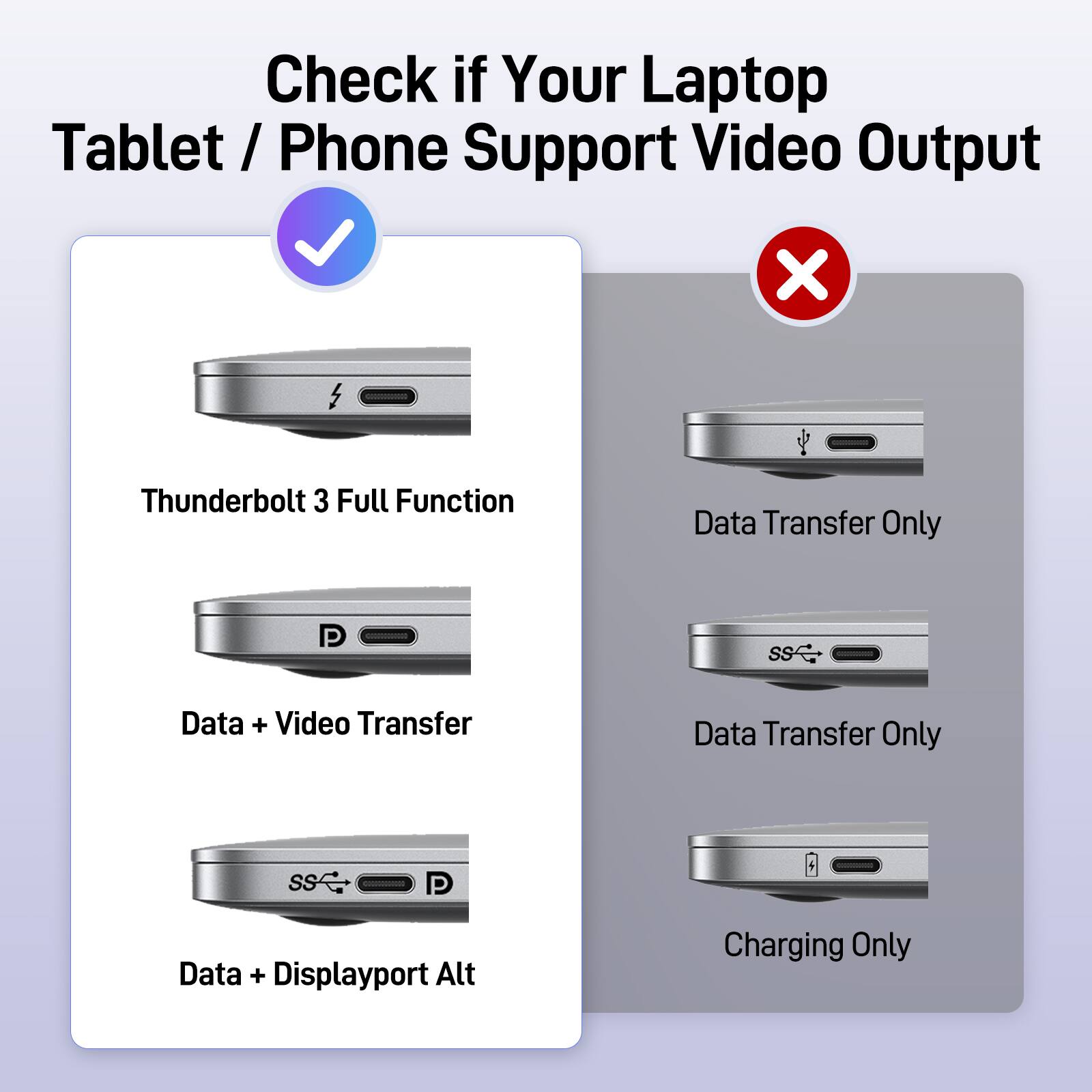
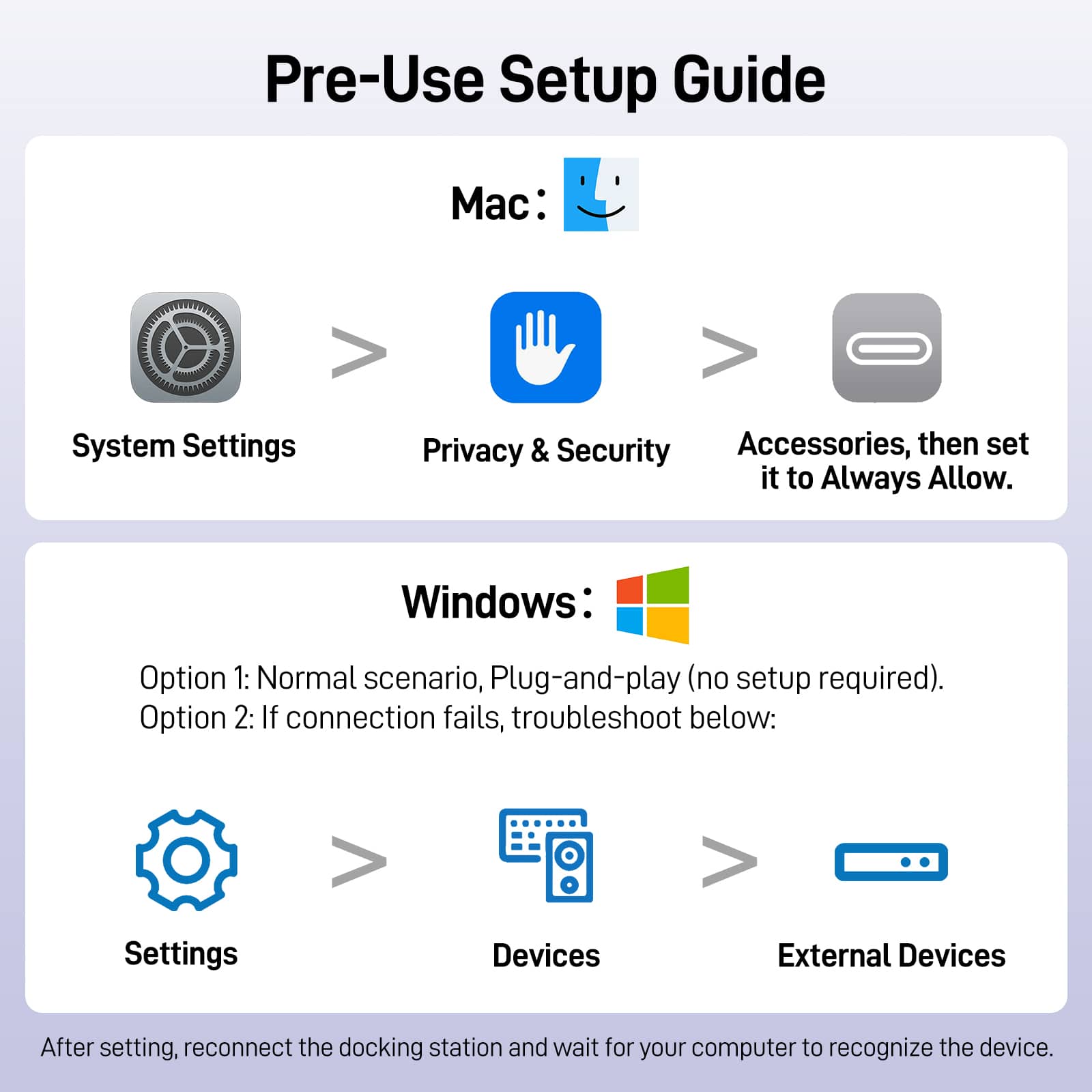
A:AnswerIf your mouse and keyboard work but the HDMI port on your dock doesn't, the issue is almost always that your laptop's USB-C port lacks "DisplayPort Alternate Mode" (DP Alt Mode). The mouse and keyboard use basic USB data, while the HDMI port requires a high-bandwidth video signal passed directly through the port.
A:AnswerYes, the Acer UC911D dock supports HDMI video output for Linux Ubuntu, but it relies on DisplayPort Alternate Mode (DP Alt Mode) instead of DisplayLink. Because it uses native hardware signaling rather than DisplayLink's software-compressed video, it acts as a true plug-and-play device on Linux.
A:AnswerYes, the UC911D docking station will work with the ASUS ProArt P16 (H7606) laptop for basic functionality, but it will have significant power limitations; do not expect full-power charging while rendering or gaming.
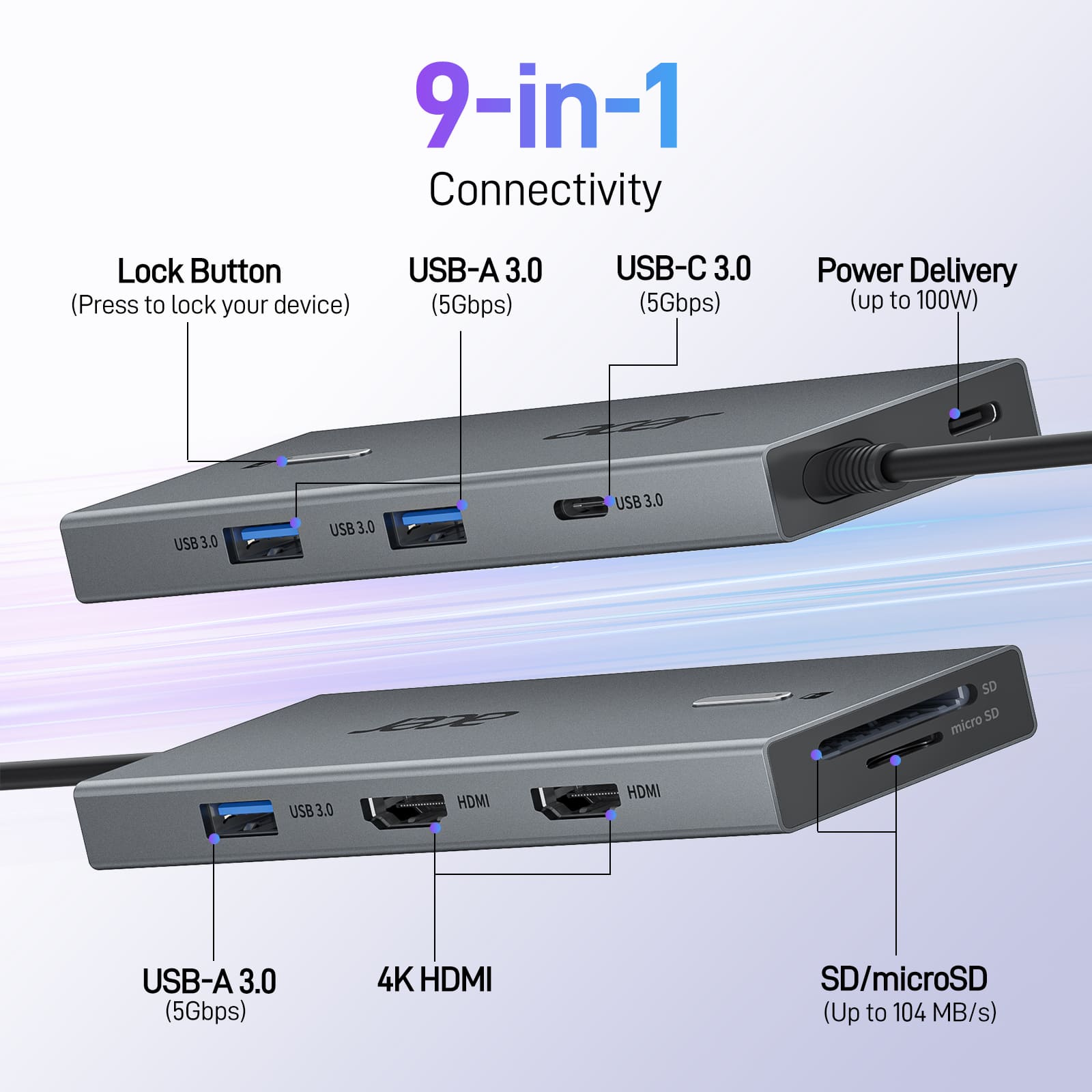
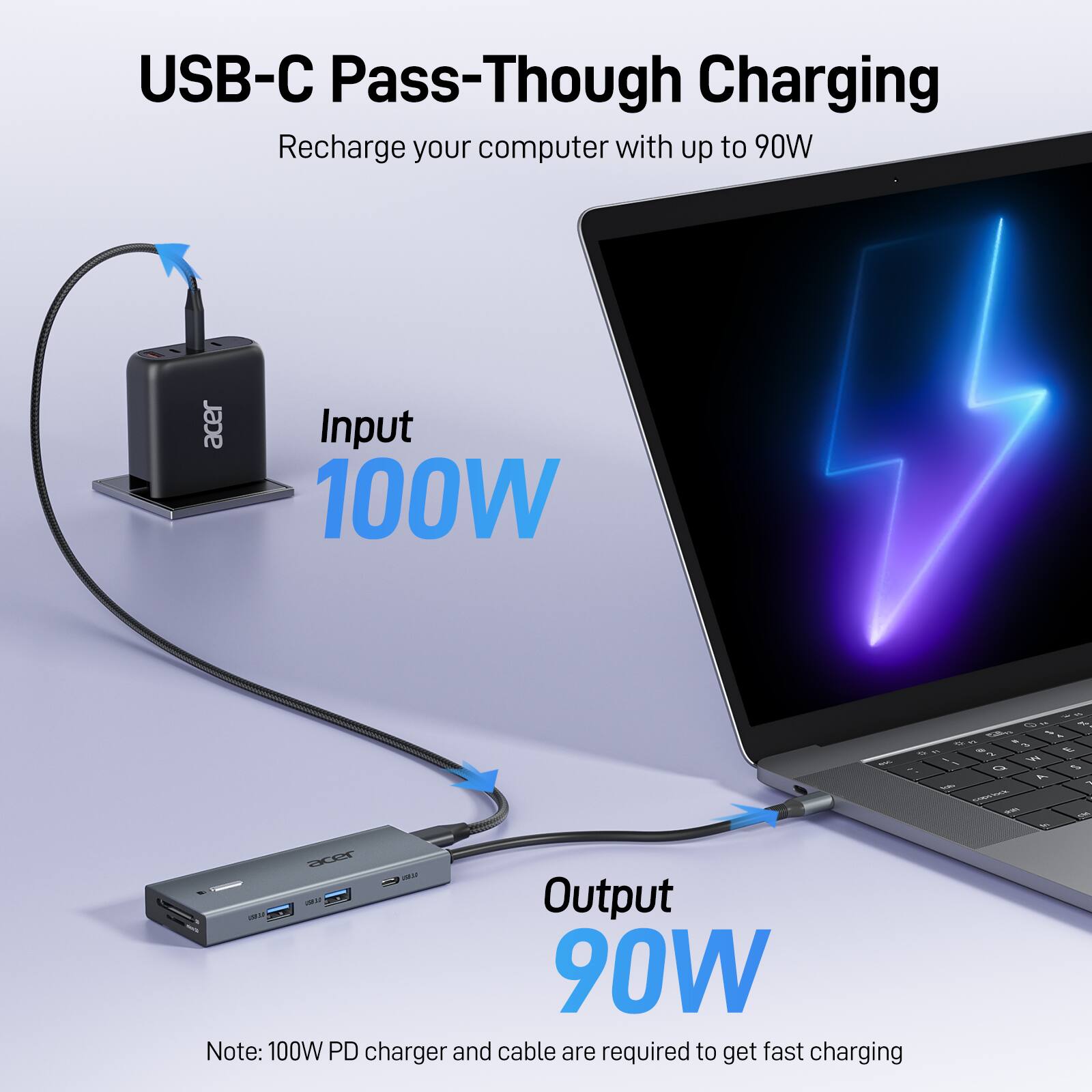
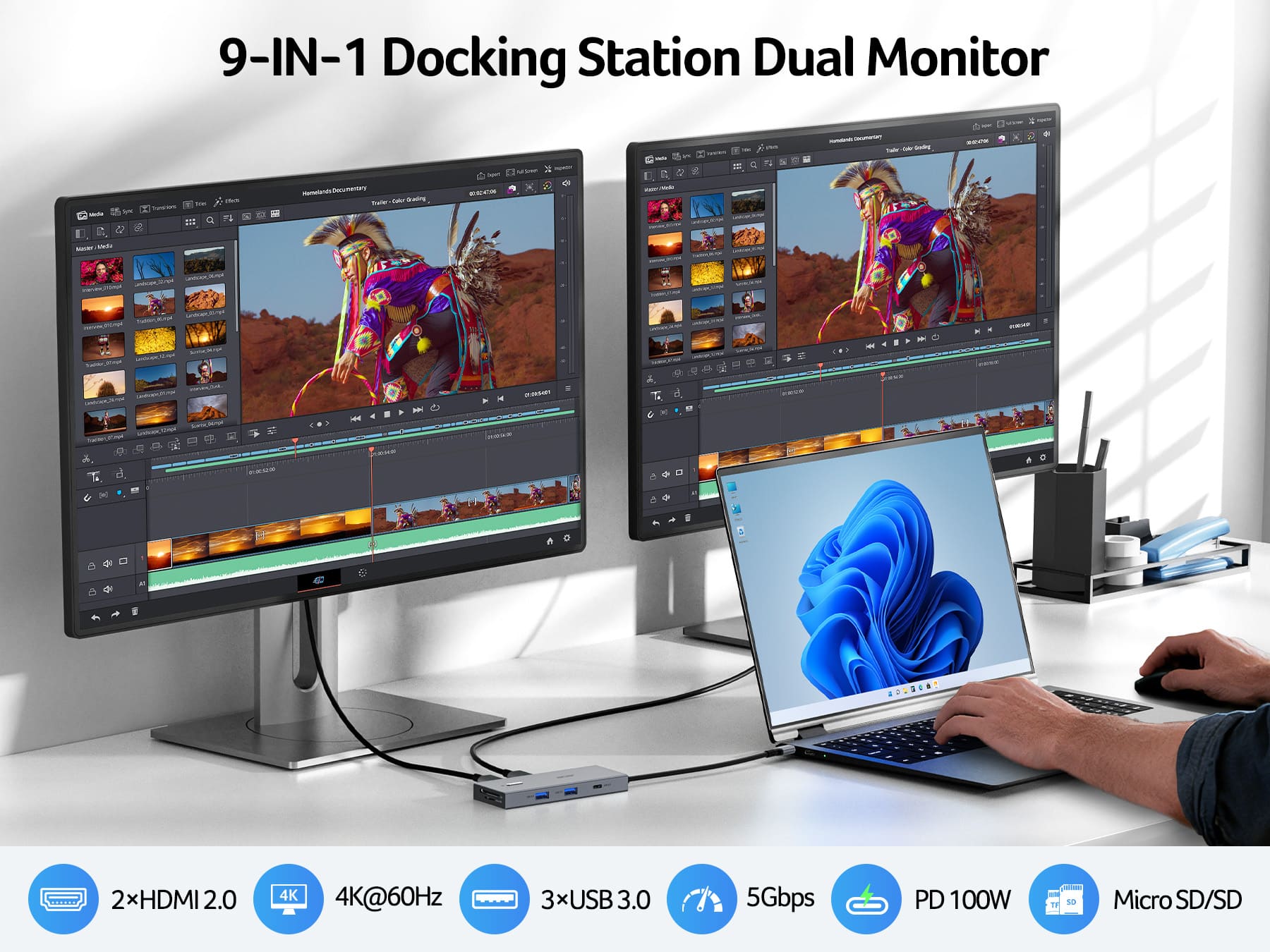
A:AnswerThis may be because the USB-C power delivery (PD) from the dock is insufficient e.g.,65W instead of 100W, or the required laptop-side power adapter is not connected to the dock's passthrough port.
A:AnswerYes, the Acer UC911D docking station is universally compatible with Dell computers that have a USB-C port that supports the dock's specific functions.
A:AnswerThe Acer UC911D docking station is a universal USB-C hub and is compatible with a wide range of laptops, provided the laptop has a USB-C port that supports video output (DisplayPort Alt Mode) and Power Delivery (PD).