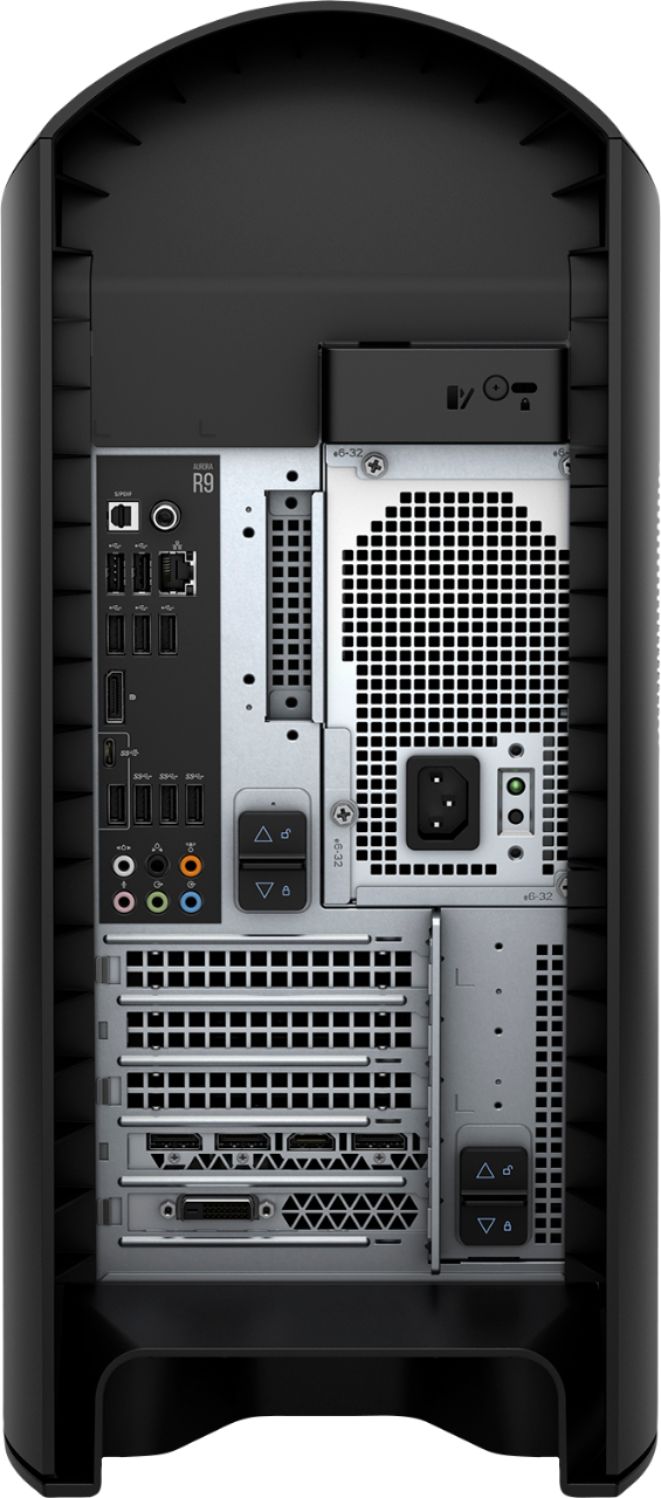
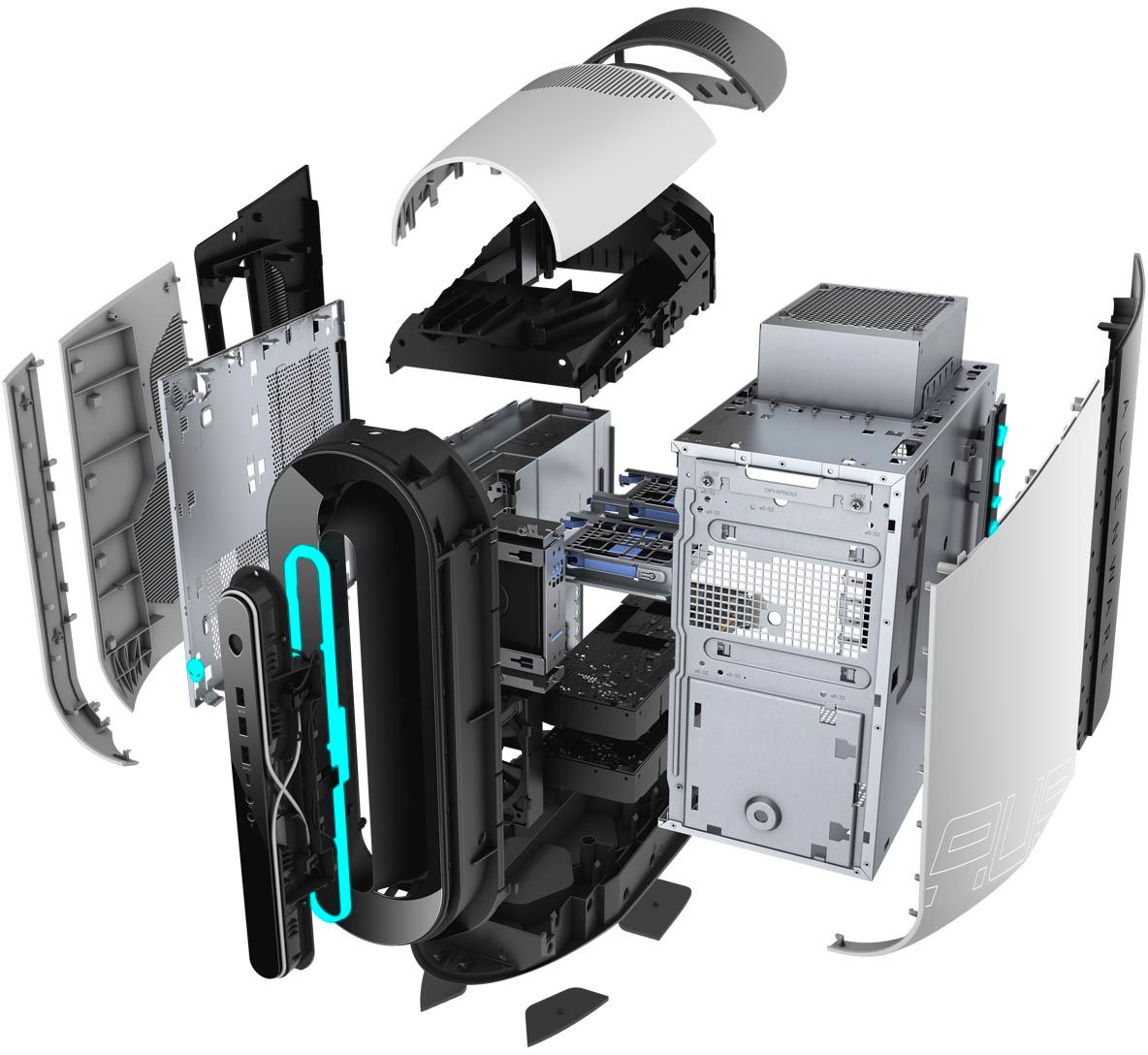
A:AnswerThe 3080 cards are have space constraints when compared to the card that is shipped from the factory. However, we suggest you to contact the Dell sales team and they will help you with the card upgrade.
A:AnswerAs, of now this system not tested with the card. We request you to contact Geek Squad or the Best Buy customer care team and they will assist you with this information.
A:AnswerThe system as of now is tested only with NVIDIA GeForce GTX 1650 Super, NVIDIA GeForce RTX 2080 and the NVIDIA GeForce RTX 2080 Ti video graphic cards. However, you can contact Geek Squad and they will assist you with this information.
A:AnswerPre-builts are more expesive for the cheapest tier of components, sometimes with a single stick of ram in single channel or lowest grade gpu in its line. Or its proprietary and you can't upgrade anything on your own because you have to buy it from the manufacturer. Its 100% better to buy your parts and build it. Or at least find out exactly the brand and model numbers of each part from the pre built and use a parts picker and see how much there charging you. For example they could say your gonna get a rtx 2070 wich they will charge top dollar for ,but witch rtx 2070 is it, the 400$ or the 800$ . Do your research before making a choice. And he said its a (optimal) gaming performance.
A:AnswerHello! The Core i9 has hyper-threading where the i7 does not. The Intel Core i9 (Skylake-X) is the first Core i9 released. You can switch out the Core i7 for the Core i9, and if you purchase Total Tech Support with this Aurora, the Geek Squad will be able to assist.
A:AnswerHello John! Technically yes, it can be replaced with a SATA connected 1 TB HDD. The Geek Squad can assist to ensure you don't void your warranty. Ask about about Total Tech Support!