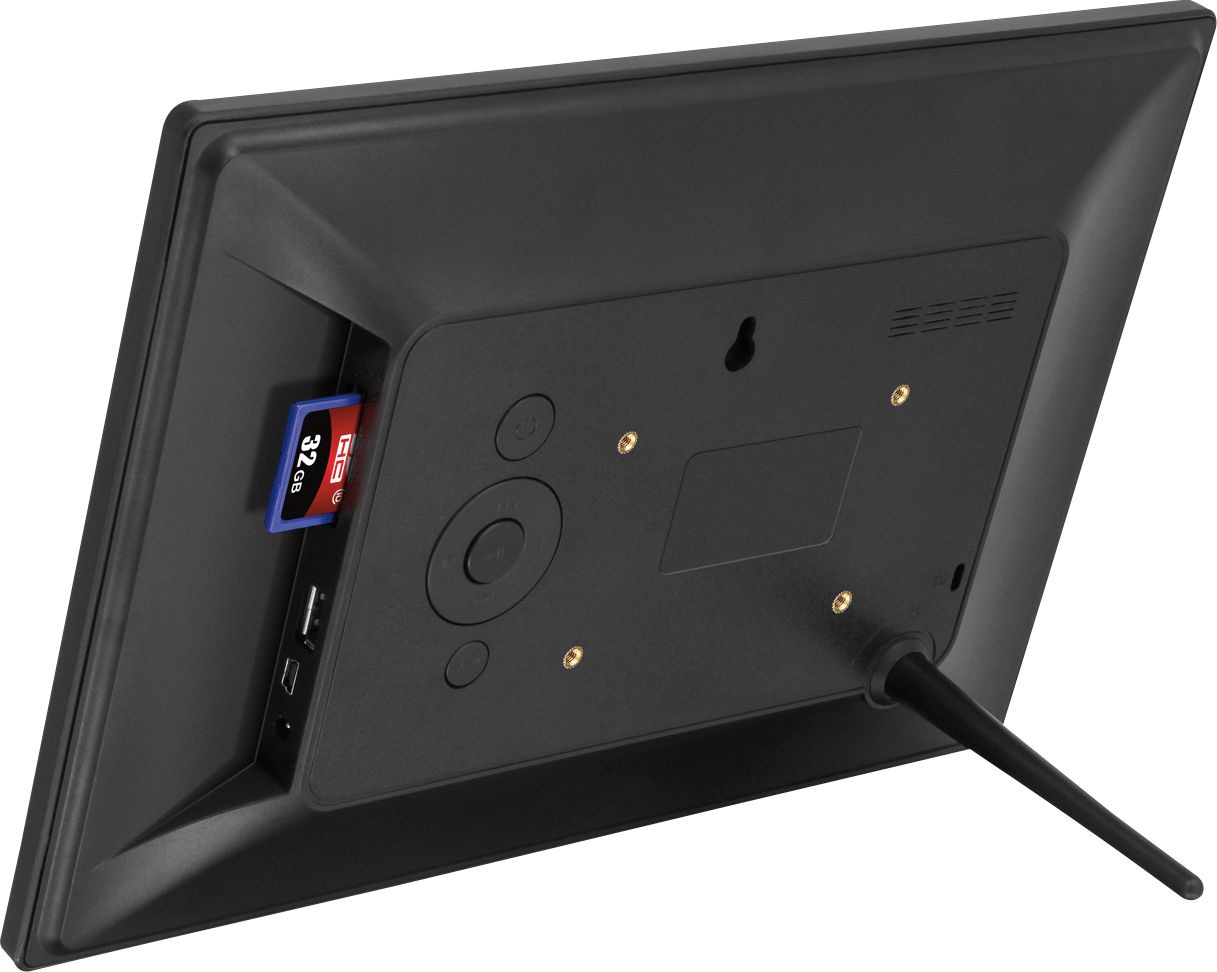
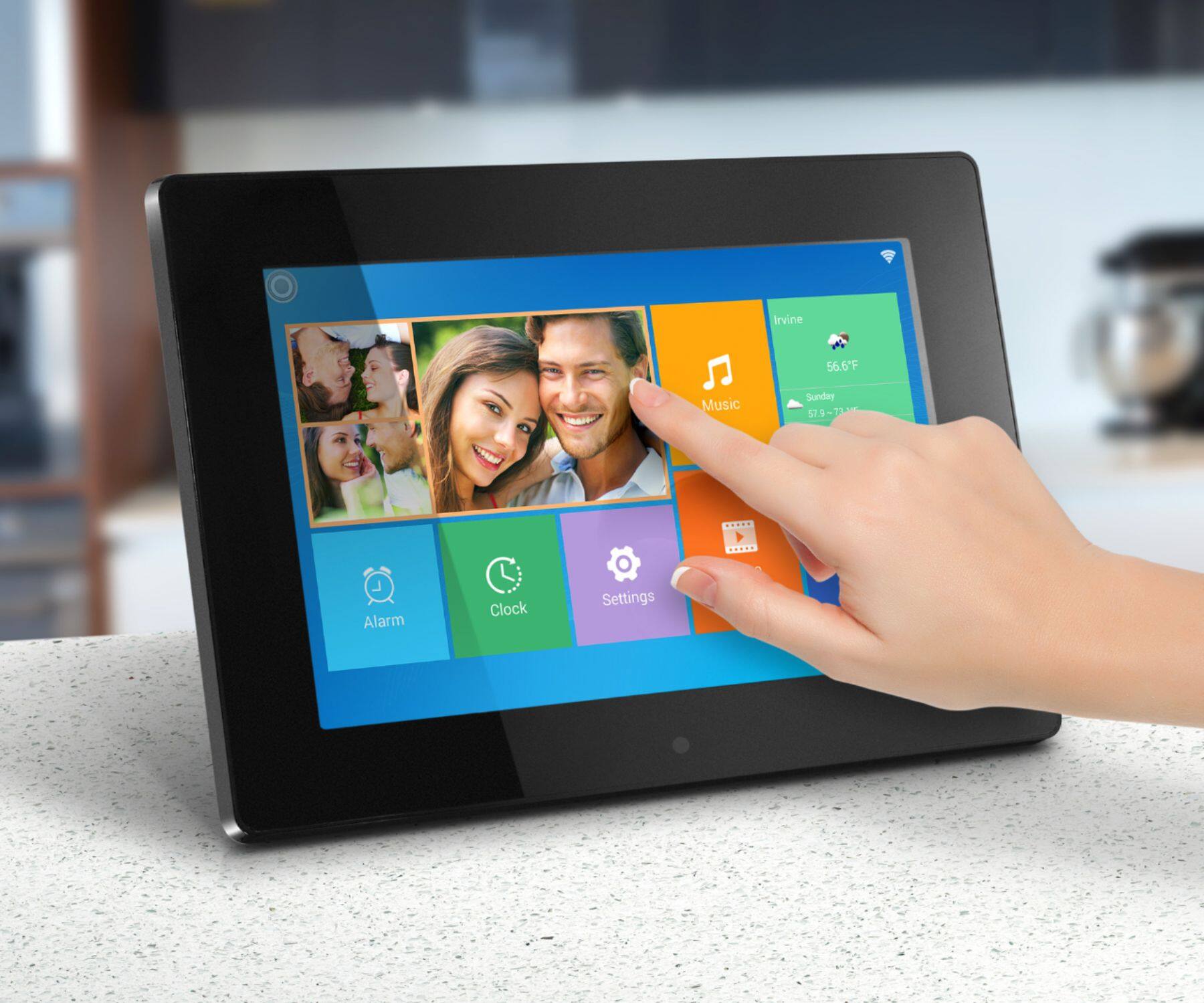
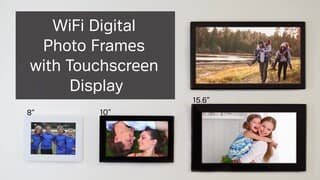
A:AnswerNo. This device uses a phone app for sending photos, or you can send photos via computer connection, or just show them via an SD or USB memory card (32GB or smaller). The unit does not have a web browser with ability to communicate with other 3rd party platforms.
A:AnswerGoogle Photos is a cloud-based holder of photos. You have to download those photos to your phone first, then our Phone App (Smart Frame or FrameTime) will be able to see the photos and send them.
A:AnswerNo. Family members can send photos to the frame using our phone app or using email. Contact Aluratek at support@aluratek.com for tips on how to setup the app or the email.
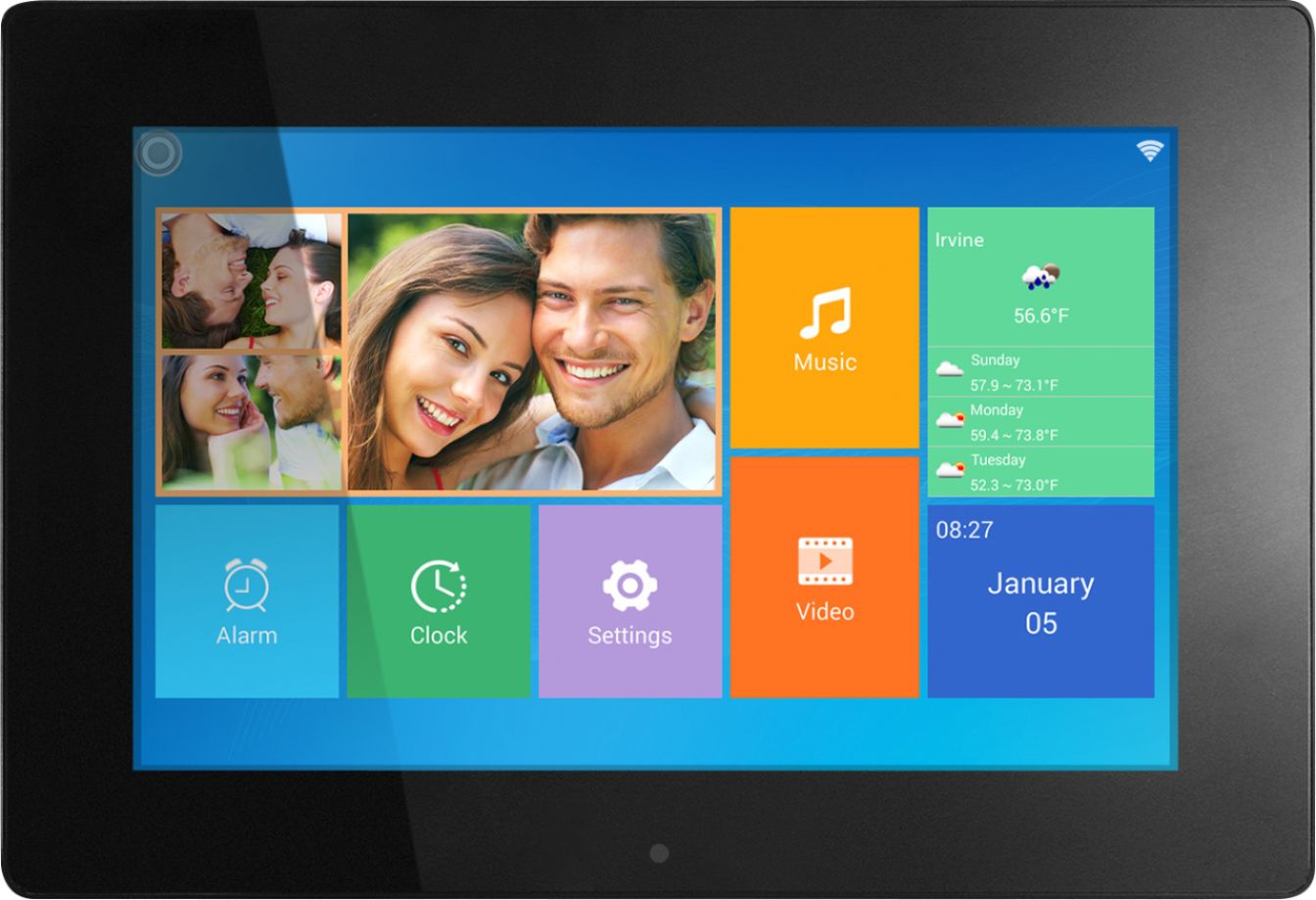
A:AnswerNo. The Calendar is a simple feature for showing the month while also showing a slideshow. It does not read files from MS Outlook, Google Calendar or other apps.
A:AnswerYou can contact Alurateck company and they will help you with it! I also e-mail them before and they are in the process of helping me! Just google Alurateck.
A:AnswerAs a person that has both it is not about the image cutting but rather how far you can see it from. As for the model I would check resolution and pixel to see if a difference exists.
A:AnswerUnfortunately, that is not possible. The alternative is to save your grouped photos onto different SD cards. Then simply swap SD cards as needed.
A:AnswerDepends on your display choices in the menus. You can choose to display the entire photo (which will appear smaller) or crop (which will still look great IMO). Also, transition effects, etc. affect movement of your image (e.g., pan across the screen). I was concerned about this issue as well, shooting in a variety of aspect ratios. Happy to say, this frame does a very nice job of presenting the shot. Play around with the settings and you'll likely find a mode that suits your taste.
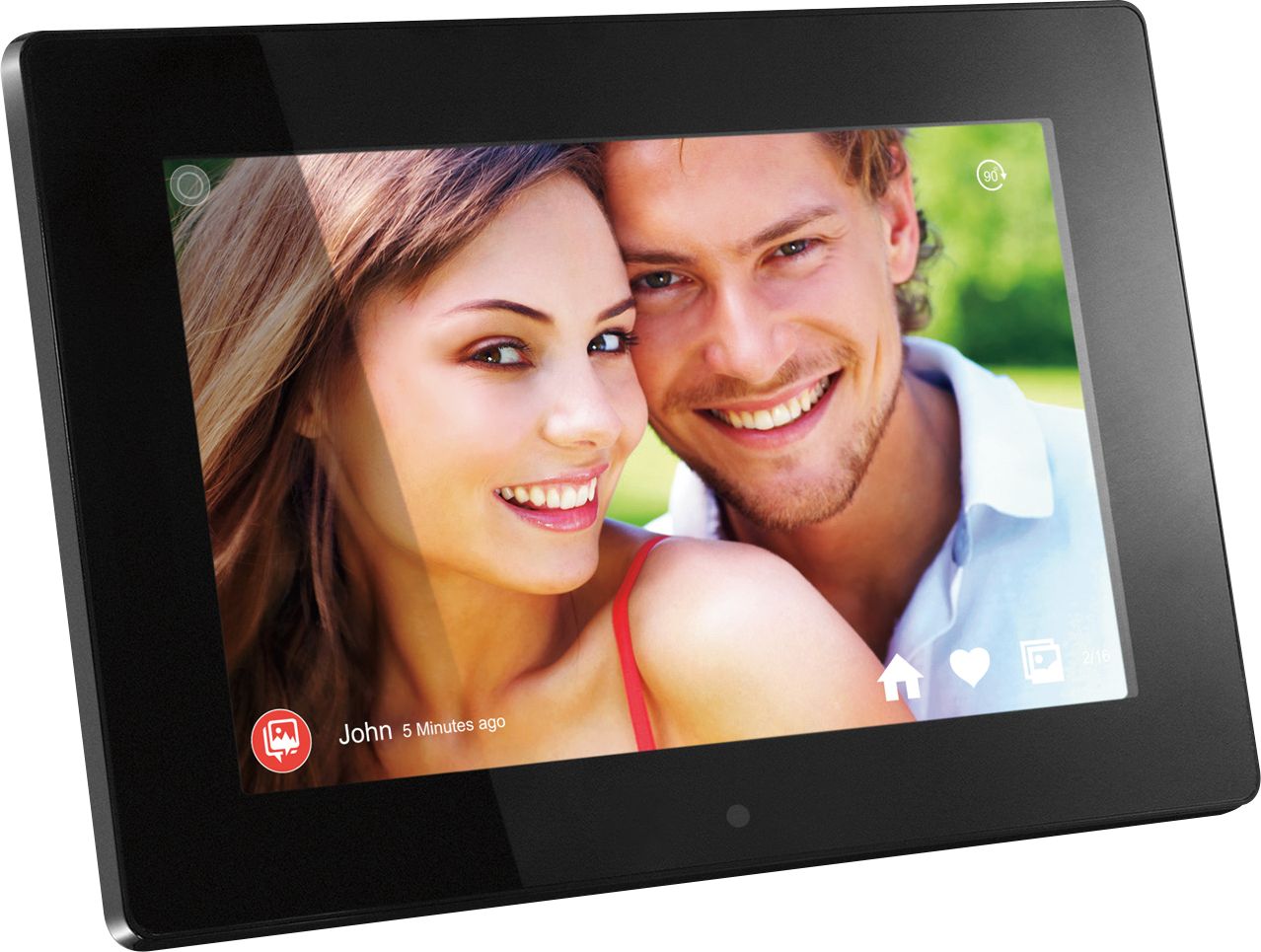
A:AnswerWhen photos are sent via the app the frame owner will see a temporary banner showing a new photo has arrived. The photo will also automatically be played in the current slideshow.
A:AnswerYep! Had the same issue with a unit purchased from Best Buy. Reached out to Aluratek support and they sent a new one right away (which worked as expected).
A:AnswerYou can connect the frame directly to your Mac and transfer the video files to the frame. Give us a call at 866-580-1978 opt 2 and we can walk you through it.