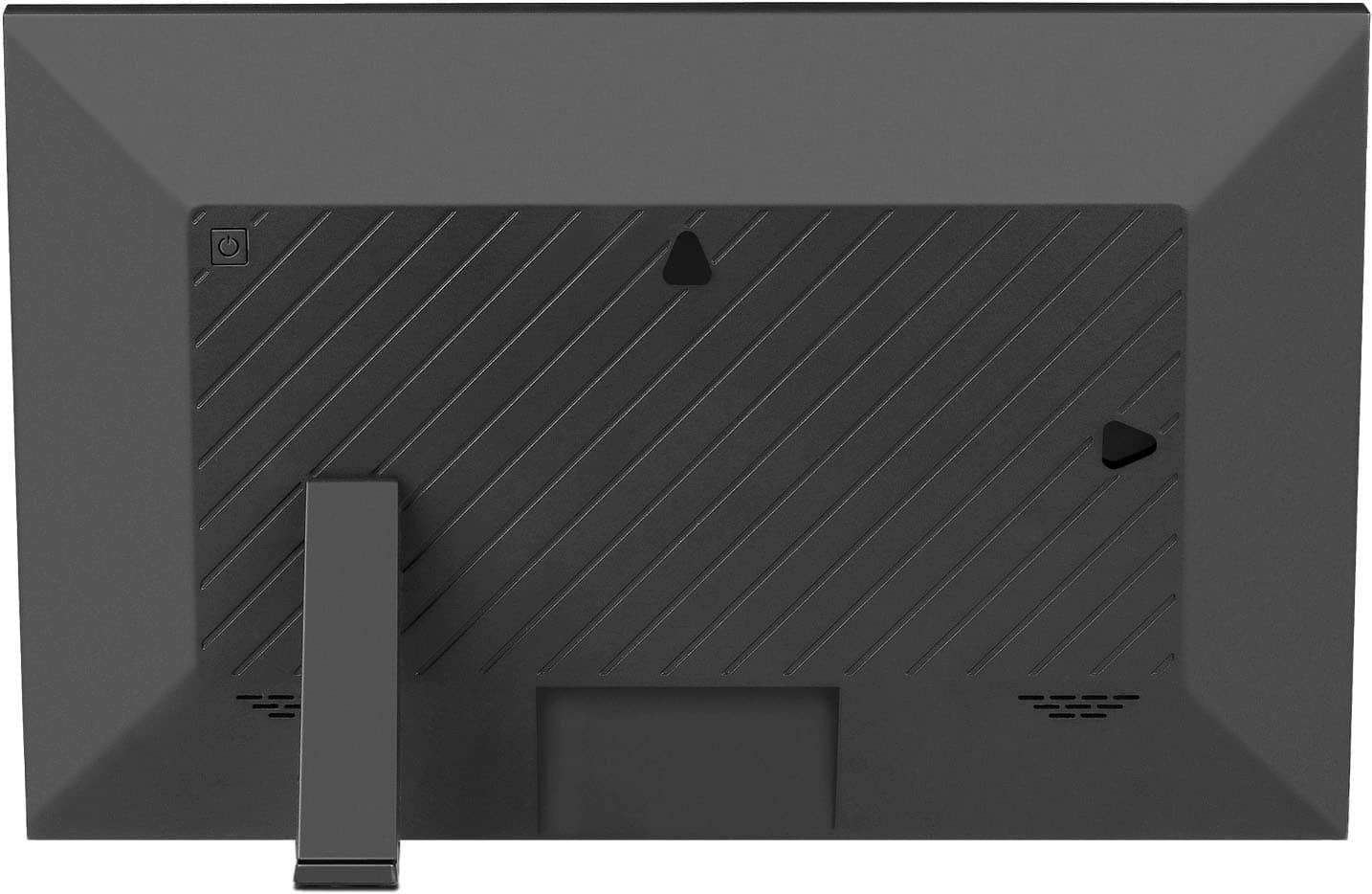
A:AnswerIf you select the shutdown mode via the touchscreen, the unit will not and cannot be turned back on without unplugging the power from the adapter and reconnecting it. There isn’t a restart button. Had I known, I would have selected a different model. I believe the 15.1” unit has an actual start button on the rear. Additionally, the motion sensor does not seem to work either. Their tech support did not resolve any of these problems. The time setting to turn it on and off does work but there are days where you are not home and operates on that one fixed timer setting. The viewer would be great if these things actually worked. The pictures and videos and crisp and clear.
A:AnswerWe found the almost useless. We use the email with the frame name to send pictures to it. Because the frame name goes in the subject line i dont see how you can send pics to multiple frames to the same time. I'd contact customer service. They were helpful.
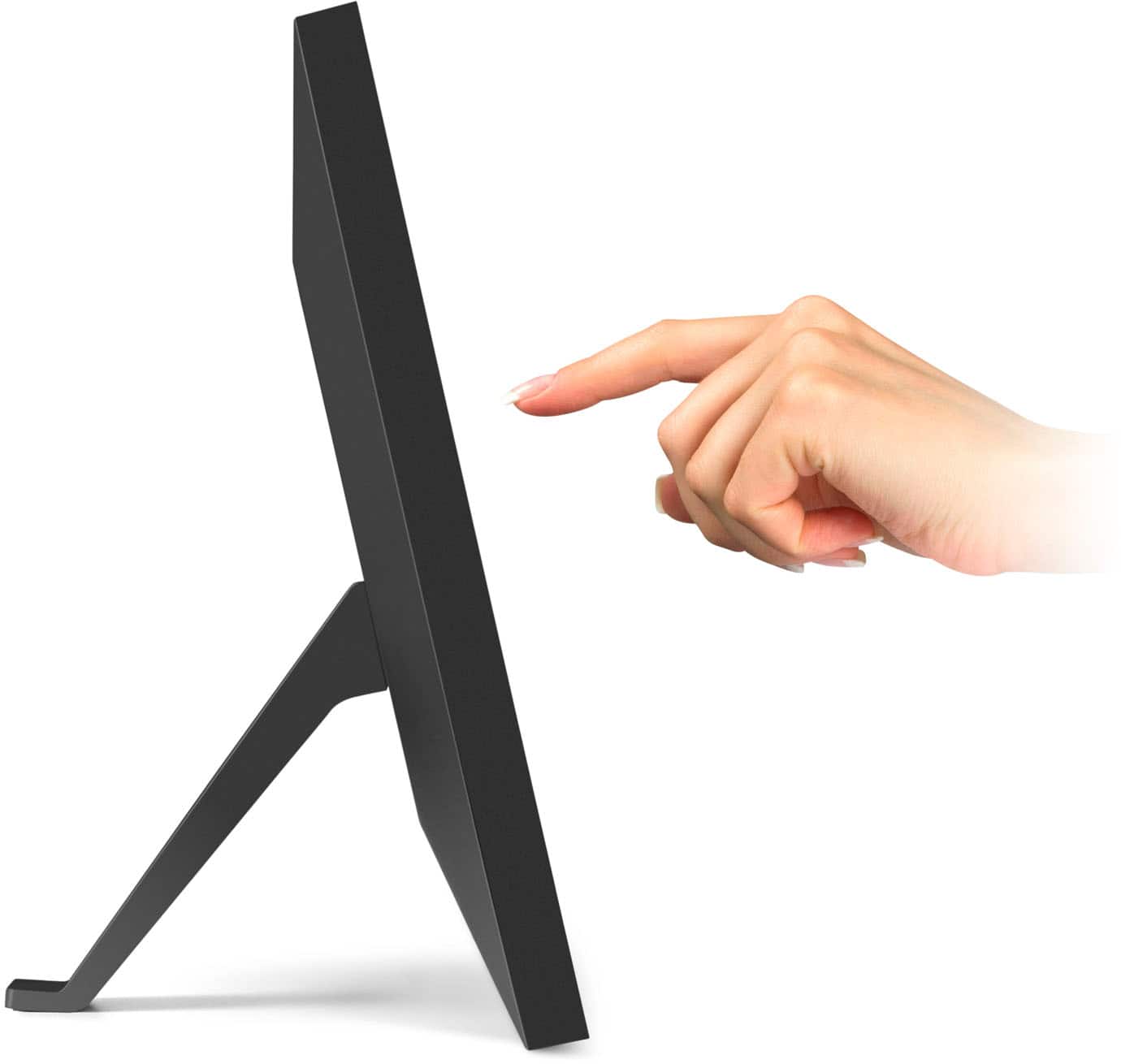
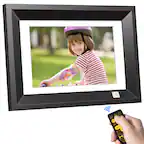
A:AnswerThe only way to make one image show for a long period of time is to hit the pause button on the slideshow. This can be done by touching the photo on touch displays, or with the remote on standard diplays.
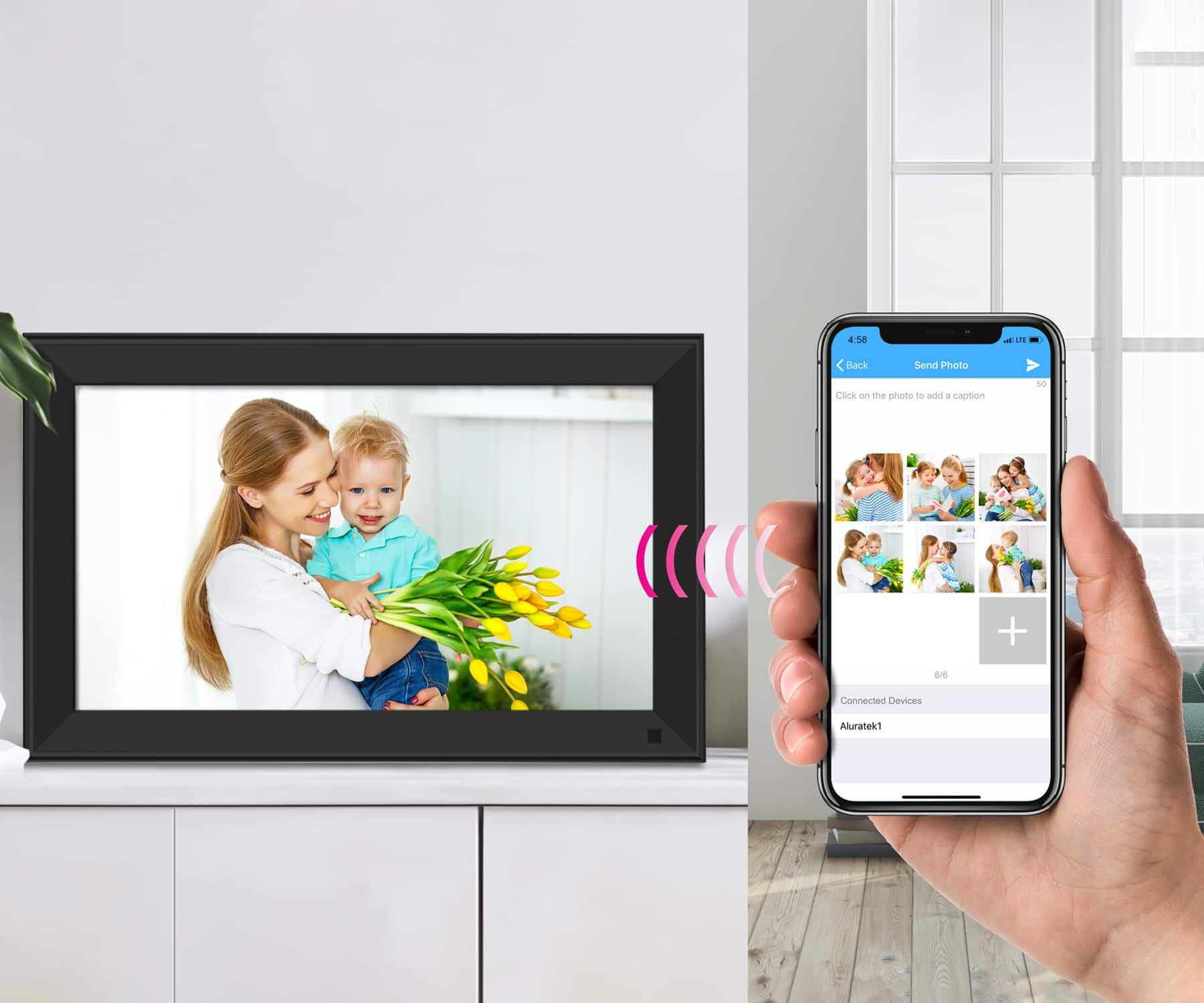
A:AnswerYes, providing it's within a 24 hour period. Photos sent from the app will be on the server for about 24 hours and then are discarded if the frame is not connected to WIFI to accept the photo. In this case just send the photo again.
A:AnswerYou could have thousands of photos on the frame. You can configure the slideshow to loop every 15, 30, or every 60 minutes, and each look the slideshow can be set to pull up photos in random order. The photos themselves can be set to show on the screen for 5 or 10 seconds (or longer).
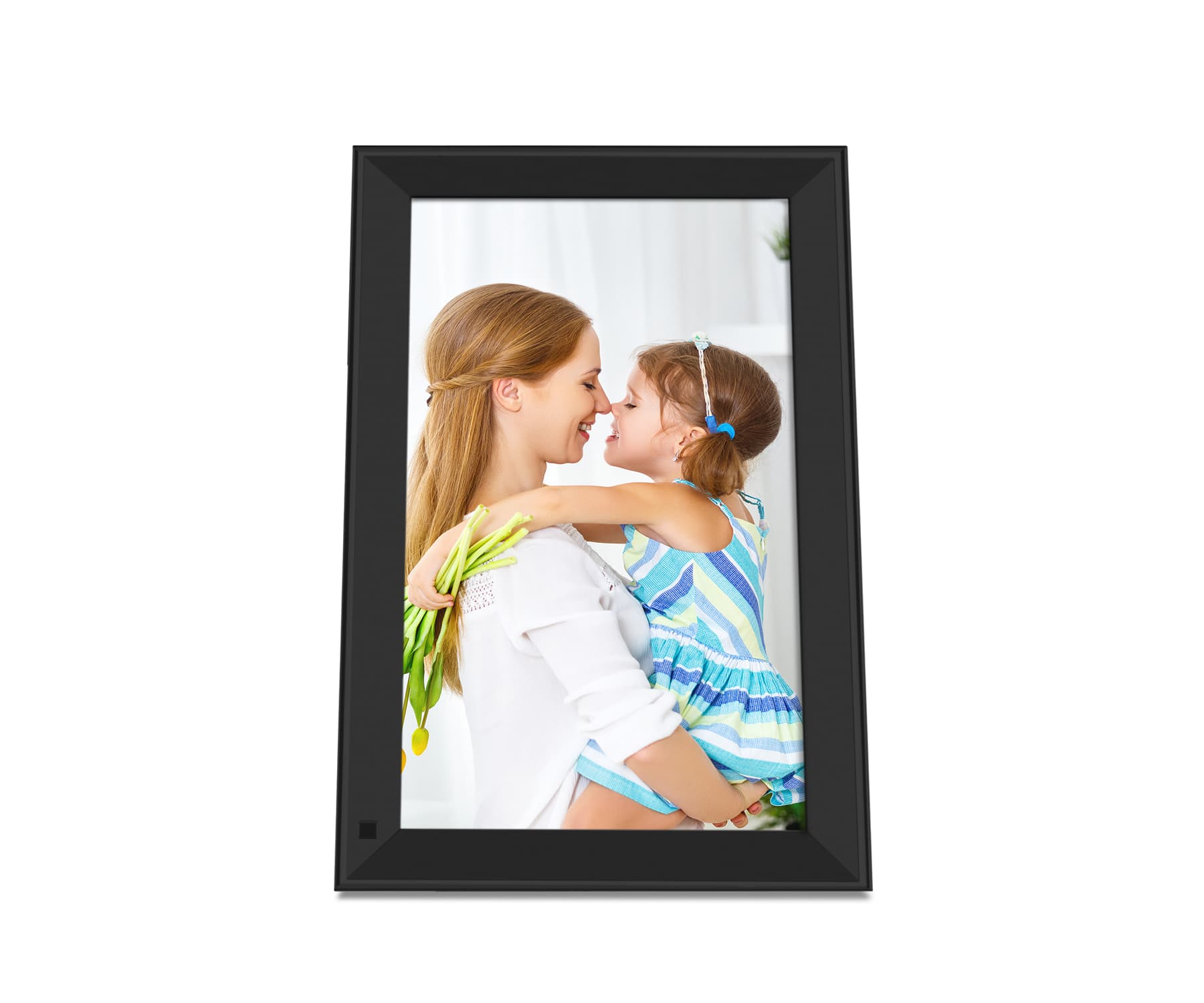
A:AnswerAuto rotate is useless in vertical(portrait mode) orientation. When viewed at even a slight angle, one of the sides is good and one side is totally unwatchable. You have to watch straight on for a clear picture.
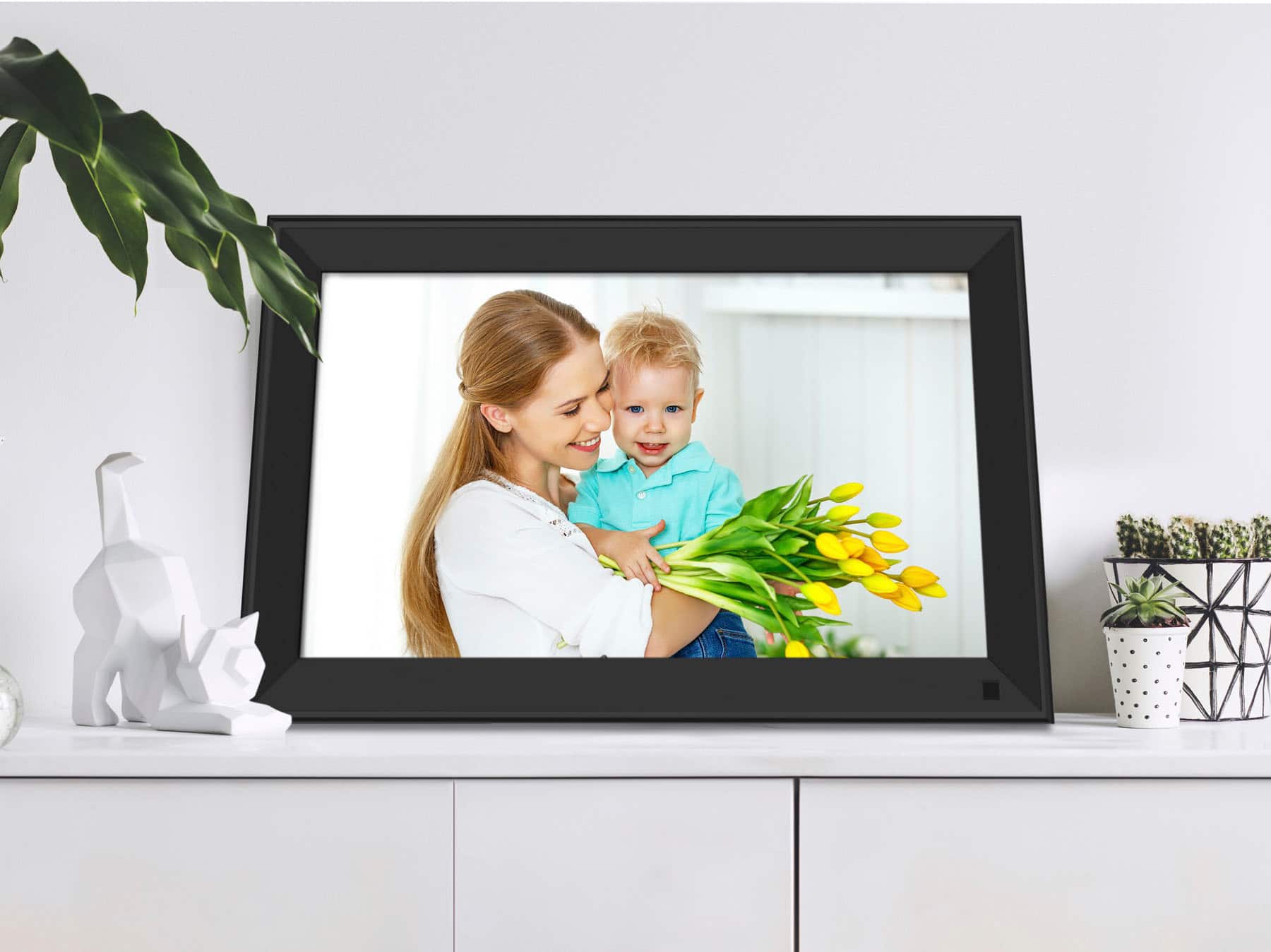
Landscape viewing works fine.
A:AnswerYes, this frame will go into sleep mode when people are not in the room. it also requires the Aluratek Smart Frame app for iPhone or Android phone. For setup tips contact [email protected].
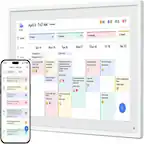
A:AnswerYes. This frame has a clock app and a calendar. The calendar is simply for viewing, it is not for updating your schedule like more dedicated calendars found on your phones, computers, etc.
A:AnswerYes. They will use the phone app designated for that frame, or they can use the email address associated with the frame. Feel free to contact Aluratek at [email protected] for more specific details on setup if you have any questions.