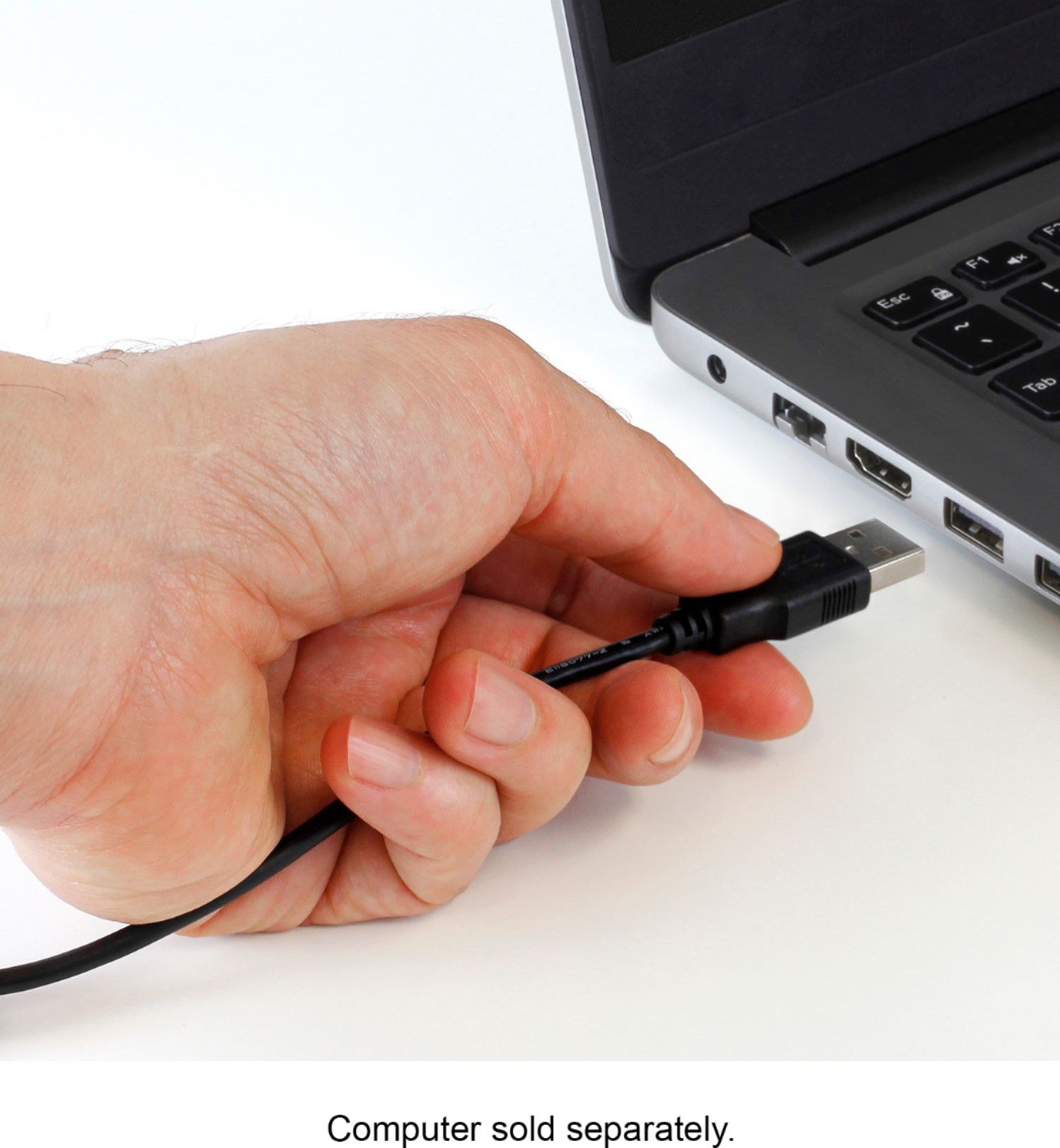
A:AnswerNo, the product uses USB Type A, we suggest using a Type-C hub. Have a look at our model AUMC0302F. This will also give you other functionality besides just the USB ports.
A:AnswerYou can adjust every detail from within your platform. For example I use stream labs. So I go into the properties of the webcam in stream labs and adjust brightness, contrast, gamma, and even colorkey for use with a green screen. That has seemed to correct my natural skin color and features. If your using Zoom or Skype I'm not sure how you would adjust it but there has to be a way to.
A:AnswerYes, you should be able to select which microphone you want to use from within the settings of the software you are using...Zoom, Teams, Skype etc.
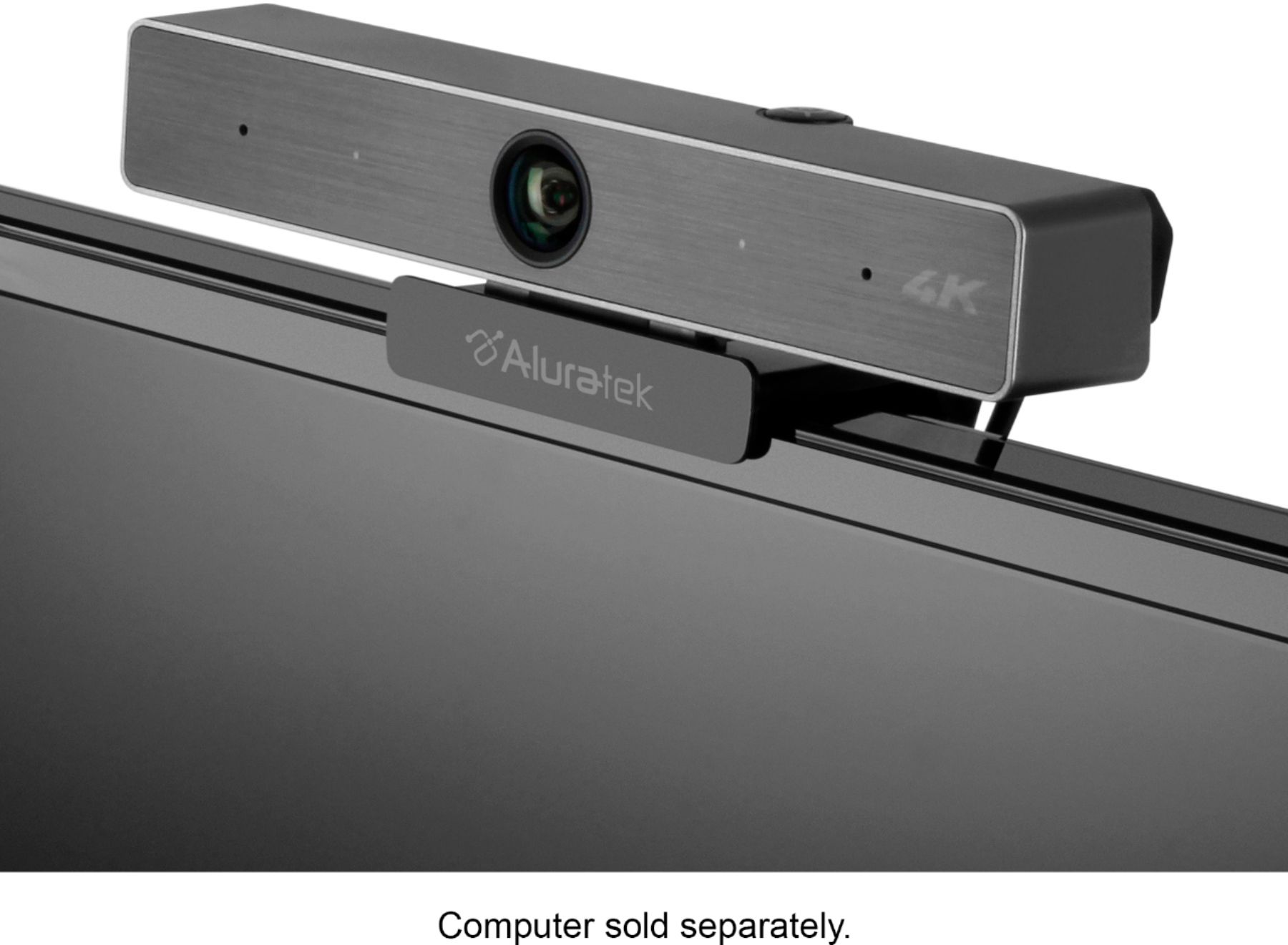
A:AnswerTo achieve a tight viewing angle and remove some of the background, simply press the zoom button on the top of the camera. Multiple presses may be required to achieve the effect you want. You can also press and hold the button and the zoom stages will move faster.