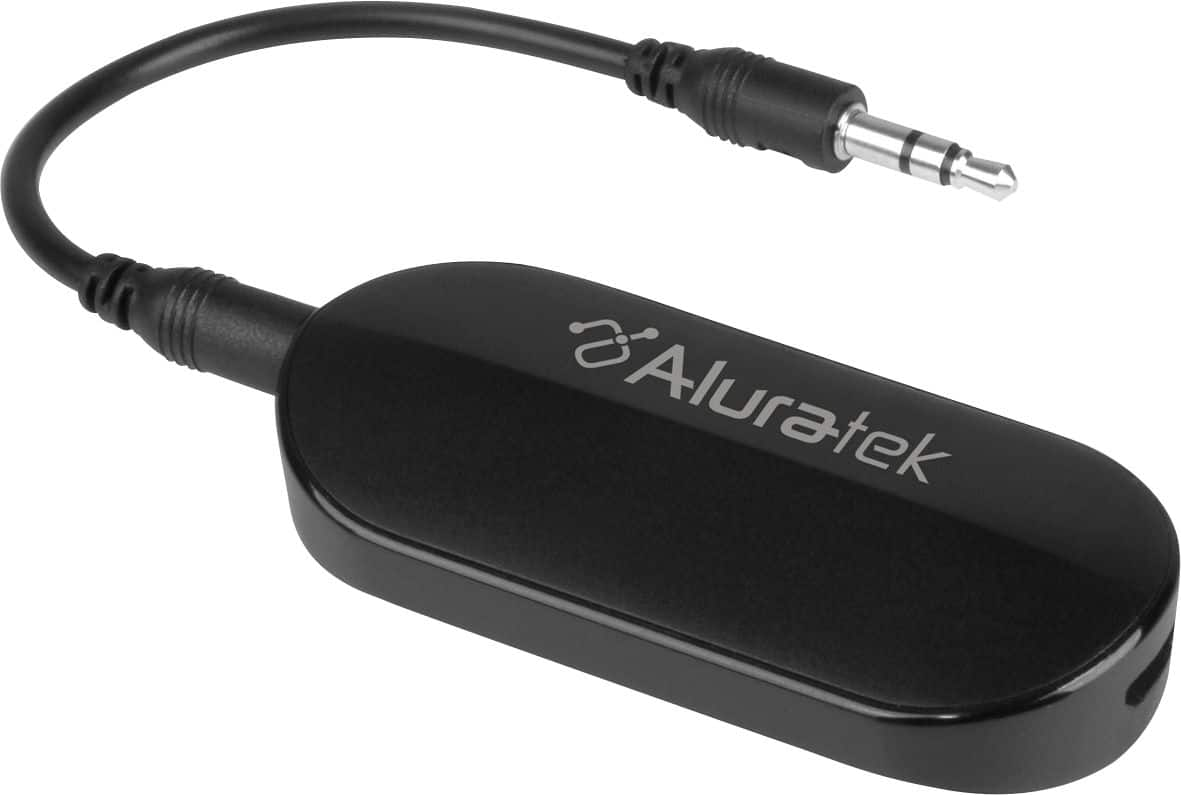
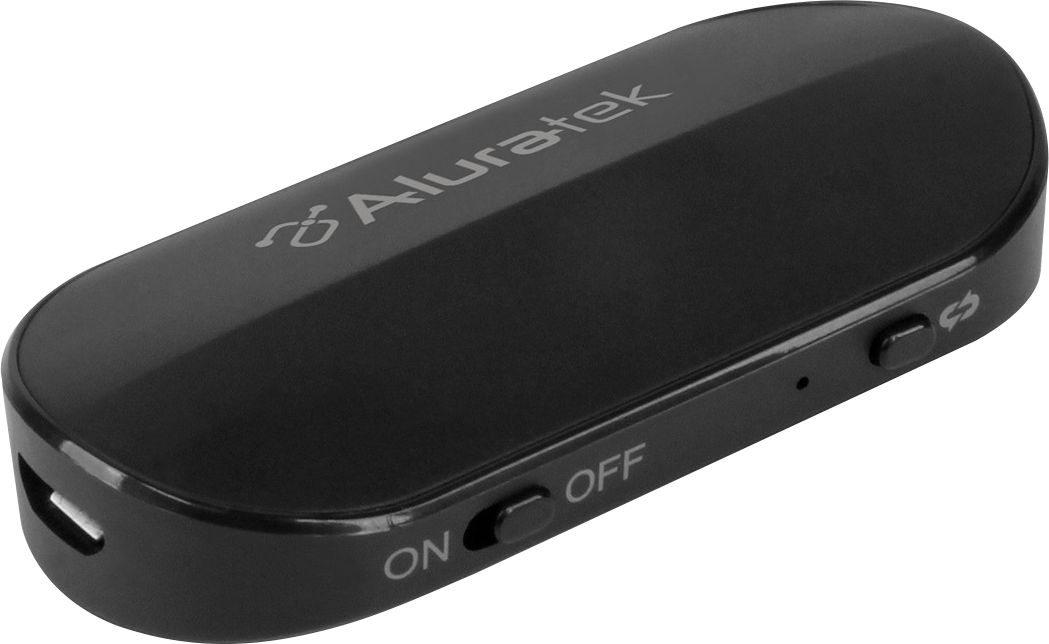
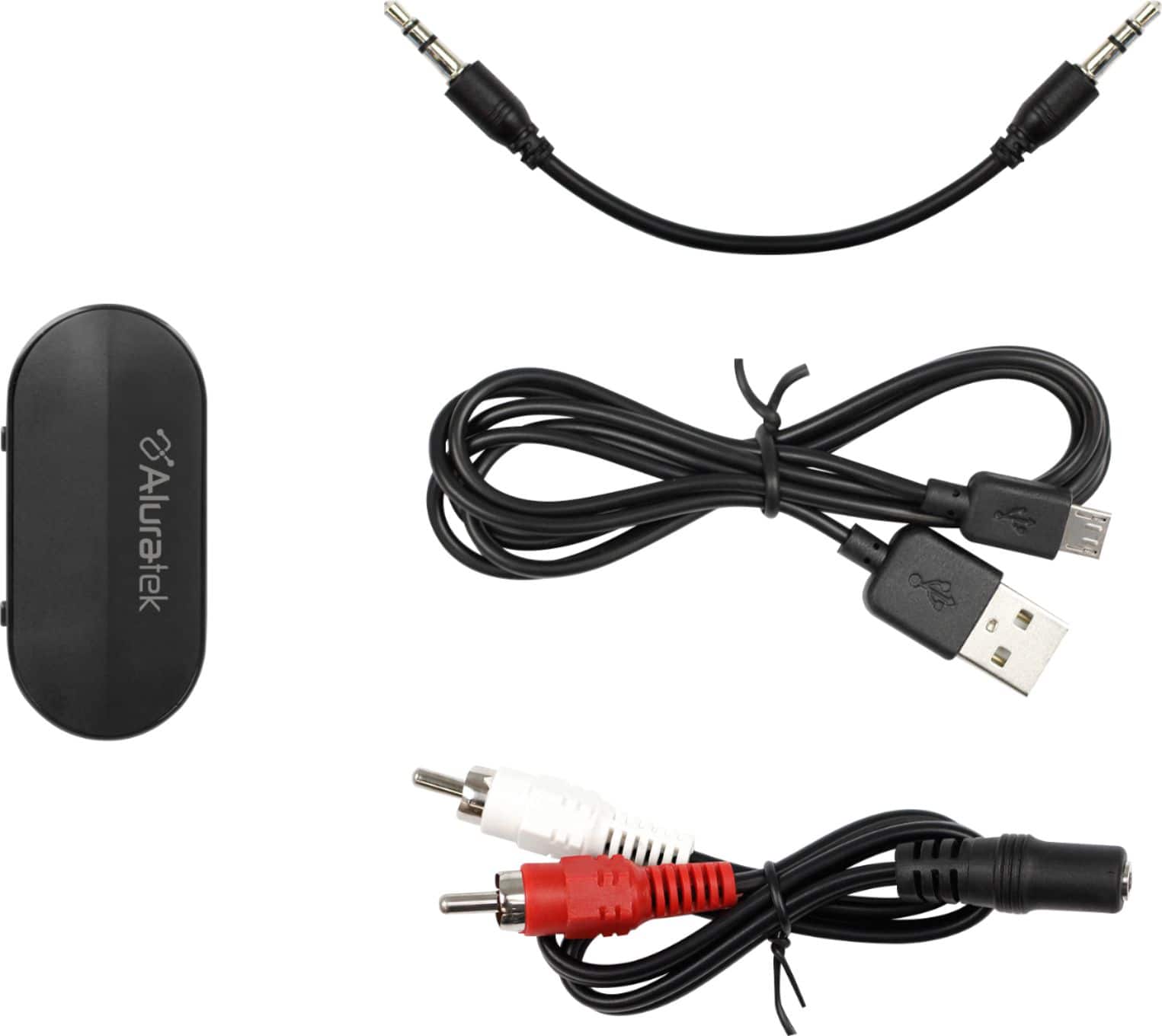
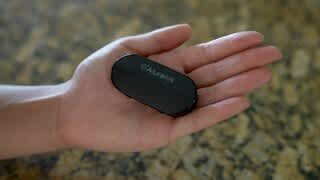
A:AnswerThe hardware is not specific to any software. If your laptop has a headphone jack, then this Bluetooth transmitter will plug in. Read the directions that come with the transmitter to pair a device and re-read the directions of whatever bluetooth device (headphones I am guessing) as the receiver for pairing.
A:AnswerTo answer my own question, yes it worked but it was awful. We tried to use it at a drive-in movie theater and there was just the slightest delay between what we were hearing compared to what everyone else was hearing. It was really annoying and very distracting. Boxing it up and taking it back to Best Buy.
A:AnswerIf the scanner has a headphone output, yes. You can use it to connect to bluetooth headphones or speakers to listen to the scanner. Any device with a 3.5 mm output will work with it.
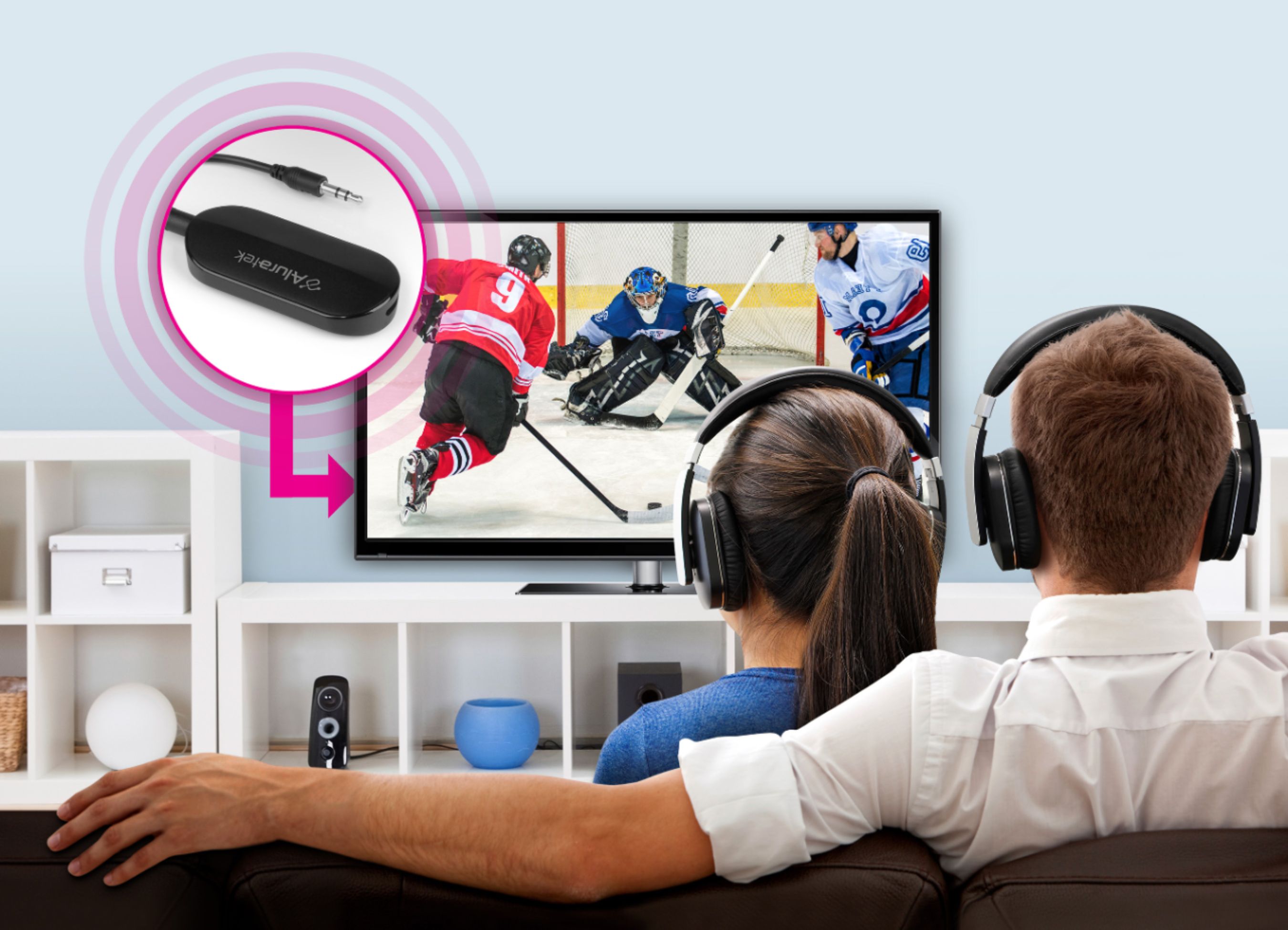
A:AnswerThis will depend on your tv. In most cases, yes. You can listen to the tv speakers and headphones at the same time. It worked that way when I tested it. Consult your tv’s owners manual.
A:AnswerIf you have an audio source that fits the plug, the transmitter will work. Whether it will pair with your earbuds or not is anyone's guess. The transmitter paired just fine with my Bluetooth headphones (Sennheiser HD 4.50BTNC) after I reset their memory to clear other pairings.
A:AnswerYes, it is a bluetooth transmitter. I have mine connected to the audio out of my TV and sync it to my bluetooth headset , note: range is good up to 15~20ft
A:Answerif the speakers are Bluetooth and do not need a passphrase to complete the sync process, yes the will work.. issue being is that you may have to turn off all other BT devices
before pairing due to other devices may connect and pair faster.. overall signal distance was good at 10+ feet.
A:AnswerYes, according to the instructions. I had not done this myself. But, it does state you are able to. After you had paired up one, you just press the power button for 3 seconds after the second ear buds/ head phones are in paired mode.
A:AnswerIf your tv is turning off audio when this gets plugged in then it will do that with anything that is plugged into the 3.5 mm input. The only way to fix this would be to buy another tv that doesn't automatically turn off the speaker and can handle audio through speakers and input.
A:AnswerI use it with Sony headphones and I had to shut down all my other Bluetooth transmitting connections (like my iPhone) that are in range to get it to connect. I think the problem is the headphones, not the transmitter. They gravitate to strongest pairing source (which in my case is the iPhone). If I shut down Bluetooth on the iPhone, the headphones pair with the transmitter. So don't clean up your list, just turn off the other sources.