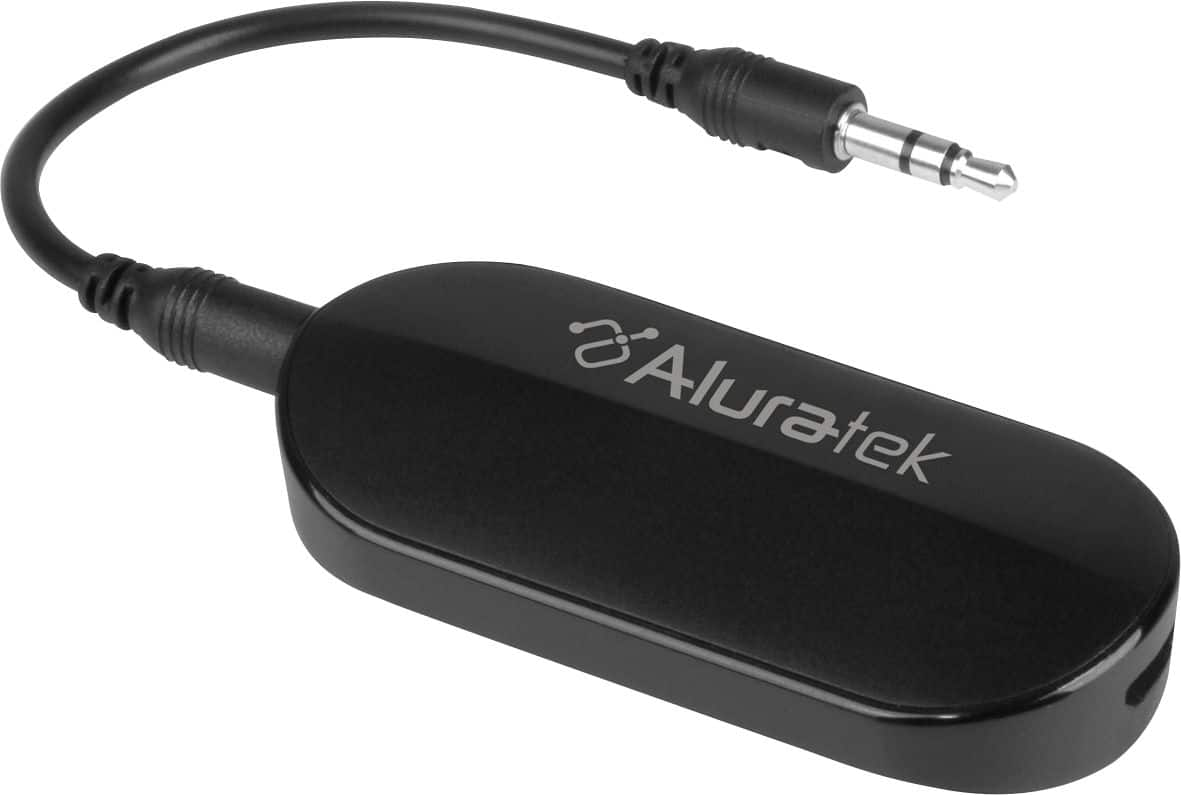
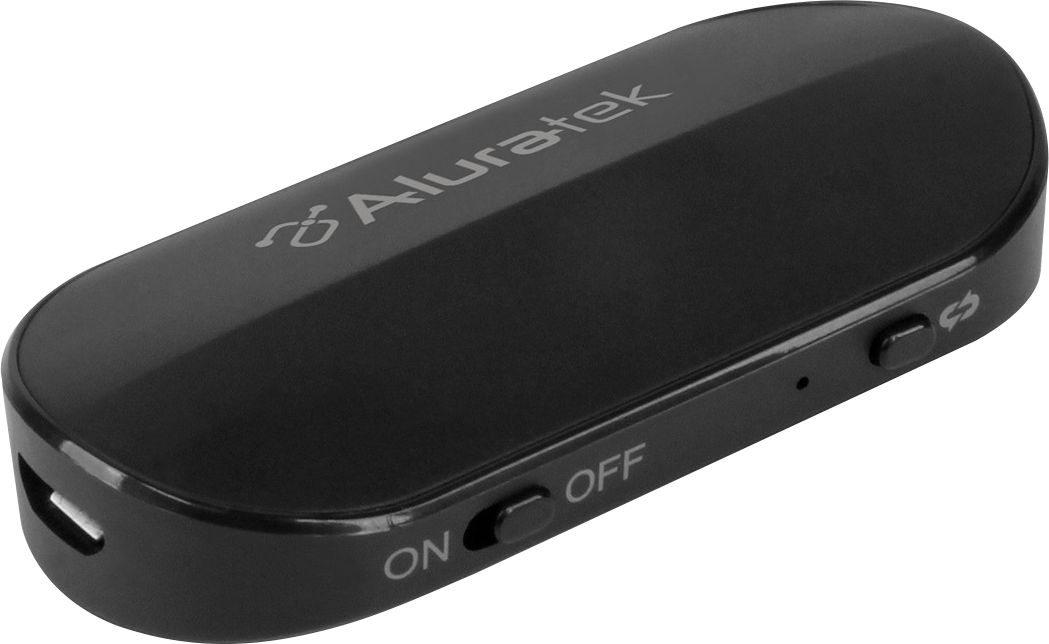
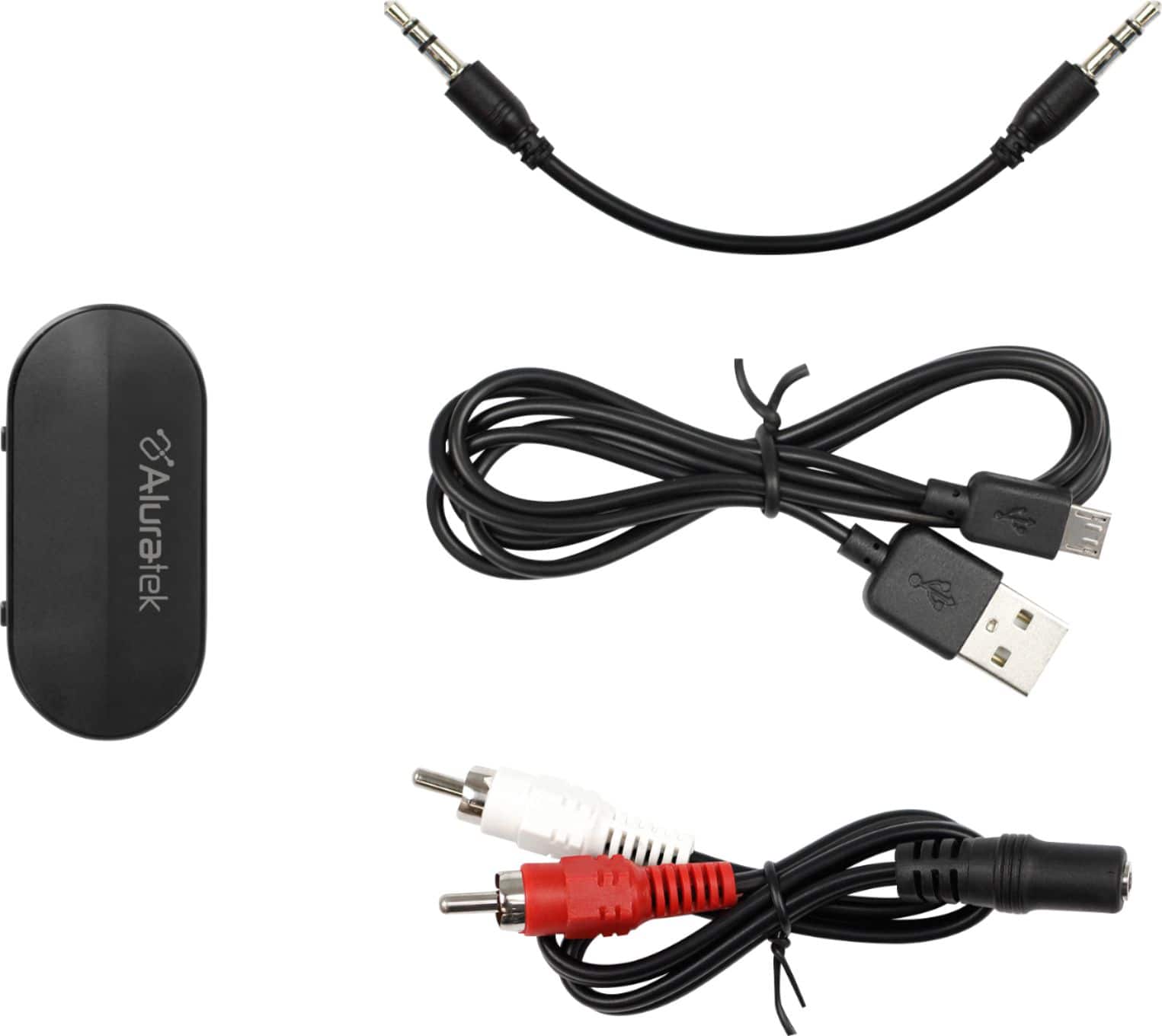
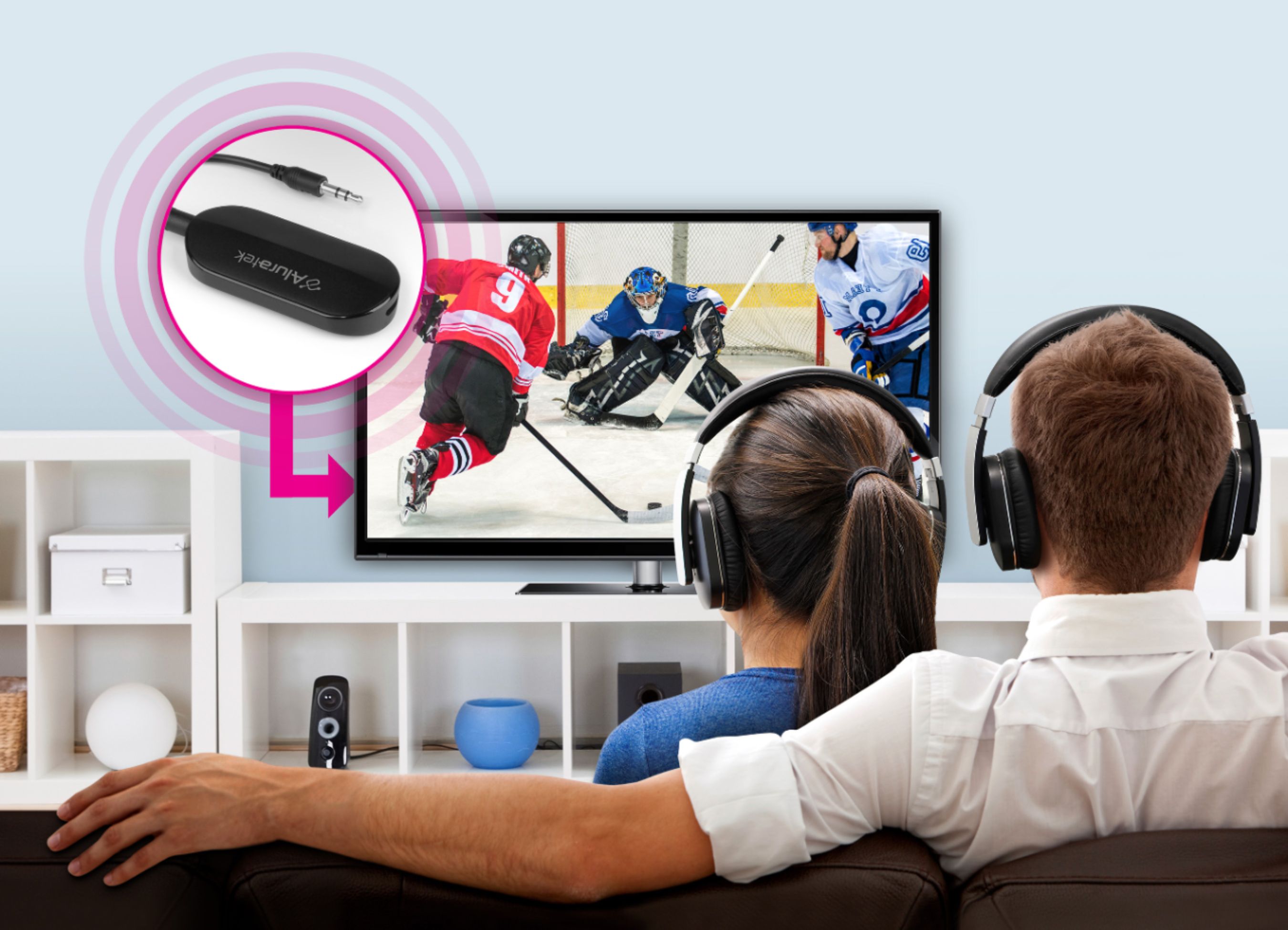
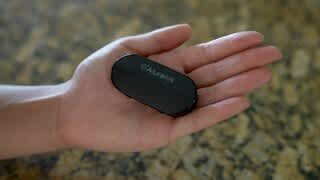
A:AnswerIf your laptop has an audio (headphone) jack you can use this to connect wireless earbuds via Bluetooth. Most newer laptops have intrinsic Bluetooth capability and would not require a separate transmitter like this, but if your laptop is older, this will bridge the gap.
A:AnswerI haven't tried Surround Sound. For that, If it is doable, it will likely require you plug the Transmitter into the Optical Audio Out. I looked through a few here on BestBuy, but they didn't say Surround Sound, just Optical or Digital.
A:AnswerWe have had success pairing with hearing aids. However, due to the number of different models and functions we cannot guarantee that it will work.
A:AnswerAny place your Headphones work well, this device should work fine. Most people find the pairing instructions work well enough, but each device you are pairing to may be different enough to go in and ask a Geek. Chances are it will work fine if you are already successful at pairing a simple ipod to your speakers.
A:AnswerIf you TV's USB is supplying power then YES. I've seen at least a few people do it. It's worth a try.
If that does not work, you can still supply USB power from a simple wall-wart.
A:AnswerIf you want to send music FROM the Bose to another device (speaker), then this Bluetooth Transmitter will work for you.
If you want to send music from your phone or another device TO the Bose unit, you will need a Bluetooth Receiver, Aluratek model AIS01F.
A:AnswerNo, the transmitter will not work in this scenario. The transmitter can only transmit to another Bluetooth receiver device...your iPhone is also a transmitter.
A:AnswerUnfortunately, we have not tested this application. To make sure you have the best Bluetooth connection possible make sure the device you are transmitting to supports aptx low latency. This will minimize the lag as much as possible.