A:AnswerTry connecting one then turn off whatever receiver it is. Next turn your second one on and connect it. Once the second one is connected nows the time to turn the first one back on and boom!
A:AnswerAs long as a device has a headset/headphone/auxiliary output jack, you can transmit it's audio via Bluetooth (the age of the device is irrelevant). If you have a radio from the 60's with an old fashioned 1/4 inch or 6.35mm headphone jack, you can merely buy an adapter for a couple of bucks (3.5mm female to 6.35mm male) and it'll work just fine.
Just make sure that the jack on the device is "OUTPUT", not "INPUT" (I have a small radio with an auxiliary input jack only. I cannot stream Bluetooth from this device because there's no output connection).
A:AnswerSome of our customers have had success pairing with hearing aids. However, we cannot tell you 100% that it will work with your particular model.
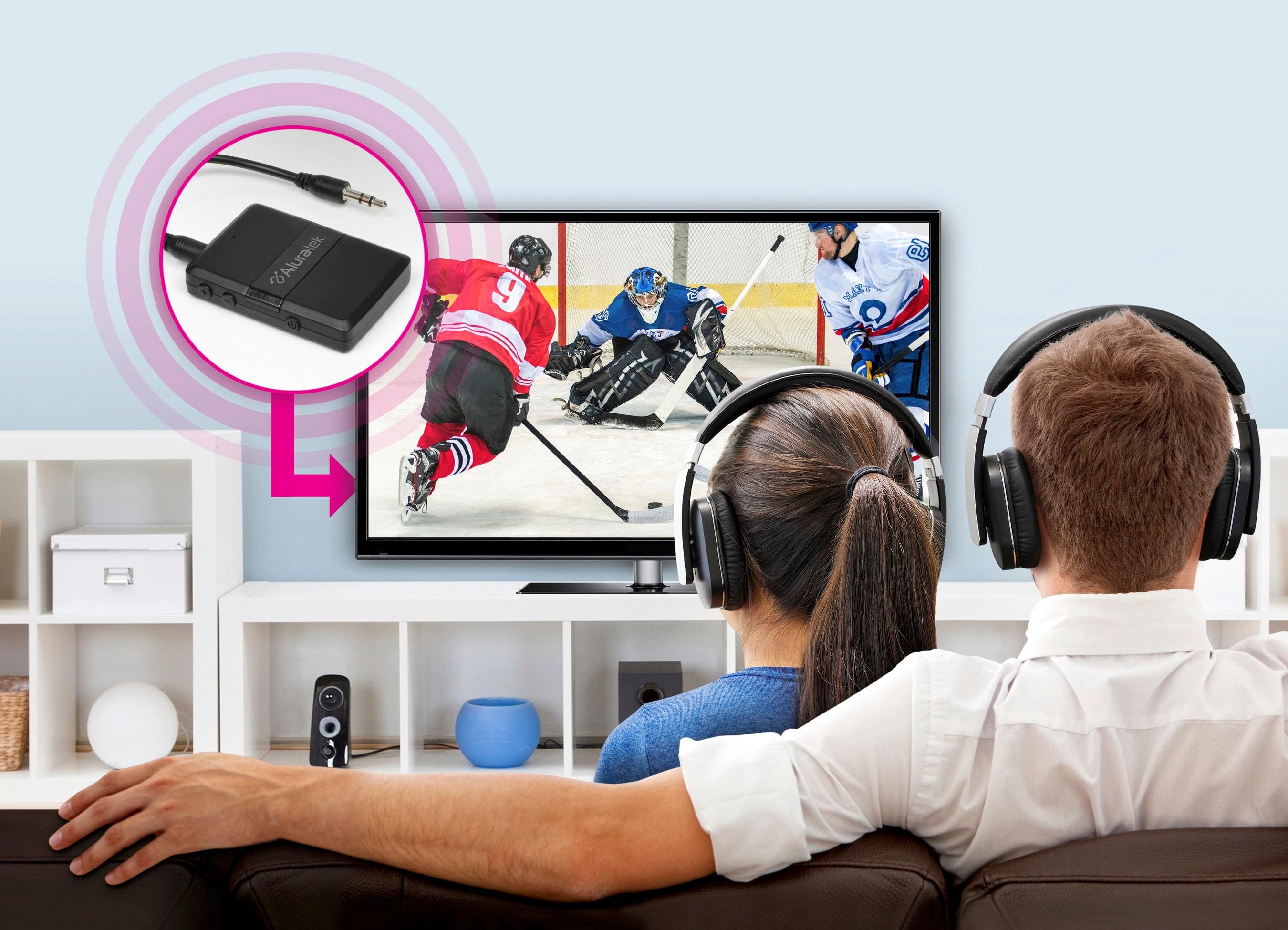
A:AnswerYes you can. The Bluetooth needs to be connected to the TV. Then your surround sound system should have a remote. For mine has a window on it that displays what the system is connected with.
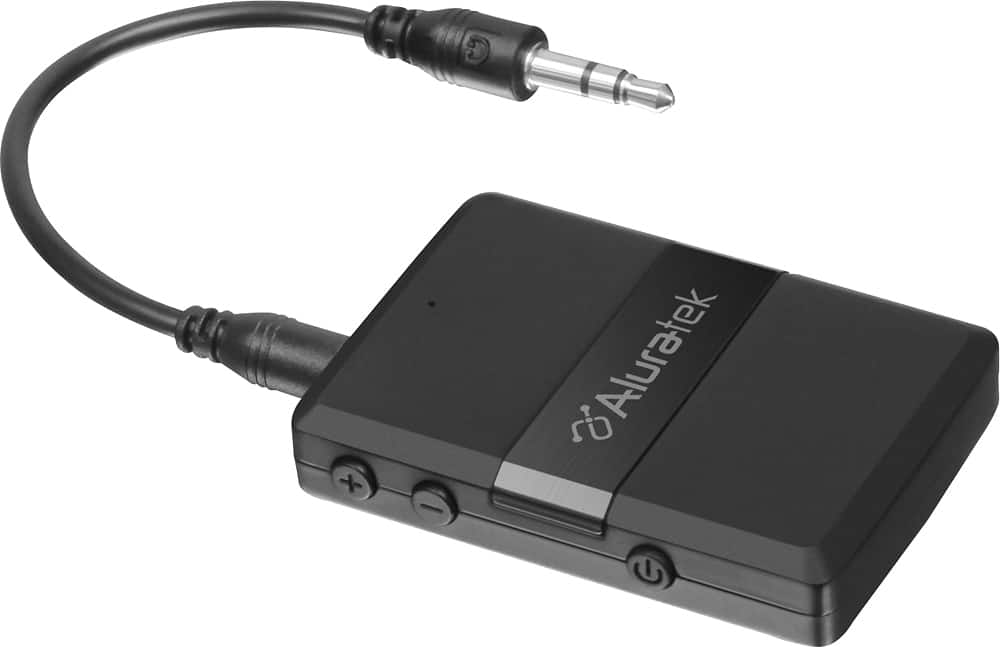
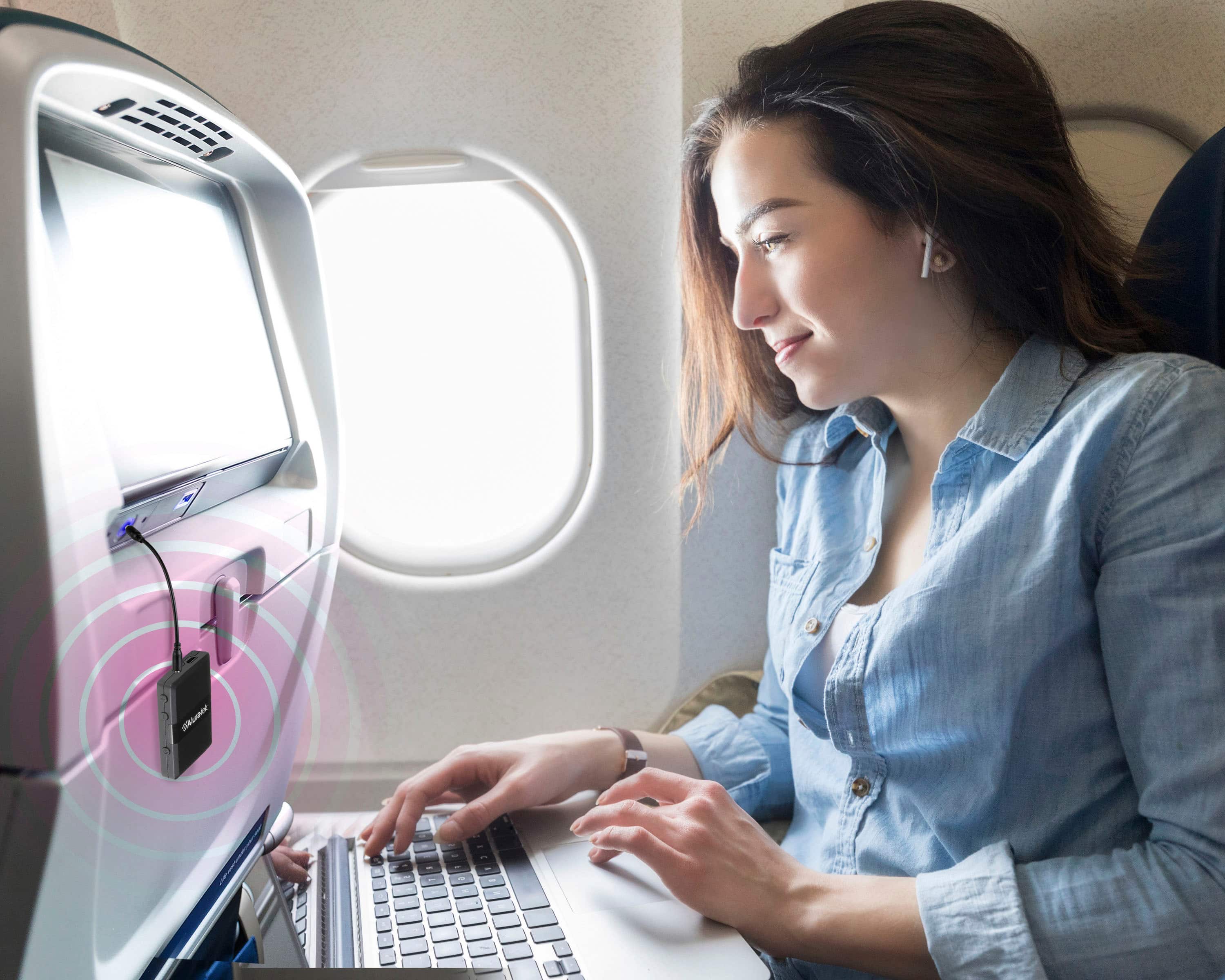
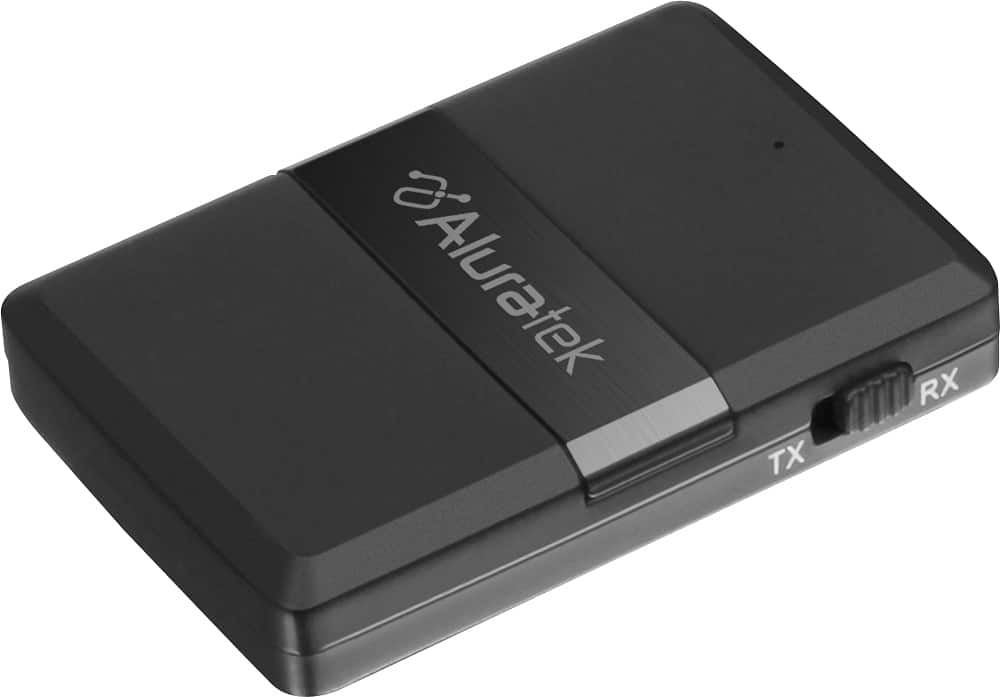
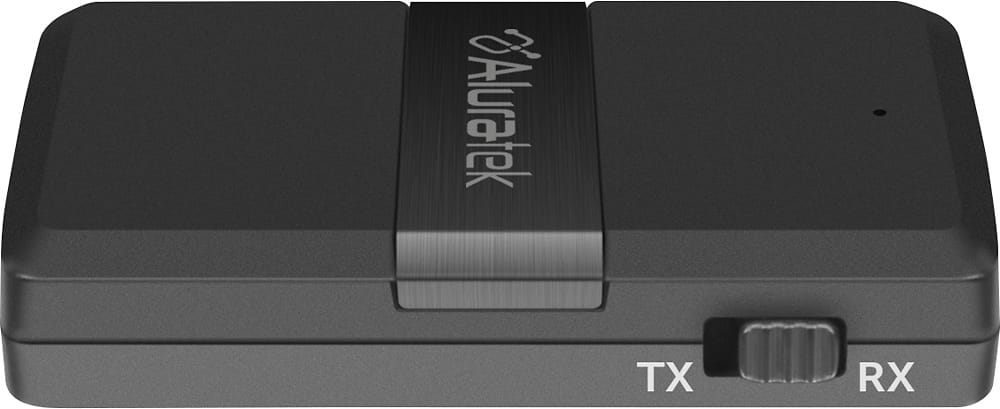
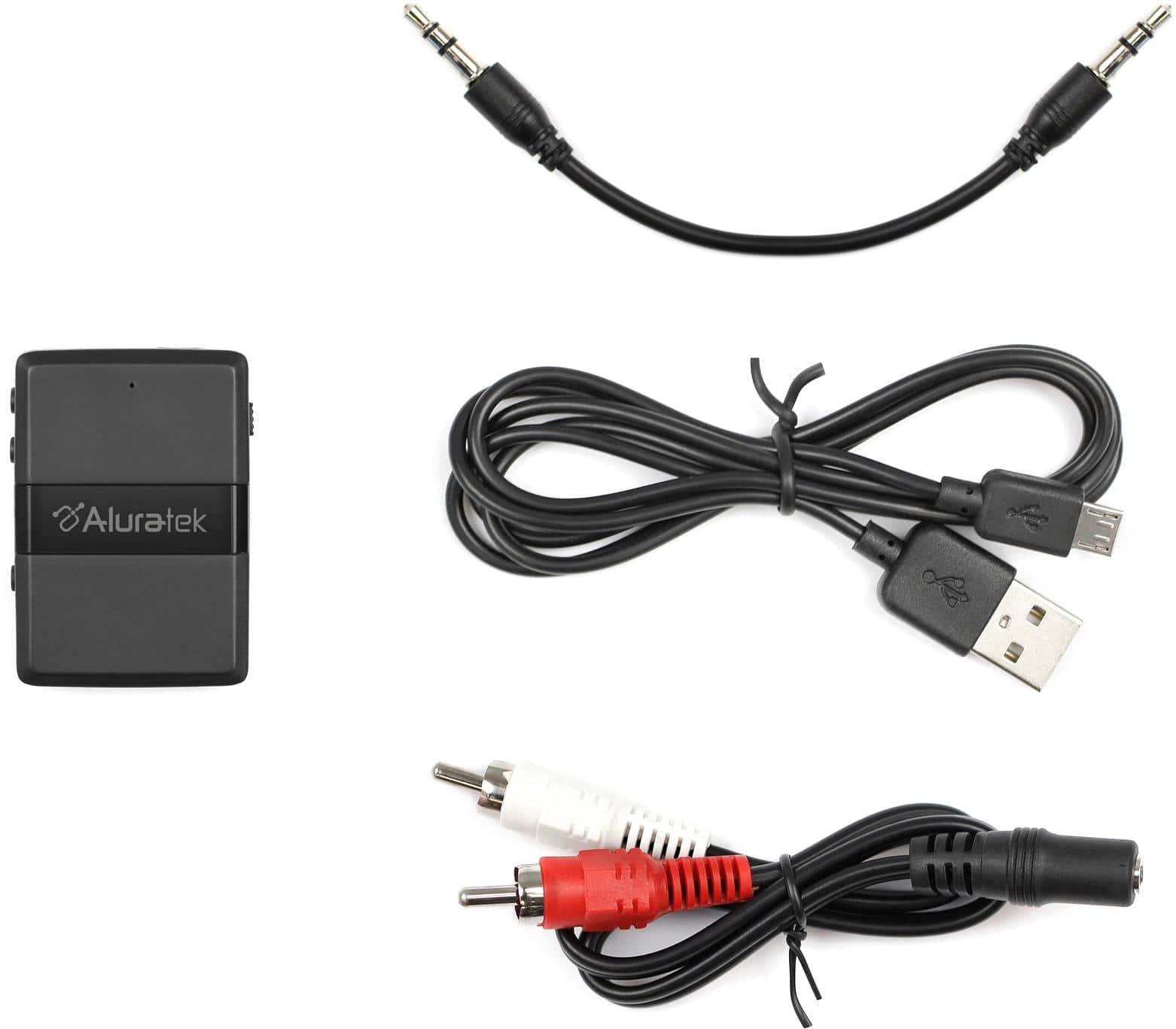
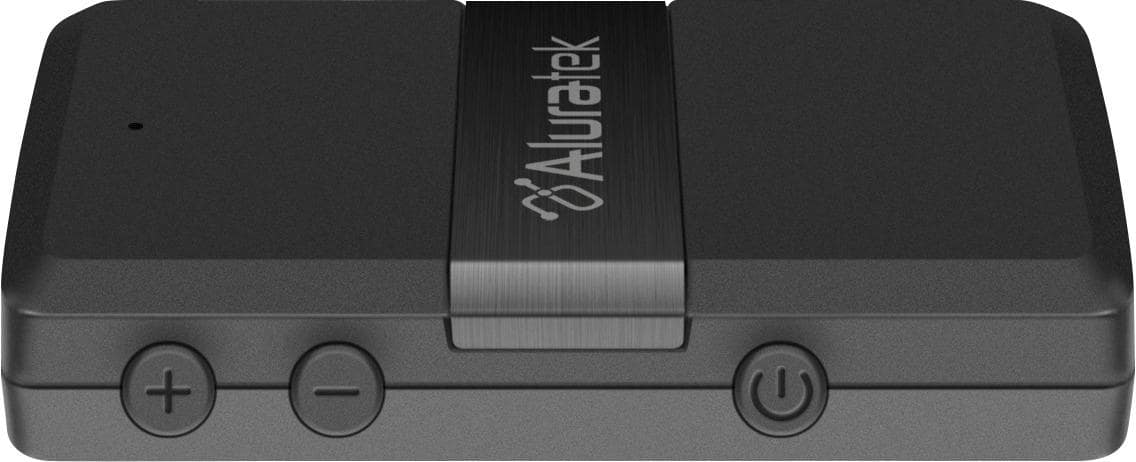
A:AnswerI would recommend the Aluratek Transmitter/receiver. Pairs easily, easy on the budget and most importantly, it doesn’t limit outgoing volume. A lot of these products limit volume, but don’t indicate that anywhere. Give it a try. I am sure you will be happy with the results. Happy Listening!!!!