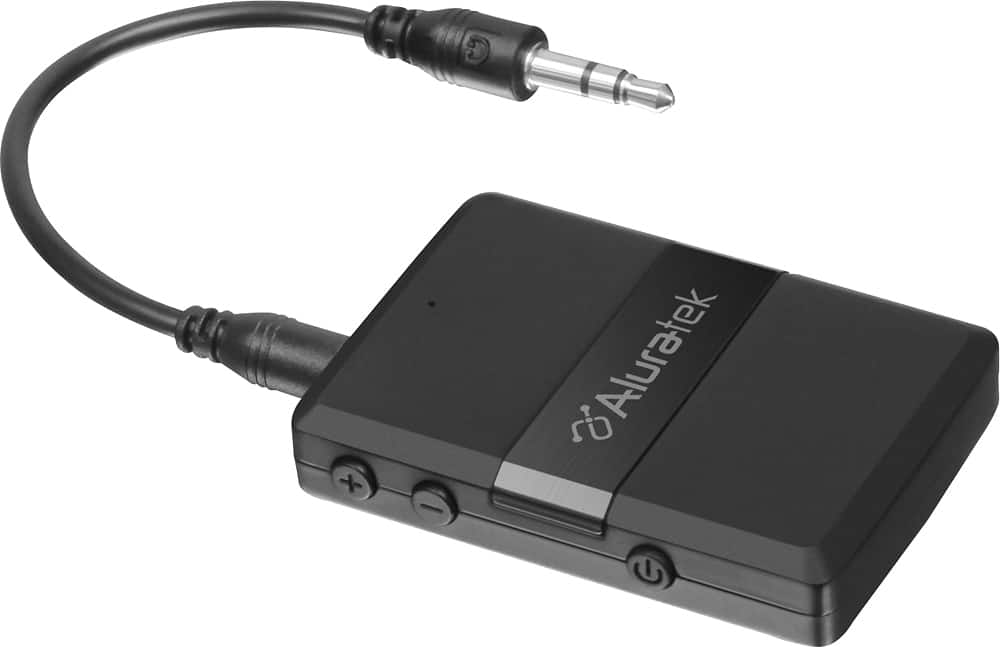
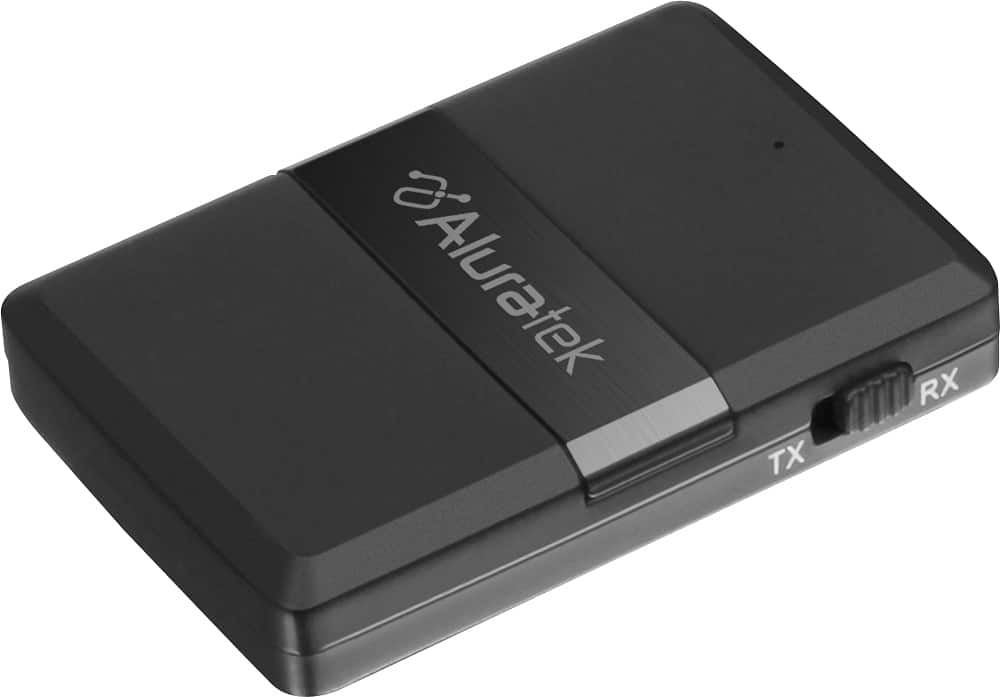
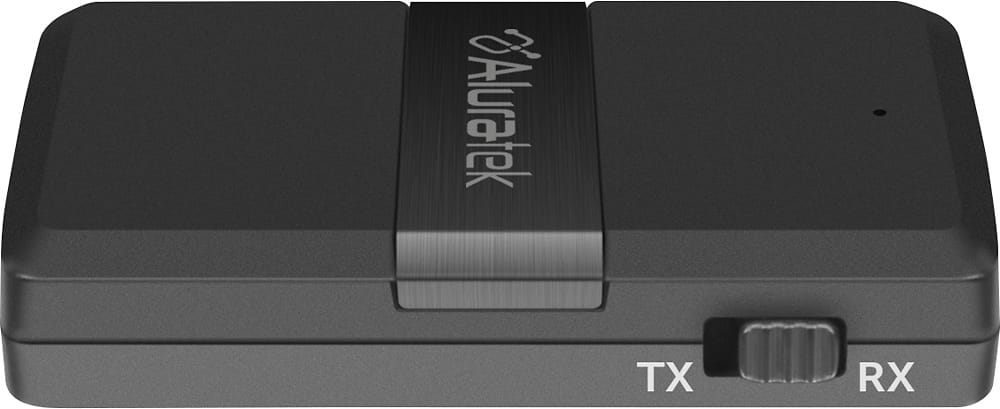
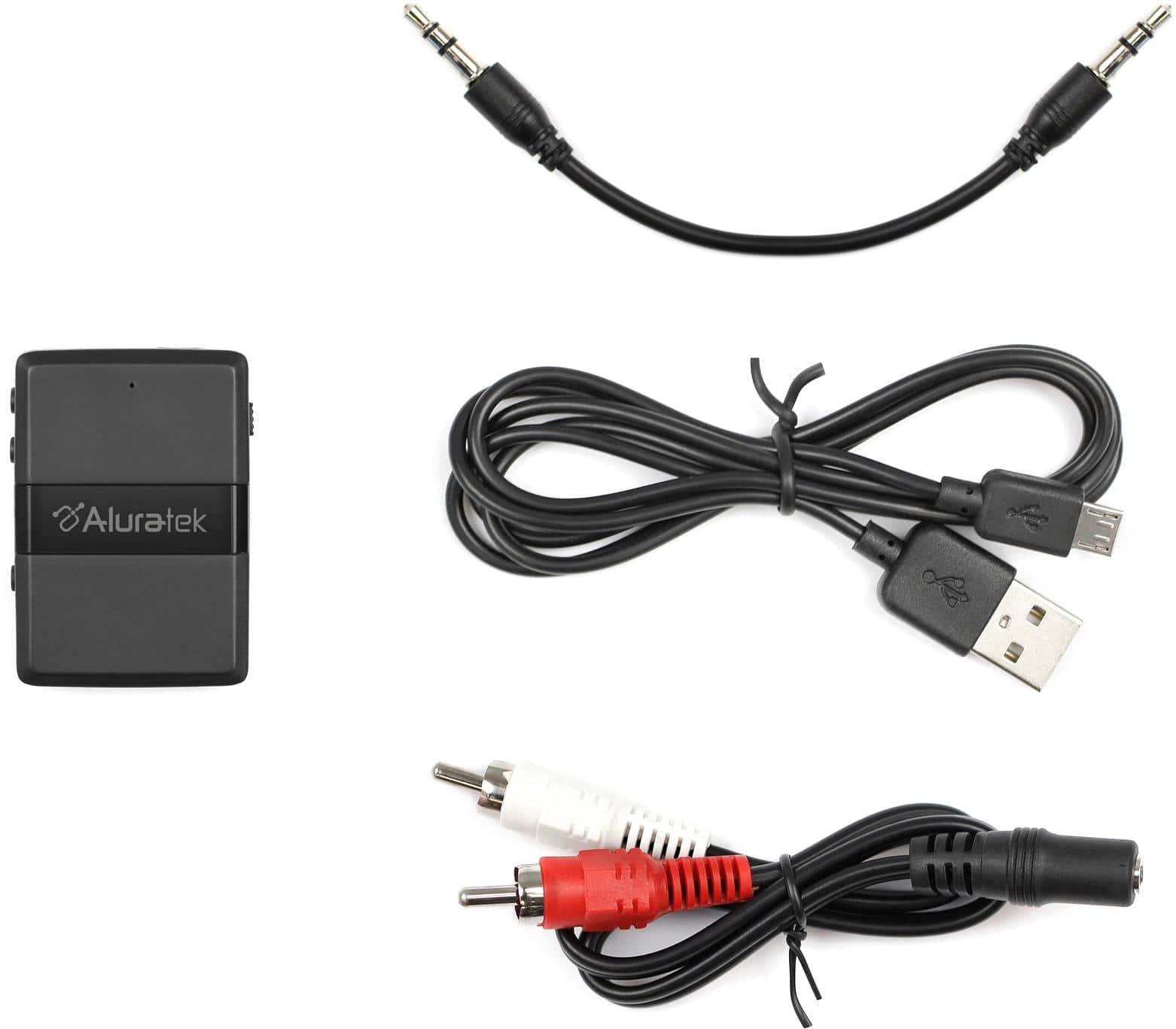
A:AnswerI assume your iPod is an older device that does not have Bluetooth capability (if it did, you could pair it directly with the sound bar without this device). You make sure the device is in Transmit mode, plug it in to the audio mini socket on you iPod and then pair it with the Sound Bar using the pairing instructions for the device and the Sound Bar. That is all there is to it!
Cheers.
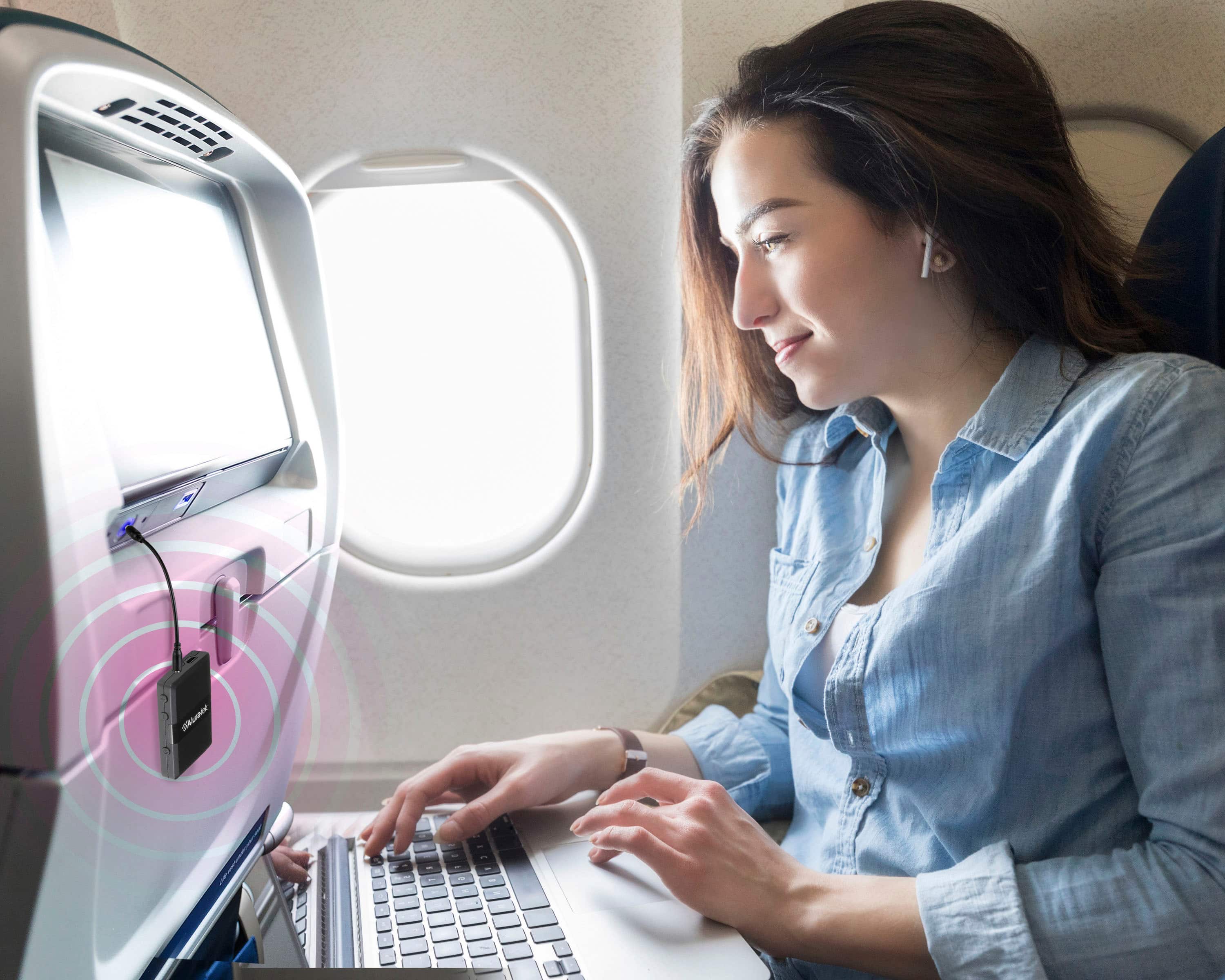
A:AnswerYes, but it might be tricky to get an an Analog electric audio signal out of the TV! I have a Sony Bravia TV without Bluetooth and no analog audio output! I have to use ANOTHER device to convert the OPTICAL output of the TV to analog audio. Then I could connect this Bluetooth transmitter (make sure it is in transmit mode) and pair it to the Apple Air Pods.
Cheers
A:AnswerIf I am reading your question correctly, you should not need this product. Your tablet should have bluetooth functionality that would allow your headphones to work.
A:AnswerAs long as it has a place to plug in an auxiliary cord (headphone jack) it will. If it doesn't the adapter for audio output should work just fine.
A:AnswerI use this to connect to my kenwood radio mic while on duty and can hear clearly all shift on my bluetooth head set. I know it can pair up to two devices but i have yet to try at the same time
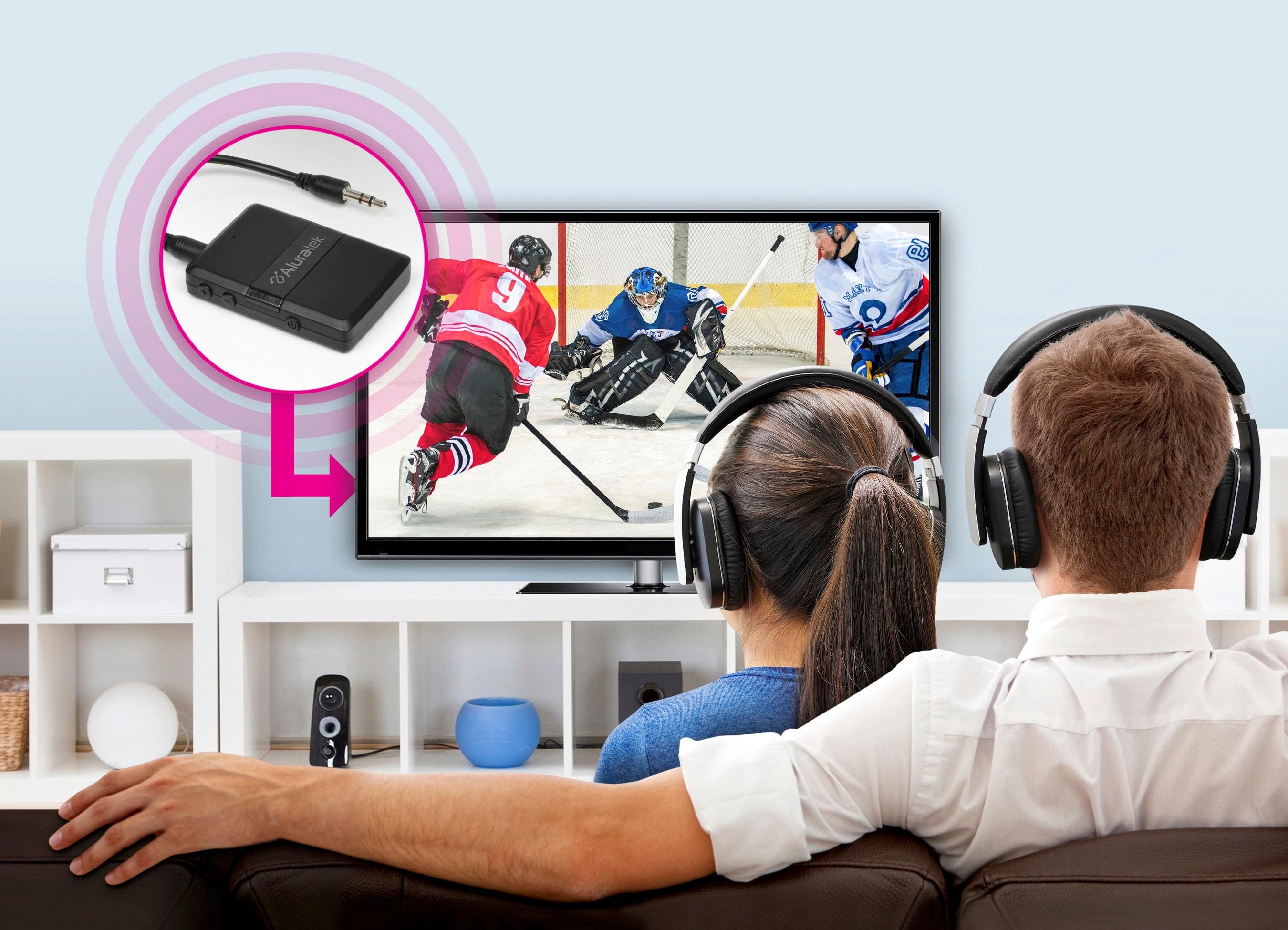
A:AnswerWhen watching the bedroom tv I use my Bluetooth headset so the wife can sleep. This device attaches to the tv and makes it a Bluetooth transmitter.
If I turn down the tv volume to 0 no sound from the tv speaker can be heard although I can hear sound on my headset.
In your case you can adjust the tv volume and external speaker volume to your needs.
A:AnswerYou can but you might need to turn off the transmitter when you move from one room to the other room depends on the distance between the 2 rooms. If the room is too close, the receiver might still connect to the first transmitter.
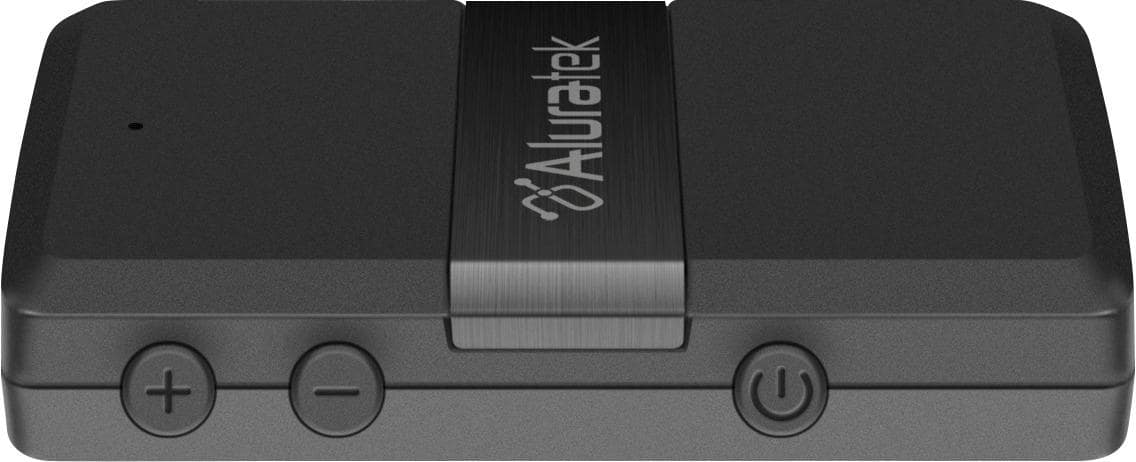
A:AnswerYes, it can. Please check that ABC01F is in transmit mode before power it on. The device will be in pairing mode when you power it on the first time, if not, you can enable pairing mode by pressing the power button twice while it is powered on. The led light will flash red/blue. Please also enable pairing mode on your speaker now and the two devices should connect/pair to each other automatically.
A:AnswerYes. Mine did but it is Bluetooth that is a radio signal so it has all the problems of a short distance radio wave in an building with interference.