A:AnswerAre you on the roof of your car? The trunk? Are you trying to project video using your car as a makeshift movie screen? Whichever it is, this product is not meant to allow you to watch video on automobiles of any sort, based on the description.
A:AnswerThe beats headphones are certainly sufficient to reproduce the frequencies and will work well and sound great. Hard wired cables are always best for Recording to reduce signal loss and noise.
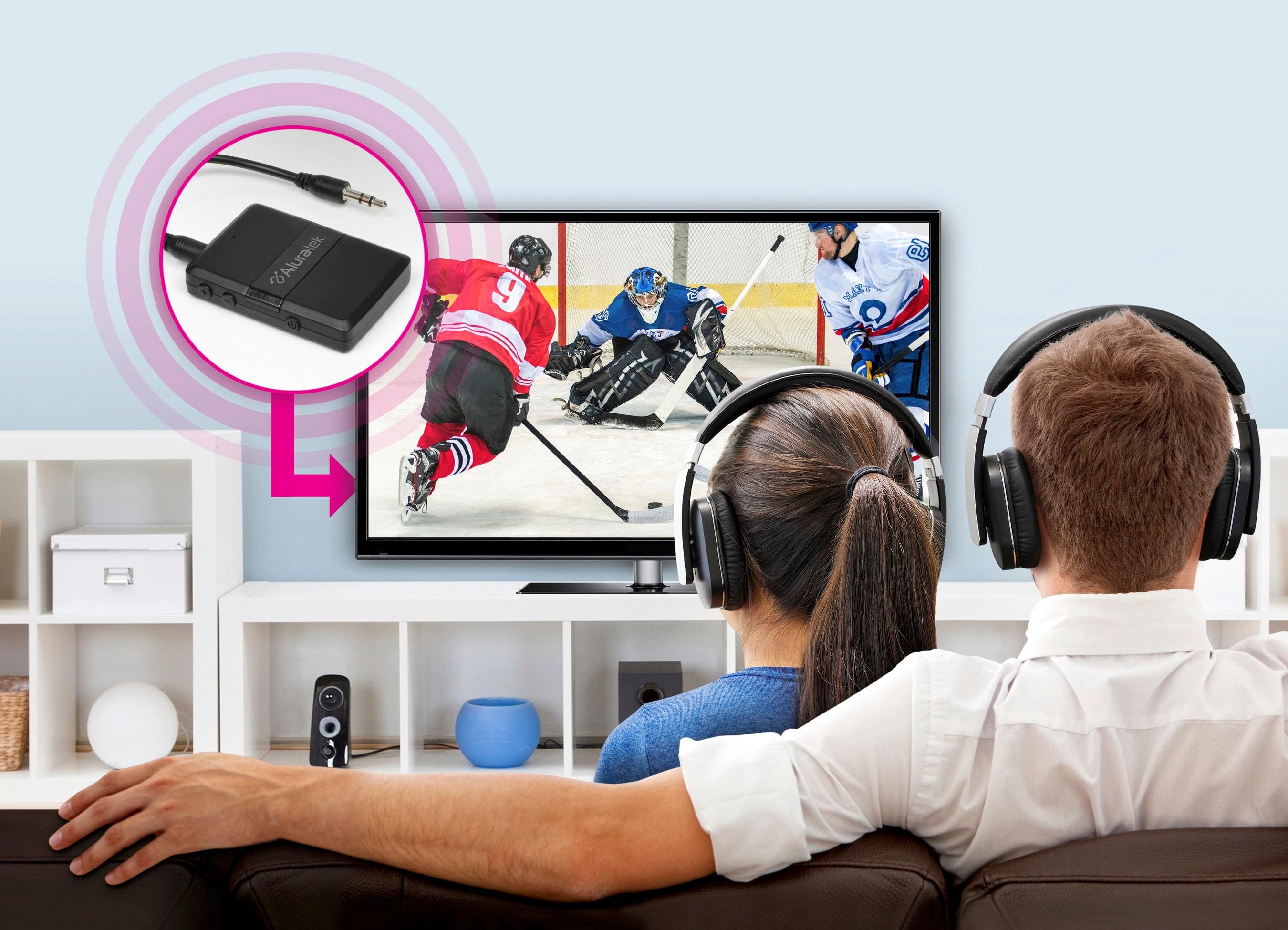
A:AnswerIf you’re looking to play music in your in your sound bar from a smart device, I would advice you to connect it to your sound bar and pair it with a smart device in receiver mode. However, if you’re looking to listen any kind of entertainment out of your television. The proper mode for this would be sender to a Bluetooth headphones. Please follow instructions that came with it.
Hope this helps!
A:AnswerI paired my lap top with an external speaker such as you have. If you have a Jack for headphones on your Bose, it should work. You may wish to contact Aluratek to make sure
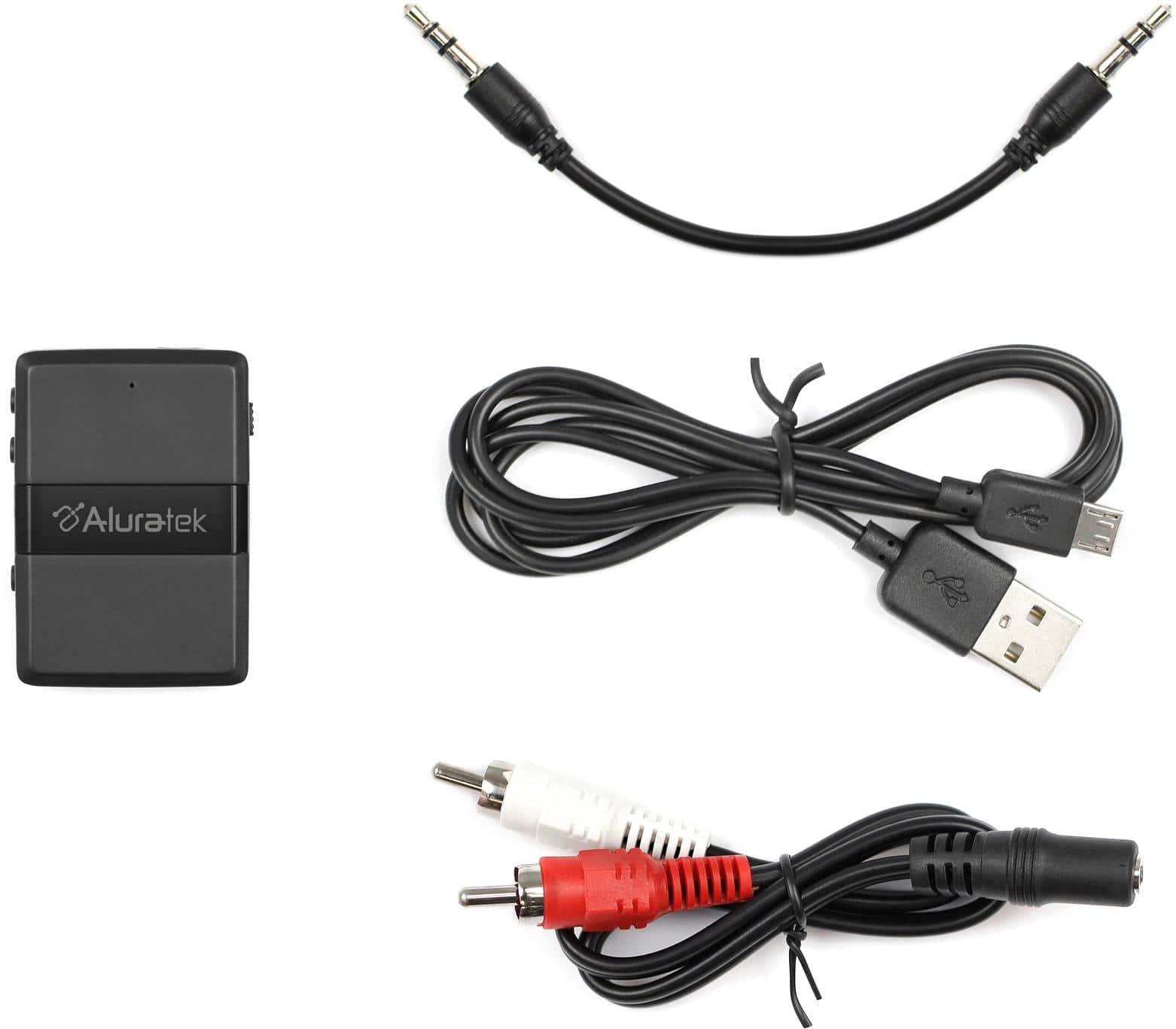
A:AnswerNO - the left/right speaker cables drive the speakers from the amplifier. This bluetooth device can transmit any audio out signal to a bluetooth device (headset, speakers etc) or receive any audio out signal from a bluetooth device - in both cases eliminating the rca cable.
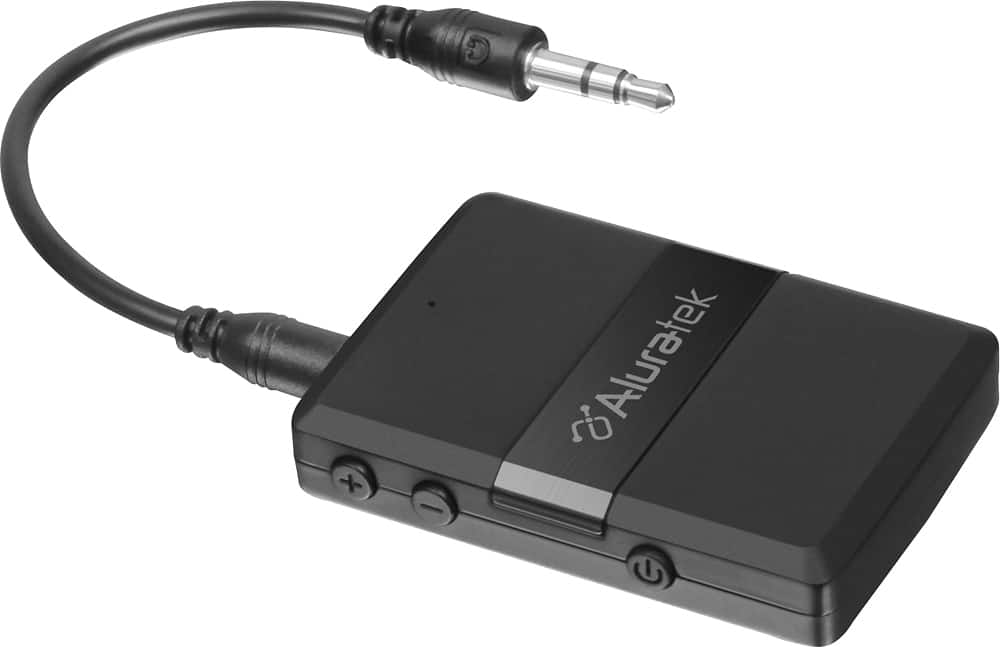
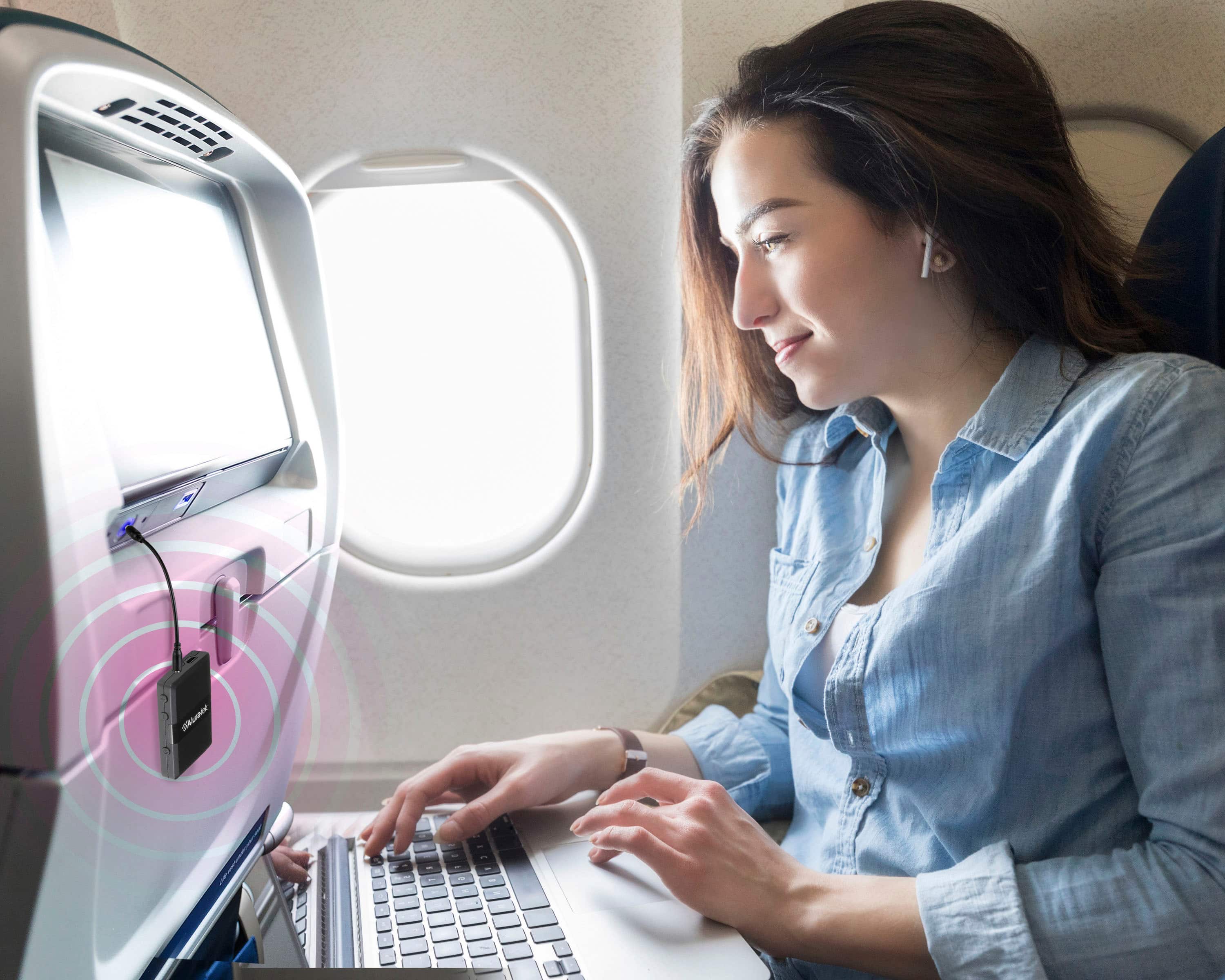
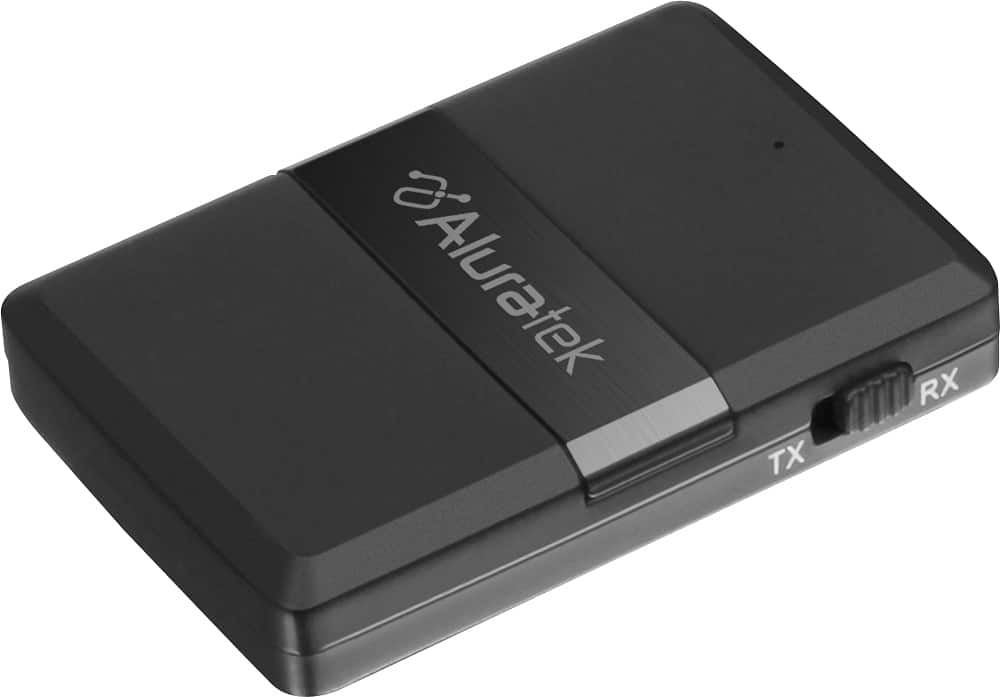
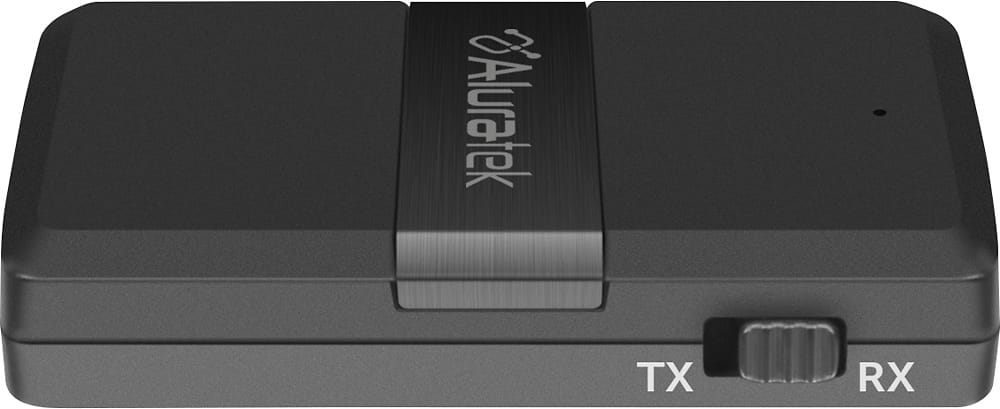
A:AnswerYes, should work. As long as your output from the in flight entertainment source is stereo 3.5 mm headphone jack you are good. Set this unit to transmitter, power it up and sync your Bluetooth. Should last for around 4-5 hours, some seating has inverter outlets, if so plug it in while using so your not time limited by battery life. If your jack in the aircraft is the two prong setup, you will need an adapter. I use mine plugged into stereo/tv receiver to have wireless tv audio
A:Answerdid you set the audio in the menu on your tv? alot of tvs have a audio output device only option and can be switched to tvs speakers. but yes if your tv has a headphone port on it it will connect to a bluetooth device