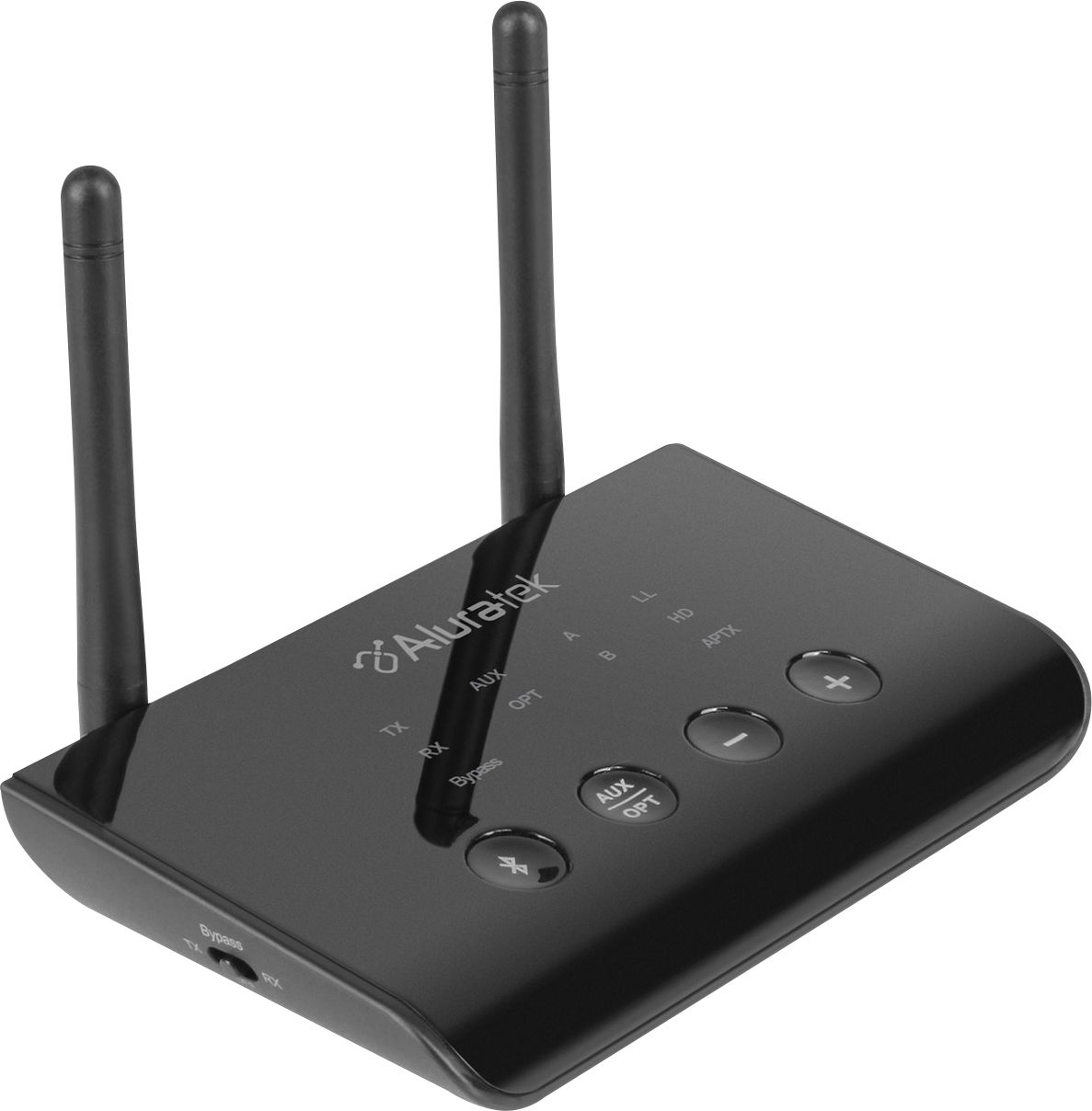
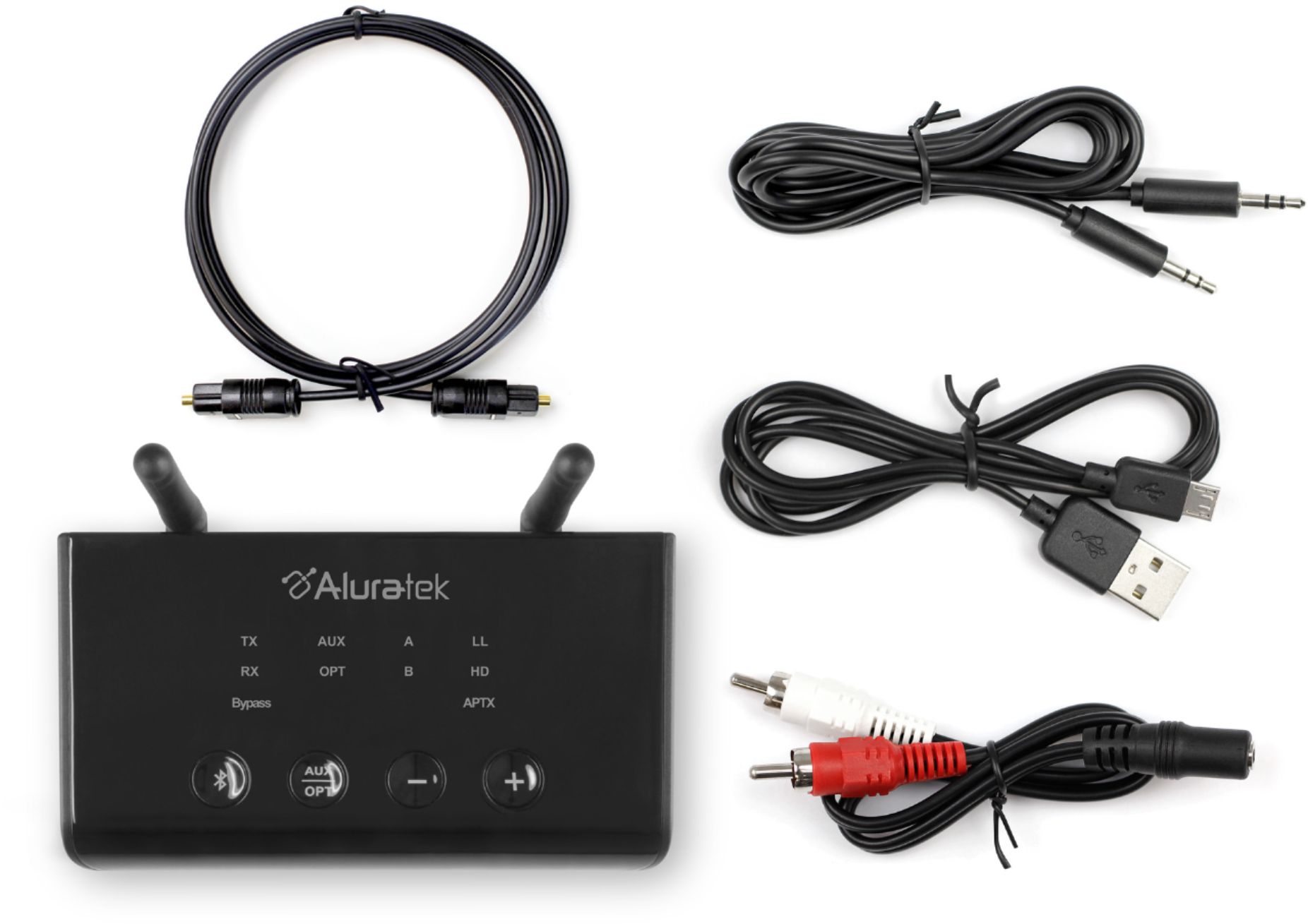
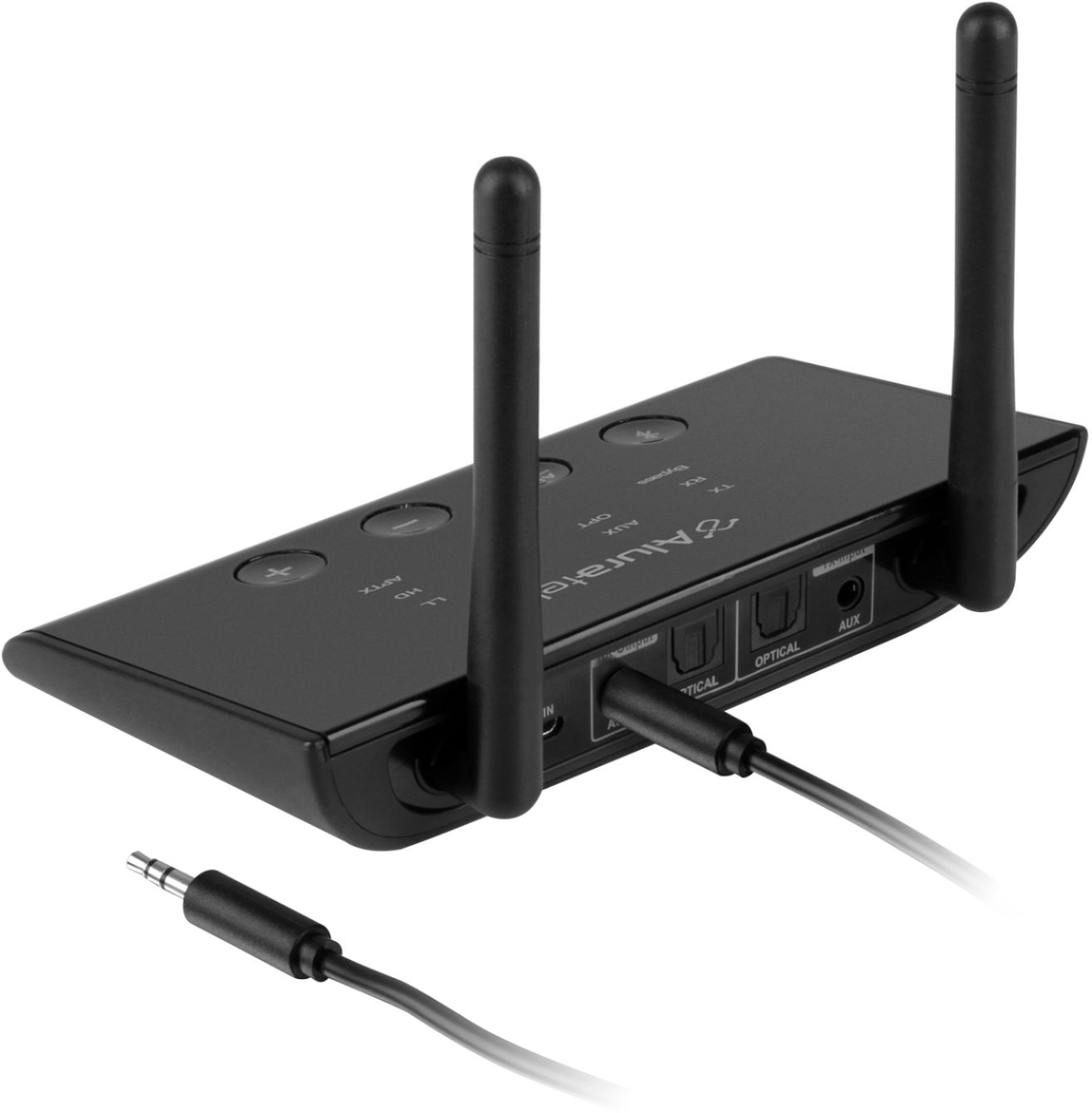
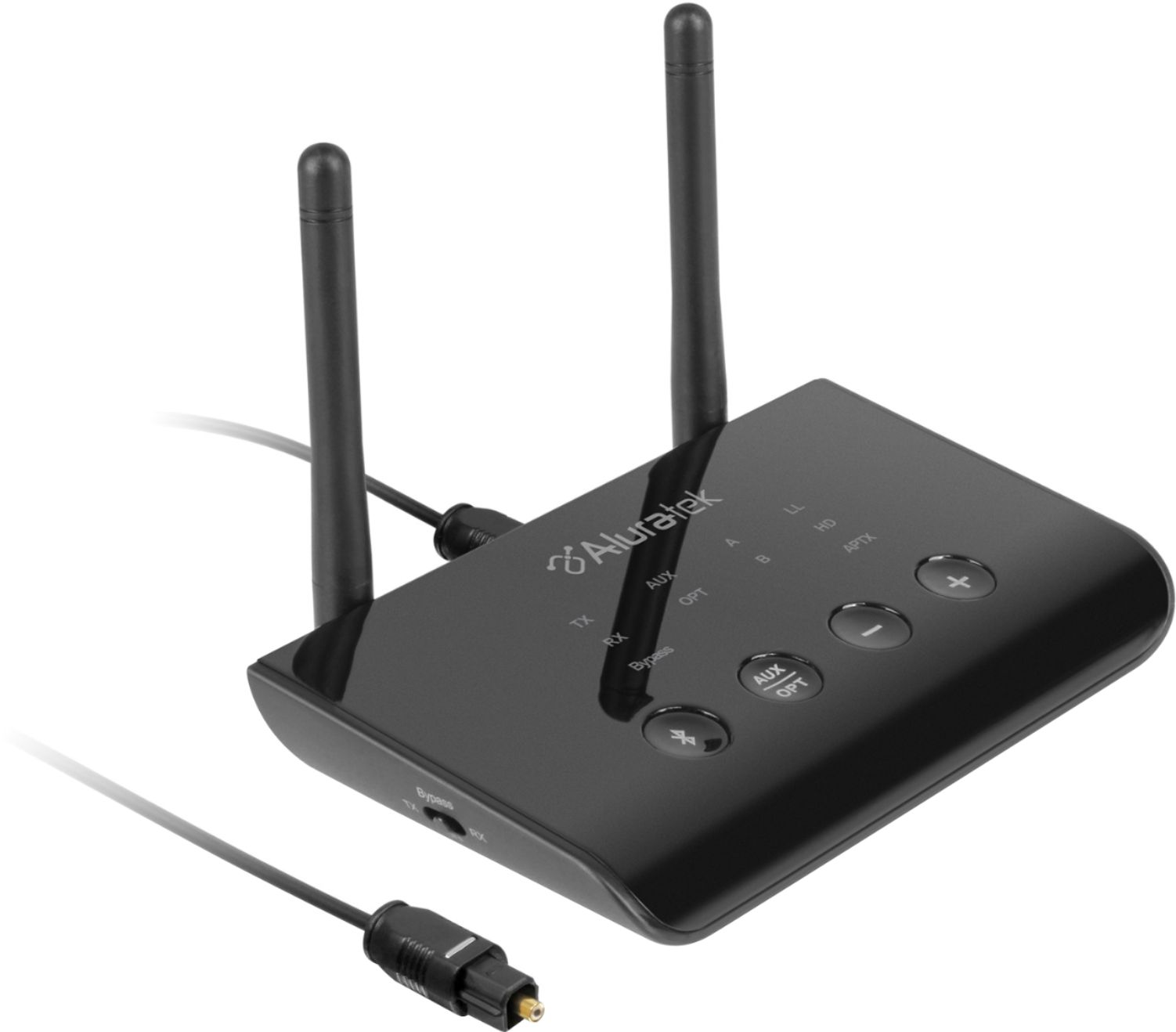
A:AnswerThe feature of this Bluetooth stated that you can use two headphones at the same time, if this is true then you can. Assuming the headphone has already have a built-in receiver.
A:AnswerYes it will work if your speakers has a built -in amplifier. You need an amplifier to drive the speakers because the thing that comes out from the Bluetooth module is only a small signal not enough to drive the speakers. If your speaker is already connected to the amplifier then connect the output this blue tooth to the input of your amplifier.
A:AnswerYes, the Aluratek can work as a Bluetooth receiver which will make line level received audio available on the RCA jacks. You will need an amplifier to drive the speakers.
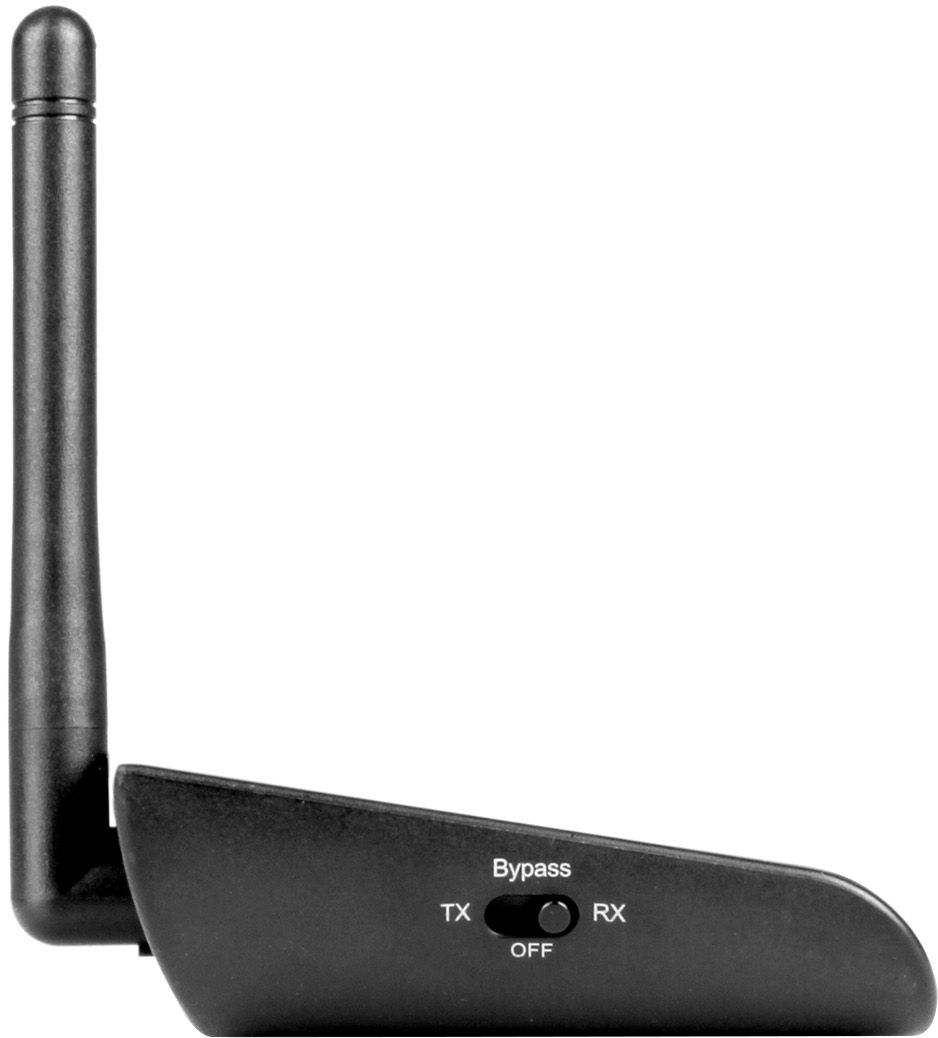
A:AnswerYes, you may need an adapter. I am using it in receive Bluetooth from my phone to feed my stereo. I am using it in receive, but you can have it transmit and do what you want to do. The unit can only work in one way, you set it to transmit or receive Bluetooth signal.
A:AnswerIf you already have two devices paired a third device will not kick anyone off. The transmitter must manually be put into pairing mode before it can pair to a third device, which at that point will kick off one of the previous connected devices.
A:AnswerThe Aluratek adapter will only support one-way audio to the headsets. It will not support the return audio channel for the headset mics. I doubt that the headsets will support dual pairing for a split audio return.
A:AnswerTry going thru the audio settings on your TV, My Samsung would transmit audio from some sources but not others. Would not transmit new movies from Netflix, old ones were ok. I'm assuming your source is a TV. I hope this helps.
Alurtek rep was quick to answer and helpful. Find number online.
A:AnswerIf your hearing aids are bluetooth capable they should connect especially if they connect to an iPhone. Just make sure the TX is flashing fast when you attempt.