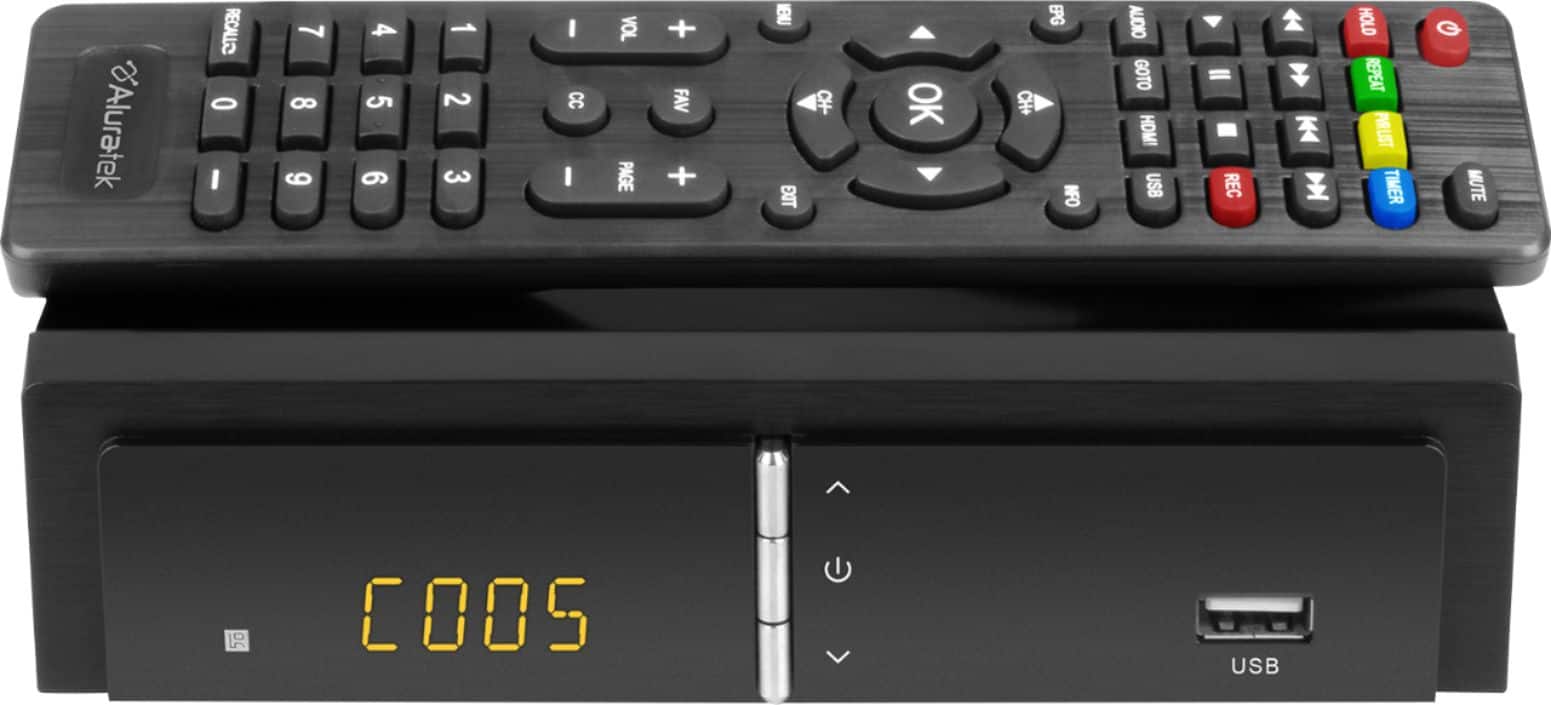
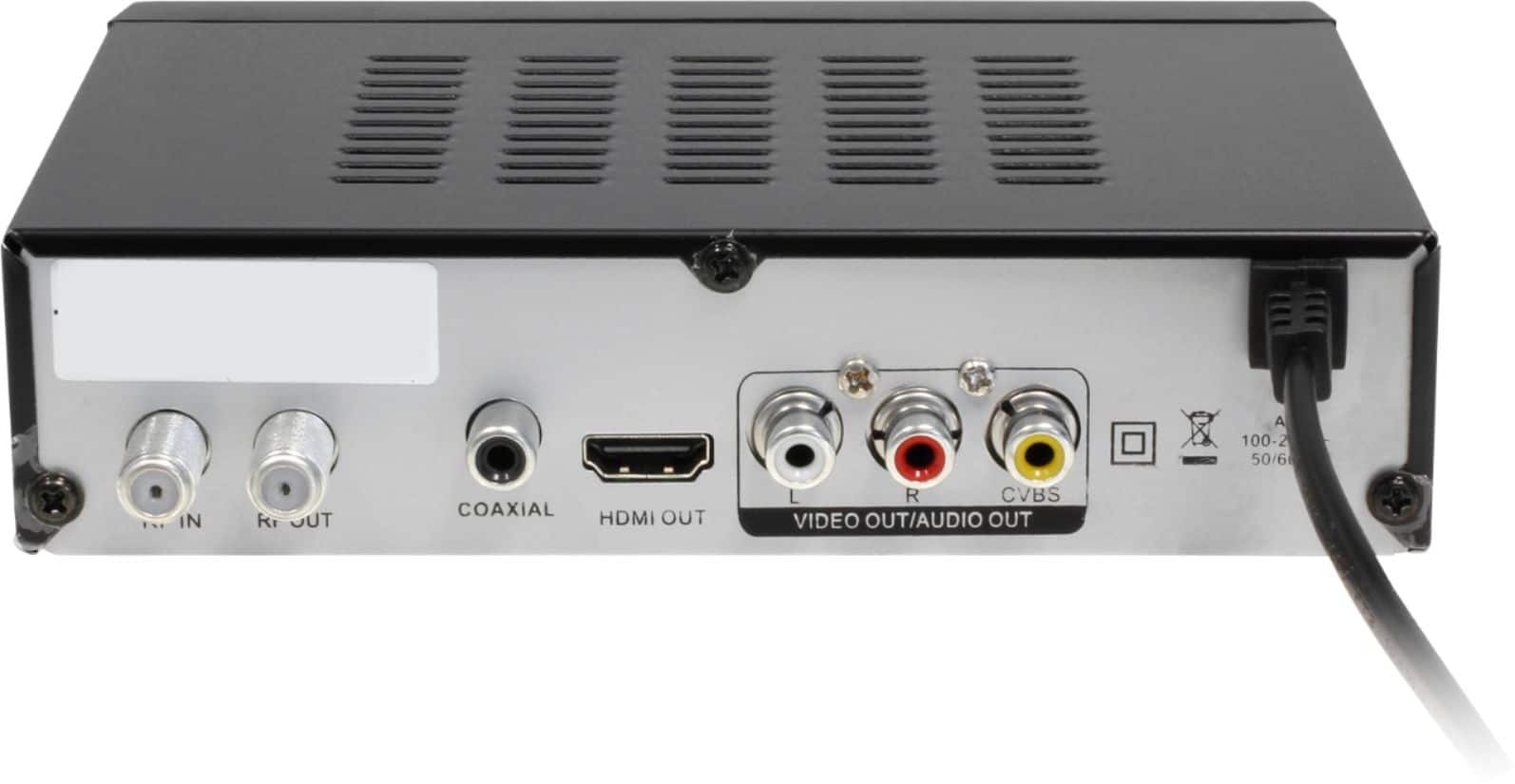
A:Answerthe box does have a HDMI output, does your laptop have one or some thing to receive it? and what software would run and show the TV, but, I'd say it's very possible. There is an 800 number for customer service, try asking them. I wish I could be more help, but, just go find an old analog tv somewhere, probably people still a few in storage and would give you one, I know for fact that would work for you. If room is an issue you can get a very small TV
A:Answerif you have successfully hooked up the box to your tv, and switched the tv menu to antenna, and you have connected at least a token antenna to the box, you'll then at least be able to scan for channels (see box menu), that will be the only way you'll find out how many channels you will get
A:AnswerAs I understand this box is made to process and record only OTA - over the air TV signals, and thus will not work with cable signals which are coded differently.
A:AnswerThe box does not control the range your antenna does that do the research on them some antenna say 40 miles but placement of antenna is the key the box works well with my old tv my antenna is a a 40 mile type and use it for three TVs I am 20 miles from most stations but am considering installing a out door one
A:Answerwith the alura tv box I had to buy a HDMI cable I bought a 4k HDMI cable for $15 any place to get it will do. with an antenna I got all hardware to install it but it don't come with a cable. I hope this helped.
A:AnswerSet your old tv to channels to 3 or 4 then connect your recorder, scan your available channels on the box menu and your good to set up and record.