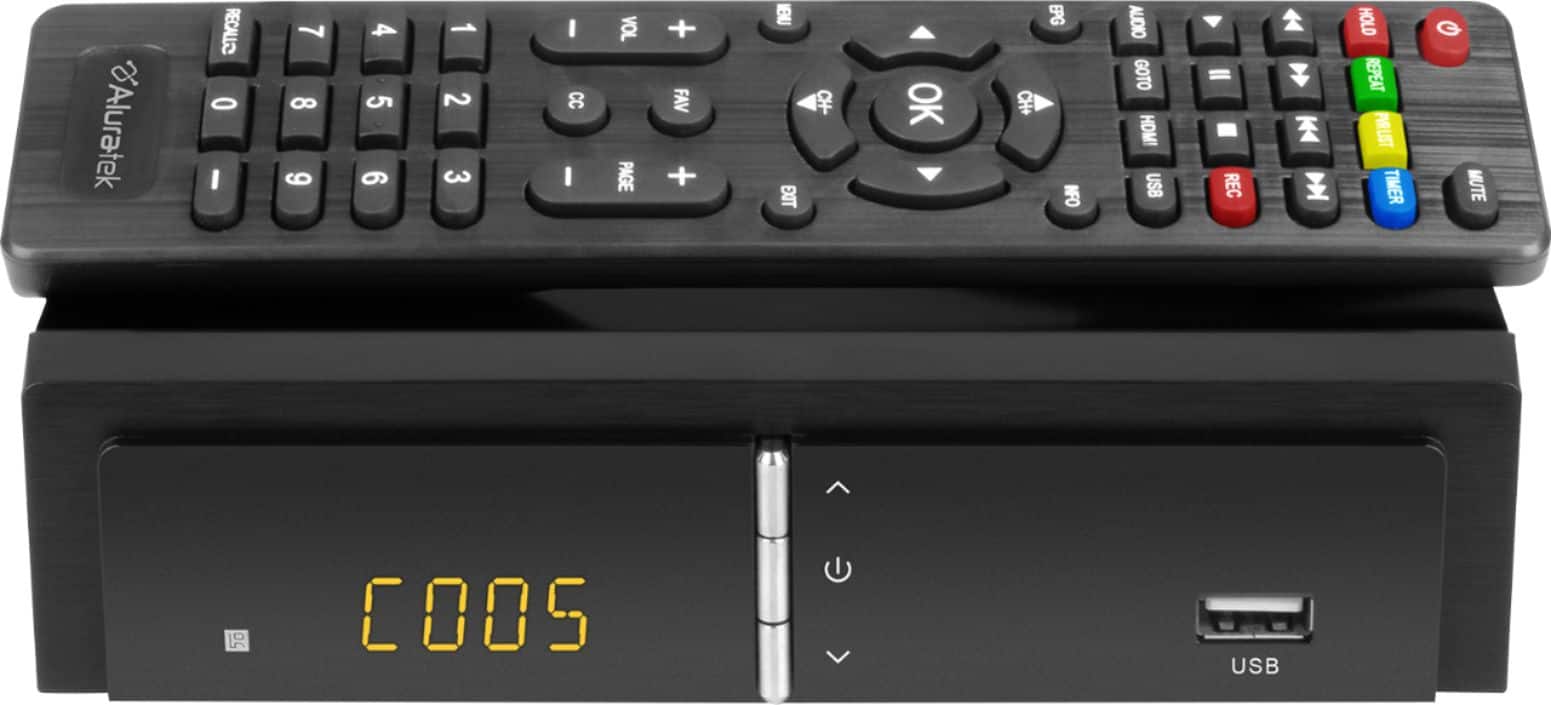
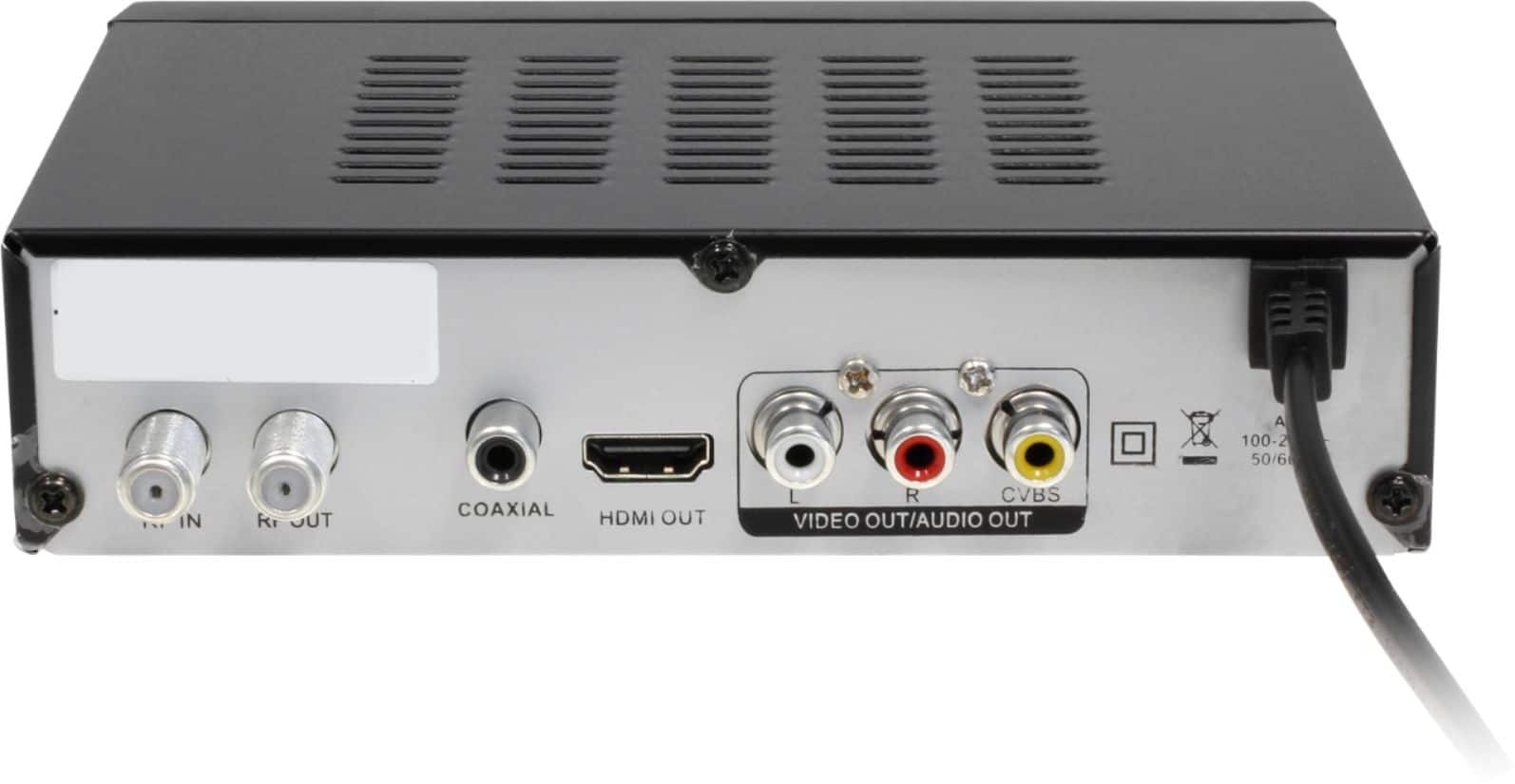
A:AnswerIt depends on the source of your coaxial cable and how you want to use this box. If the coaxial is for a HDTV antenna, then you can use this box to receive OTA signals. But if the coaxial connector is from your cable TV provider, then you can't.
A:AnswerI am sorry to hear about the issue that you are having with the product. We have not heard of this issue from other customers. Please contact our support at 866-580-1978 and we will help to resolve the issue for you.
A:AnswerOnce you connect a HDTV antenna to this box, you can scan for available OTV (over the air) channels available in your area. You might need to adjust the position of the antenna to optimize reception.
A:AnswerThere is no update for this product at this time. When there is an update, you will need to download it from our website and upgrade thru a USB drive.
A:AnswerYes, you can use this box to connect to your TV using the RCA ports. The box will be the tuner with the HD antenna that you connected for OTA channels.
A:AnswerSorry to hear about the problem that you are having. Did you see the startup logo on your TV when you power it on? Please contact our support team at 866-580-1978 and we will try to resolve the issue for you.
A:AnswerFor recording OTA programs via the box, you will just need to insert a USB drive to the box and it can record that directly. You don't need another recorder to do that.
A:AnswerNo, this unit is only designed to receive digital video signals and doesn't recognize the NES' analog RF output. I tried this myself. Honestly, unless you have a "top-loader" model, why not just buy some cheap RCA cables to use with the system? Video quality will be drastically better, anyway.