A:AnswerNo. A Fire Stick usually needs an HDMI connection, but more to the point our TV Box is for over-the-air (OTA) channels only. Cable and other streaming devices cannot be converted through the box and then output to TV.
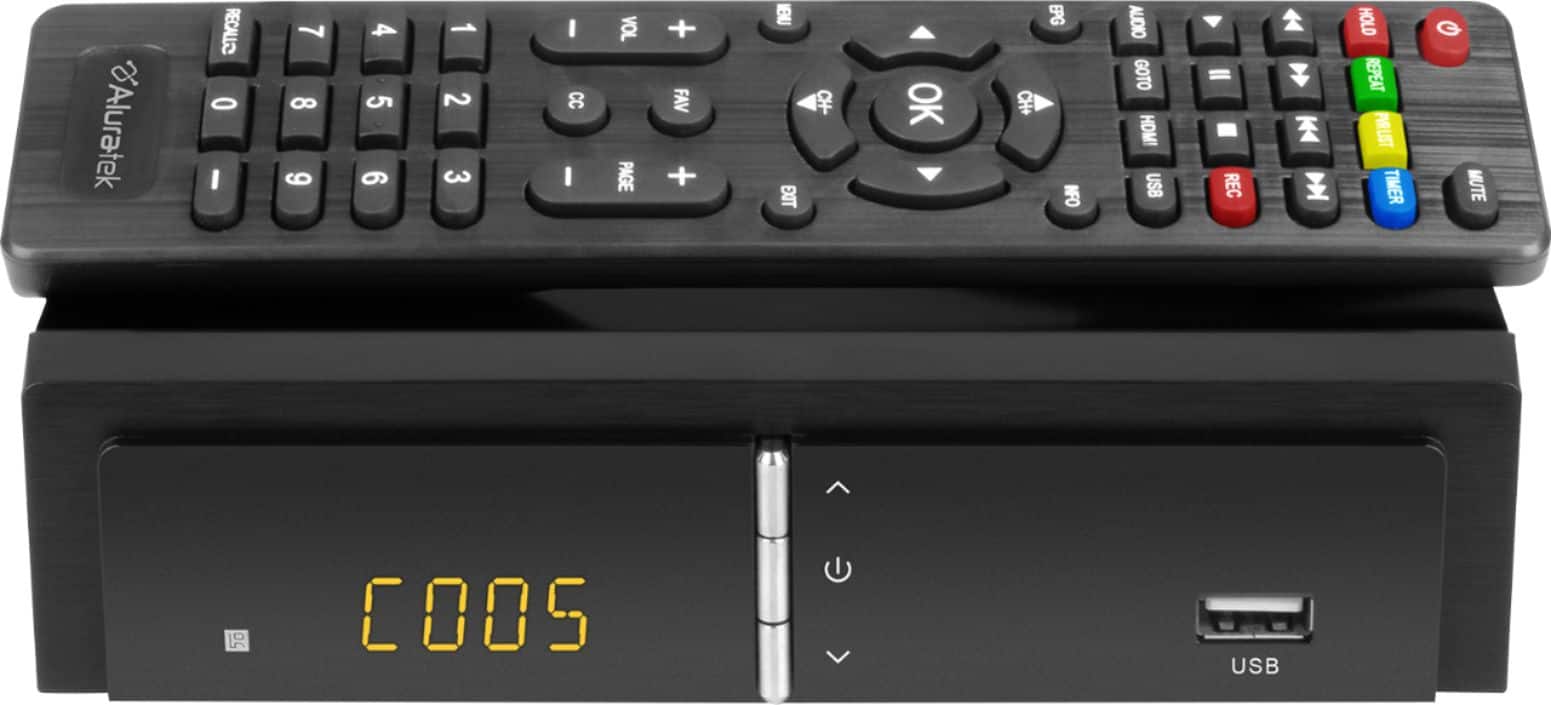
A:AnswerThe remote only works on the converter box, not on the TV. You will need to use your TV remote to turn your TV on, then put your TV on the correct input for use with the converter box. Then you use the Aluratek remote.
A:AnswerNormally you would tap the MENU button on the remote control to exit. If it's froze then try turning the TV Box off. You may have to unplug the unit as well. Typically the box will freeze if you are using an outdoor antenna. That box is only designed for an indoor antenna. Contact [email protected] for more assistance.
A:AnswerThe TV box will only work with 32GB or smaller USB thumb drives. It will partition 4GB of data on that drive for recording. For further instructions and tips contact [email protected].
A:AnswerThat is a good question. The unit may drive audio to both HDMI and RCA at the same time, and if it does then this could work. Contact us at [email protected] and we can check with our product team to be sure.
A:AnswerYes you can. After recording, You can plug thumb drive into computer to erase or remove recordings and then record again on the same thumb drive .
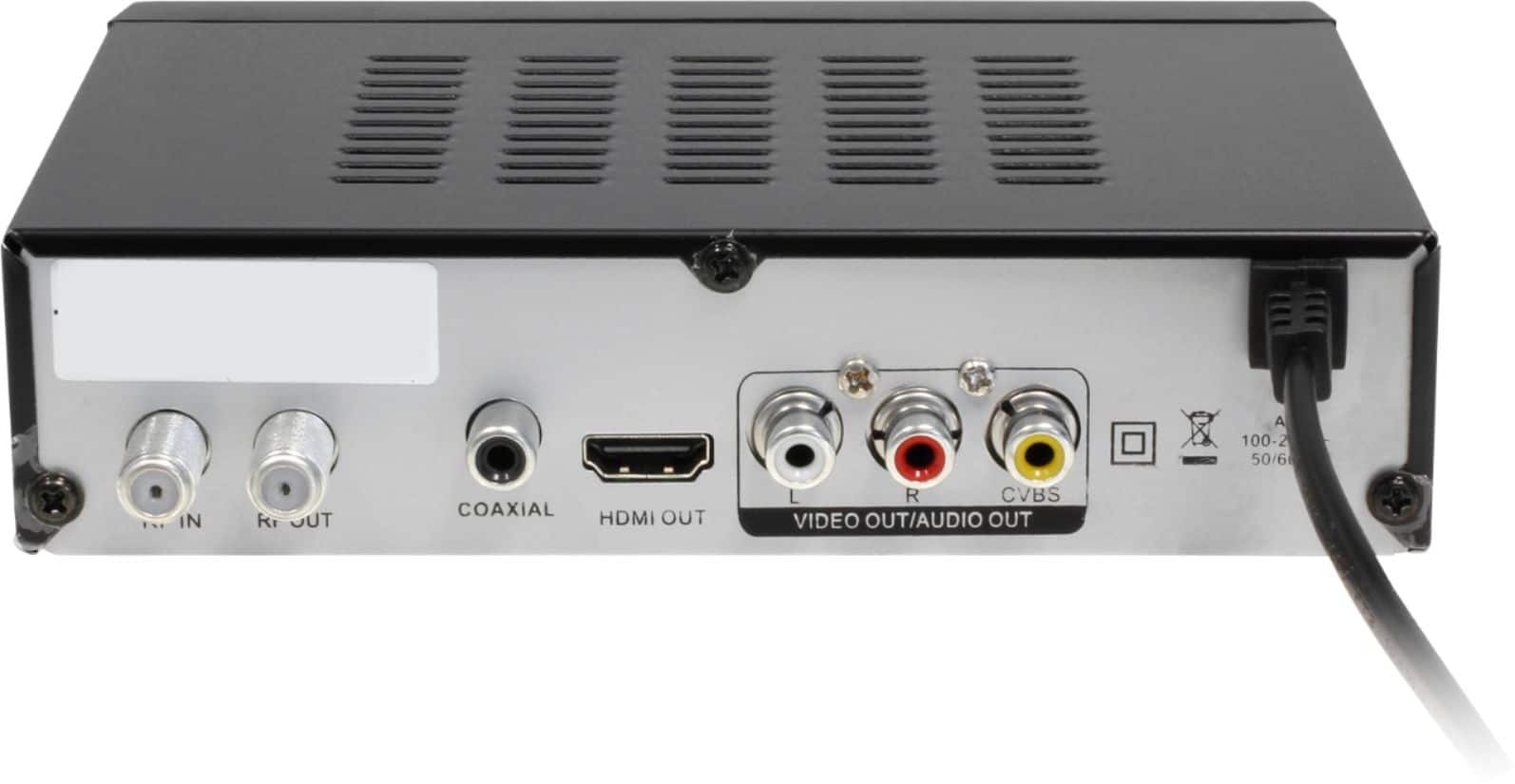
A:AnswerMy Aluratex converter functions very well. I first connected coaxial cable of my RCA antenna to the "RF In" port on the back of the digital converter & next I took the converter's coaxial cable & connected it to the "RF Out" port in the back of the converter and the other end of this cable to the back of the TV into a port called "DTV/TV Cable/Antenna". Next I took the cable with the HMDI 1 and inserted this cable into the HMDI I port in the back of the TV and the other end of this cable in the back of the converter into the port called "HMDI 1 OUT." Then insert the three colored composite cables (red, yellow & white) in the back of the converter, matching the colors of the composite cables to the colored holes of in the back of the converter. Also insert the other end of these cables in the back of the TV's colored hole, matching their holes, however be sure to insert these into the back of the TV in a section labeled
AV GOOD
"Video Audio R Audio L." Do not insert these cables in any other part of the back of the TV.
Finally be sure your antenna is plugged into & turned on. Hopefully this detailed information is helpful. When I first turned on the TV, the converter took about 5 minutes to get going. I've tried other converters and this is the best. If you still have problems, I will have videos for you. Elizabeth
A:Answeri have a excellent tv antenna on top of my house. i live 60 miles from the farthest transmitter and i get over 60 channels. if you do not have a good outside antenna this is probably your problem. if you do have a good outside antenna then it probably is your aluratek box.
A:AnswerIf you can somehow turn your home security into a broadcast channel, like an FM transmitter or something, maybe, but I think it would take too much rigging and converters that it would just be cheaper and easier to get a DVR with security cameras.
A:AnswerYes. A replacement remote is $10 (U.S.) and $20 (Canada). Contact Aluratek at [email protected]. We can send you a form to fill out for your order, or you can call us at 866.580.1978 and we can take the order over the phone. You cannot use the TV box with a universal remote.