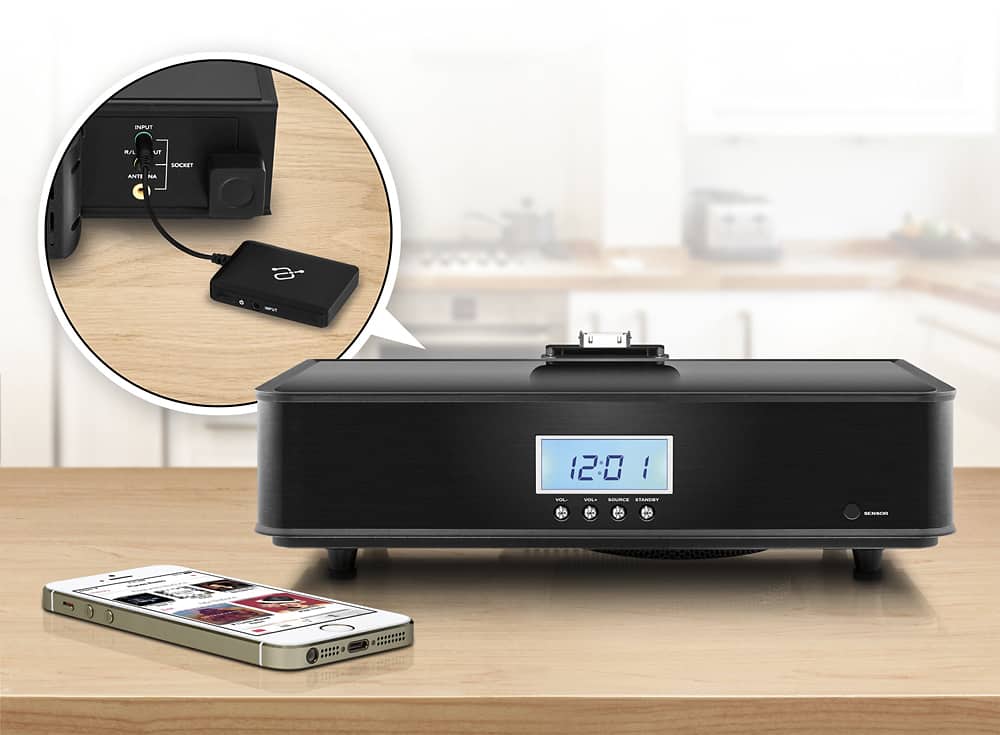
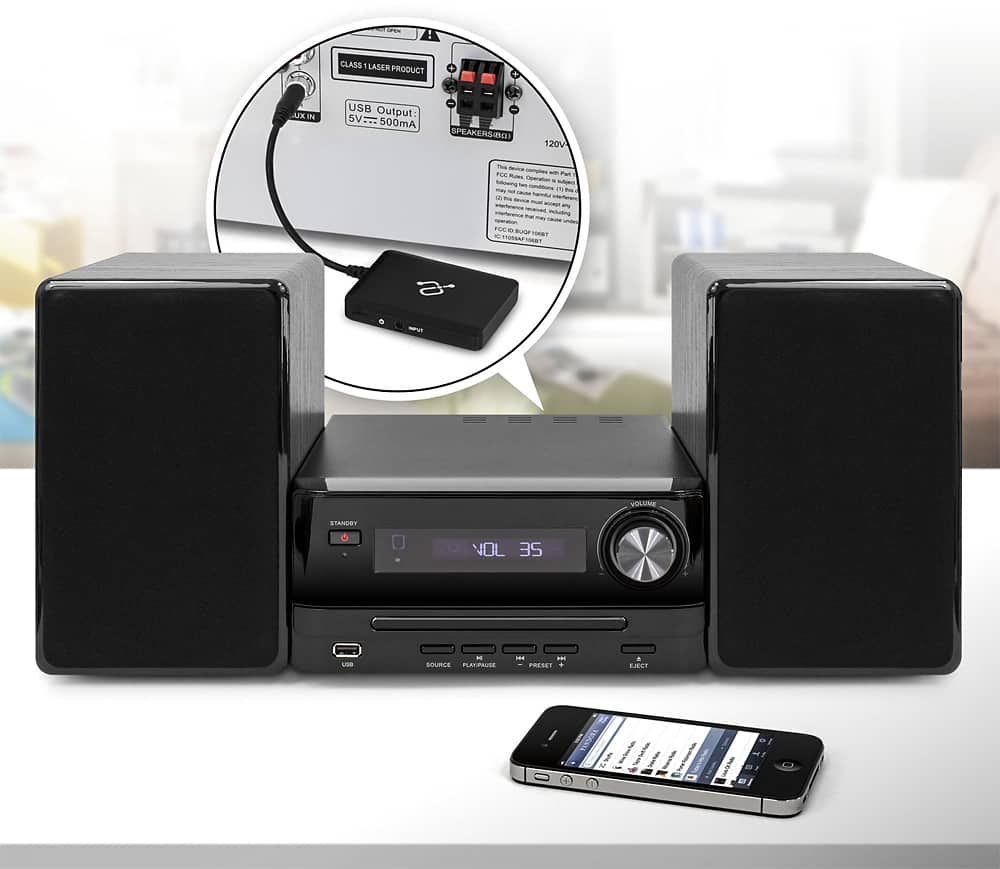
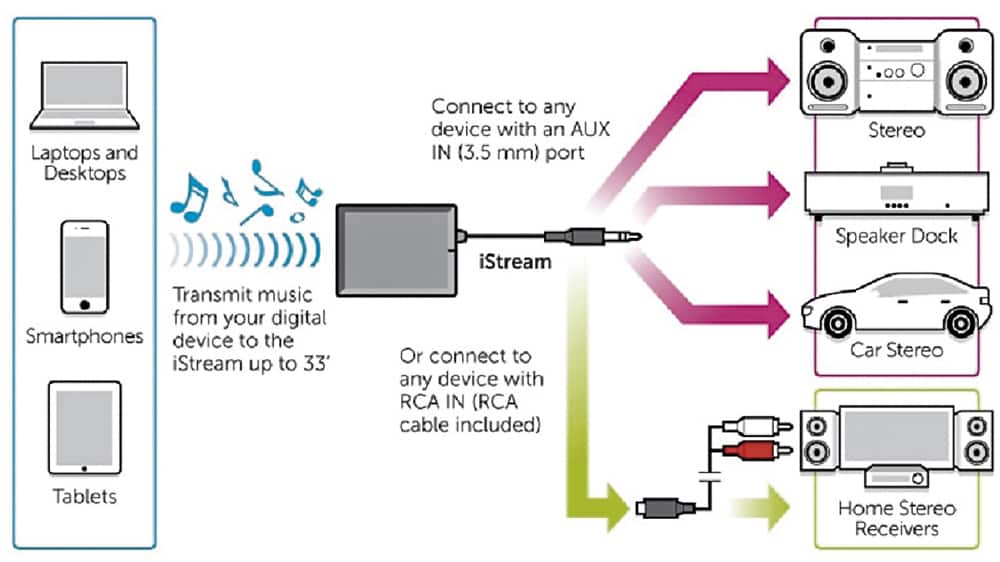
A:AnswerThe Headphone jack is an output only. You have to plug it into th AUX input port. If it doesn't have one, you could try a microphone port, though sound quality may not be very good.
A:AnswerYou can connect it to anything as long as the connection fits. The rest, is another question. What are you trying to use it for? What does your Bose 'system ' consist of?
You may have to research if this device will help with what you are trying to accomplish.
A:AnswerIf the port on the wall is an input for the speaker system, yes you can connect this device to the wall port and pair using a Bluetooth capable PC or other audio player.
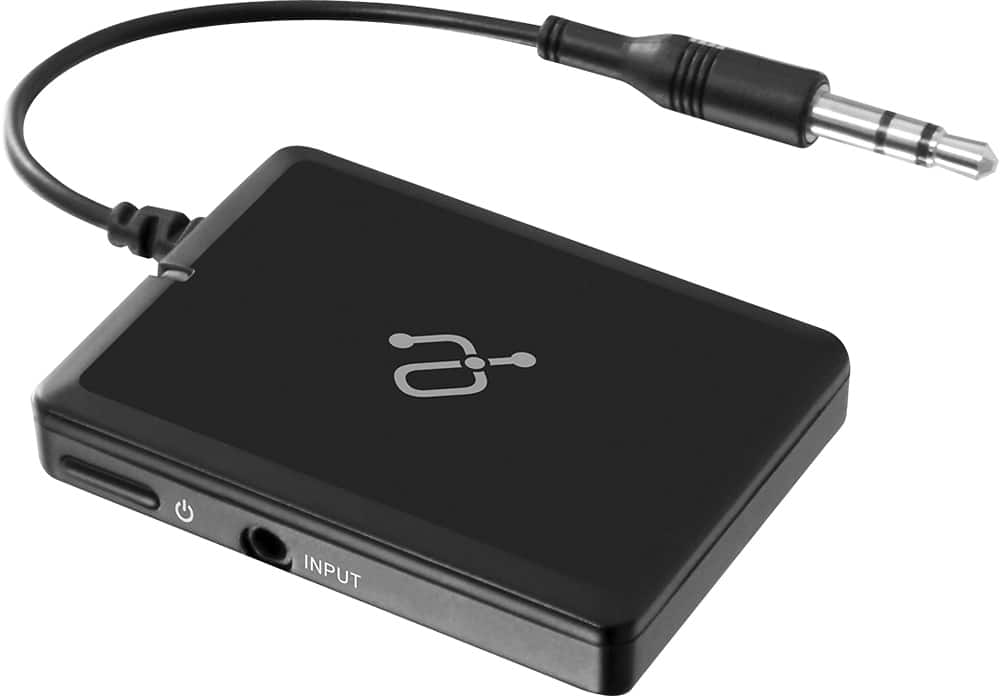
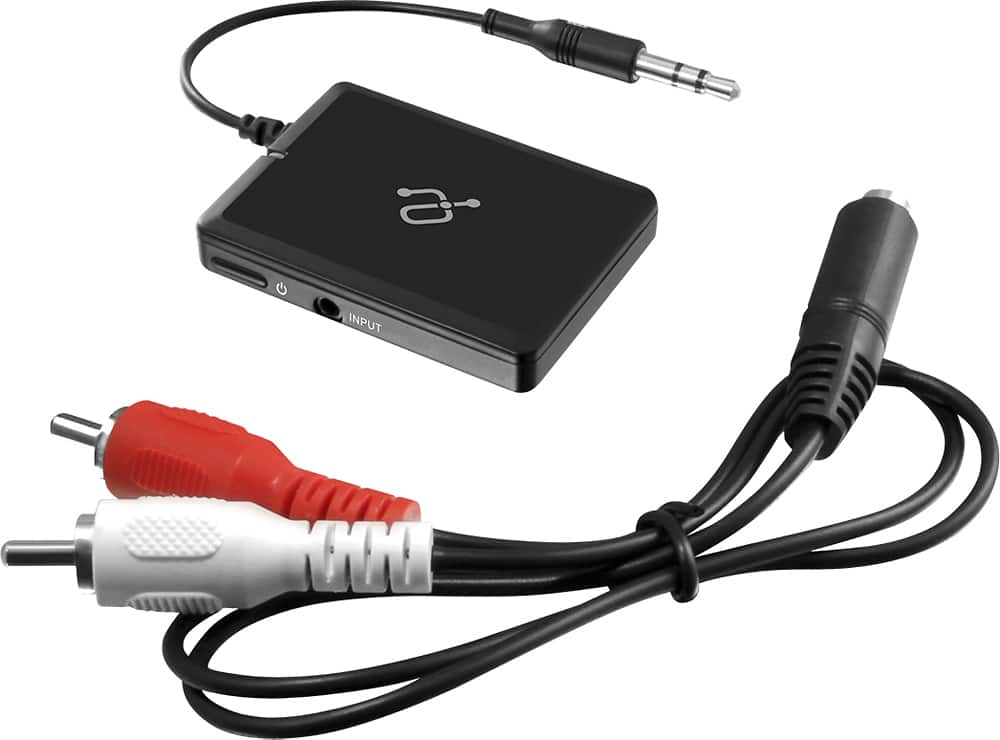
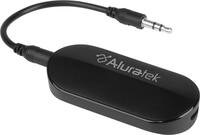
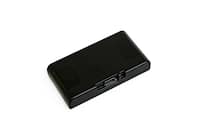
A:AnswerThis unit is NOT a transmitter!! It's an audio receiver. Goes like this: audio device (iPhone, iPad, etc.) ----> to Aluratek iStream Universal Bluetooth Audio Receiver model AIS01F ----> audio amplifier. It's hardwired to the amplifier via mini plug. Got It?
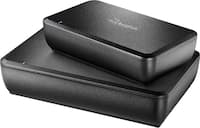
A:AnswerThe answer that 'CommunityAnswer' gave you is wrong. This unit is a RECEIVER; not a transmitter. You need an Aluatek Bluetooth Wireless TV Streaming Kit model ABT01FKIT. It is the TRANSMITTER you need.
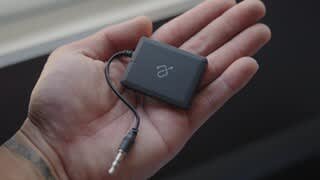
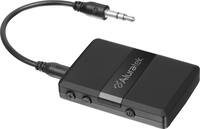
A:AnswerYes, there is a two color LED that lets you know that you're connected or in pairing mode. It's very simple to setup and it remembers your authorized devices even if power is lost.
A:AnswerPerhaps it will show up in your screen, but I doubt it. I understand it only receives the signal from your phone, so you can play it through your car speakers.