A:AnswerHi there,
the Bip 5 doesn't support that feature, only the GTR 3 Pro, GTR 4, GTS 4, Cheetah Pro and the Balance supports that feature.
Kieron | Amazfit support
A:AnswerHI there ,
the Zepp App is free to use all the features on the watch , however there are some subscriptions which are totally optional like Zepp Aura and Zepp Coach.
Kieron | Amazfit Support
A:AnswerHI there ,
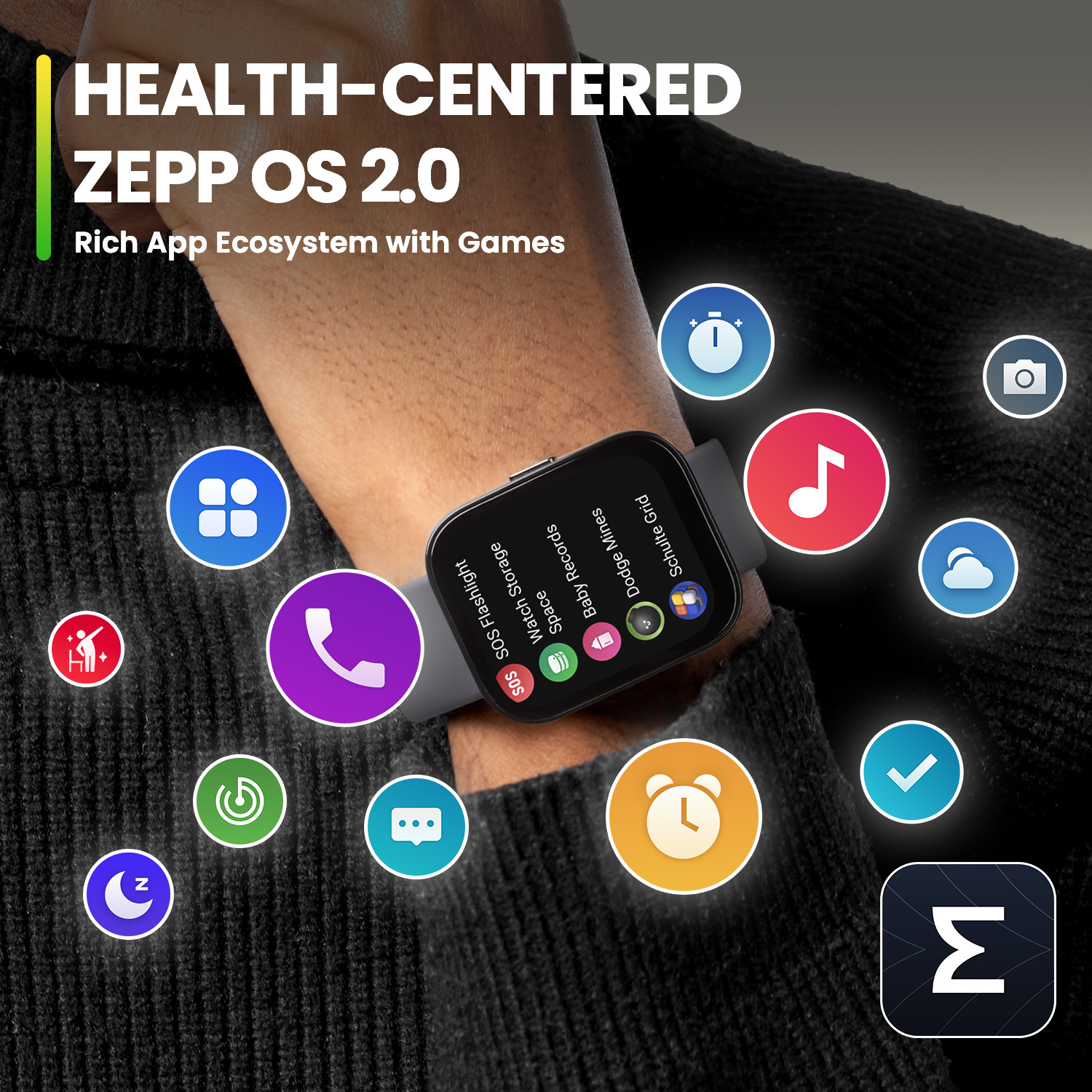
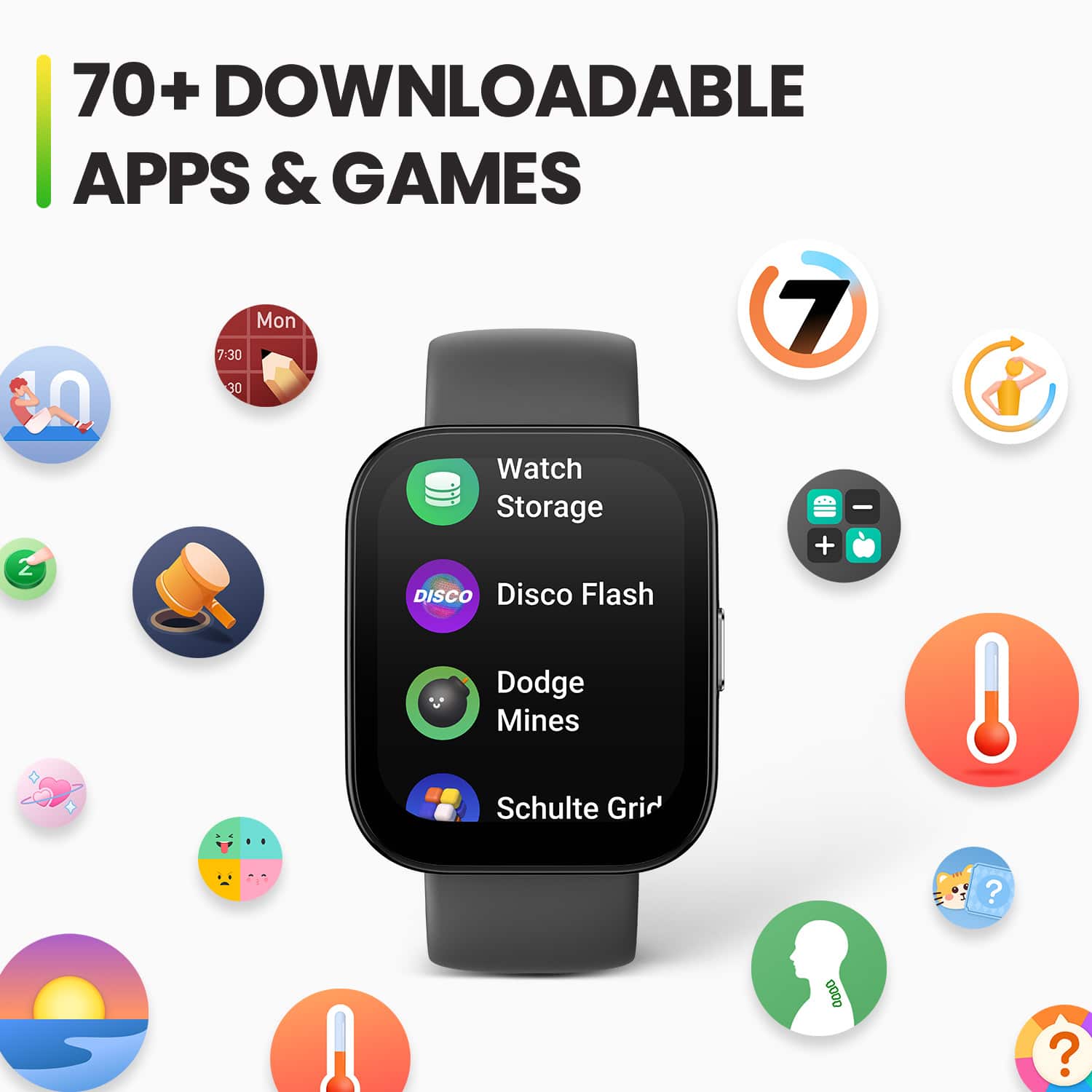
you can disable calls on the watch , but unable to lock the watch so calls aren't received and games are not on the watch by default they need to be dowloaded from the App Store found in the Zepp App so you can make sure there aren't games on the watch during school.
Kieron | Amazfit Support
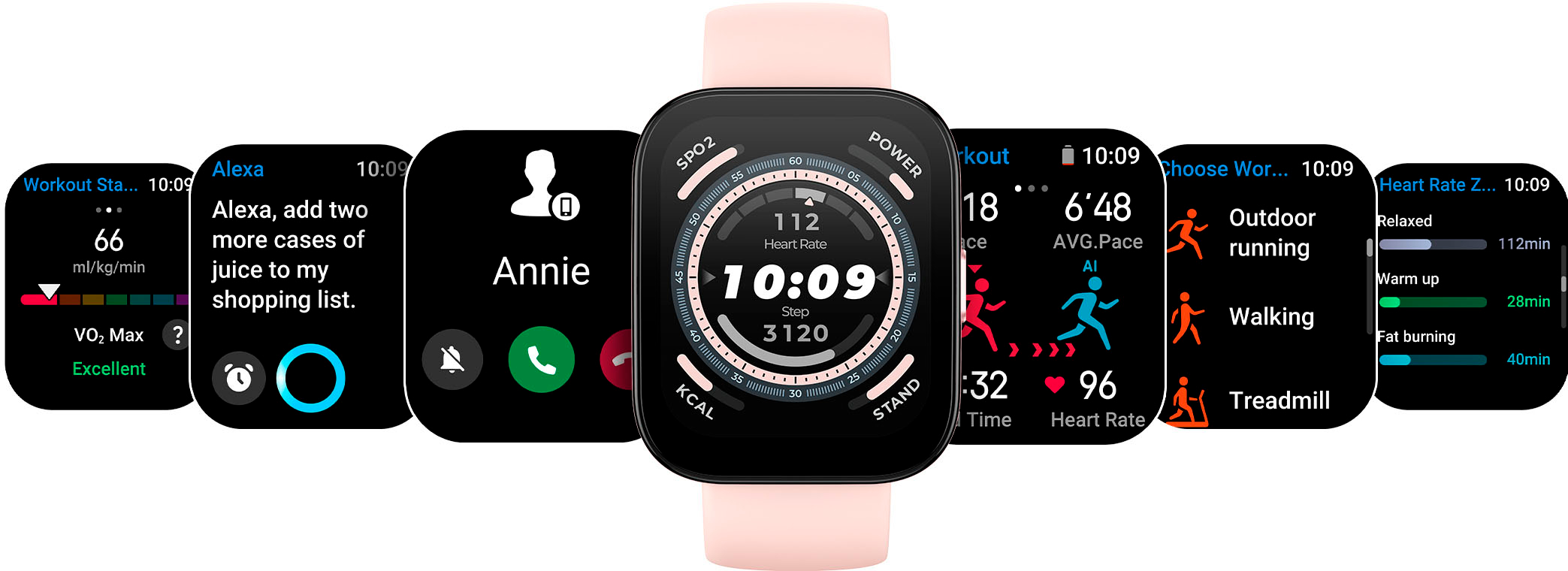
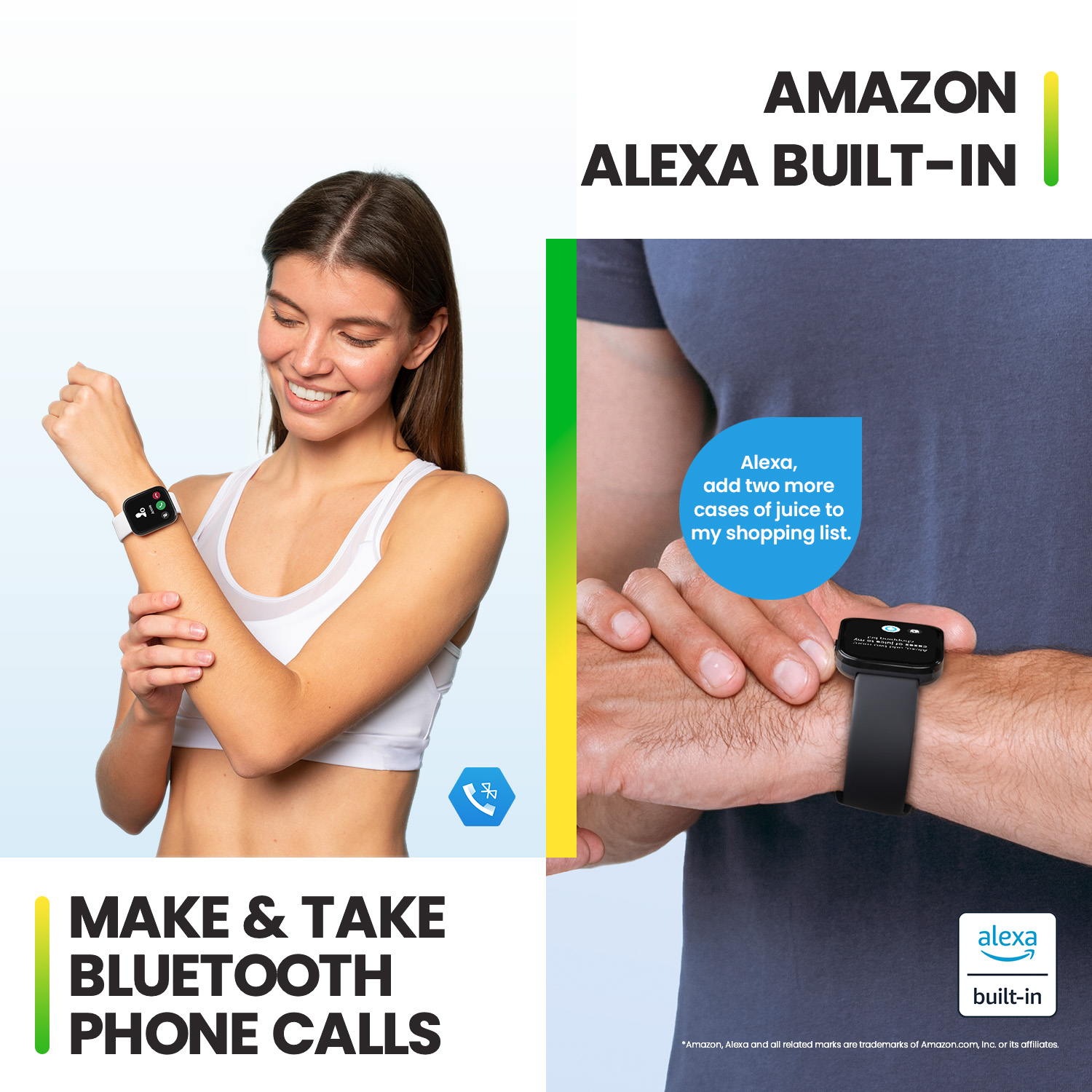
A:AnswerNo you are not able to place a call using Alexa. Please note the functions that are supported are asking it any questions, setting up a list or timer, and controlling any smart home devices.
Michael | Amazfit Support
A:AnswerHi there,
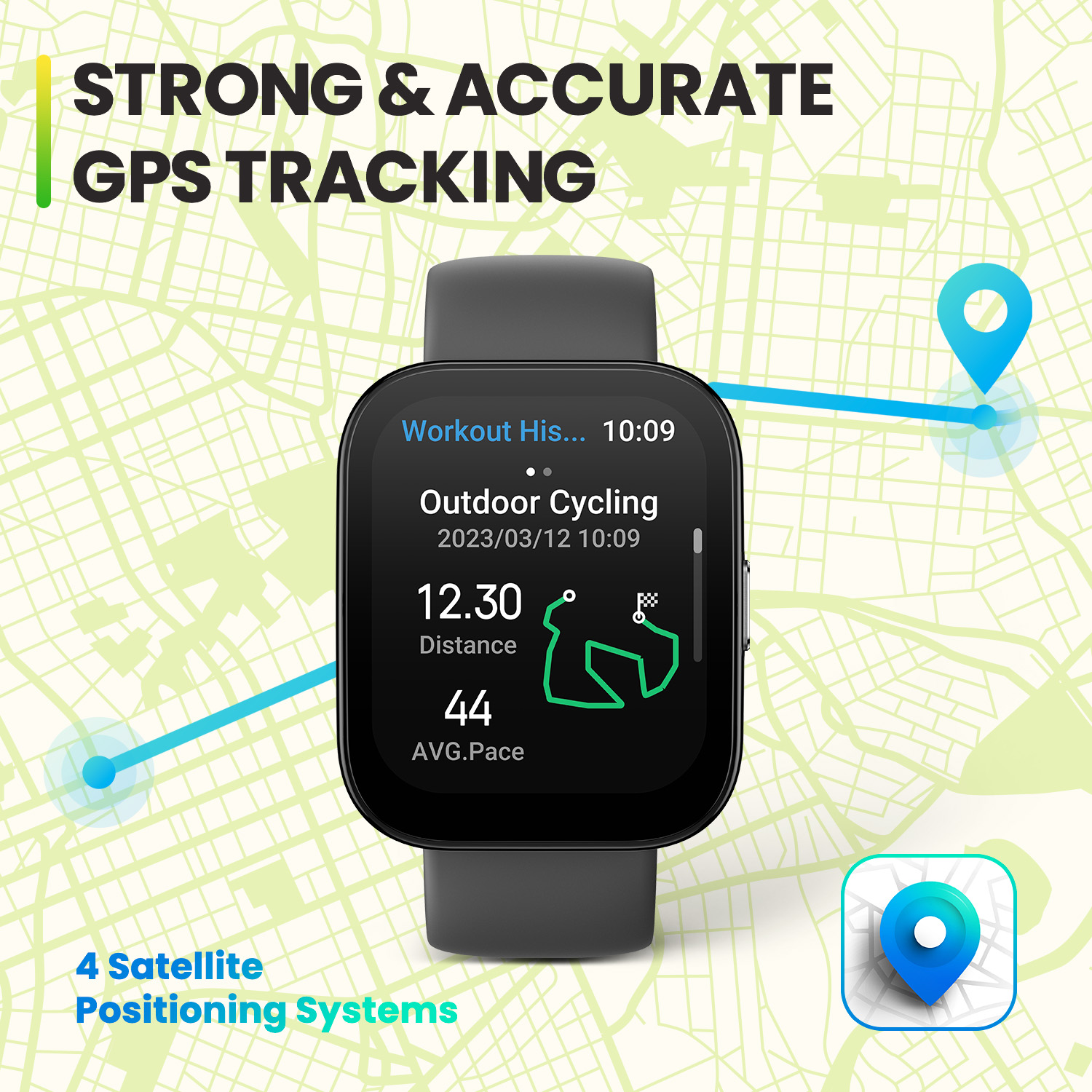
Did you initiate the search for a GPS signal before running? If you just wear the watch to record your running without using any activity mode, the distance is roughly converted by stride and steps. Before you start an activity, please wait until GPS has full signal. The longer you wait the more it will grab and the better your signal will be.
Please try to start a new workout session by choosing an activity mode to have a check. If your issue persists, please reset your watch to factory settings and re-pair it to have a try.
Kieron | Amazfit Support
A:AnswerHi there,
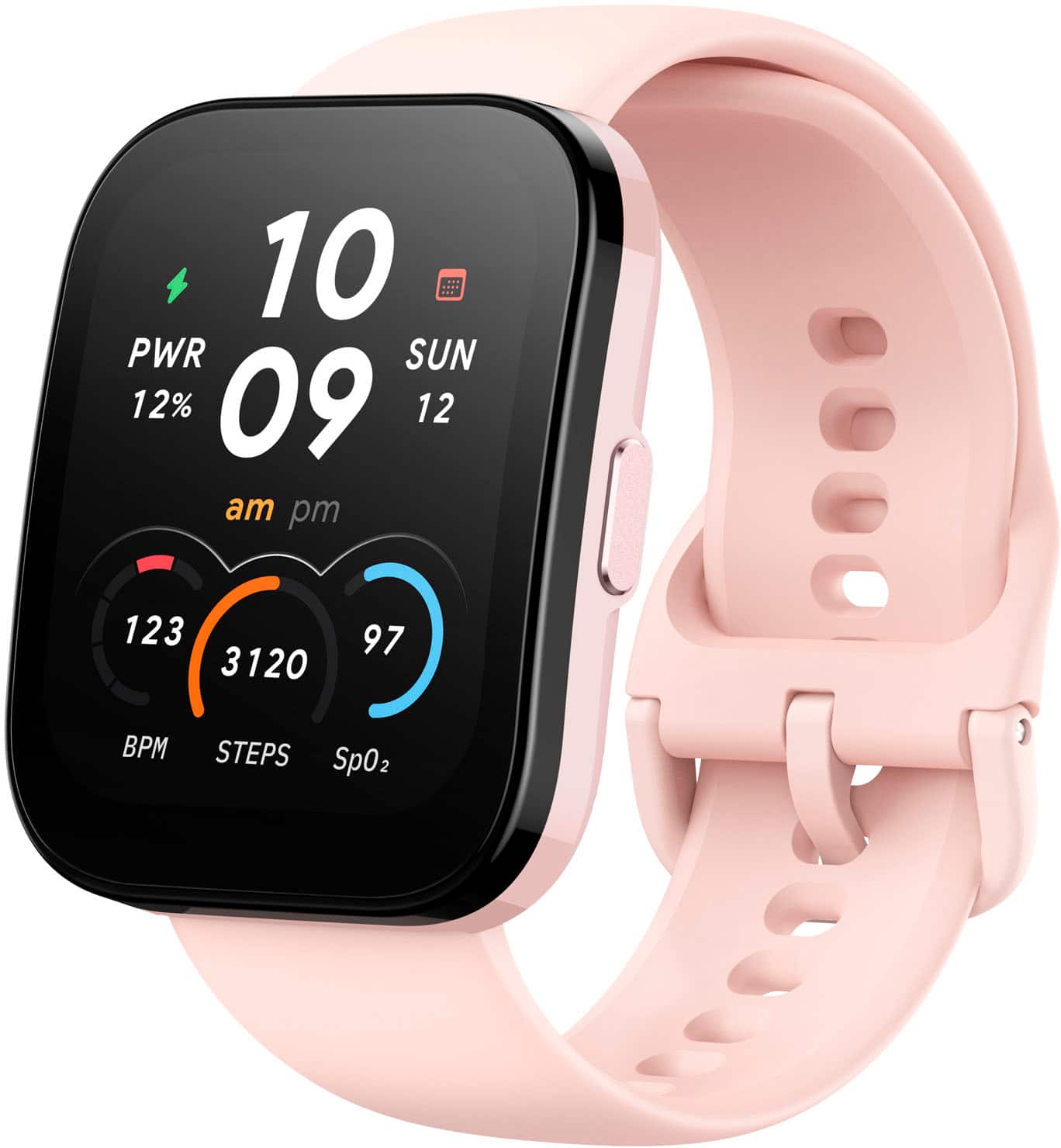
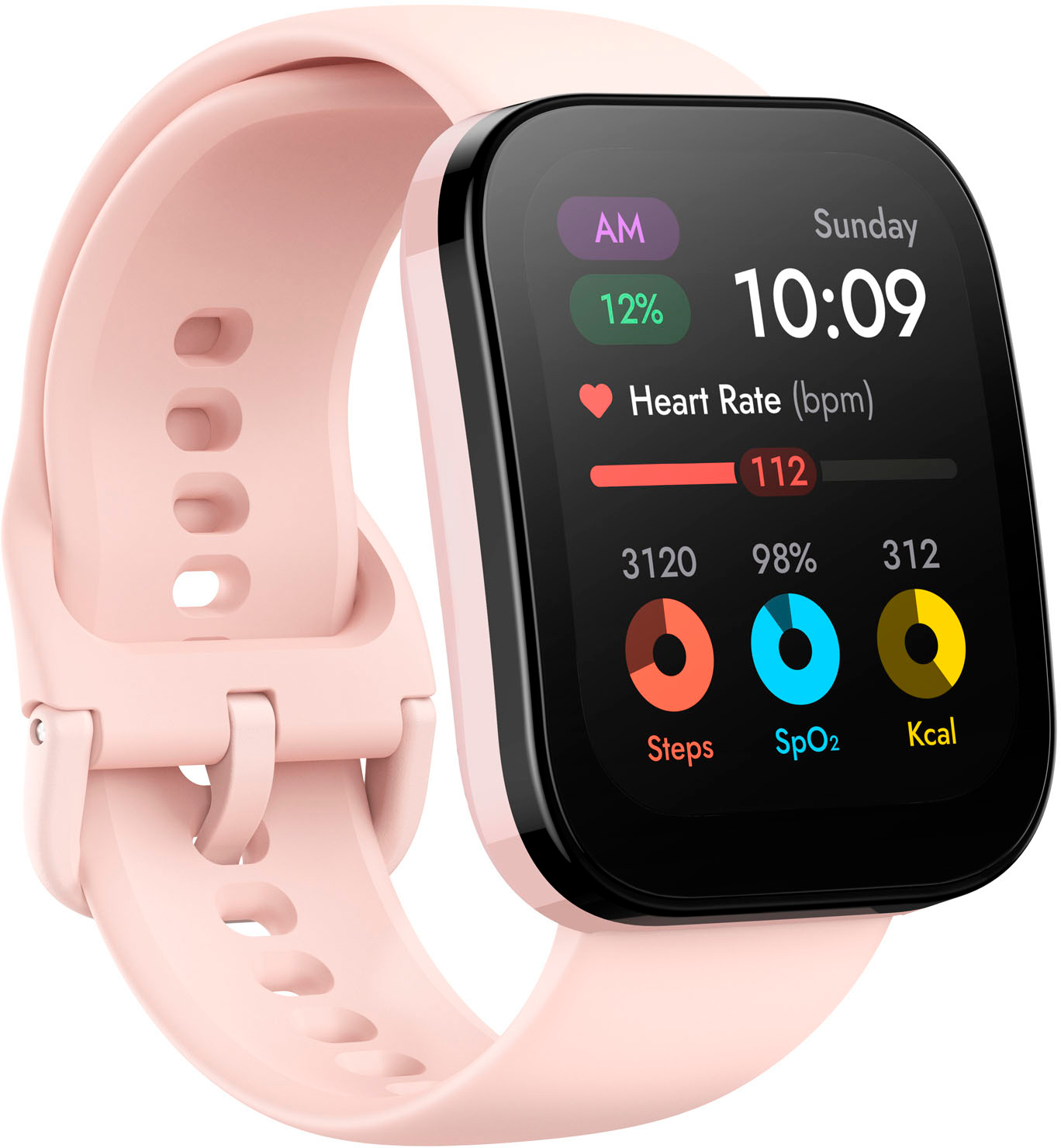
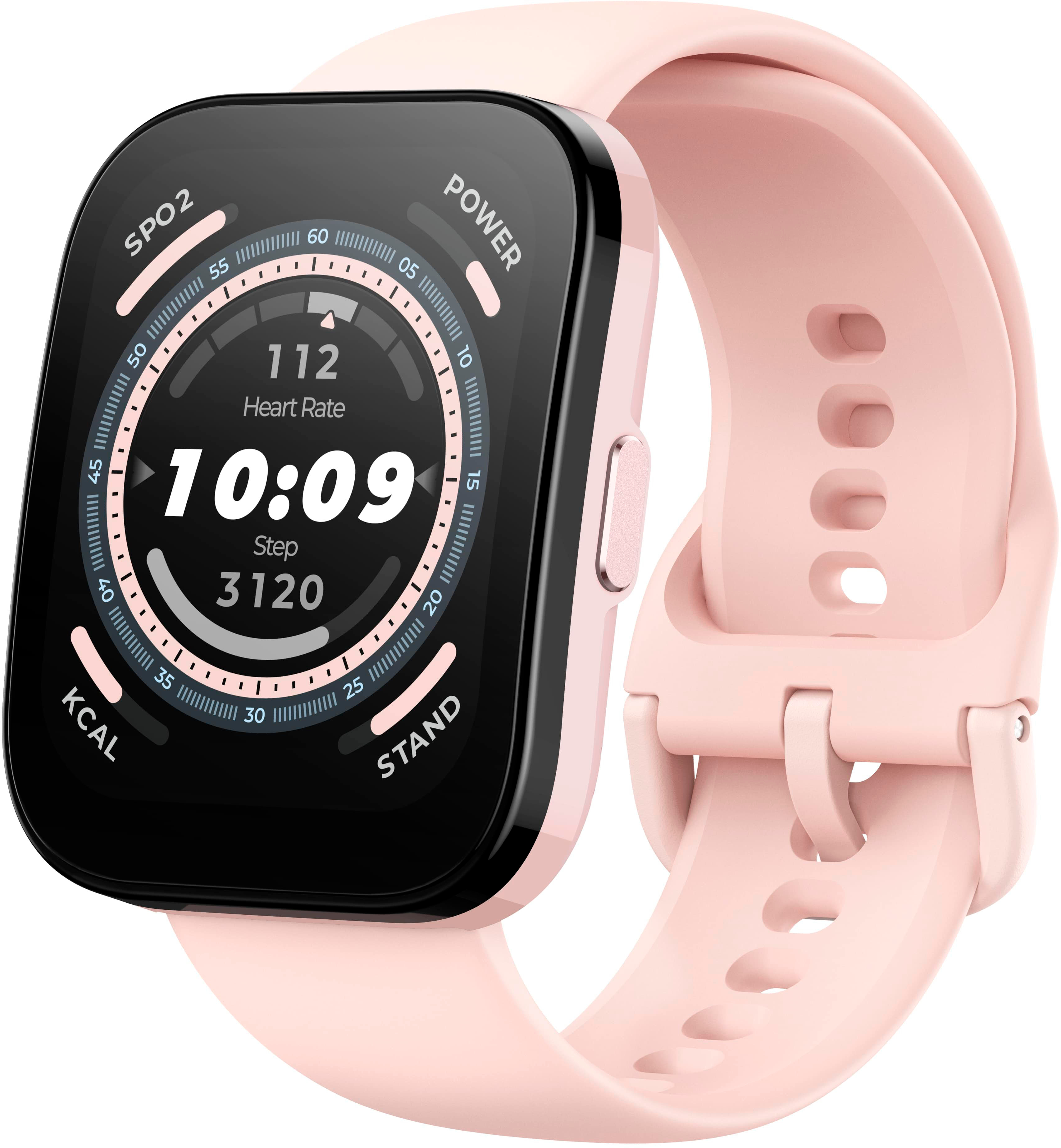
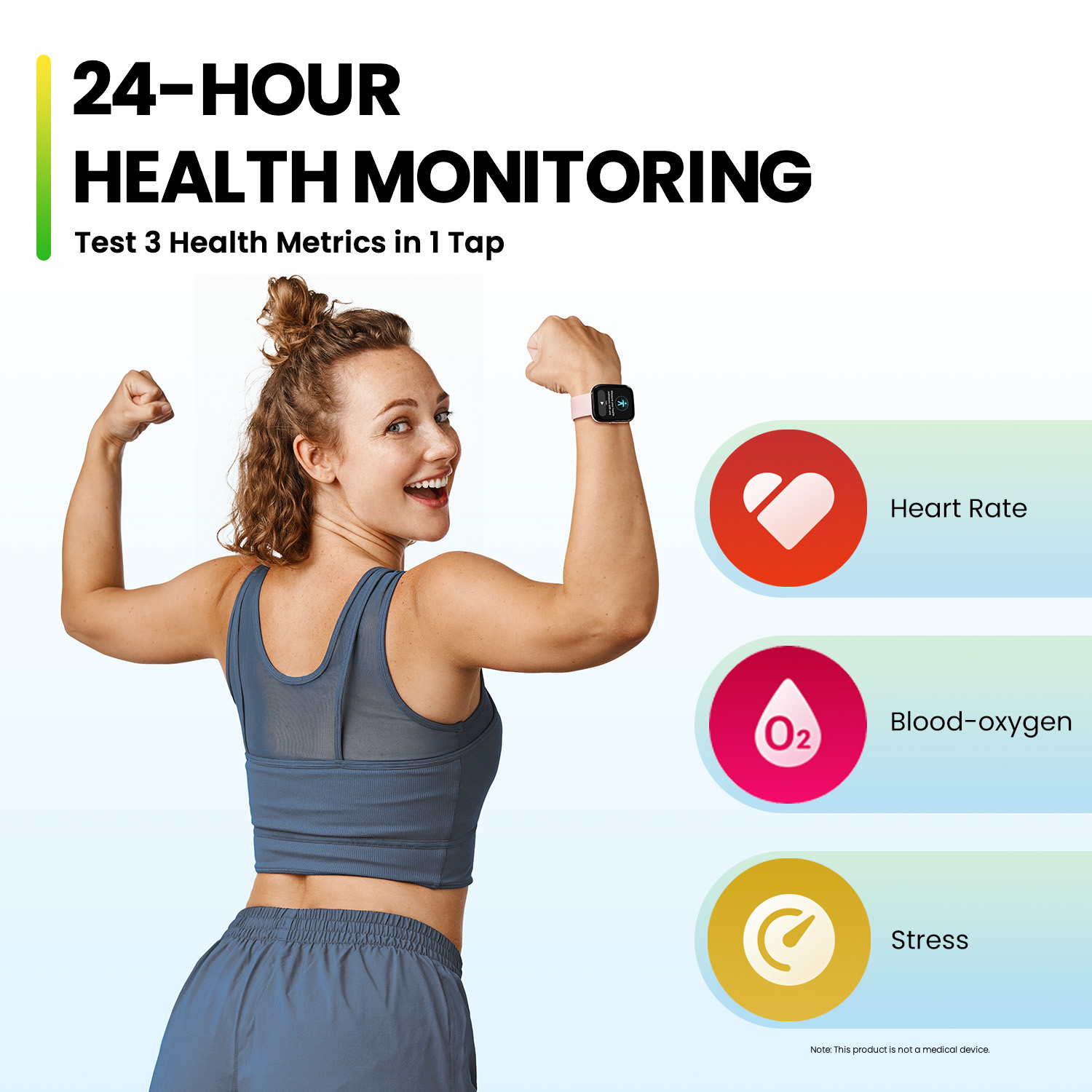
Yes , the Bip 5 does have the ability to track SPO2 through out the day and the Zepp App can analyze the data while you sleep.
Kieron| Amazfit Support
A:AnswerHi there, please send your proof of purchase to [email protected] and we would be happy to set up a RMA to exchange for a new one. Michael | Amazfit Support
A:AnswerHi Susielou, you are able to disable the lock screen from the control center on the watch. You can access the control center by swiping down from the main watch dial. From there look for the lock icon and tap on it to disable it. If the lock icon is not there then it is hidden. Please add it back to the control center in the Zepp app under Device -> Amazfit Bip 5 -> Device Settings -> Control Center. Michael | Amazfit Support
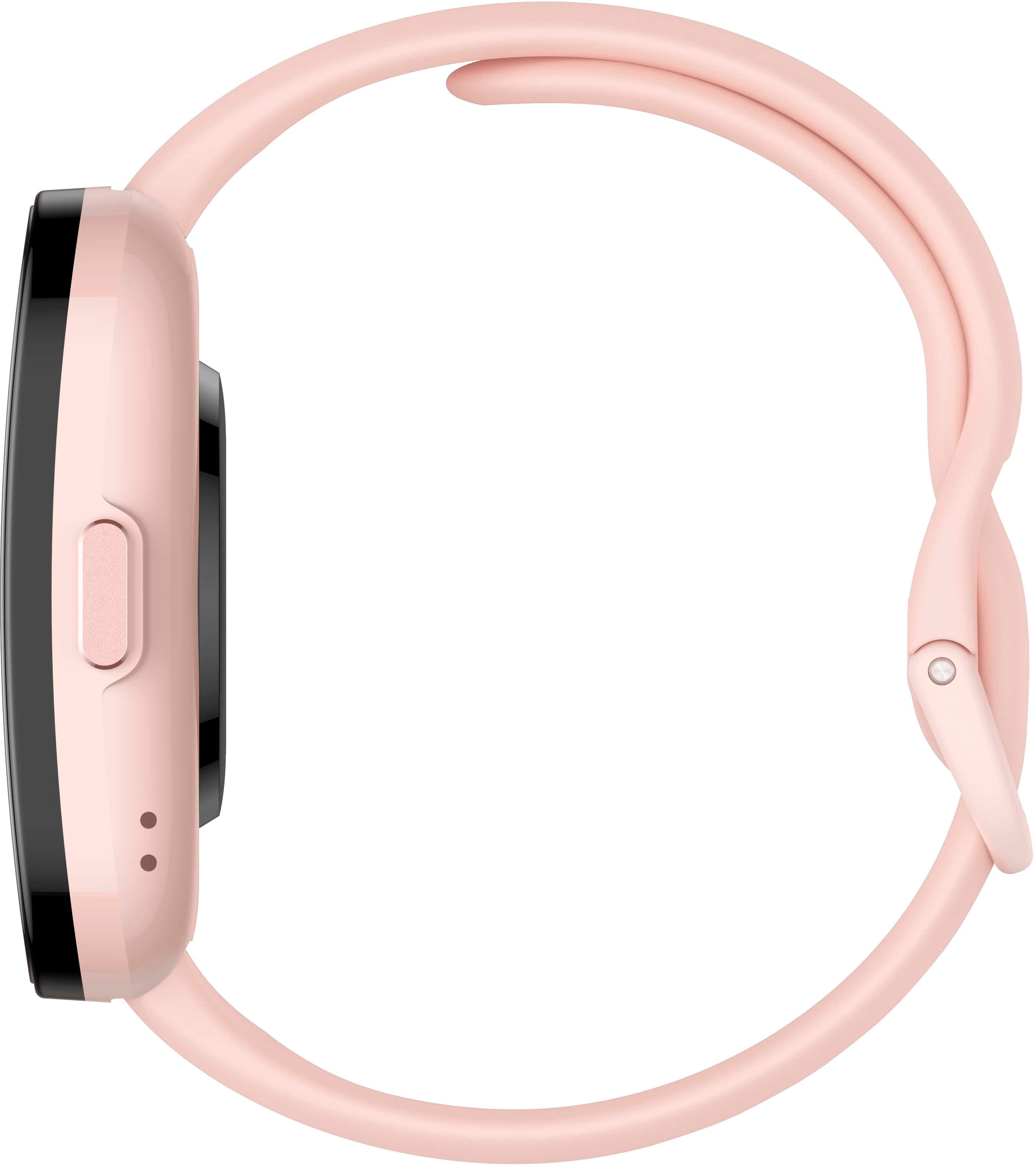
A:AnswerHi Coach, yes the Bip 5 uses a standard quick release watch band. You can change it out with any third party watch band that uses this style. You would just need to match the band width size of 22mm for it to fit the watch. Any of these found on Amazon will work: https://www.amazon.com/s?k=quick+release+watch+bands+22mm&sprefix=quick+release+watch+bands+%2Caps%2C156&ref=nb_sb_ss_ts-doa-p_4_26. Michael | Amazfit Support
A:AnswerHi Toni, yes the Bip 5 is able to connect with any iPhone running iOS 10.0 or above. You would just need to download the Zepp app from the App store to pair and set up the watch. Michael | Amazfit Support
A:AnswerHI Vickie, we unfortunately do not make screen protectors for our watches but you can find third party on Amazon here: https://www.amazon.com/s?k=bip+5+screen+protector&crid=33BXFHR0J4YOR&sprefix=bip+5+scr%2Caps%2C154&ref=nb_sb_ss_p13n-pd-dpltr-ranker_1_9. Michael | Amazfit Support
A:AnswerIt has its own app that you have to use with the device. Their app covers most the same things, but every app is different. You may be able to add the device to one of those, via the app that comes with the device.