A:AnswerHi Connie, yes the Bip 6 has "find my phone" feature. You are able to access this from the contorl center on the watch by swiping down from the main watch dial. It will be the phone icon and when selected will ping your phone. Michael | Amazfit Support
A:AnswerHi Meli, yes you are able to receive notifications from social media apps like Facebook, Snapchat, and Tiktok. Please note you are not able to open the actual app on the watch to view it.
Michael | Amazfit Support
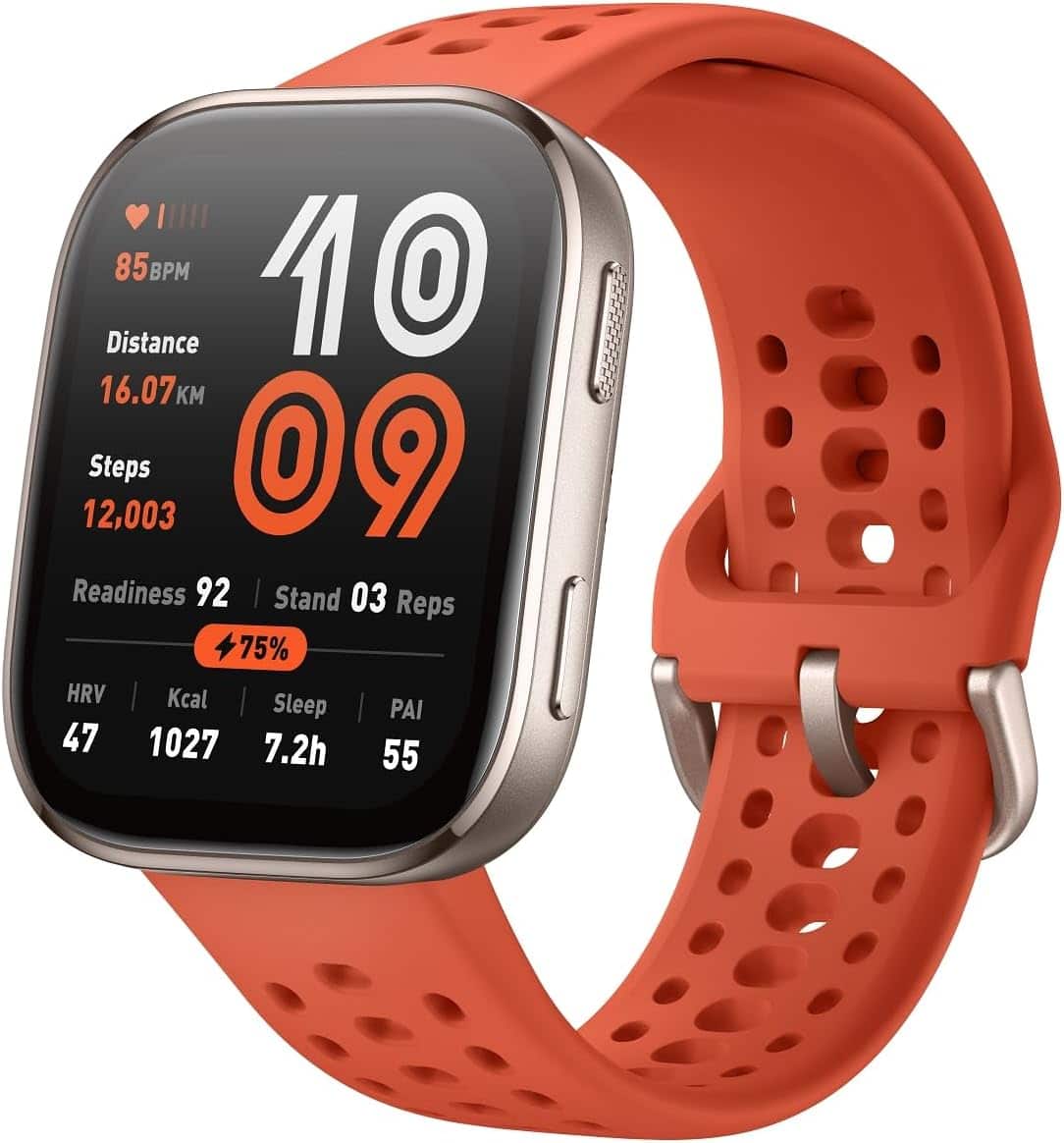
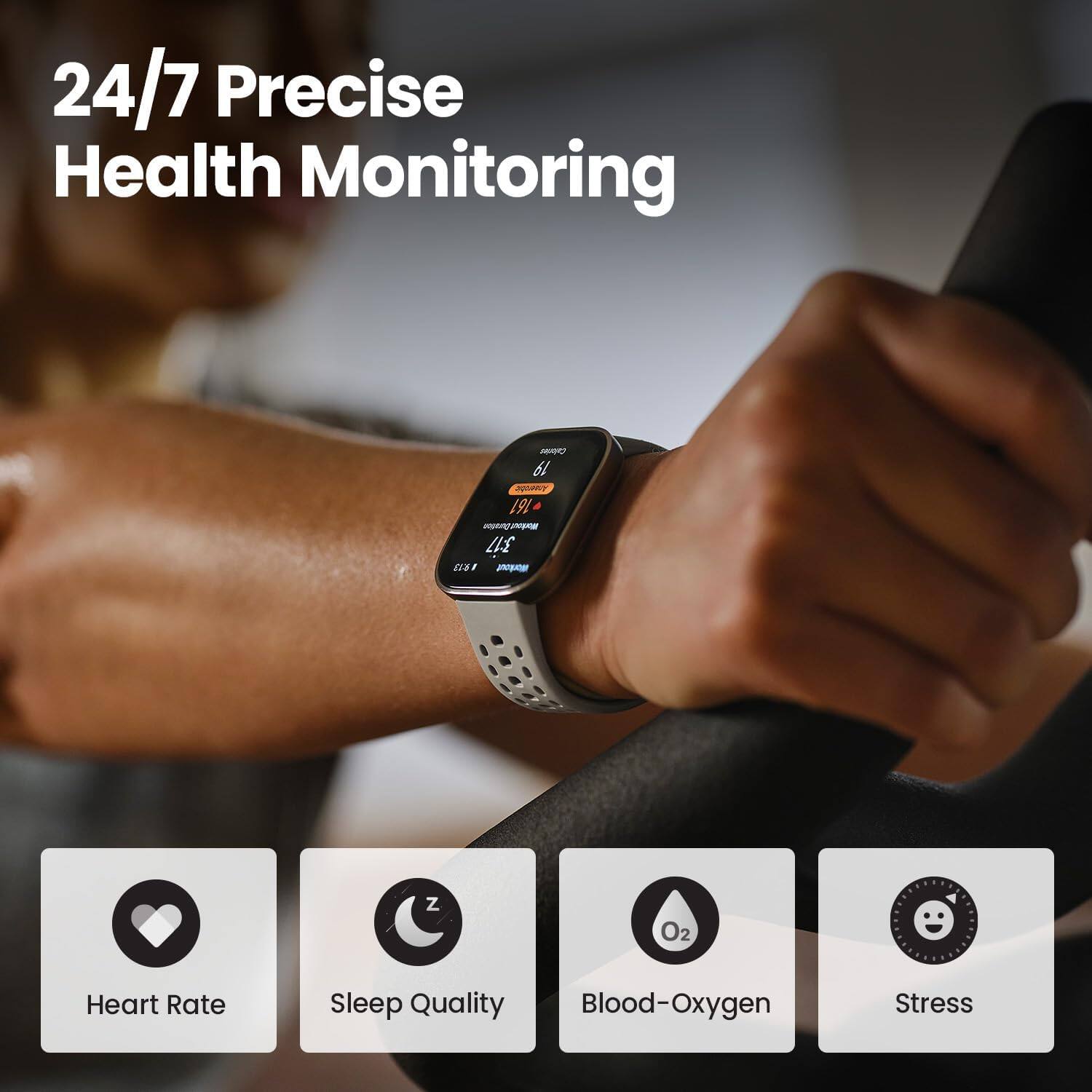
A:AnswerHi LittleDave, yes the Bip 6 is able to display the current heart rate measurement for you. You are able to take a manual measurement at anytime on the watch to view it. Michael | Amazfit Support
A:AnswerHi Best, you are able to use all of the health features of the watch without any subscriptions. We offer an optional subscription for further sleep analysis but it is no needed. The watch is able to record your sleep without it unless you want more in depth analysis to help form a better sleep schedule. Yes you can make a call directly on the watch through Bluetooth either from dialing or from your top contacts that you can add up to 20. Michael | Amazfit Support
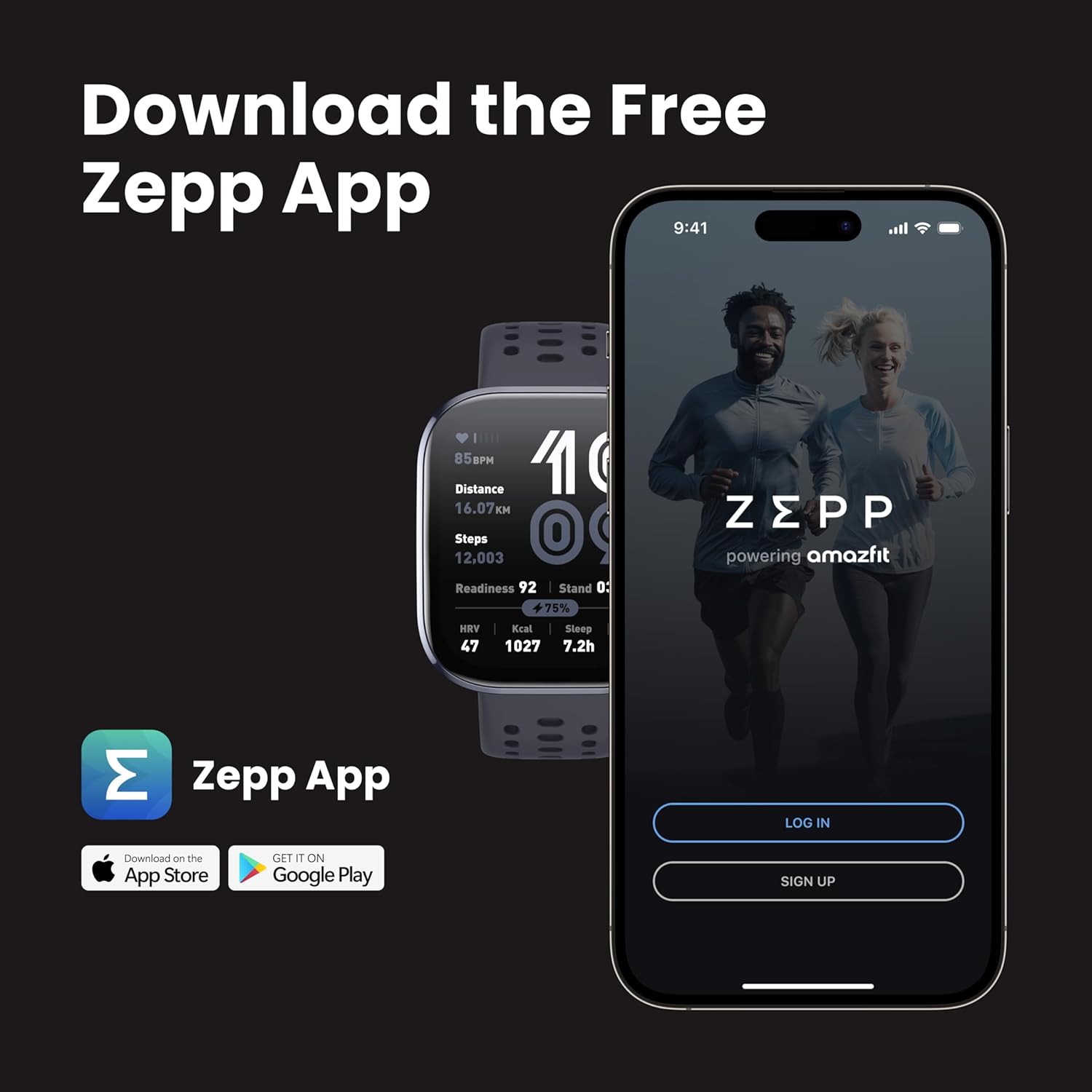
A:AnswerHi there, yes the watch is compatible with the Samsung Galaxy A42. You would just need to download the Zepp app from the app store to pair and set up the watch. Michael | Amazfit Support
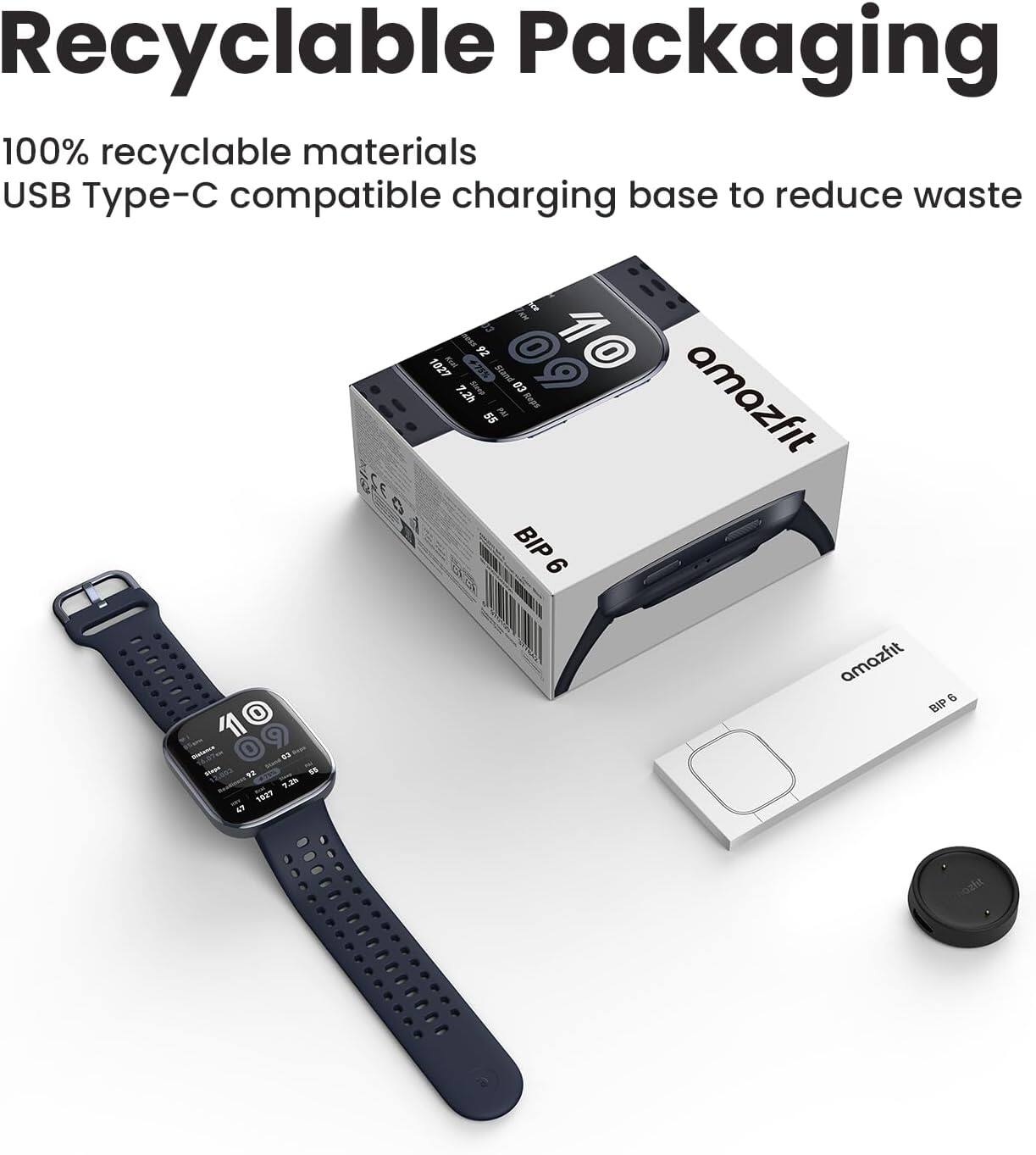
A:AnswerHi CCRapDirty, yes you can purchase an extra charging dock for the Bip 6 here: https://us.amazfit.com/products/amazfit-charging-cable. Michael | Amazfit Support