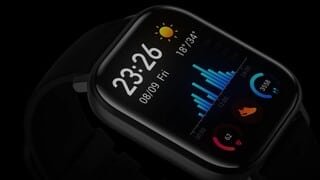
A:AnswerThis watch does NOT have a speaker , which I like.it does have strong vibration..but it does have Bluetooth & u could pair wireless head phones I guess
A:AnswerYes it is. If you want it always on you have to go on watch setting and turn it on. it will affect your battery but not as much as other expensive watches ( everyday charge)
A:AnswerI can't give a definite answer, but it worked great with my Pixel 4 XL. So I cant see why it wouldn't work with a Pixel 2 XL. I would think as long as your phone is up to date with software and the latest Android update, it should work fine.
A:AnswerOn the Amazfit GTS 2, you can answer calls :
Method one: Start the Zepp app, and go to "Profile > Amazfit GTS 2 > App settings". On the call page, turn on
"Call via watch", and pair the watch and your phone through Bluetooth as instructed.
Method two: On the watch and your phone, go to "Settings > Bluetooth to pair them:
1. On your phone, go to Settings, then select "Bluetooth" to turn on the Bluetooth, and set the phone to be
discoverable. On the watch, go to App list > Settings > Network and connections > Bluetooth. Ensure the
Bluetooth is turned on.
2. Find the watch in the search results for available devices on your phone, and tap to pair them. Or, find your
phone in the Bluetooth search results on the watch, and tap to pair the devices.