A:AnswerYou probably need to install Google Play Store. The new Kindle Fire operating system does not do Android stuff naturally. There is a process to installing the Play Store and it must be done in order. You can get the directions for doing that by Googling or going to YouTube. It's not too difficult, just a pain to have to do so. Another thing to remember about the new Fire OS is that you can only read/write to storage devices formatted in the new Kindle OS which essentially limits you to SD cards.
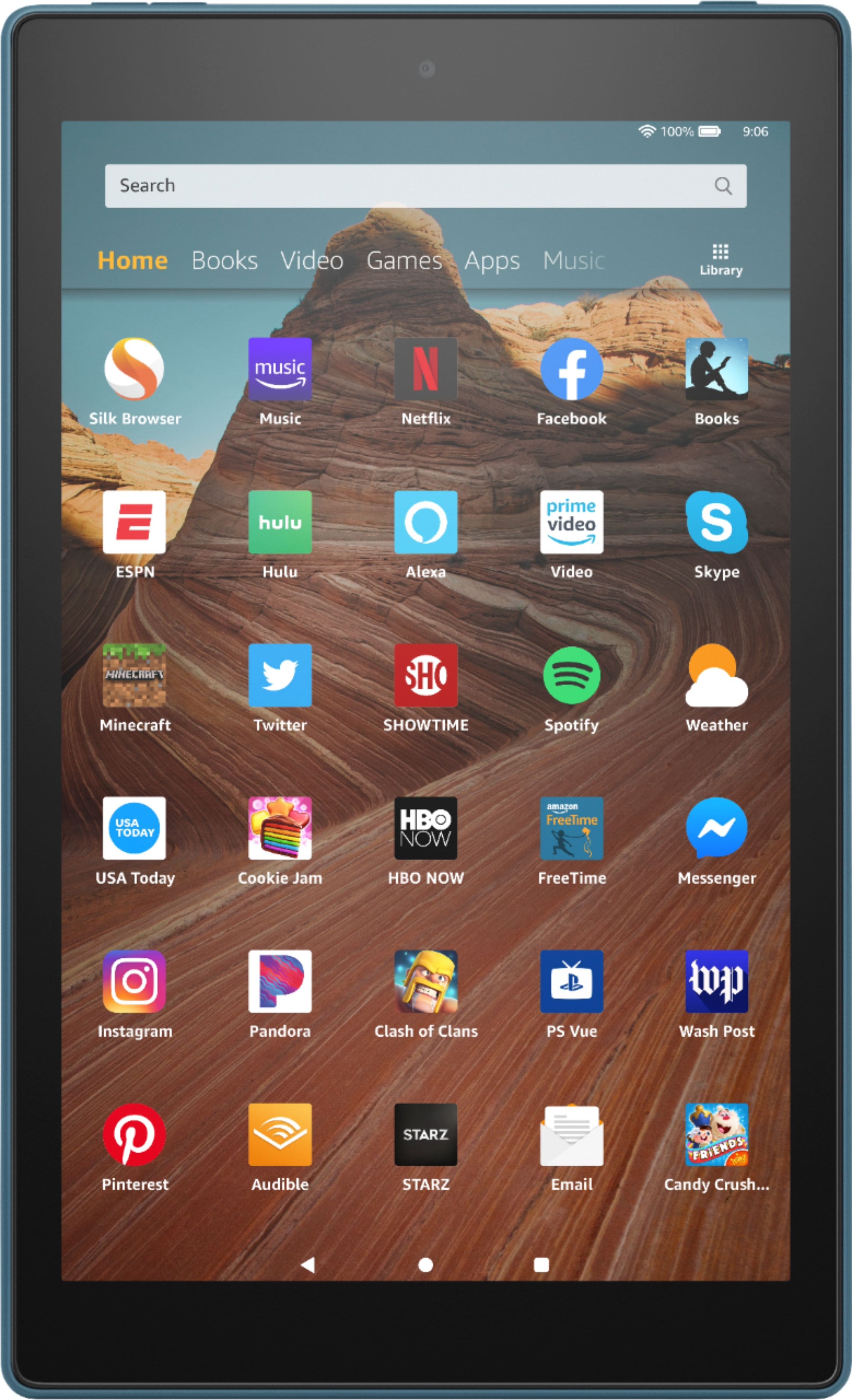
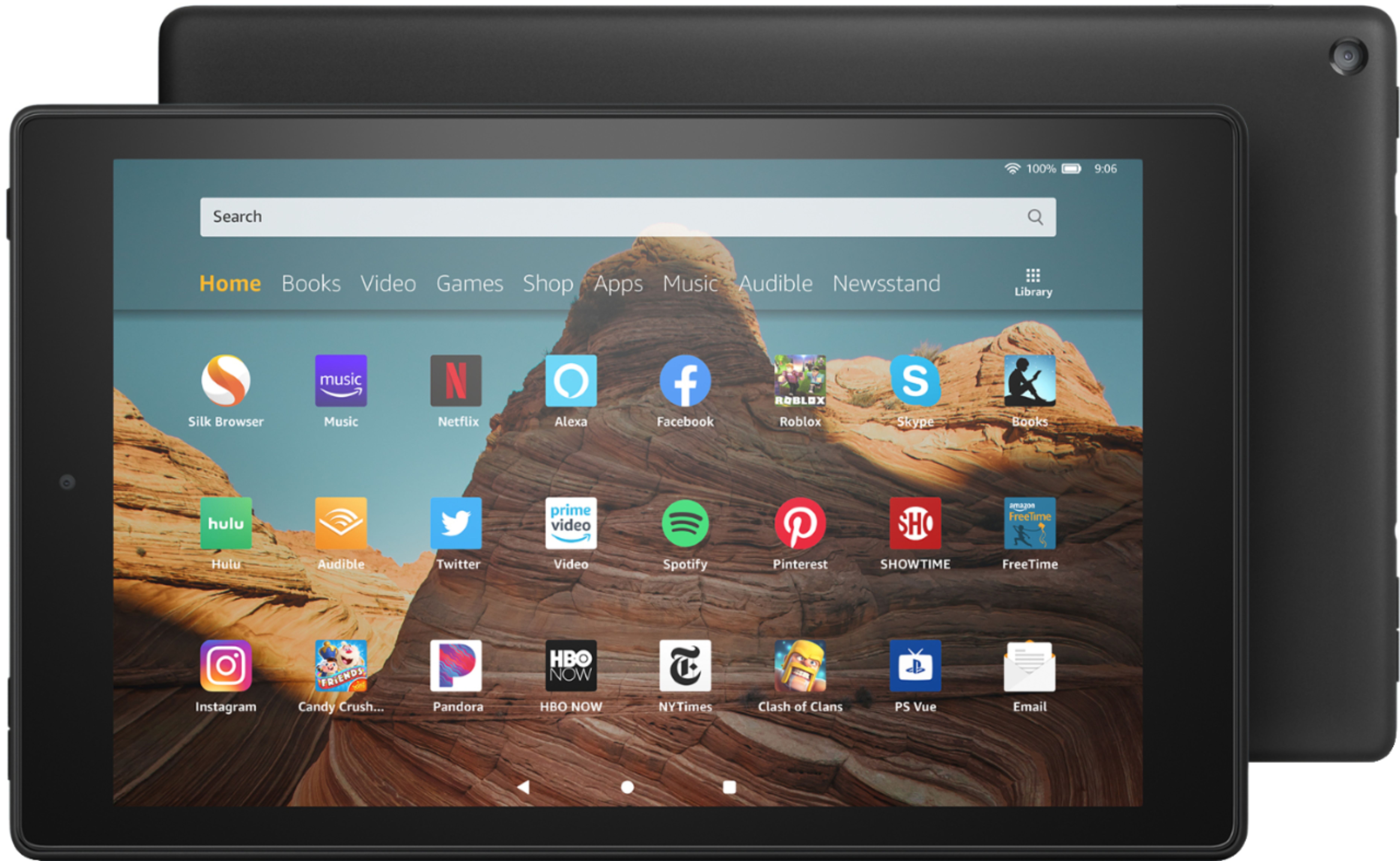
A:AnswerHello, Nina1! The Fire HD Tablet has the Silk Browser on it. This browser will give you access to any website you wish to visit on the Fire Tablet. Have a great day!
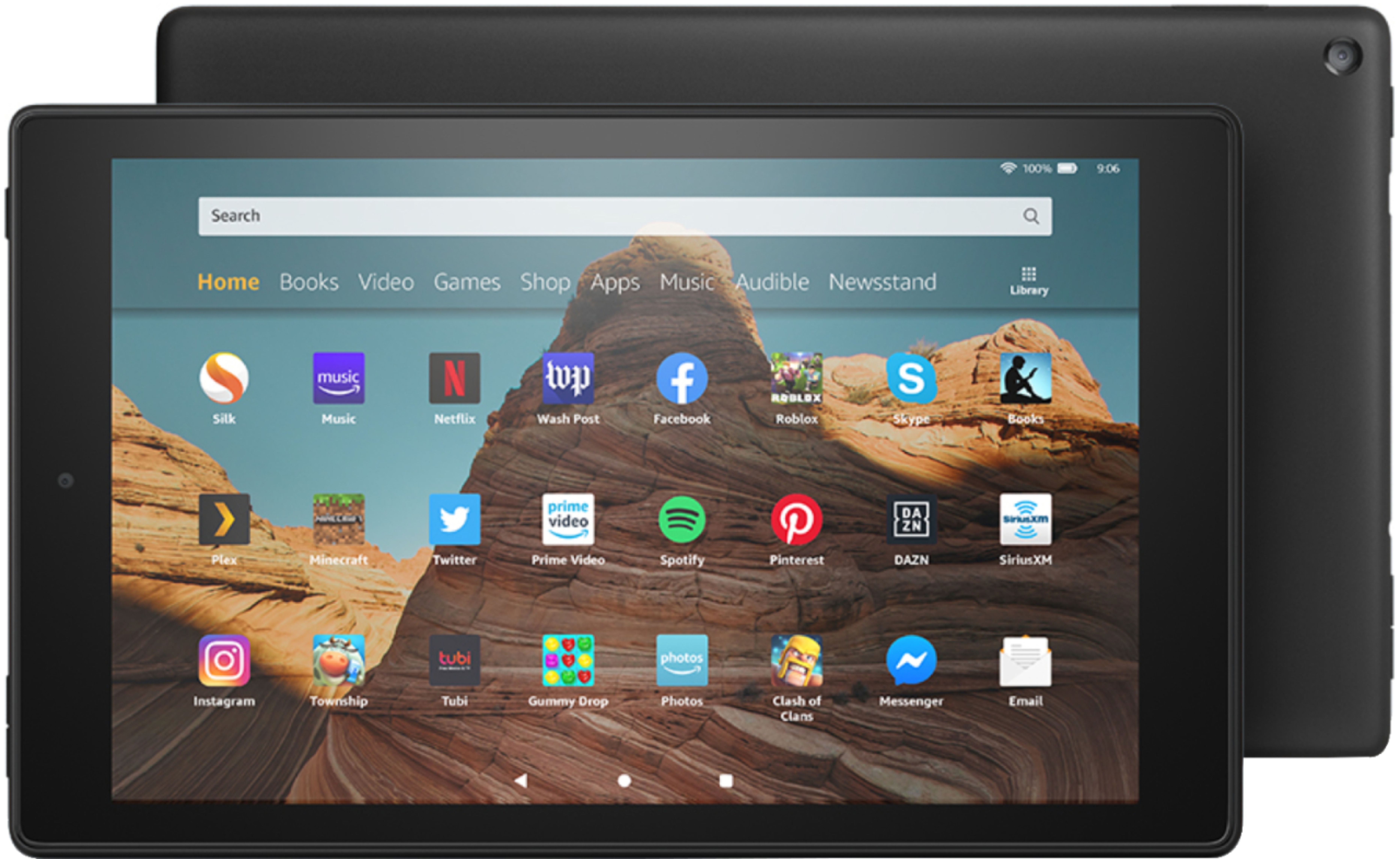
A:AnswerHello, Crdrell! Yes, you have access to your Facebook from the Fire HD 10 Tablet. You would be able to make posts and post pictures just like you would normally be able to do through the Facebook app. Have a great day!
A:AnswerHi There,
Yes, you can! There is an audible application built onto the device already, just log in with your Amazon account information and you will be good to go! Have a great day!
A:AnswerHi Jessy,
Typically Zoom allows all participants to be viewed when scrolling through the screens. There is one page that will show all participants and then it is broken up to 4-6 per screen. Have a great day!