A:AnswerHello,
Yes, Fire Devices will allow you to read and download PDF's. There are also apps available on the app store that will allow you to do other things such as highlight, bookmark and search these PDFs.
A:AnswerHello, Sally! The Fire HD 10 tablet does not have a phone, text, or voicemail option. There are different apps you can download in order to call and message people. I hope that helps answer your question. Have a great day!
A:AnswerYou an definitely use this device with a hot spot but you would have to check to see if the Pokemon app would work on this device or if it would be supported through the SILK web browser on the Kindle.
A:AnswerMuch of my information transferred automatically, however downloaded documents, pictures, etc. will have to be moved manually by copying them to your laptop and then onto your new Kindle. It has a conventional file structure that you can access by connecting your Kindle to a laptop and browsing for what you want to copy and move. You may need to re-download the books you are reading or have teed up to read. This was the most tedious part of the exercise, however, my mail file, Facebook, etc. all automatically reappeared on the new device for me.
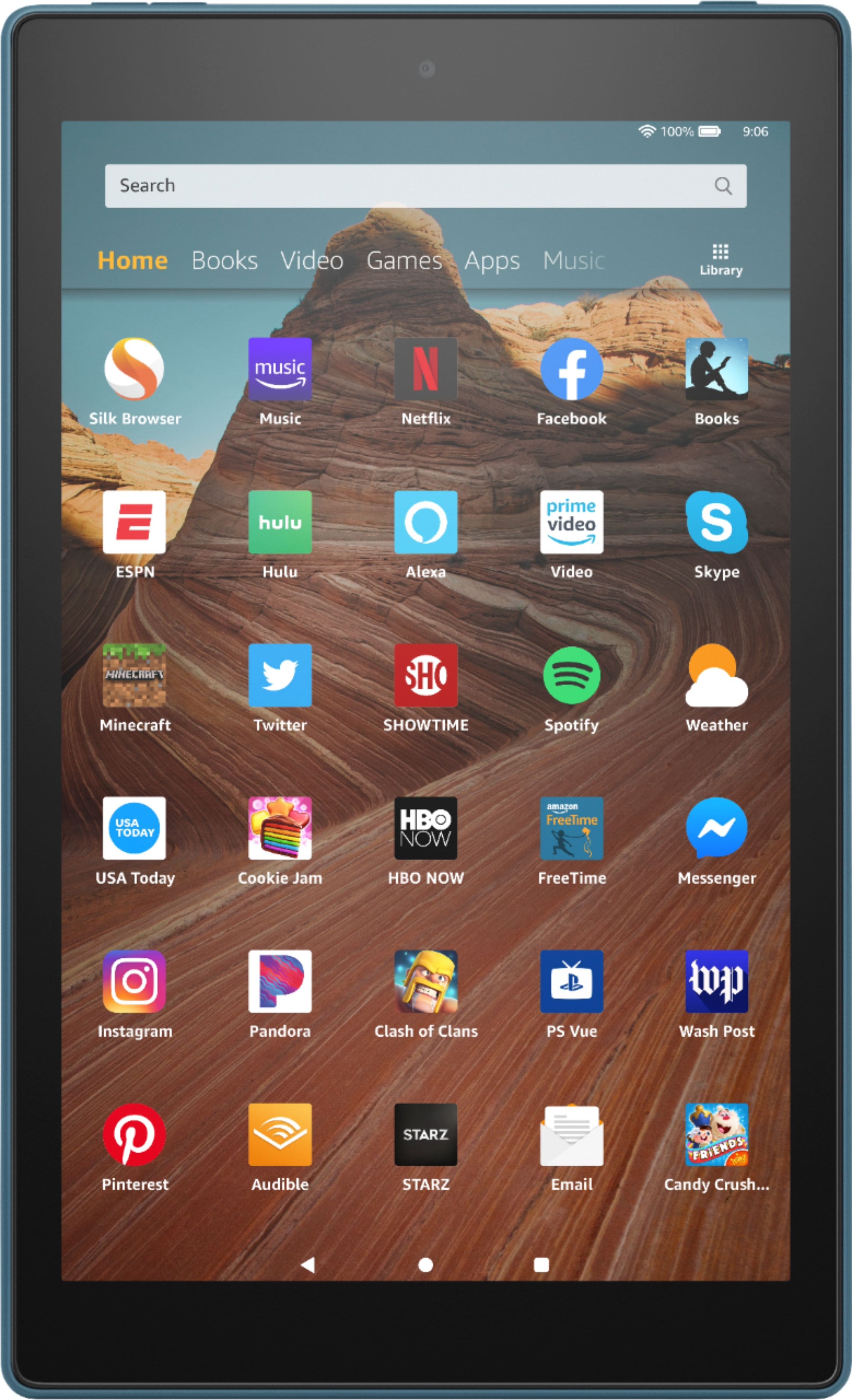
A:AnswerHello, Molly! Yes, there are cases with keyboards available for the Fire HD 10 Tablet! There are many available out there, so my suggestion would be to read through the description to each one to ensure that it is compatible with the Fire HD 10 tablet that you have! I hope that helps! Have a great day!
A:AnswerHi Tony, you cannot change the font size however you can pinch to zoom in on the page, making the font bigger and page easier to read. Hope this helps!