A:AnswerHello OCH,
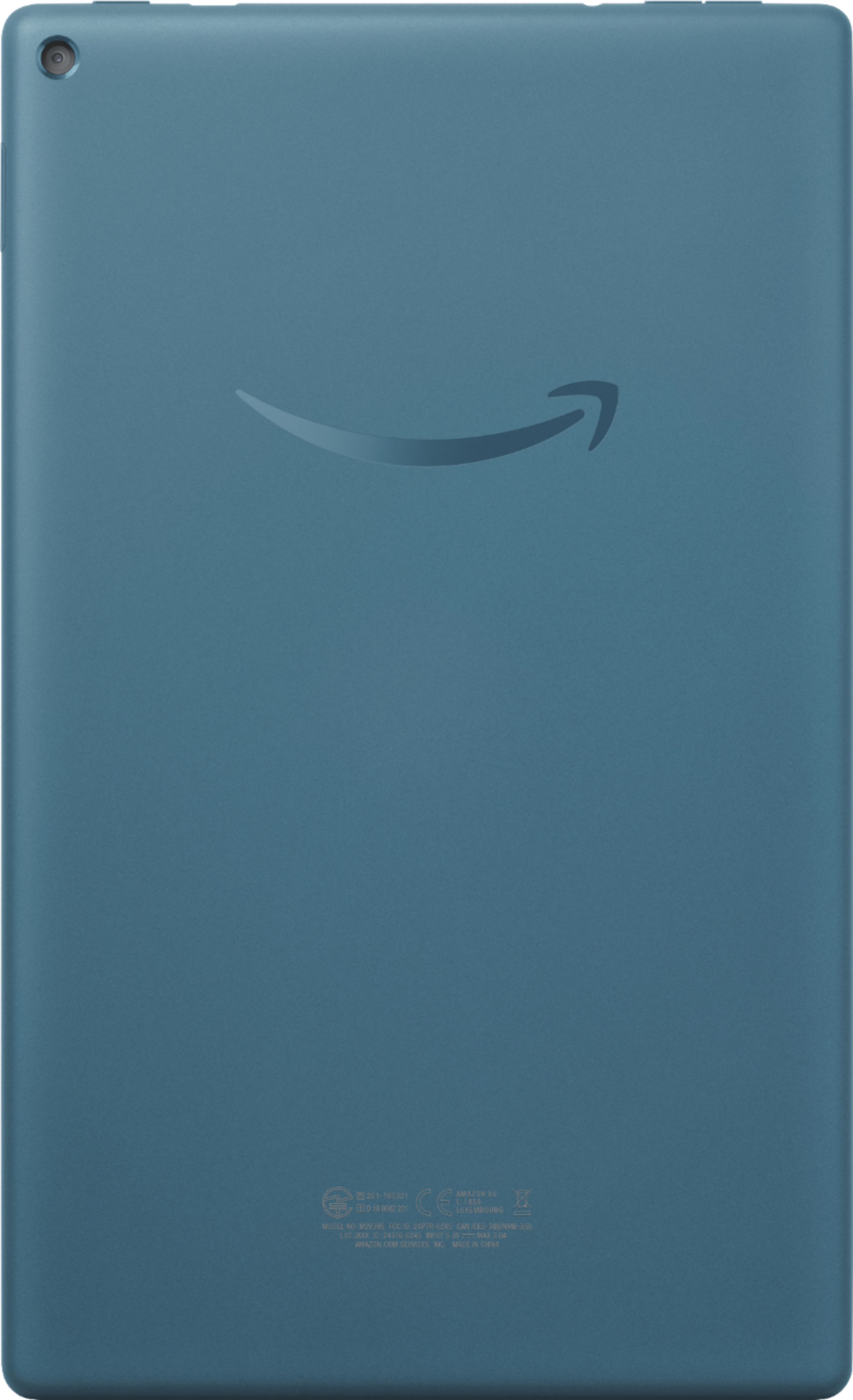

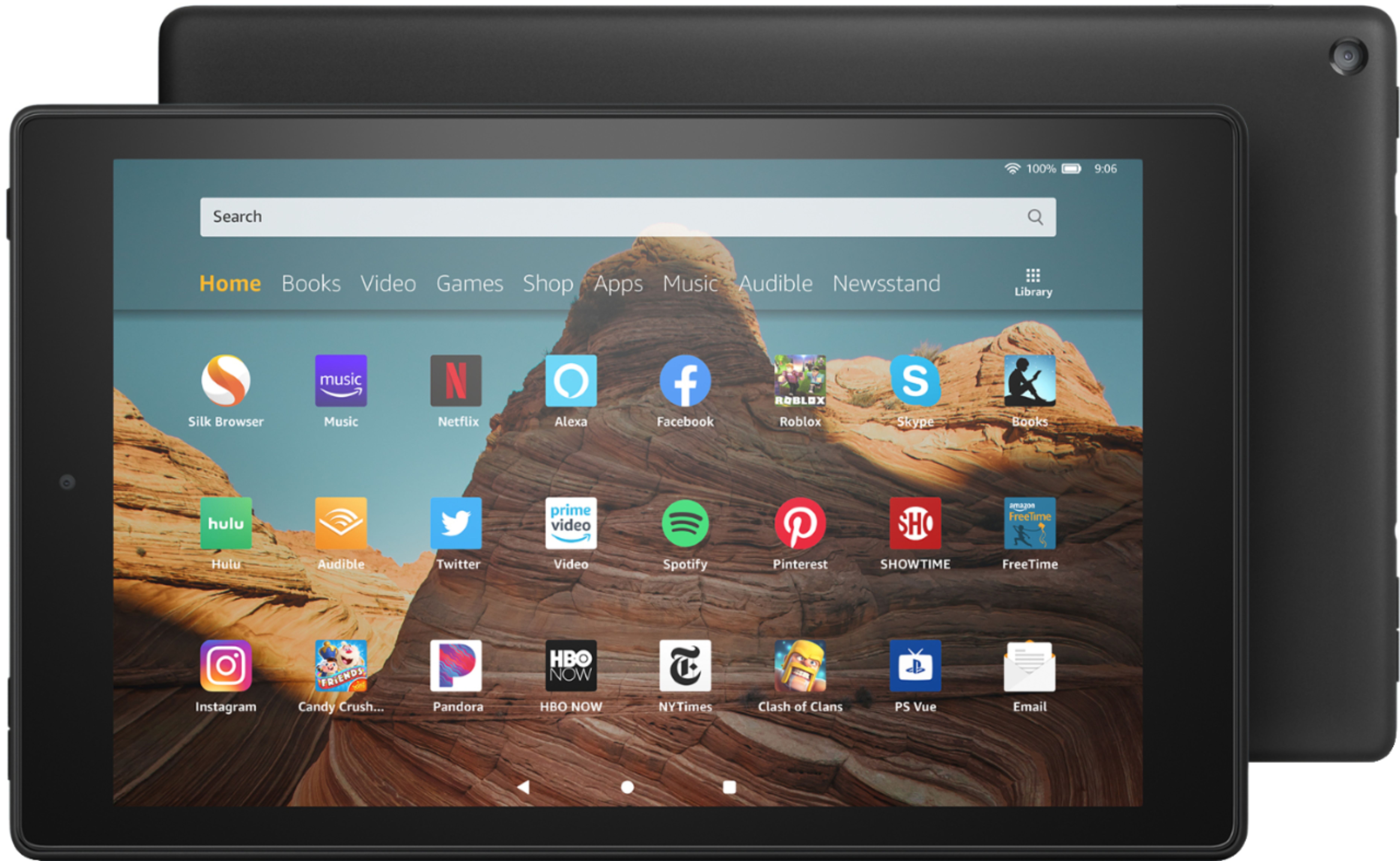
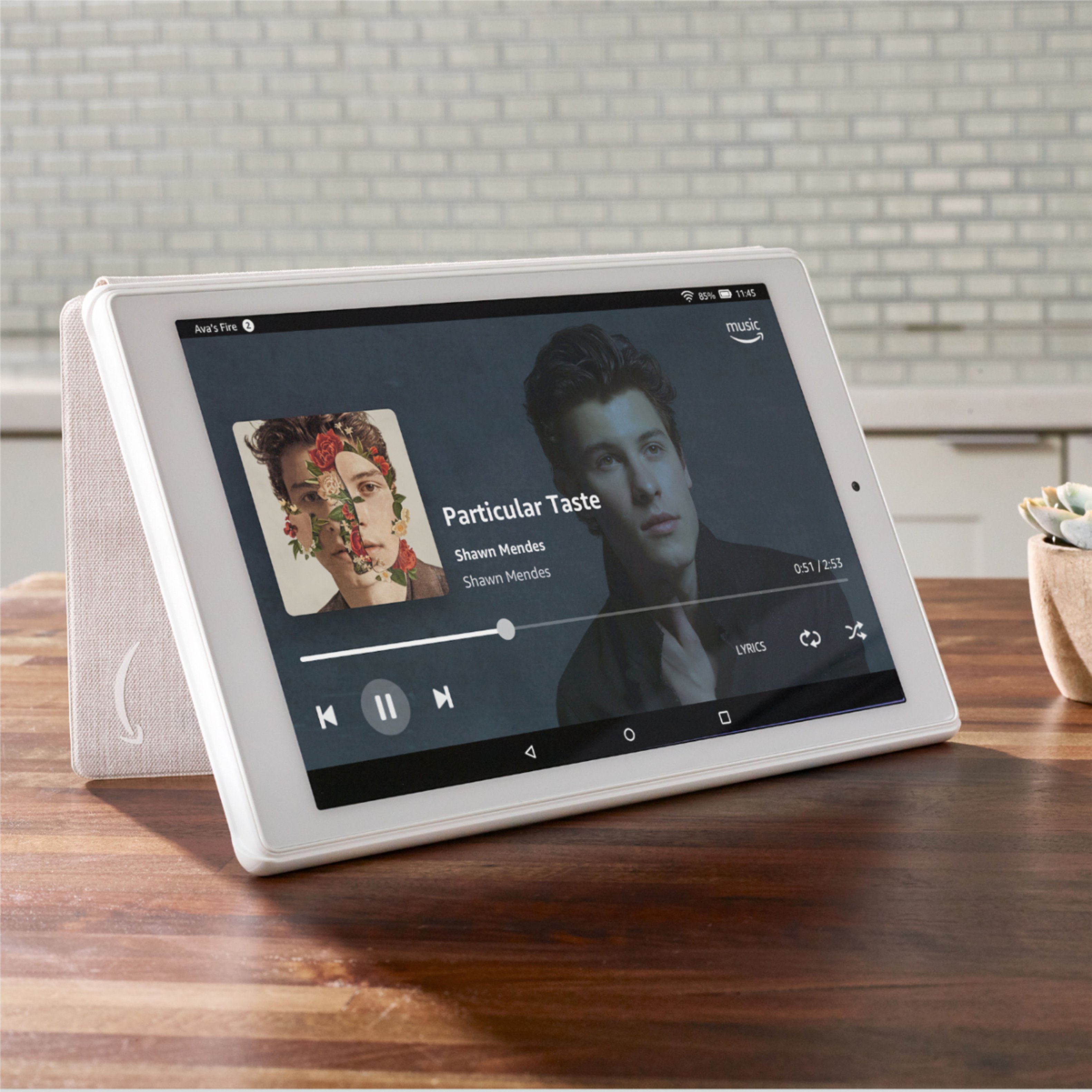
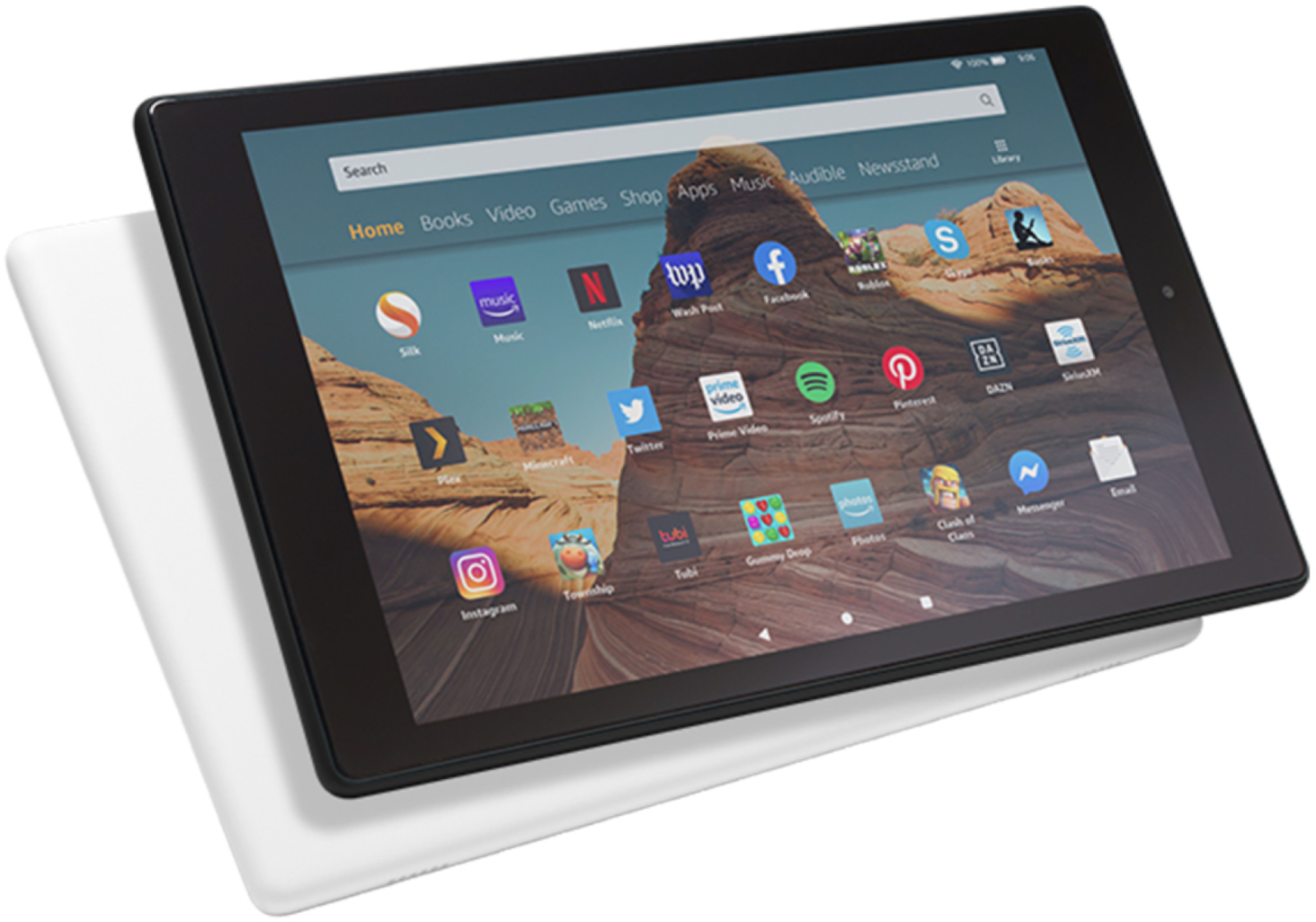
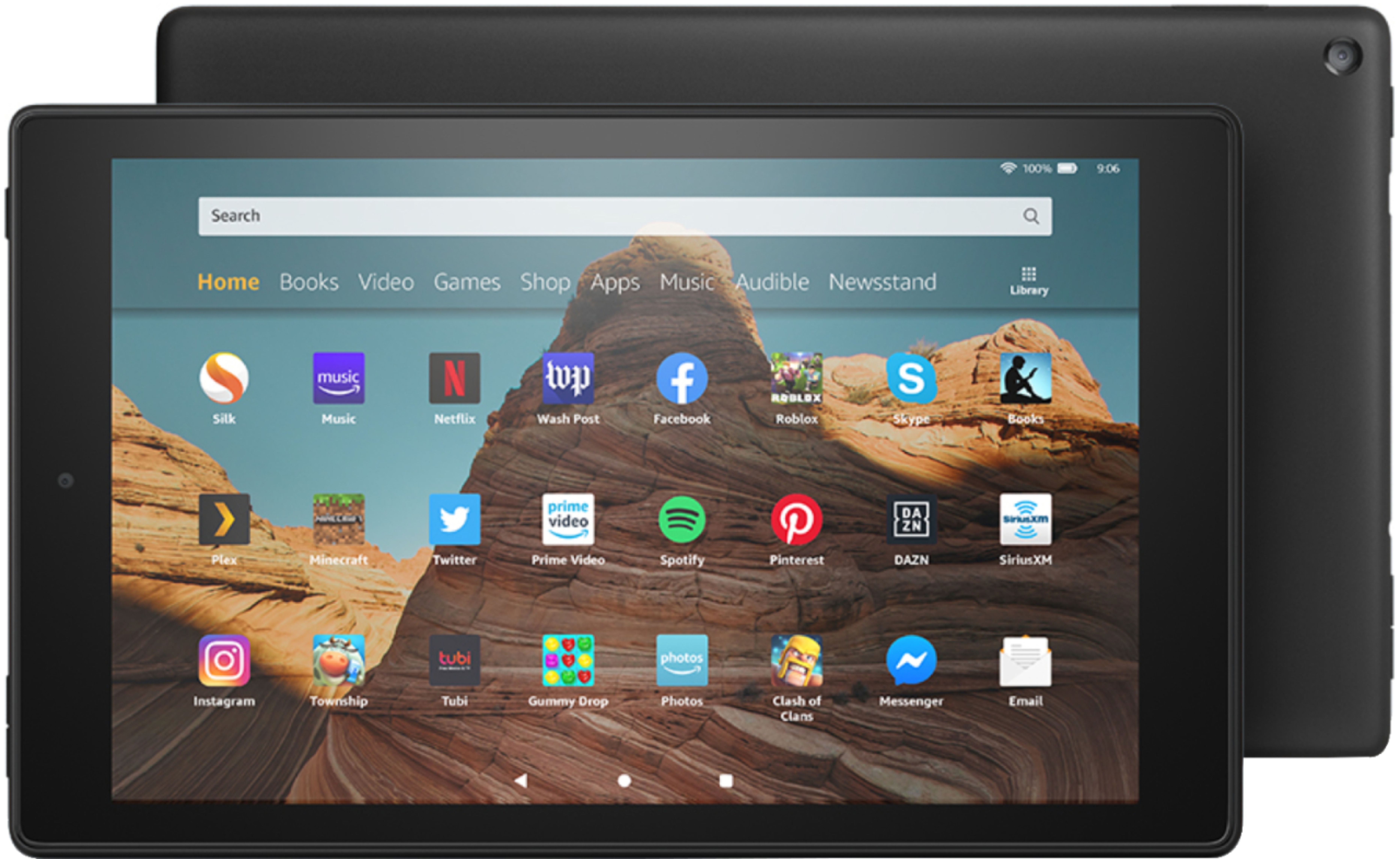
Yes the Fire HD 10 2019 is compatible with the 7th generation case as the size and port/button cut outs remain the same.
Hope this helps!
A:AnswerHi Eddy! Yes, you can install Freetime Unlimited on this tablet. To do so, follow these steps: 1. From Home, tap Apps, and then tap Kindle FreeTime. 2. Tap Get Started. 3. Enter a password. (If you already have a Parental Controls password: Enter your password, and then tap OK. If you don't have a Parental Controls password: Create and confirm a password, and then tap Continue.) 4. From the Add Child Profile screen, select Tap to set photo to add a profile picture. 5. Enter your child's name, birthdate, and gender, and then tap Next. (If you'd like to create additional profiles, tap Add Another child) Tap Done to save all settings and create the profile. Tip: To manage your child profiles and content at any time, from Home, tap Apps, and then tap Kindle FreeTime. From here, tap Manage Content & Subscription, Daily Goals & Time Limits, Manage Child Profiles, or More… to edit or manage your FreeTime settings.
A:AnswerYou can not download the iTunes app.
However, you can log in to your iTunes account on the web and play your music through the web.
This will require an internet connection or using your phone as a hot spot (data usage).
A:AnswerHello, yes you can! In the previous Fire tablet, you will initiate a backup. Swipe down from the top of the screen and tap Settings. Tap Device Options. Tap Backup & Restore. Tap the switch to turn on Backup. Your device will automatically back up once a day.
A:AnswerHi there,
Most of those types of applications do not require an internet connection. You would need to check with the app developer to be certain though!
A:AnswerI just this morning saw your question, Grace. I am not absolutely sure if you can print from the Amazon Fire HD10 or not, but, that said, I just now opened a PDF document in Drop Box and could not find any print function on any of the pull down menus. That suggests to me at least that there is no app available to print. There is no USB port, per se, to attach a printer to via a direct cord connection, unless you count the port in which the power cord and charger are plugged into. I hope that helps. You could also Google your question and see what comes up.
A:AnswerHello oliveolive, Fire tablets have a wide range of text customization options she can choose from while reading a book. She can change the text size, background color, spacing, or the margins while reading.
This tablet also allows for access to audio books and immersion reading (where she can follow along in the book as the audio book is read to her).
A:AnswerMy son tablet was doing the same thing it was the charging port we had to get another one because they couldn't fix it. It's good to get the protection plan I do everytime.
A:AnswerHi There,
This device does not have a mobile network built into it. Any available WiFi can be used! If it is not accessible you may be able to use a hotspot from your device. You would need to check with your cellular provider to see if you have that service. Hope this helps!