A:AnswerIts totally kid friendly....my two boys each have one....they are 10 and 12....so if you have kids younger than that I reccomend getting a kid friendly protective case and screen protector...which is good advice for any age...I think that it should be fine.
A:AnswerHi Novice,
The Amazon App Store which is loaded on the device does have Microsoft Office available. This application does features access to work on the go, like Word, Excel and PowerPoint integrations
Have a great day!
A:AnswerSo, Alexa is both an app and hardware. This is a single unit tablet. It does not come with any other hardware.
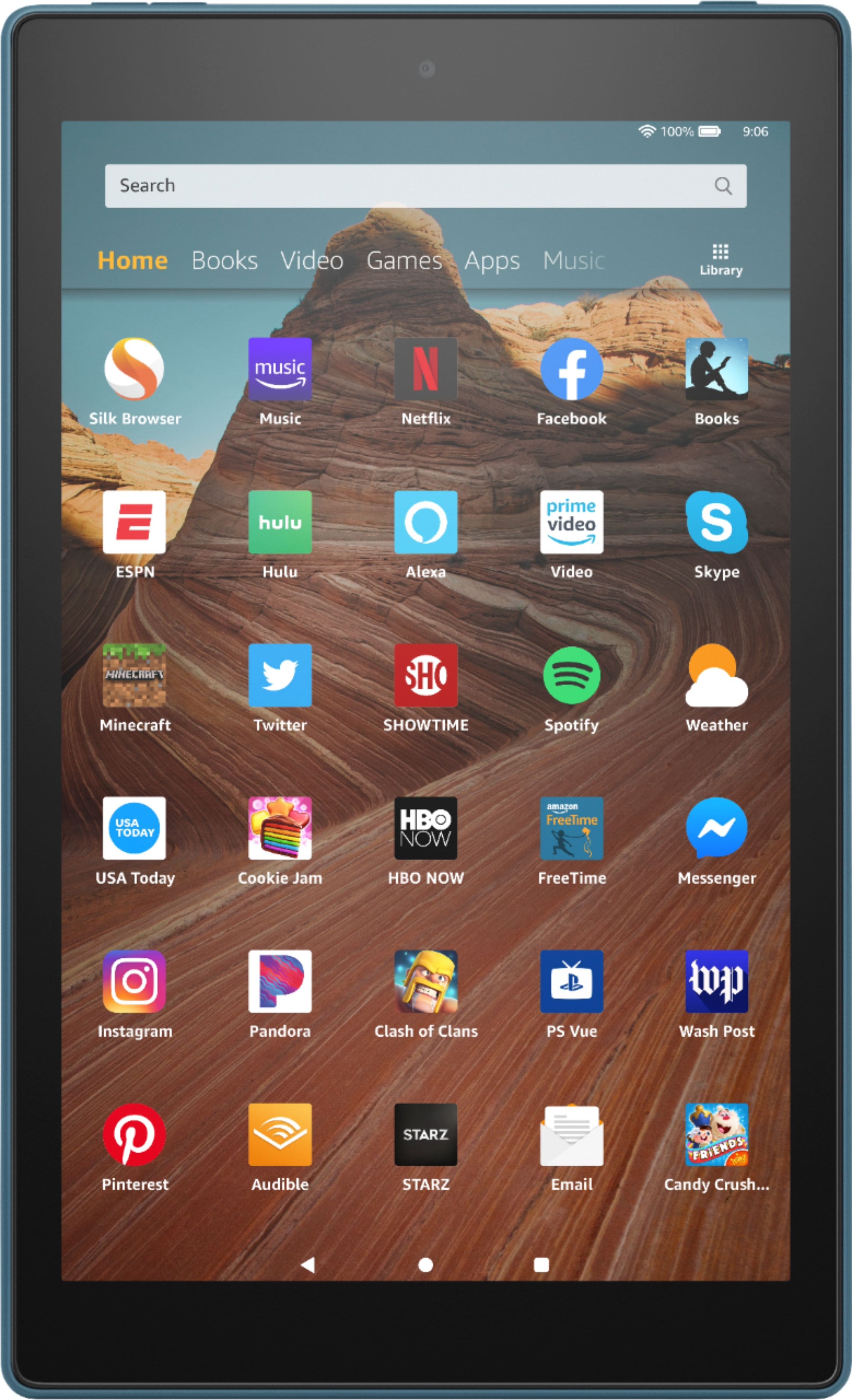
Saying that, there is an Alexa app pre installed (lol, you actually can not delete it). After setting up the app and linking it to your amazon account you have full Alexa app support on the device. You have to tap the app icon to activate it though. You have to have it "active" to use your voice commands.
Using Alexa on a tablet is not as convenient on a tablet as an echo device. The speakers are no where near as nice and its now always on like an echo device for voice activation. So it works, just not as well. Echo devices range from 20 to 300, so Id go that direction.
A:AnswerAbsolutely. My advice to you is to start it up and deactivate any default programs, disable those that might be perceived as too challenging. Download the Google App store and either download several versions of Solitaire or find the one being used. It doesn't get any simpler.
A:AnswerHello! You can download the YouTube app through the app store. This would give her access to anything that is on YouTube through the app. I hope that helps. Have a great day!
A:AnswerHello Crafter,
Unfortunately the Cricut Design Space app is not currently available on Fire Tablets so you will be unable to connect it to your Cricut machine.
Hope this helps!
A:AnswerHello SunnyBoy59,
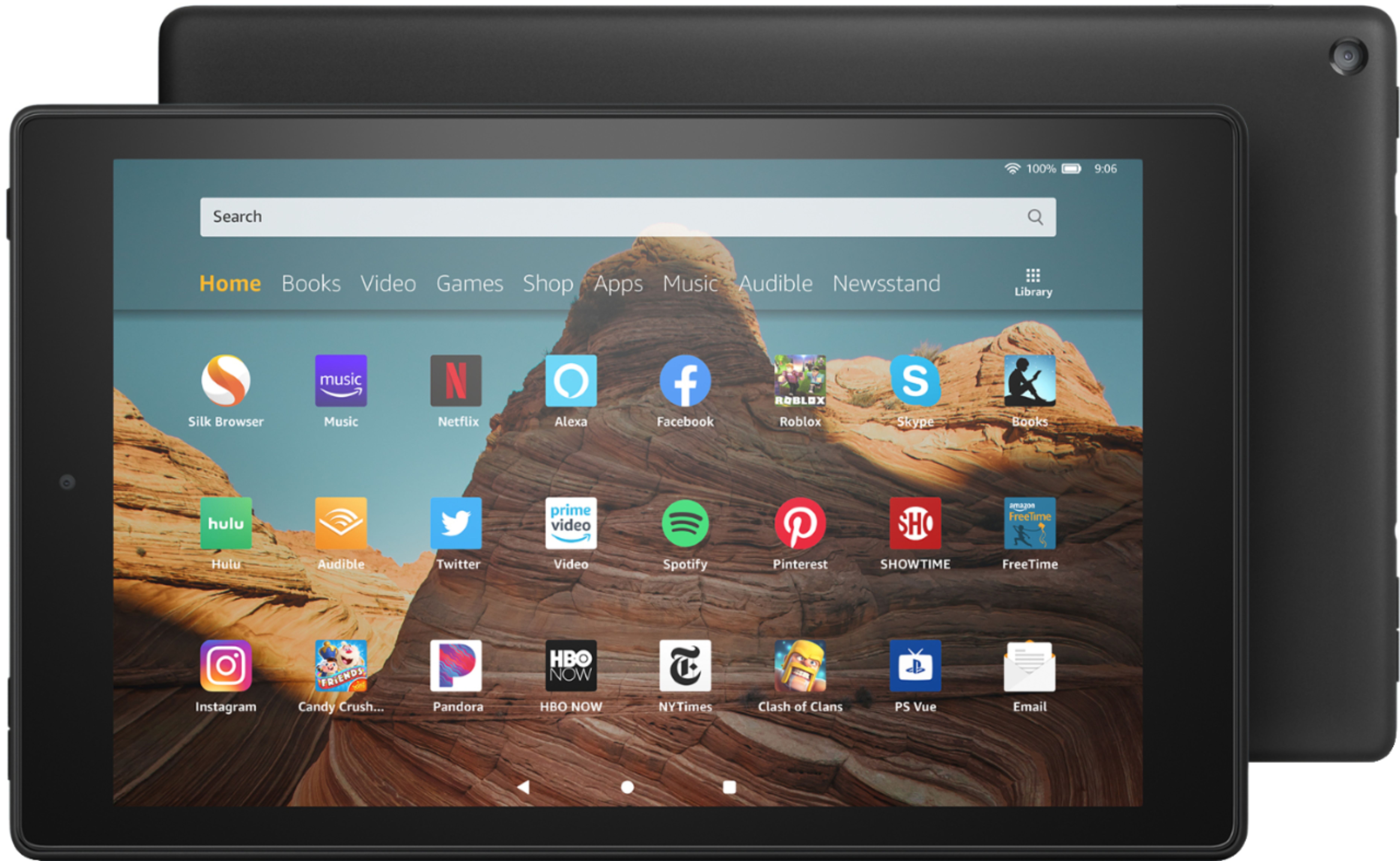
Yes the Fire HD 10 has an email and spreadsheets app installed on the device. You may also download other office applications from the AppStore if you'd like.
Hope this helps!