A:AnswerHi There,
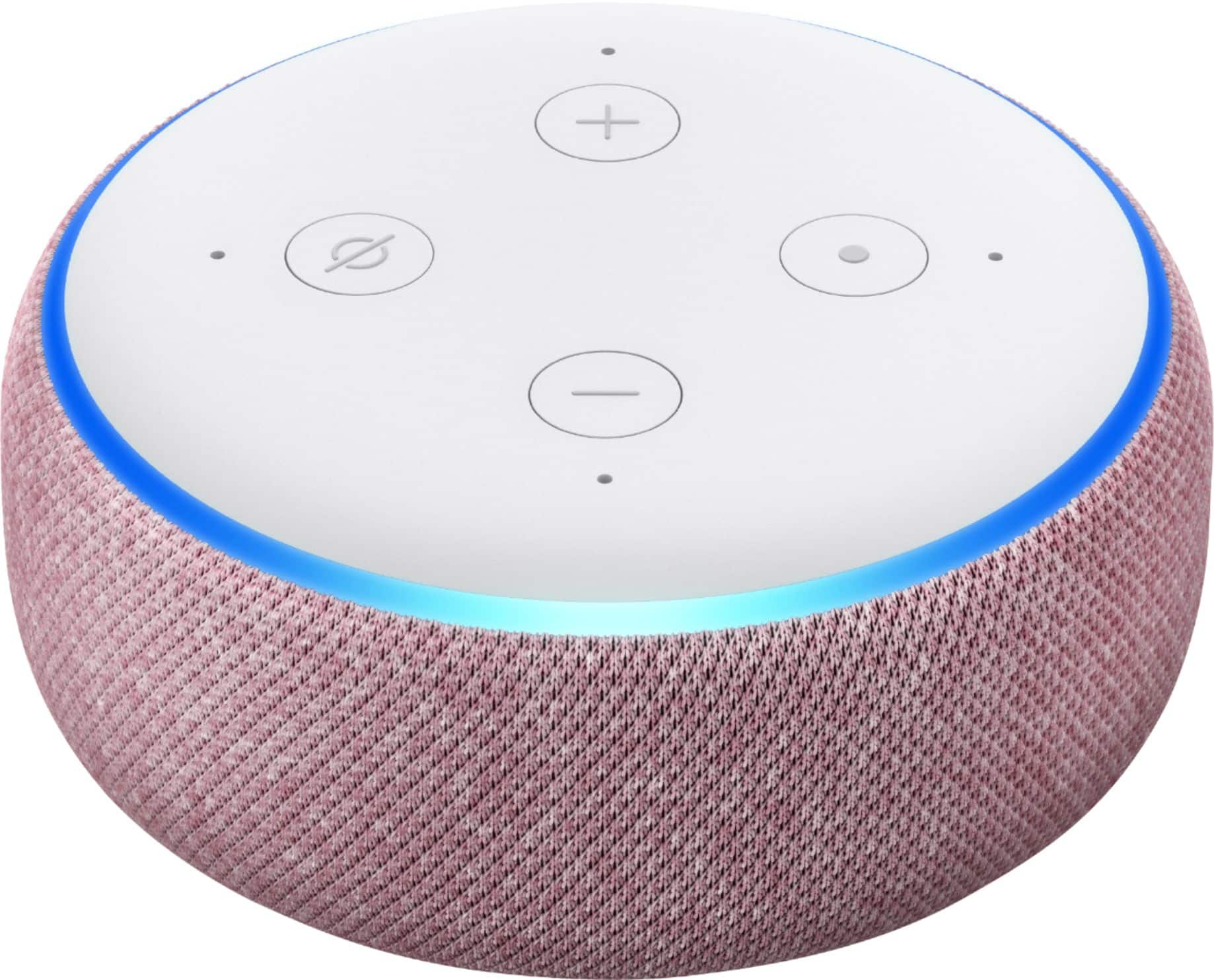
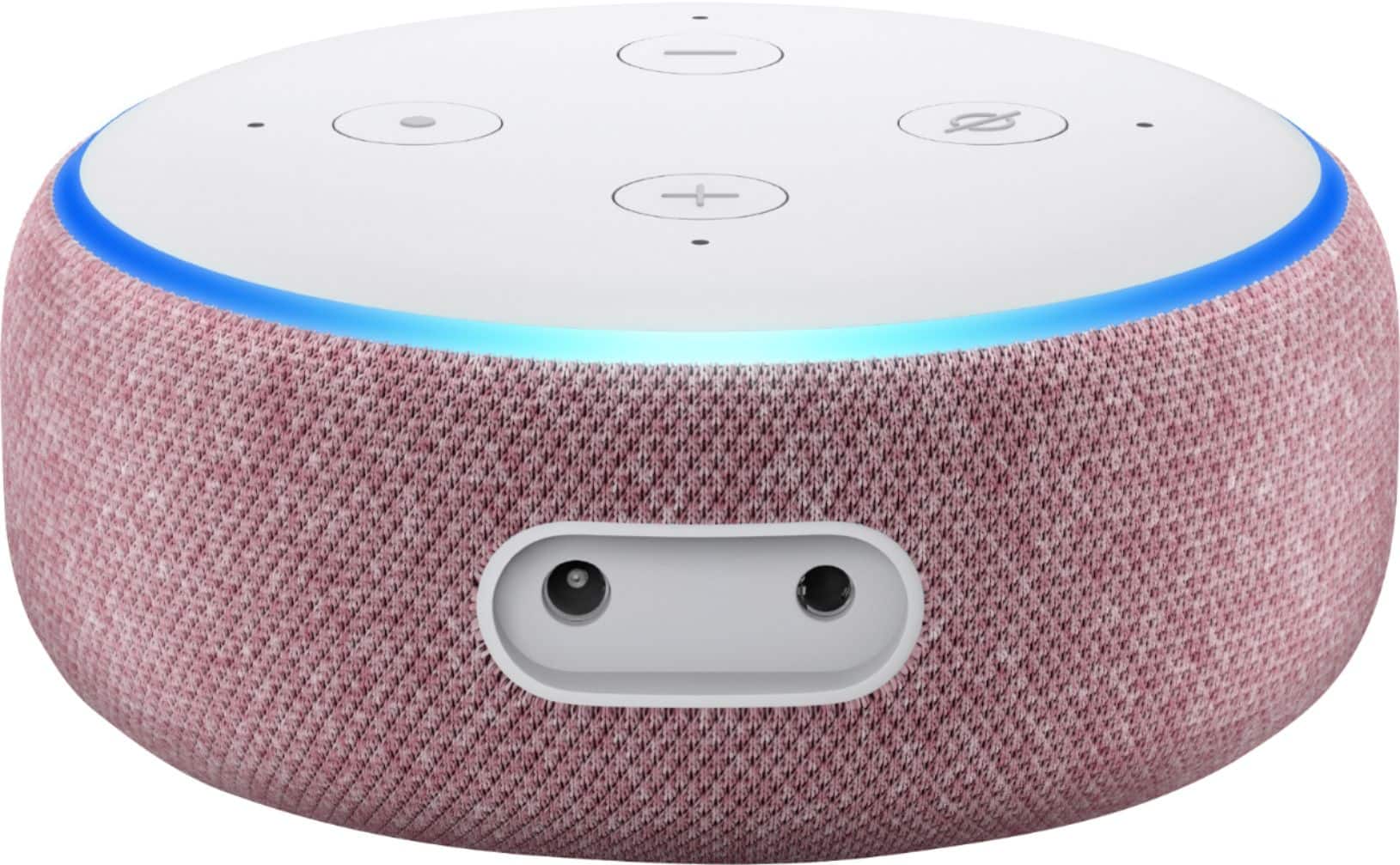
The Dot comes with a power supply cable. There are many devices that can be used with it including the Amazon Smart Plug. They are sold separately.
Have a great day!
A:AnswerYou'll need an Amazon account and the Alexa app on your smartphone. Then you can set up and start talking to your echo dot to ask for the forecast, play some music, control smart devices that play nice with Alexa, and plenty of othrr things!
A:AnswerYes. If it's a specific local station just be sure to ask for all of the numbers in the station. Fir example: "Alexia, play 1073 JAMZ". If you know the service that the station uses to play the station say, "Alexia, play 1073 JAMZ on Tune-in". This tells Alexia exactly where to go to get the station faster. If you want a station from anywhere, say, Alexia, play me some Jazz music". Alexia will then go out and find you some jazz music.
A:AnswerHi MelB,
The Echo Dot has a feature called FreeTime that you can enable. To access it in the Alexa Application, you would select Devices, and the specific device you are looking to set parental controls on. You would then select Freetime and enable. Freetime allows you to pause devices, set daily time limits, and add content to the device.
Have a great day!
A:AnswerI don’t know what you’re talking about. There’s only one Alexa app. Any other app you find will make no sense to download it because in that one Alexa app you could do literally everything