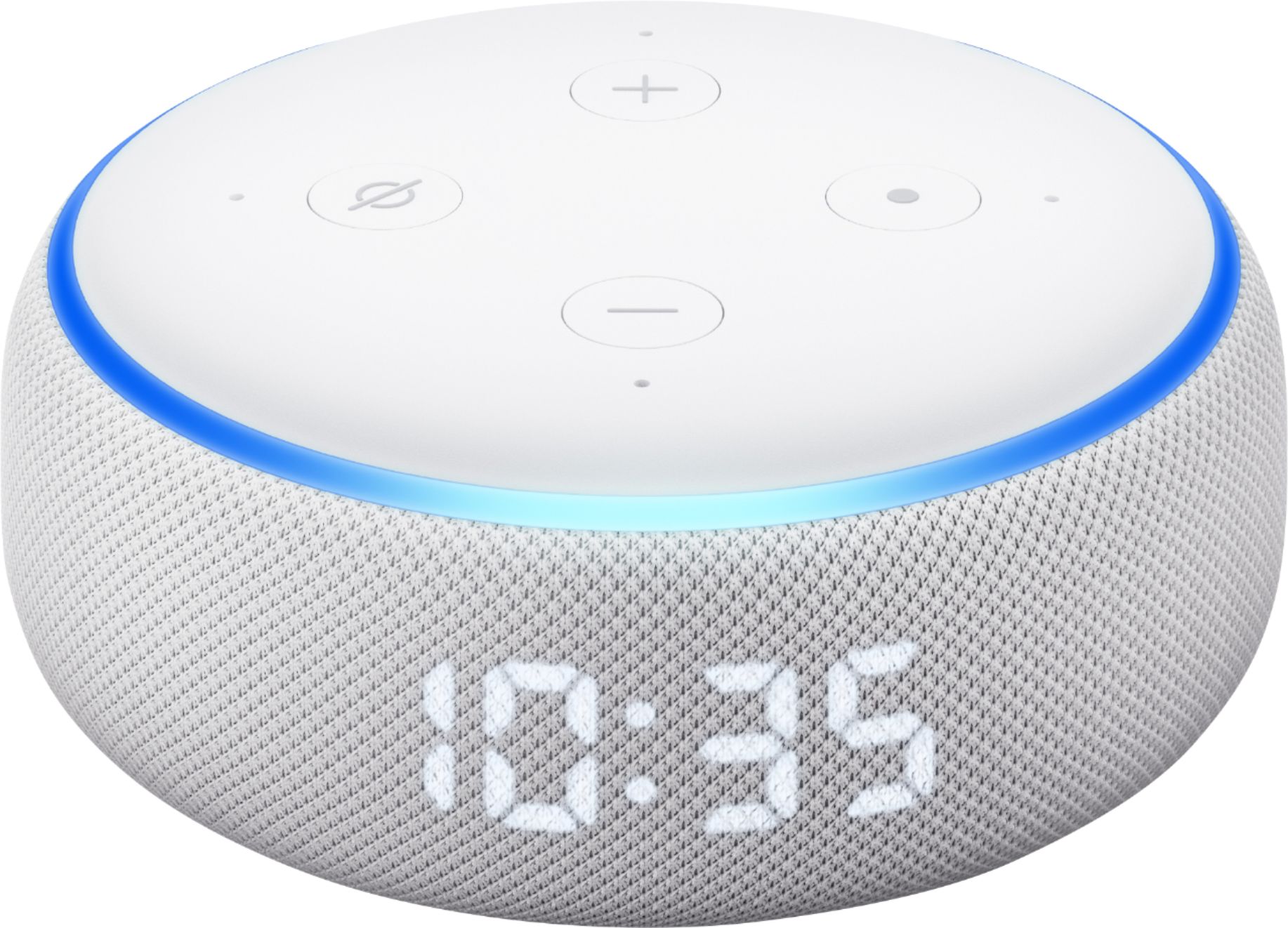
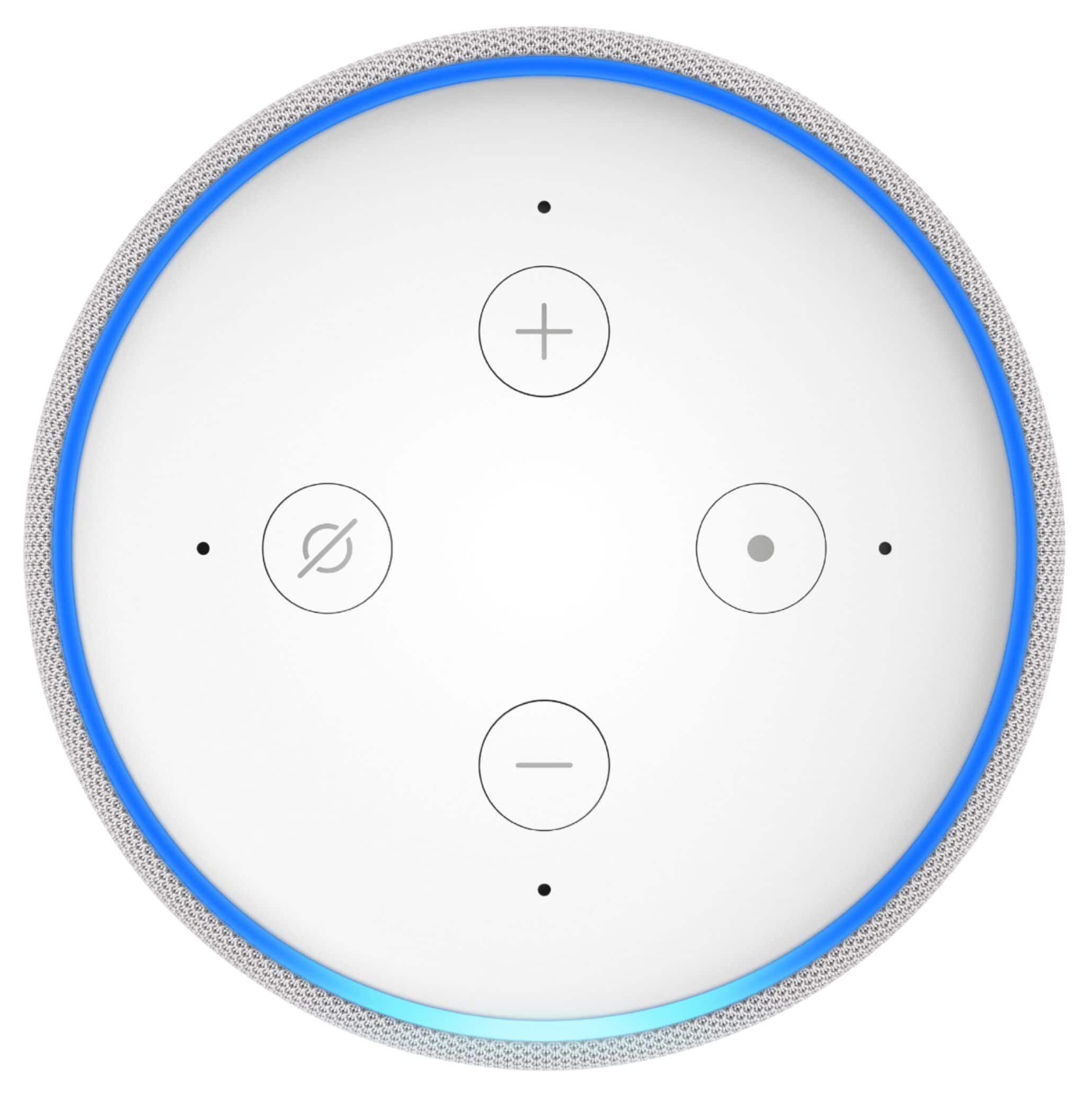
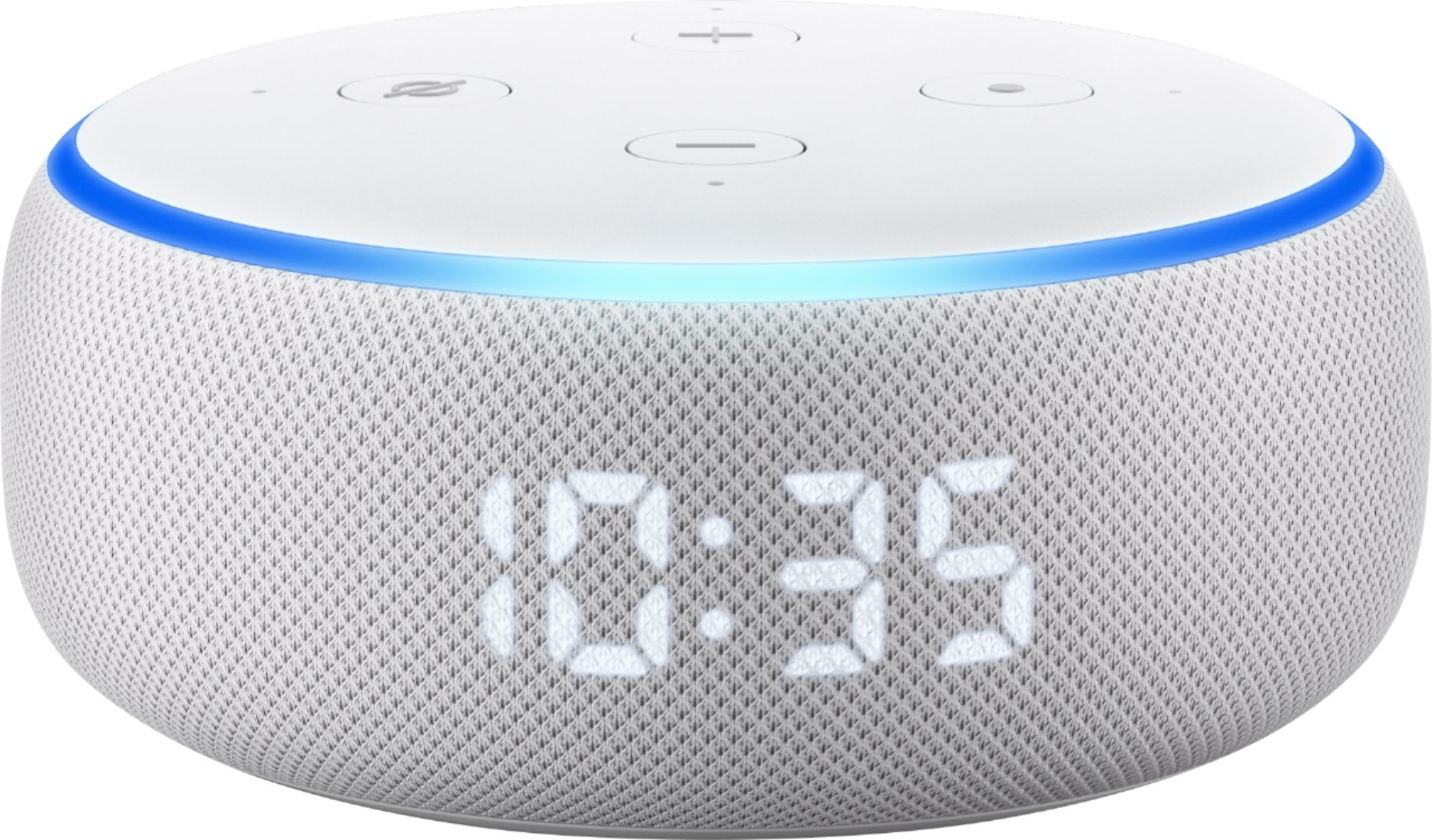
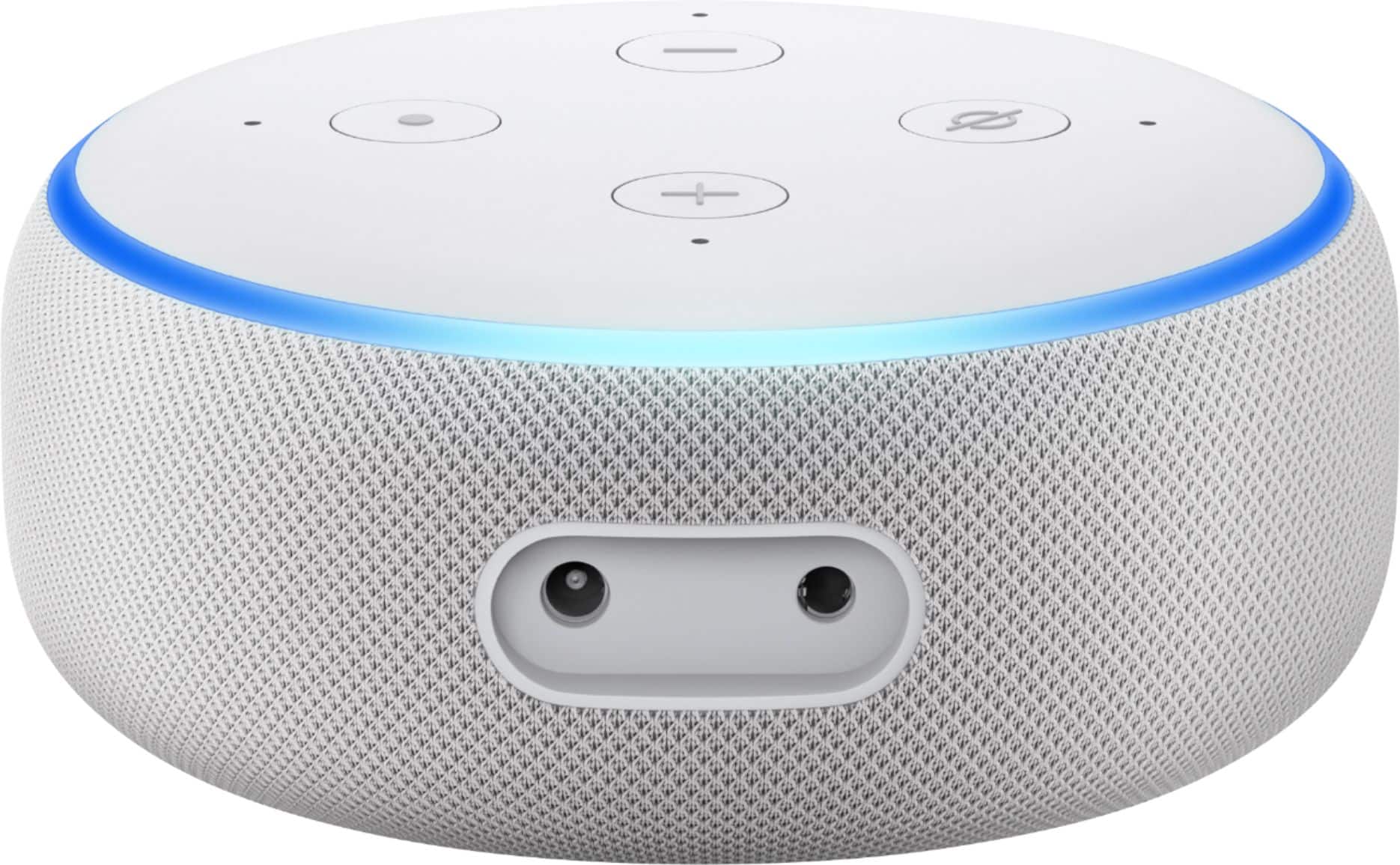
A:AnswerIt comes with the Echo and the power cord that's it and all you need. First download the Alexa App to your phone. Second plug in the Echo. Third connect the Echo to your Wi-Fi via the app. Fourth follow Alexa's instructions and start talking to Alexa. Lastly start using your Echo. If this isn't enough detail Google "How to Set Up an Amazon Echo"
A:AnswerThis device runs through Amazon. I am not sure if you need an Amazon prime account, however you do have to sign in through your Amazon user name and password.
A:AnswerIf you have home wi-fi and buy "smart plugs", yes.
https://www.amazon.com/Outlet-Required-Gosund-Upgraded-Version/dp/B07GRLQV47/ref=asc_df_B07GRLQV47/?tag=hyprod-20&linkCode=df0&hvadid=241986552631&hvpos=1o1&hvnetw=g&hvrand=819914996344584243&hvpone=&hvptwo=&hvqmt=&hvdev=c&hvdvcmdl=&hvlocint=&hvlocphy=9025236&hvtargid=aud-467077737785:pla-523050758294&psc=1
A:AnswerNot directly (no FM tuner) but using iheart radio you can live stream radio stations. I have the local FM station streaming Christmas music on my echo dot as I type this.
A:AnswerI have three different units and they play different music if I asked them separately or I can have them play the same music if I put them in an all room group.
A:AnswerSlightly larger, nicer looking mesh fabric instead of plastic, and much better sounding speaker are the main things. Also the newer one can be used in a stereo pair if you have two of them.
A:AnswerYes, the dots can be programmed through the Echo to do a bunch of things, from acting as a switch to game devices. If you want to see what games are available, look for Alexa skills on Amazon’s website. They have a wide variety for all ages, including things like Jeopardy.