A:AnswerHi Countryhicks! Yes, you can pair your Echo Dot is capable of pairing with many Bluetooth devices, including headphones. Thanks for your question, have a great day!
A:AnswerHi putter! No, you don't need to pay $19.95 if you purchase an Echo Dot. To use this device, you just need to connect it to a WiFi network. Hope this helps. Have a great day!
A:AnswerThe Echo dot 5th gen has no display and would not be able to show you what song is currently playing from the device. The Alexa application should show you what music is playing throughout the house, and every Echo speaker will tell you what song is playing if you ask. I hope this answers your question and that you have a wonderful day.
A:AnswerHello, Sam! There is no subscription required to use the Echo Dot. There are certain skills and services that may require subscriptions or other fees such as Amazon music unlimited. I hope this helps, have a great day!
A:AnswerGood evening Esoo, The Echo Dot devices support 110-240V. Depending on where you are planning to use the device you might need a physical adapter since it comes with the 2 prong plug used in the United States. I hope this answers your question. Have a great night!
A:AnswerHello! As long as his Echo Dot is under your account, you can use Drop In to instantly check-in with others in your household. Drop In is an optional feature that lets you connect instantly to supported Alexa-enabled devices, like an intercom. Use Drop In to open an instant conversation between your devices or with your Alexa contacts. When you receive a Drop In, the light indicator on your Echo pulses green and you connect to your contact automatically. You can use Drop In to: 1. Have a two-way conversation by connecting to one of your Alexa-enabled devices ("drop in on Kitchen"). 2. Connect to a specific device group ("drop in on living room"). Only one Alexa-enabled device from the device group connects. 3. Have a group conversation with all supported Alexa-enabled devices under your Amazon household, which are not set to do not disturb. To start a group conversation ask Alexa to Drop In everywhere. All supported Alexa-enabled devices under your Amazon household account will connect regardless of their physical location. 4. Drop In on a contact who granted you Drop In permissions. 5. Receive Drop In from a contact whom you granted Drop In permissions. Have a great day!
A:AnswerHello Fergus,
Amazon Echo Dot (5th Gen) currently supports a number of music streaming services including Amazon Music, Pandora, Spotify, and Apple Music. Depending on the provider, you may have to subscribe to the service. Some music services may be subject to additional terms applicable to the respective service. You can link your account with a supported music streaming provider in the Alexa app. Here are steps to link other music streaming services to your Alexa account:
1. Open the Alexa app.
2. Open More and select Settings.
3. Select Music & Podcasts, and then Link New Service.
4. Select the music service provider and follow the on-screen instructions.
Linked music services are listed under Manage Services. Have a great day!
A:AnswerHello Moonshine, you want to know if Sirius XM is compatible with the Amazon Echo Dot (5th Gen, 2022 Release) Smart Speaker with Alexa. You are able to us Sirius XM with the Amazon Echo Dot (5th Gen, 2022 Release) Smart Speaker with Alexa, all you have to do is enable the skill in the Alexa App by search under the Skill section of the Alexa App. Hope your question has been answered. Have an amazing day!
A:AnswerHello George, yes you can listen to your Amazon Prime Music through the Echo Dot. When you set it up for the first time it will default to your Prime Music. You can also ask Alexa to play music from other services like Spotify, Pandora, IHeartRadio and much more.
Have a great day!
A:AnswerHi Marylee,
No — the Echo Dot (5th Gen) can’t directly send emails to your computer. It supports things like Alexa messages and reminders, but not full email sending.
Hope this helps!
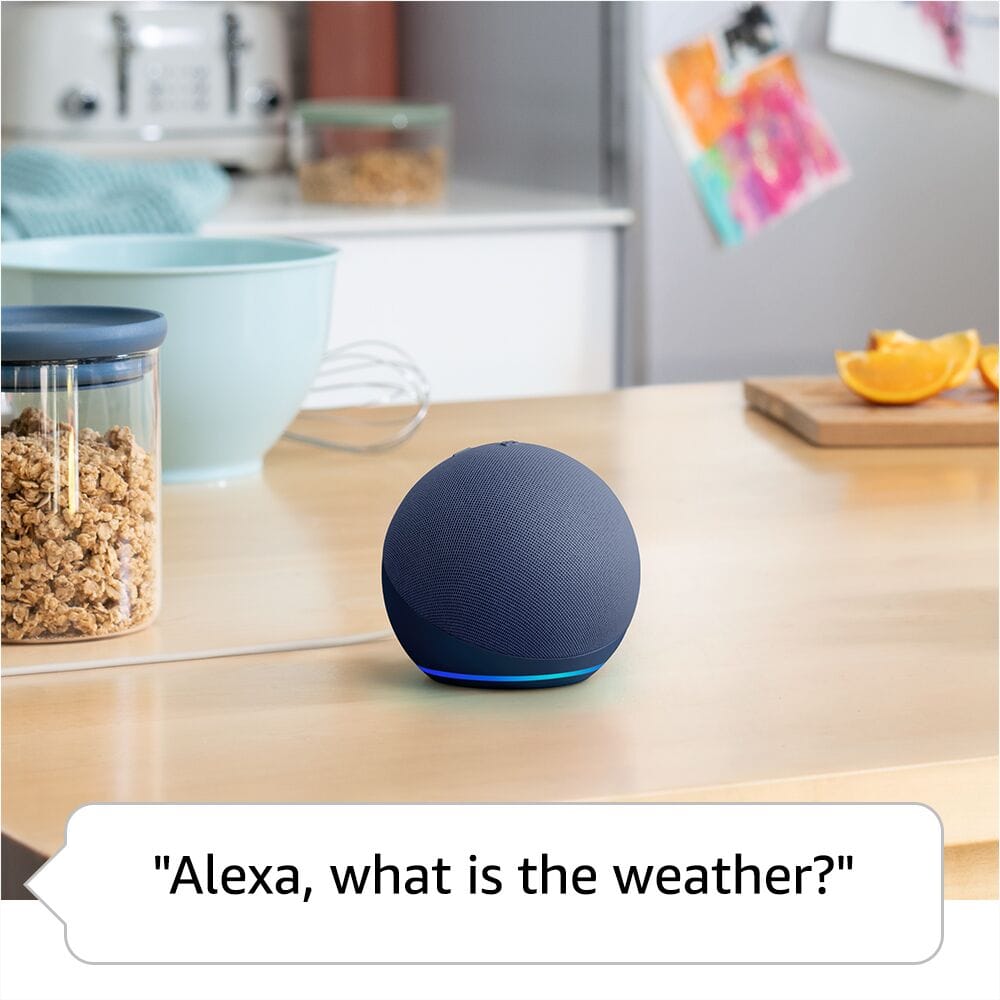
A:AnswerHello M and thank you for your question! The Amazon echo dot smart speaker does not have an LED screen to display time/temperature/weather. You can use your voice to ask "Alexa, what time is it?" and the echo dot will audibly respond with the correct time. Hope this helps! Have a great day!
A:AnswerShipping costs to Puerto Rico can vary depending on the seller and delivery option. I recommend checking directly on Best Buy’s website during checkout, as it will show the exact shipping fee and delivery time for your location.