A:AnswerIt literally runs itself through a short opening sequence where it sets itself up with wifi and sets a group for multiple echoes. You can use your cell, but i really doubt you'd want to.
A:Answernot now but support for it may be coming in the future. Netflix recently provided support for google home devices so im sure that support for this will also be coming in the next few weeks.
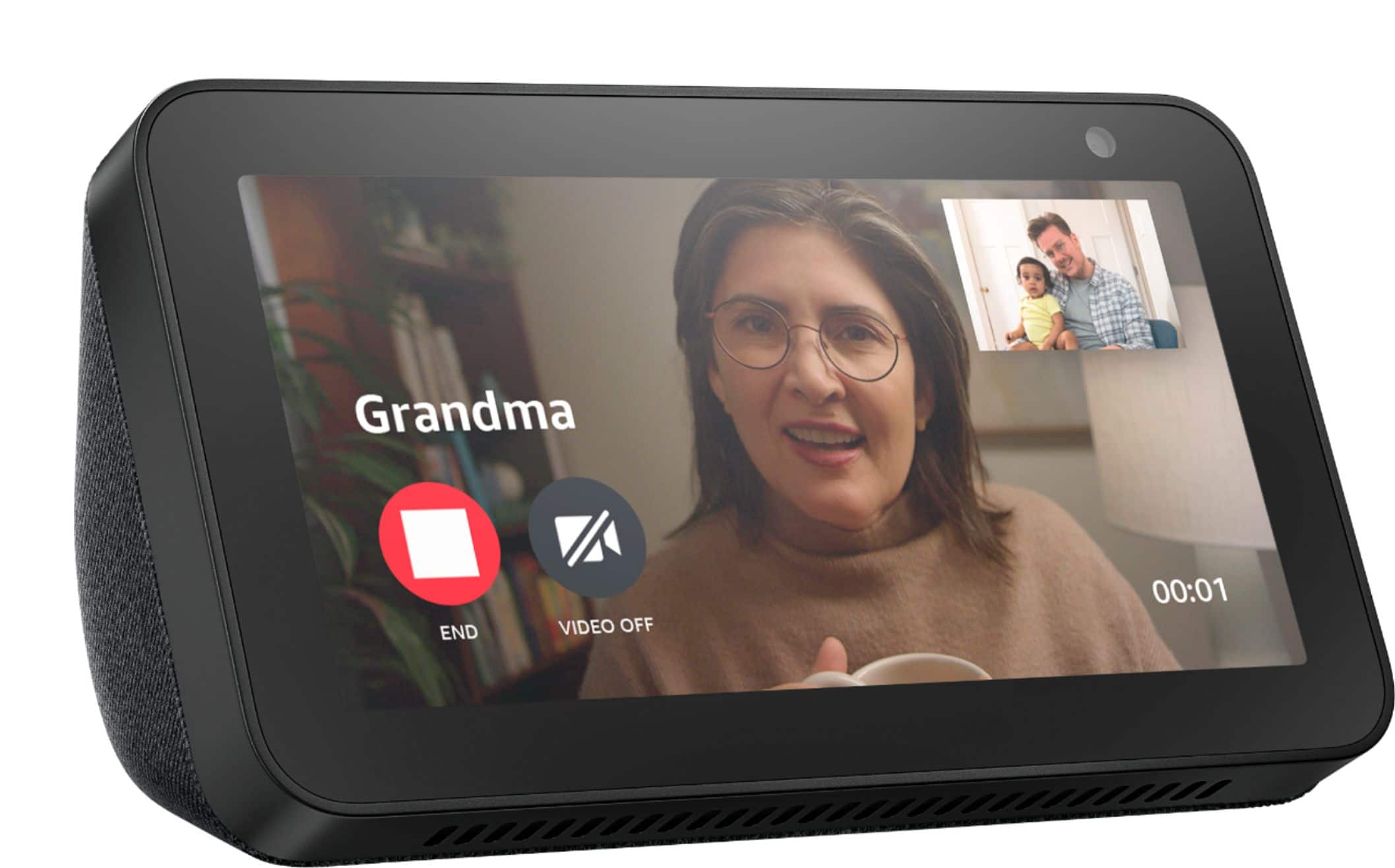
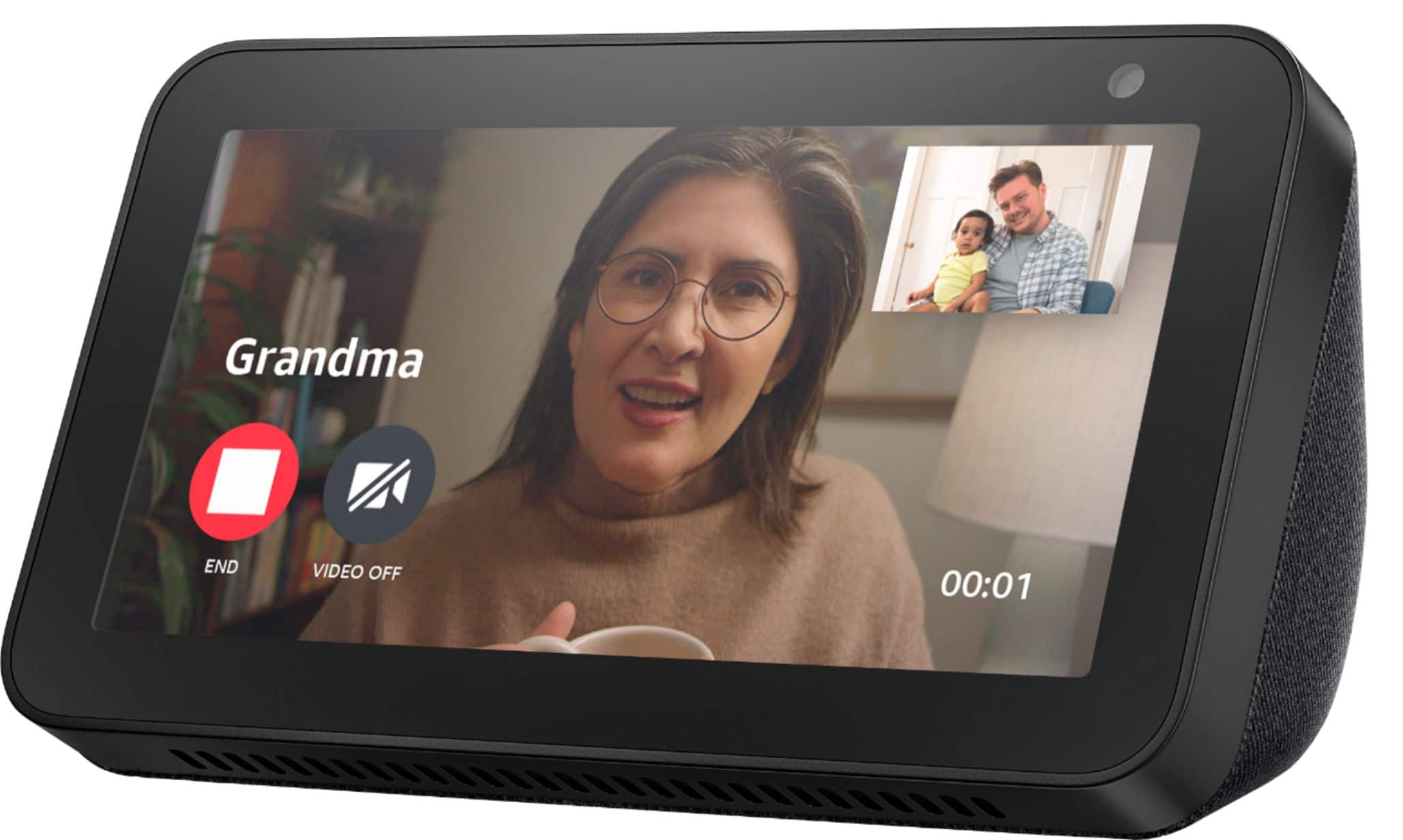
A:AnswerThe answer depends on the device and native calling app you use. Echo devices support things called "skills" which are basically 3rd party integrations with stand alone apps. For instance, I can enable the SKYPE skill for Alexa and then use the Echo show as a Skype client to call other Skype contacts....all they need is Skype.
Its no different than using Skype on your pc to Skype someone else on their phone or whatever device they use. That being said, whoever you would want to call would need the same "service". You can't Skype a FaceTime user.
So, yes... What you want to do is possible...depending on the service you use. You would need to research if you can enable FaceTime on Echo devices but my guess is you can't since this isnt an iOS device.
A:AnswerThe echo show works great with the Schlage connect door lock. You can lock/unlock your door through the Alexa app and also by asking Alexa to lock/unlock your doors.
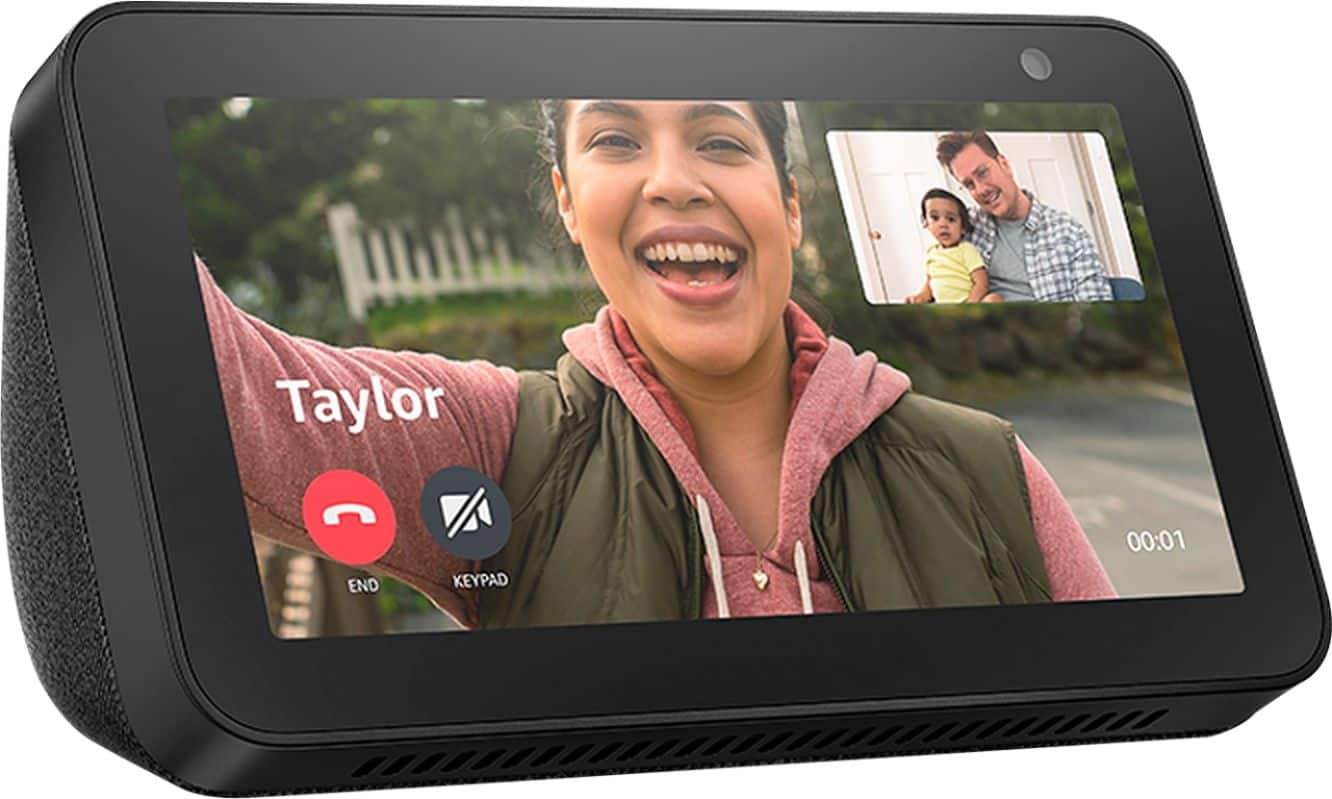
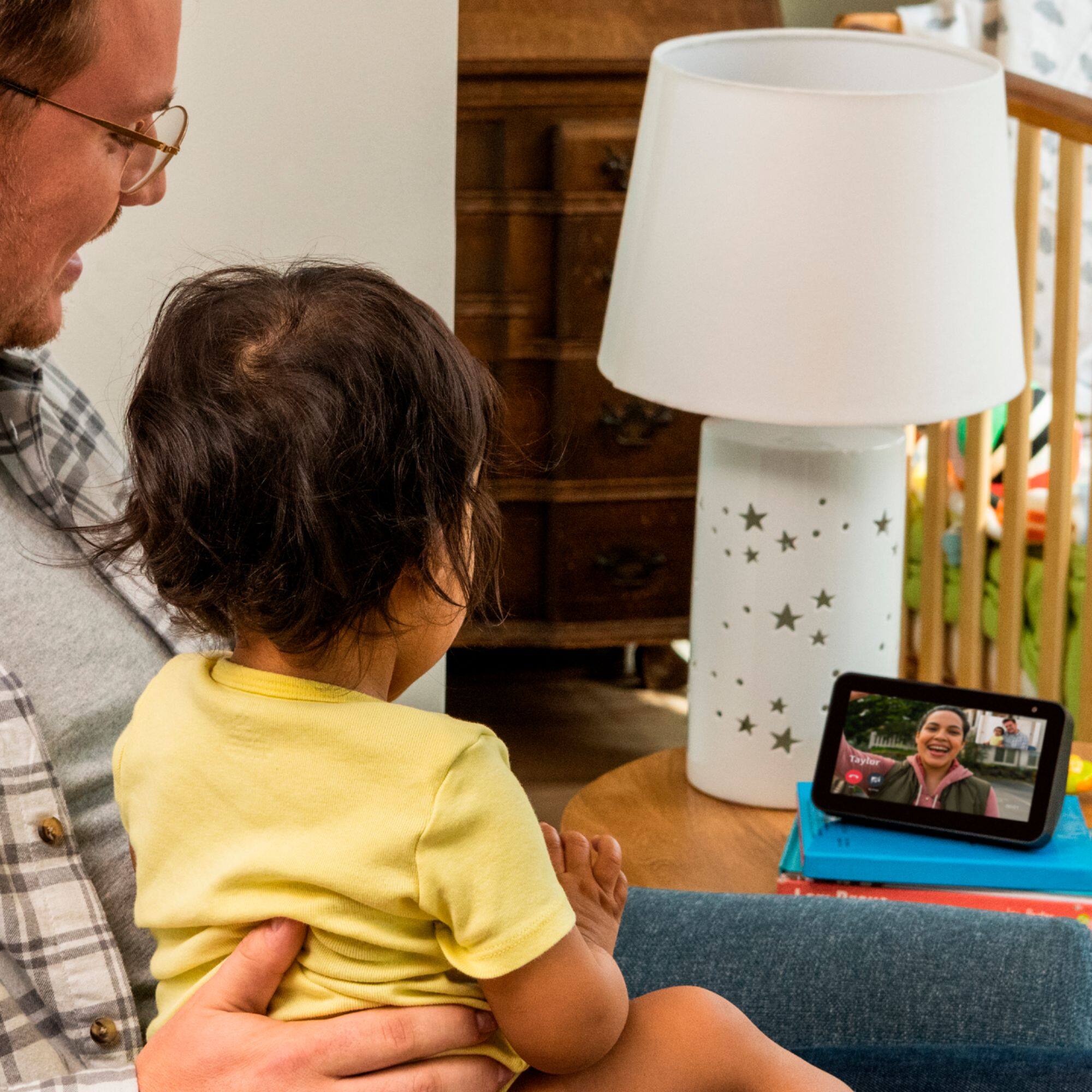
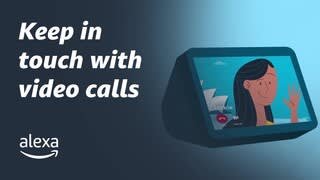
A:AnswerAs of right now, Echo devices offer video calling through Skype.
The google nest hub is the google version of an echo show and offers duo calling.
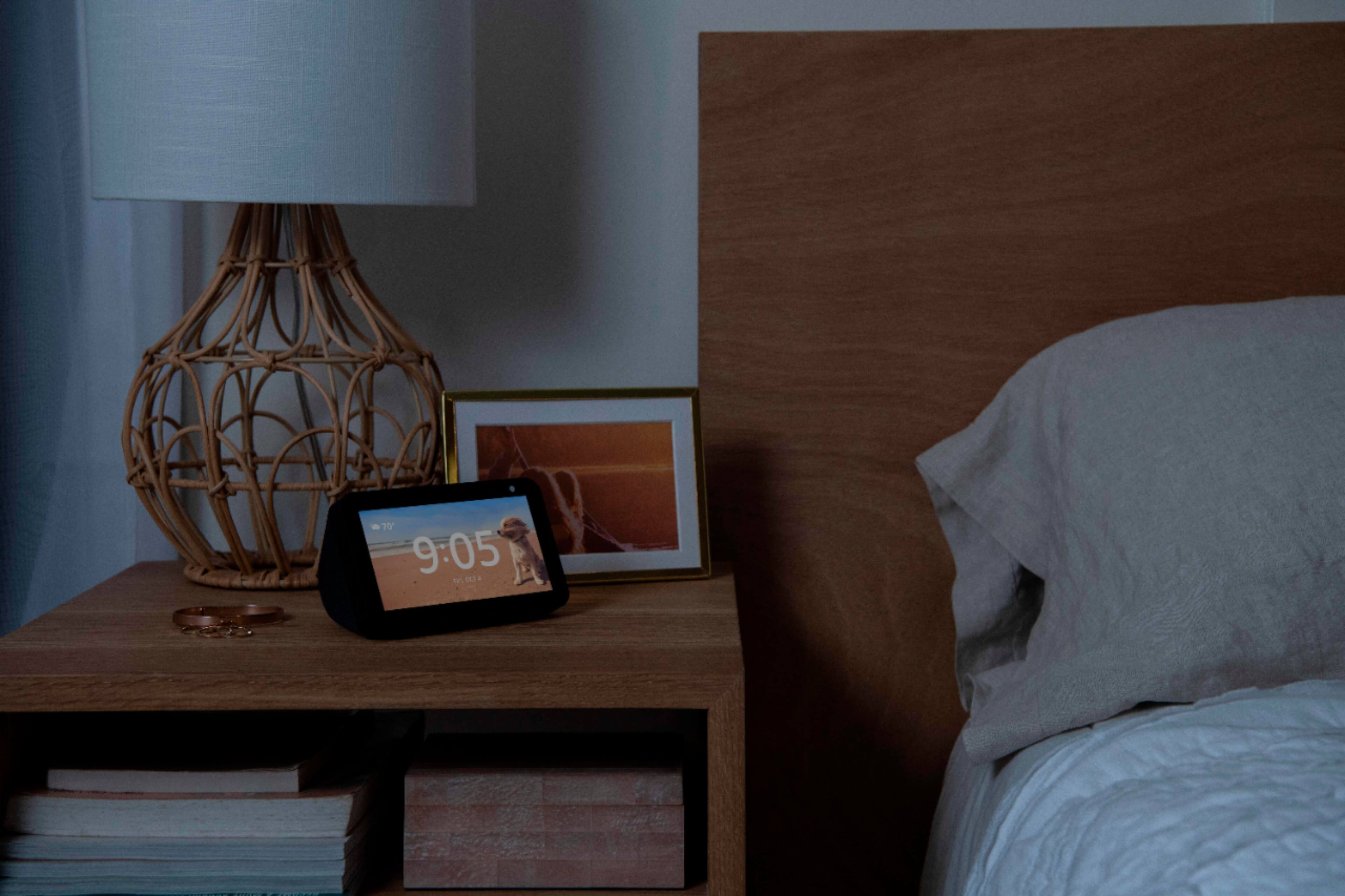
A:Answeryes and yes... might even be too bright if next to the bed. but if you prefer dark like me than get yourself a dot. i use a dot for alarm clock and if i want to know the time i just ask the dot, also use the dot for sleep sounds.
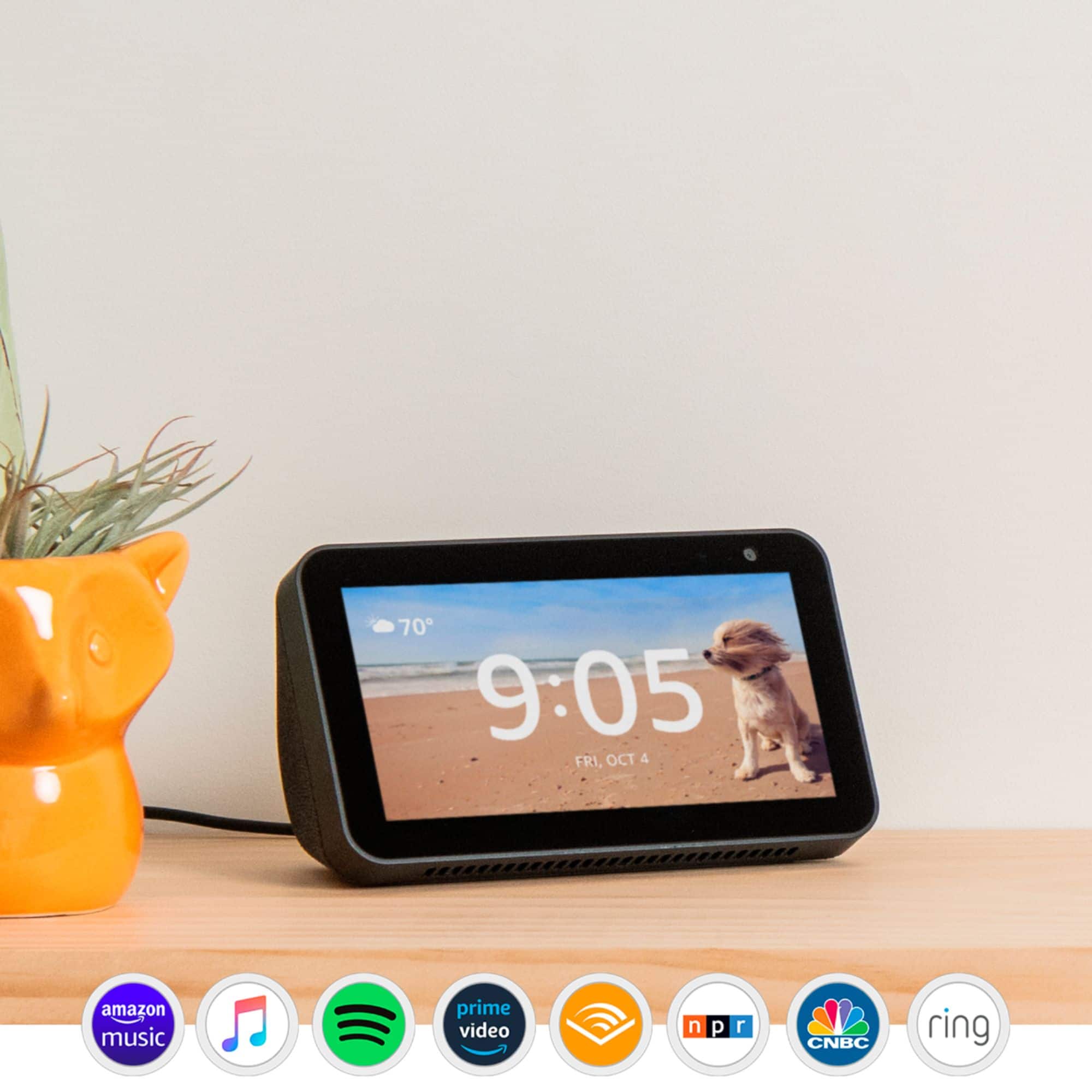
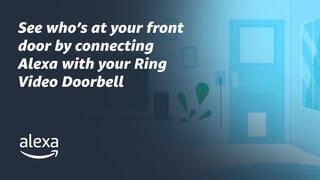
A:AnswerI have not installed by Blink Cam yet, but, right now, I have my RING smart door bell (which has a camera) paired to it and it works. I say "Alexa show Ring Cam" and I am able to see who is at the front door, and, if I wanted, talk to that person.