A:AnswerHi Rwh,
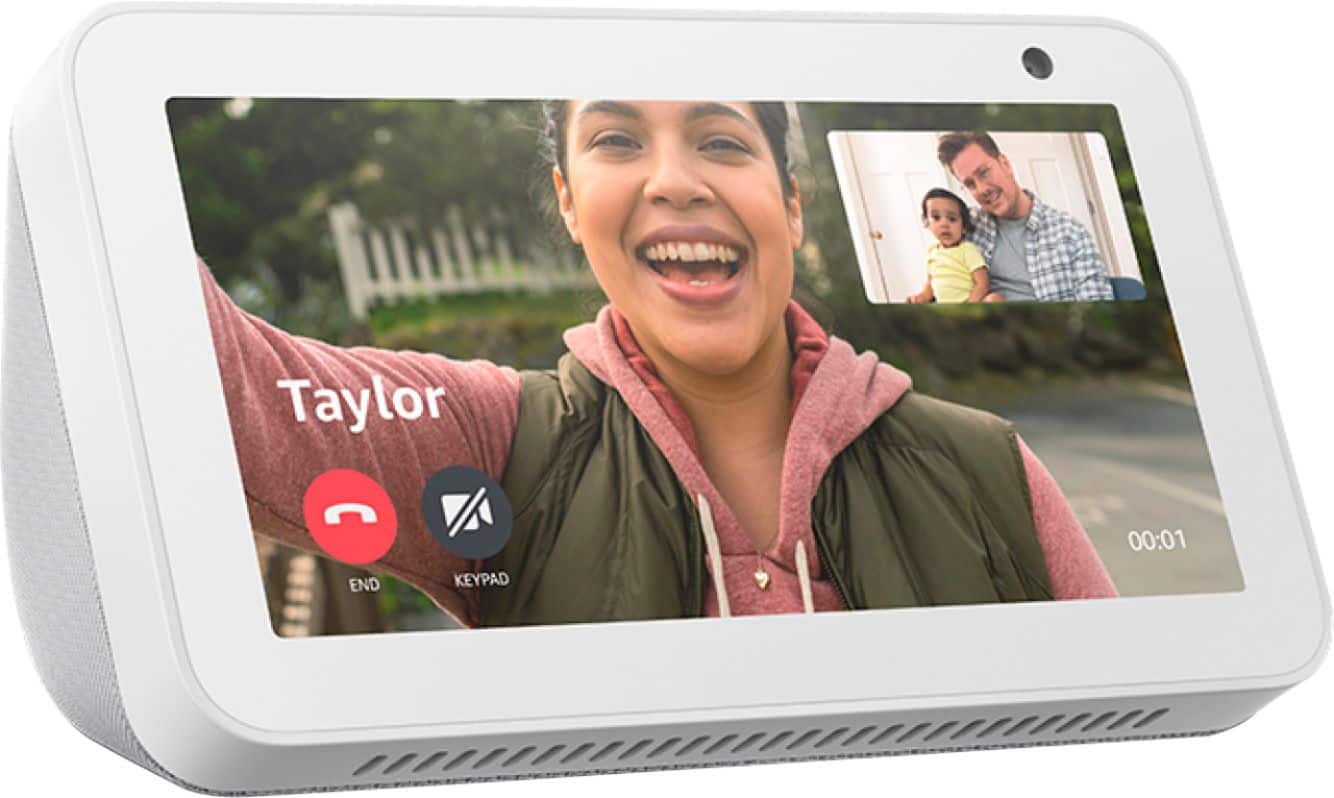
Whatever their name is that is in your contacts section of the Alexa App (first you need to make sure when your Alexa app made, that you put your phone # in and allow it to sync your contacts) and then whatever they are named in your phone, you just ask Alexa to call "XXX". Hope that helps.
A:AnswerYes, it does serve that purpose well. When we go out and cant take our pup, we keep an eye using blink app to monitor on mini cam. Its very clear and good camera. I think it uses wifi/data and not bluetooth for talk.
A:AnswerHello!
Yes, you can link your Spotify account to your Echo Show 5. Here are the steps to connect the two:
1. Download and open the Alexa app.
2. Tap the menu in the top-left.
3. Tap Settings, then Music & Podcasts.
4. Select Spotify, then Link account to Alexa.
5. Log in to your Spotify account.
I hope that helps! Have a great day!
A:AnswerHello bookworm! To answer your question about the Echo Show 8's capability to read a Kindle book out loud, the answer is yes! Just say "Alexa, show me my Kindle books." This will allow you to select the book you want Alexa to read to you. You can also choose a specific book for Alexa to read by opening the Alexa app on your mobile device. Tap the Play icon at the bottom of the screen. Swipe down the Entertainment screen and tap "See All" at the section for Kindle Library, or swipe through the thumbnails of the books to see them. Tap the name of a book to prompt Alexa to start reading it. Or say "Alexa, read [title of book.]" If you have more than one Echo device, choose the one you want to play the audio. I hope this helped answer your question, have an amazing day!
A:AnswerHello and thank you for your question! There a multitude of Accessibility features available for this device. One of those features gives you the ability to have captions posted for everything when available. You can caption Alexa's responses, videos being played, and in the skill being used (such as weather) as long as it is available for the option being used. You can locate Accessibility features by swiping down from the top of the screen, tapping the Settings icon (gear icon), and scrolling down to Accessibility. In there you will see features for Vision, Hearing, Speech, etc. I hope this helps answer your question and that you have a tremendous day!
A:AnswerHi Anonymous-
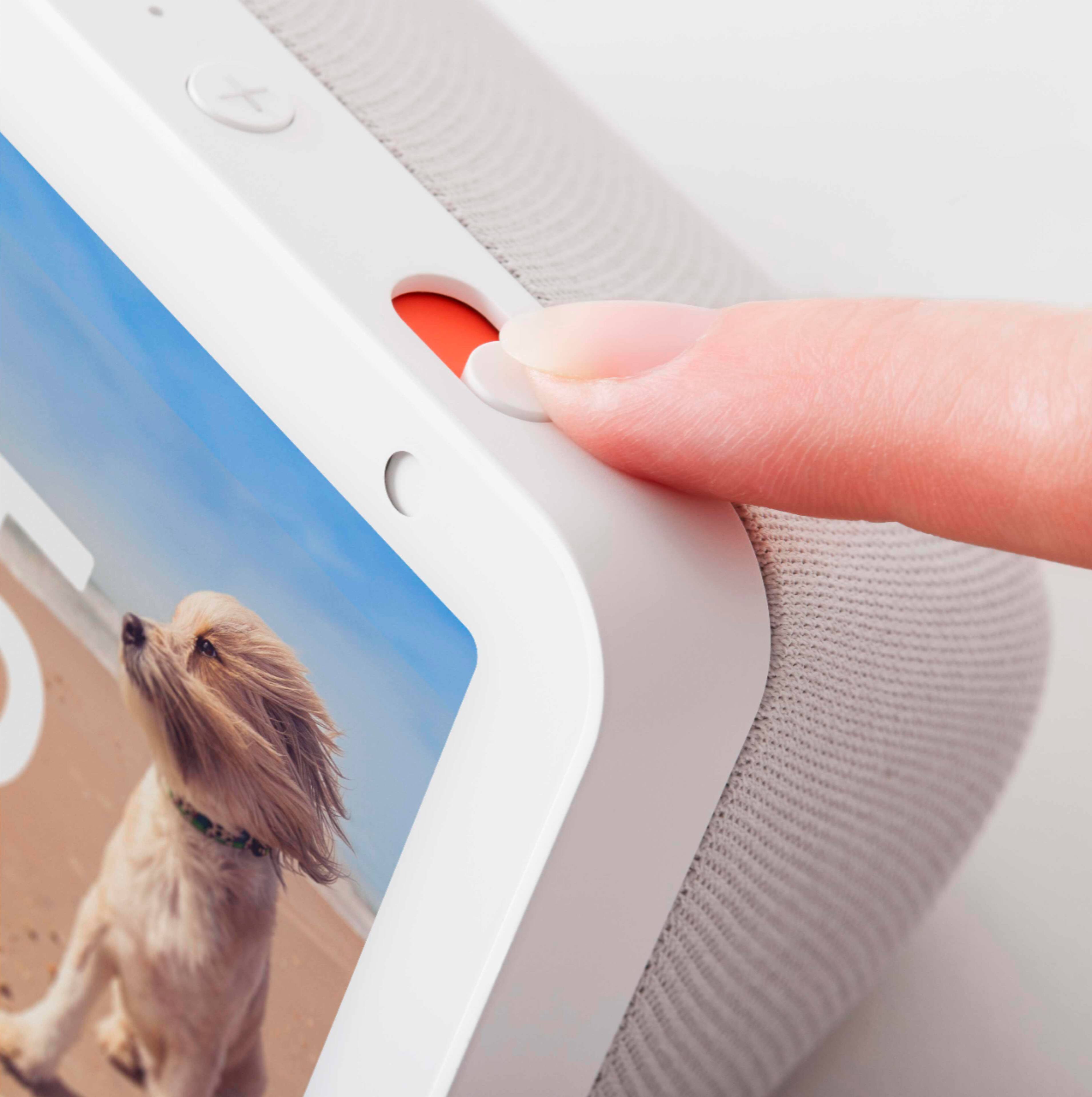
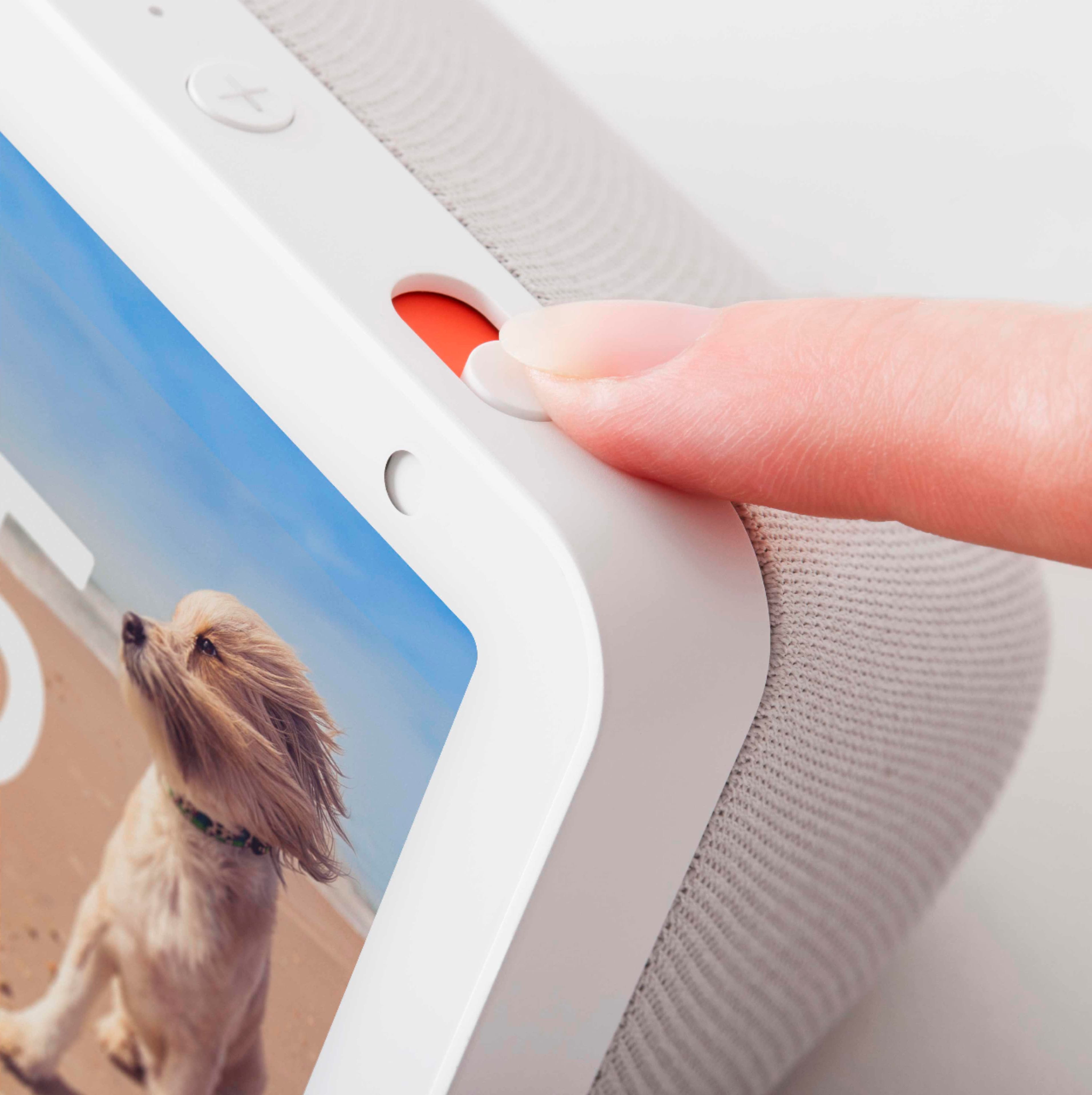
Someone with the same device cannot see you without you knowing. Alexa and Echo Show devices are built with multiple layers of privacy protection. You can always use the mic/camera off button and built-in camera shutter if you do not want the camera on or the wake word ("saying Alexa") to be detected. You also have the ability to delete your voice recordings in the Alexa App. You can do this by following the steps below:
Open the Alexa app .
Open More and select Settings .
Select Alexa Privacy.
Select Manage Your Alexa Data, and then turn Enable deletion by voice On or Off.
Then you can use your voice to delete your voice recordings for the time period you want. Say,
"Delete what I just said."
"Delete everything I said today."
"Delete my entire voice history."
Hope that Helps!
A:AnswerHi Jeff,
Yes, that is a benefit of the Echo Show devices. Whatever you ask Alexa, will give you a audible response as well as a visual on the screen. Hope this information helps. have a great day.
A:AnswerI suggest getting an outdoor camera that is made by the same company as your indoor camera. That way, you would not need to add another app to your device (phone/tablet) to setup.
Either option that you suggest (add on or stand alone), just make sure it is compatible with Alexa if you want to connect it to your Echo Show.
A:AnswerHello, yes it will. I use this device next to my bed to check on my Blink cameras all the time. When you set up your Blink cameras, make sure you name each one something unique. Add the Blink Skill to your Alexa App and then all you have to say is; "Alexa, show me the Backyard" or whatever you named your camera.
Have a great day!
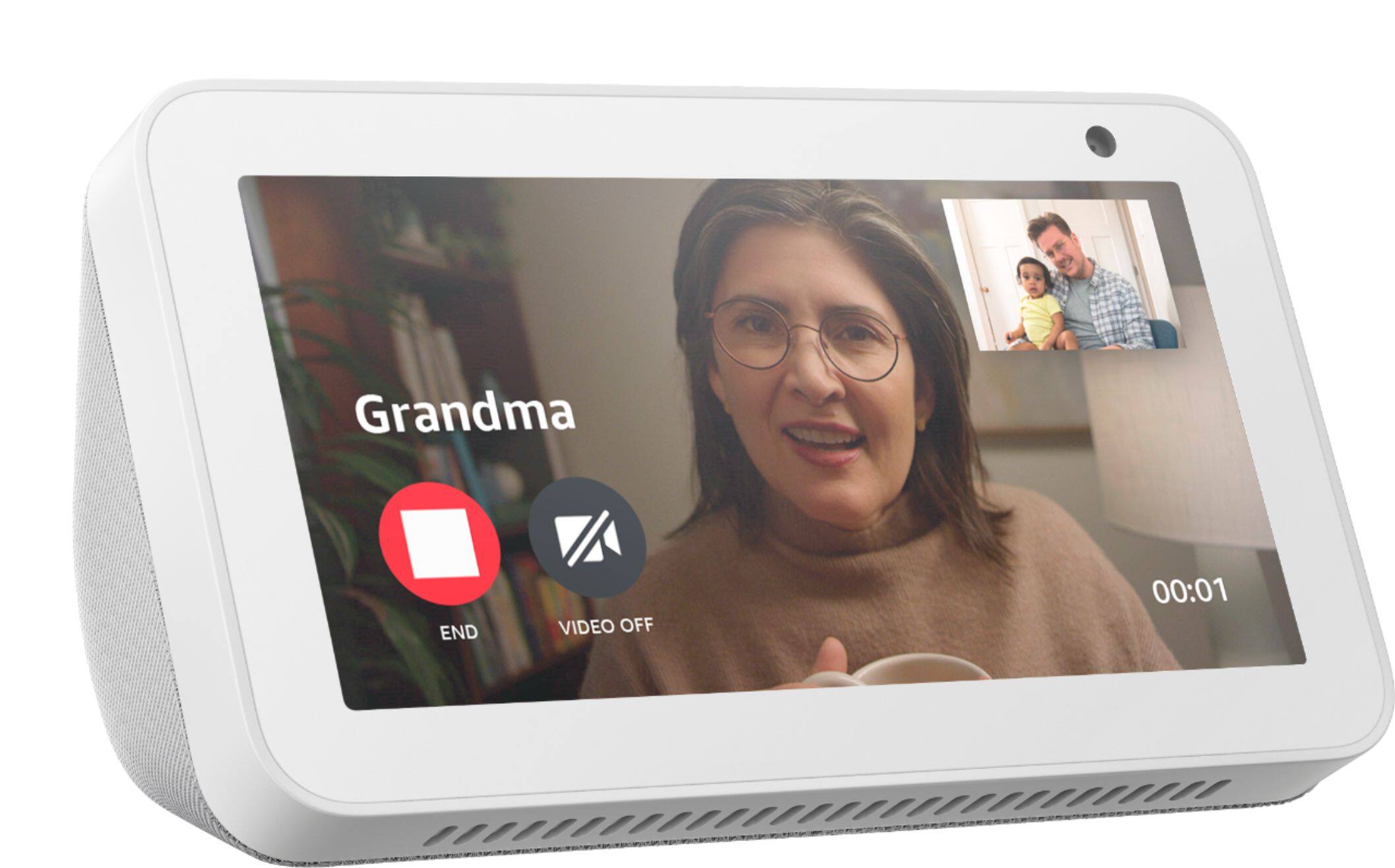
A:AnswerYes ma’am after you setup the echo show, all she needs to do is talk to her echo show who she wants to call ❤️ I hope this help have happy holidays
A:AnswerHi Vickio,
You will be able to view your live camera feeds of cameras that work with Alexa with the Echo show devices, but you can not view recorded content from the show 5. Depending on the camera you are trying to view camera feeds of, you could possibly use a Fire Tablet, or your smart phone to look at past recordings. Hope that info helps.
A:AnswerVery easy to set up. You can just follow the prompts. You need the name and password for your wi-fi.
You can choose to use "alexa" to turn the TV on and off and select channels.
Lots of help on Amazon or search Google or get a book on Alexa skills,
A:AnswerHello Gail,
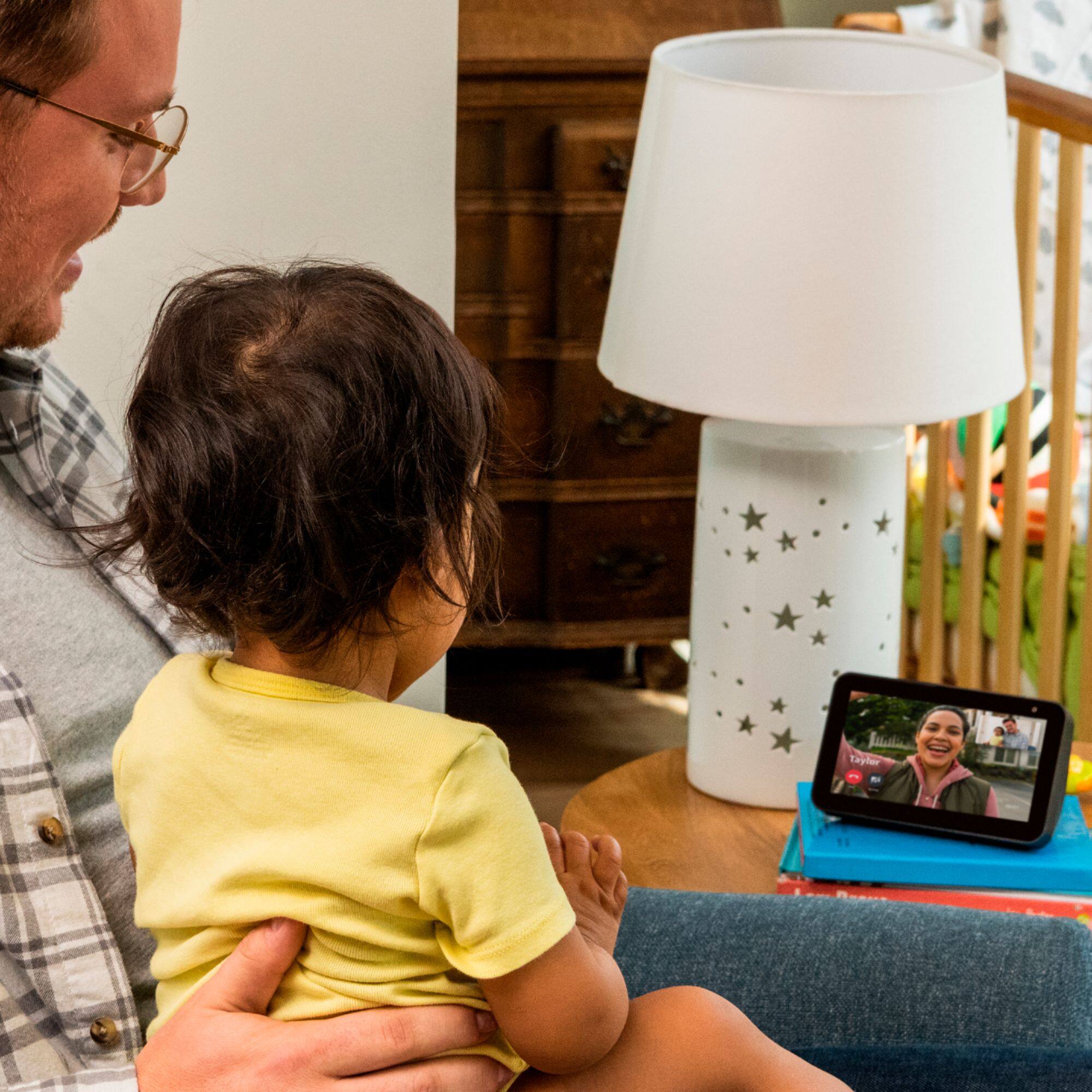
Yes you can do that. They connect to Wifi to work, so as long as there is Wifi, you can each set up an account and speak with each other.