A:AnswerHi AZ! The easiest way to pull up recipes on the Echo Show 8 is to ask Alexa! Not only can Alexa display recipes, she can walk you through preparation, and you can easily send an ingredient list to your Alexa app to help with the shopping. If you have a particular recipe you'd like to see on the screen, it might be easier to use the built-in browser to pull it up. Just ask Alexa to open the web browser. There are also some skills you can enable that will let you manage recipes with your phone, so I'd look around online to see if your favorite recipe source has an Alexa skill. I hope that helps, have a great rest of your day!
A:AnswerYes, the Amazon Echo Show 8 comes with Alexa, the virtual assistant that enables it to perform tasks and respond to voice commands. Recent models of the Echo Show 8, including the latest ones launched in late 2025, are also designed with Alexa+ in mind, providing an upgraded, more conversational AI experience.
A:AnswerHi Jdel,
No, Alexa cannot directly call with Facebook Messenger. Alexa and Facebook Messenger are separate platforms with no built-in integration for calling. However there are some third-party applications you could look up that could do what you are requesting or call via supported Alexa apps.
Hope this helps, have a great day!
A:AnswerAlexa echo 8 does not come with extra speakers; just the alexa echo 8 device itself & power chord. If you want to be able to ask Alexa questions & hear answers in other rooms, you can buy more alexa devices & connect them on the same house/wifi system using the alexa app. Perhaps buy 1 more expensive alexa device that is the main one you use & cheaper ones for other rooms (there's perhaps devices like light switches etc. can buy from other companies perhaps cheaper that advertise they both (1) accept voice commands and (2) are alexa enabled / can connect to your main alexa device via the alexa app.)
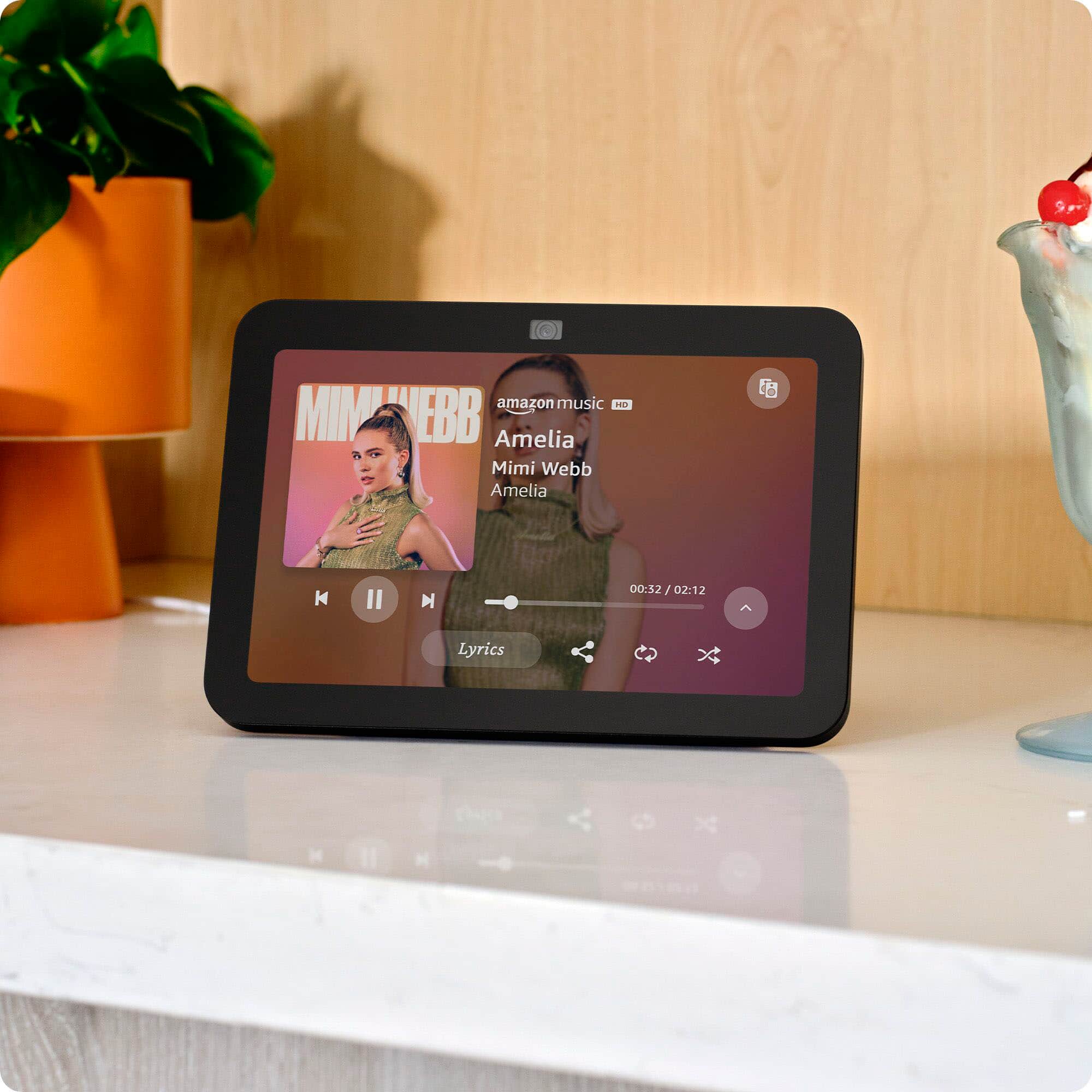
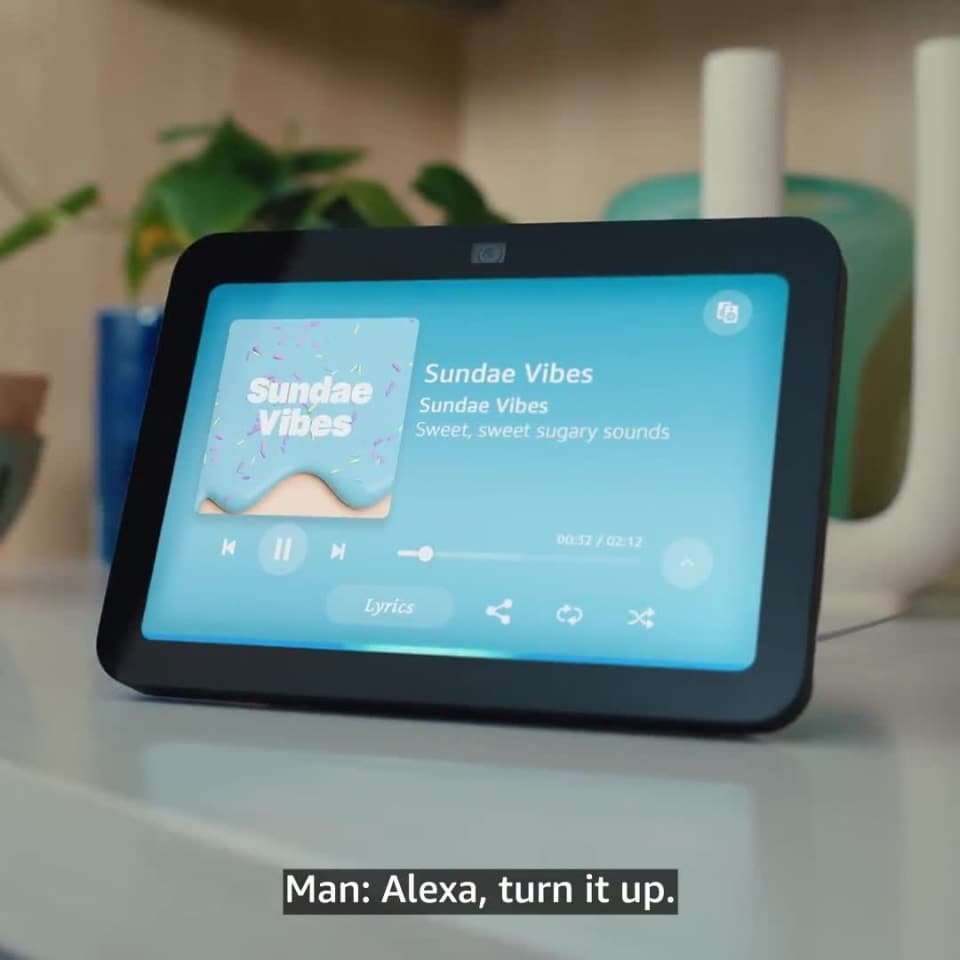
A:AnswerHello Irene, the Echo Show 8 can stream music from Amazon Music, Spotify, Pandora, iHeartRadio, TuneIn, Audacy and Audible. Many of those services have a free option as well as a paid premium option.
Have a great day!
A:AnswerHi -
Thanks for reaching out. The Echo Show 8 does support WPA3-Personal security protocol. This advanced Wi-Fi security standard was implemented in newer Echo devices to provide enhanced protection for home networks. I hope this helps, have a great day!