A:AnswerYou have to use a computer or Android/apple divisive to download the app, and then link the app to Alexa from the mobile app to the device. It can be a lot but once you get both app set on on your device, Alexa app will walk you through.
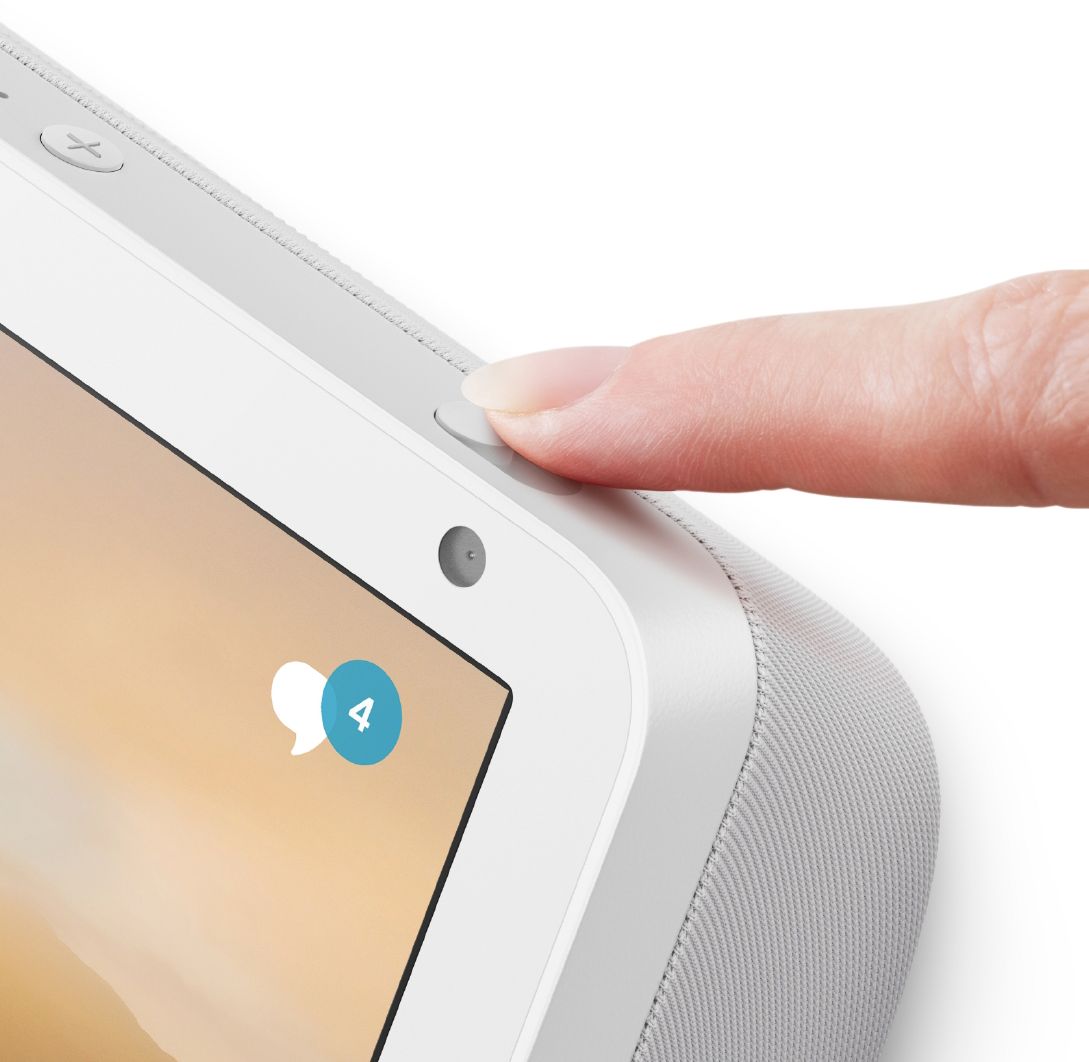
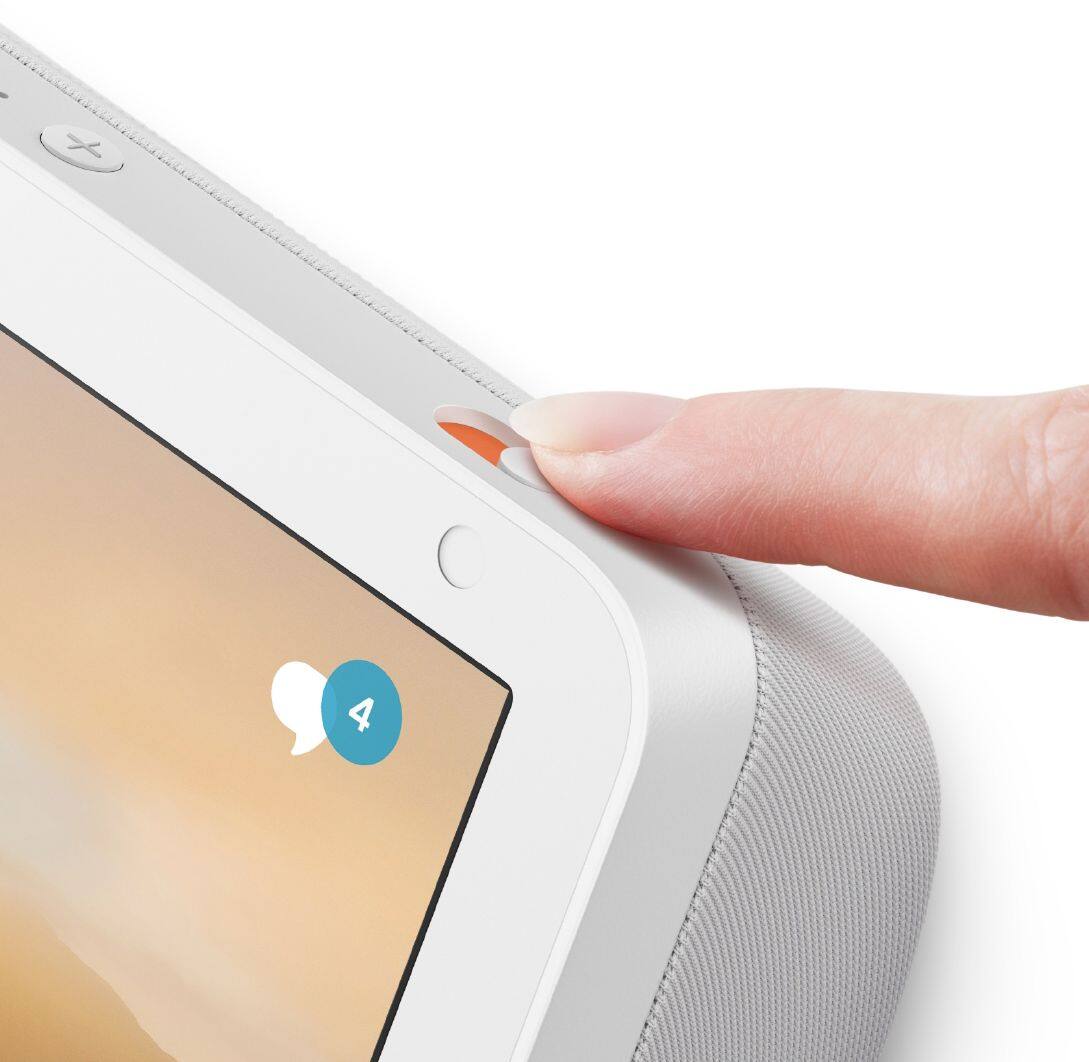
A:AnswerYes you can add it as it has a camera feature on it, but you need an Echo in each room that the animal is in to see them. If you only have it set up in the living room but the dog is in your bedroom, you won’t be able to see it.
A:AnswerIf you already have a Sirius subscription, you can listen on here for free. There’s “skills” you download- same as downloading an app. You just download the Sirius skill and then just say “Alexa, play ...... ( The Bridge, or Howard Stern ) or whatever channel you want it to play.
A:AnswerHi There,
While there is no particular application yet, you can ask Alexa to take notes for you. You simply ask her to take a note and she will dictate as you wish.
Have a great day!
A:AnswerHello!
If you have an alarm that is already set before you lose internet connection, your alarm will go off. If there is no internet, however, voice recognition will not work. This means you will not be able to say "Alexa, stop" to turn off the alarm. If there is no internet connection, Alexa cannot use voice recognition to set alarms, timers, etc.
A:AnswerHi Bettlejuice,
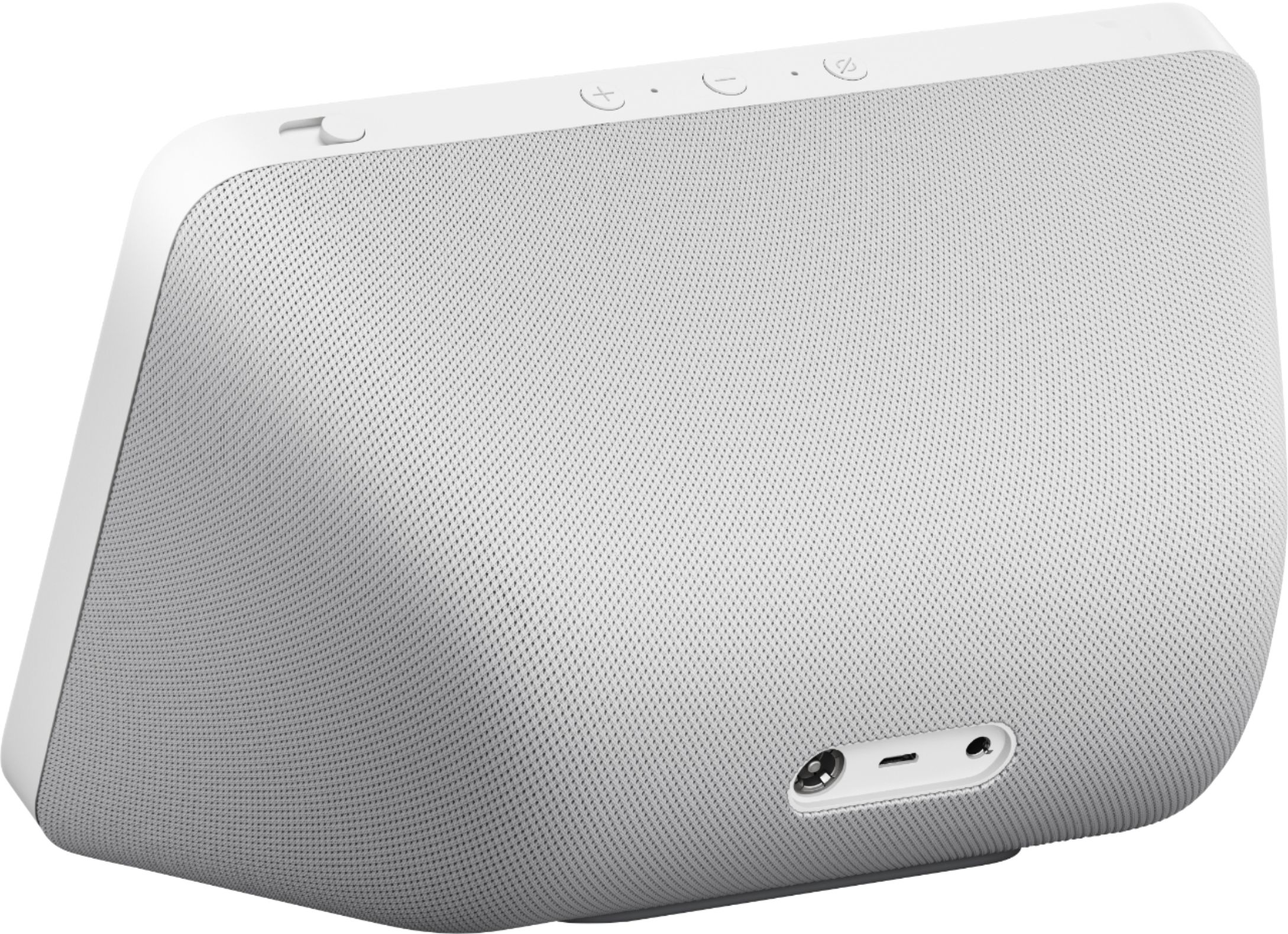
I am confused a little by this question. Echo show only operates off of Wifi (which is provided by your internet connection into your home). You will always need it to be connected to a power supply as well as a stable Wifi connection to perform at its best. Some Wifi solutions such as a hot spot are not powerful or stable enough and may give a bad user experience, so it is not recommended. Hope this info is helpful. Have a great day.
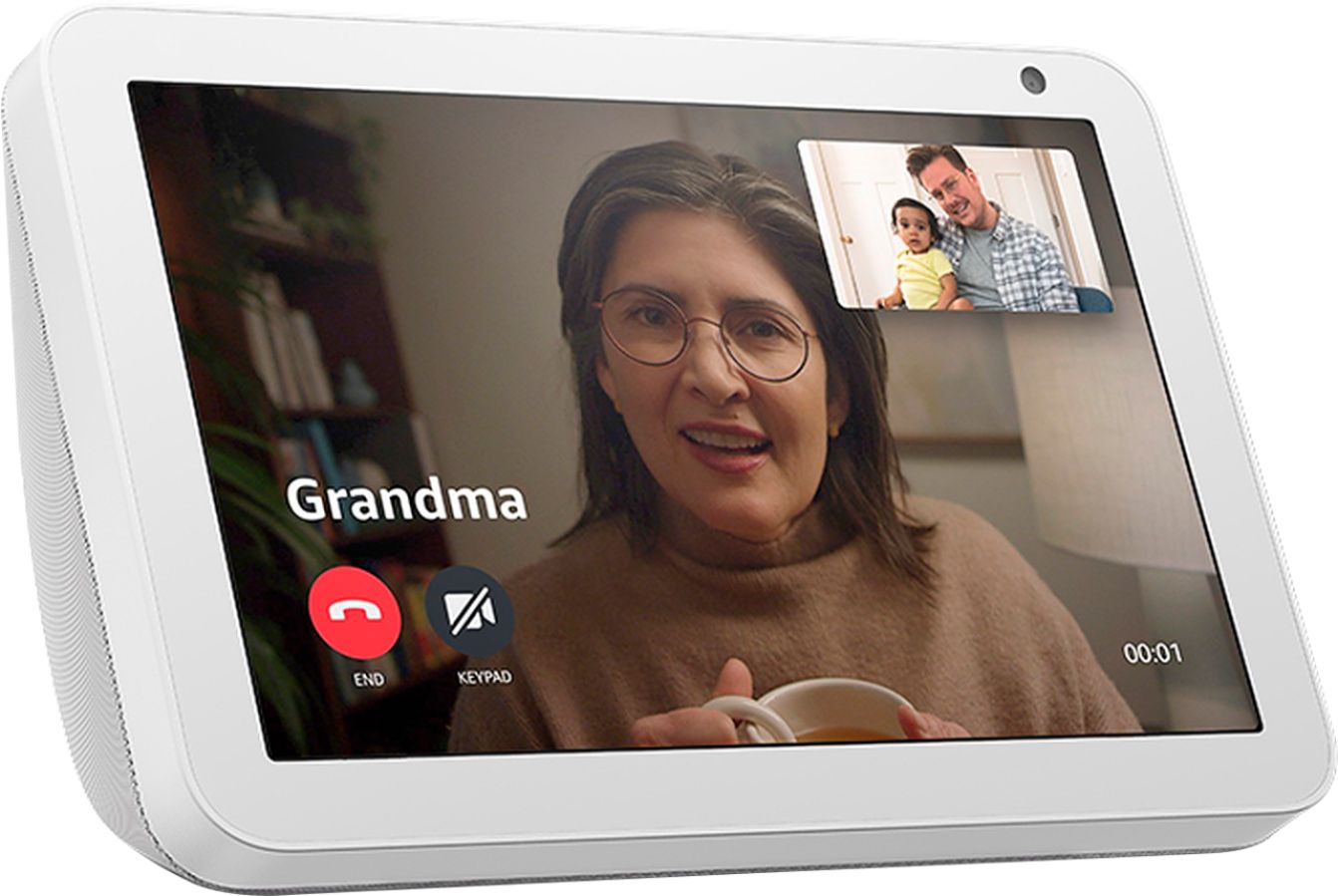
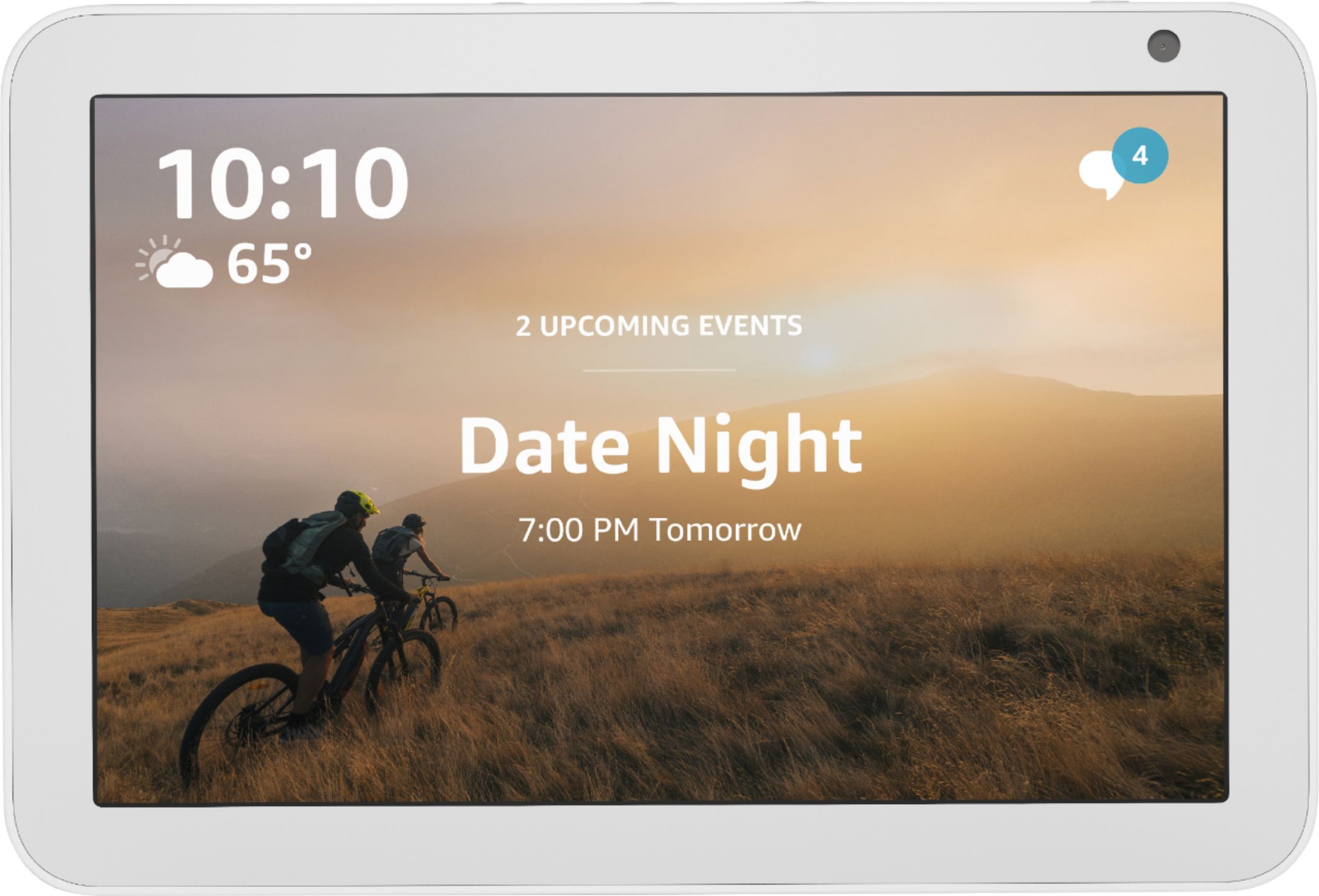
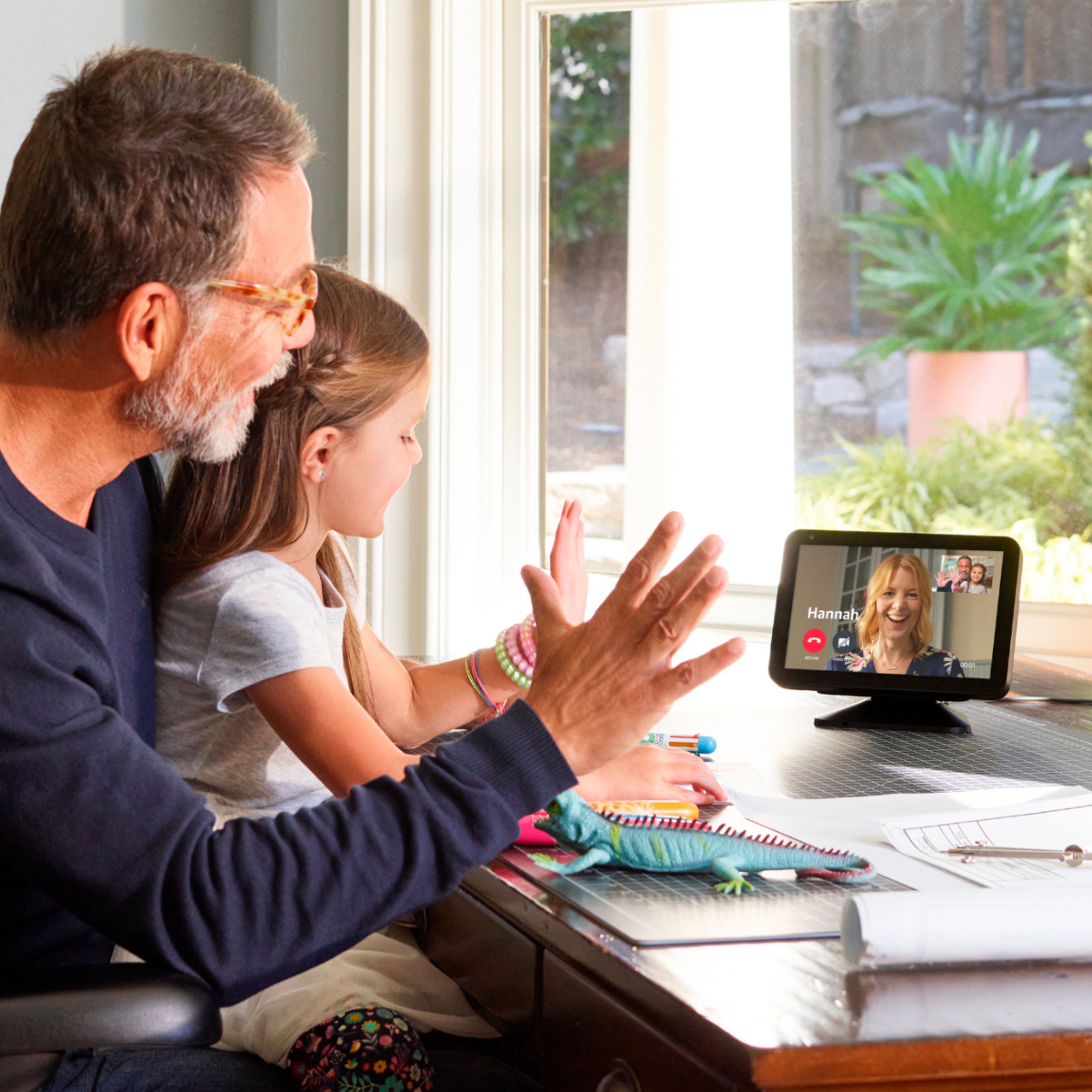
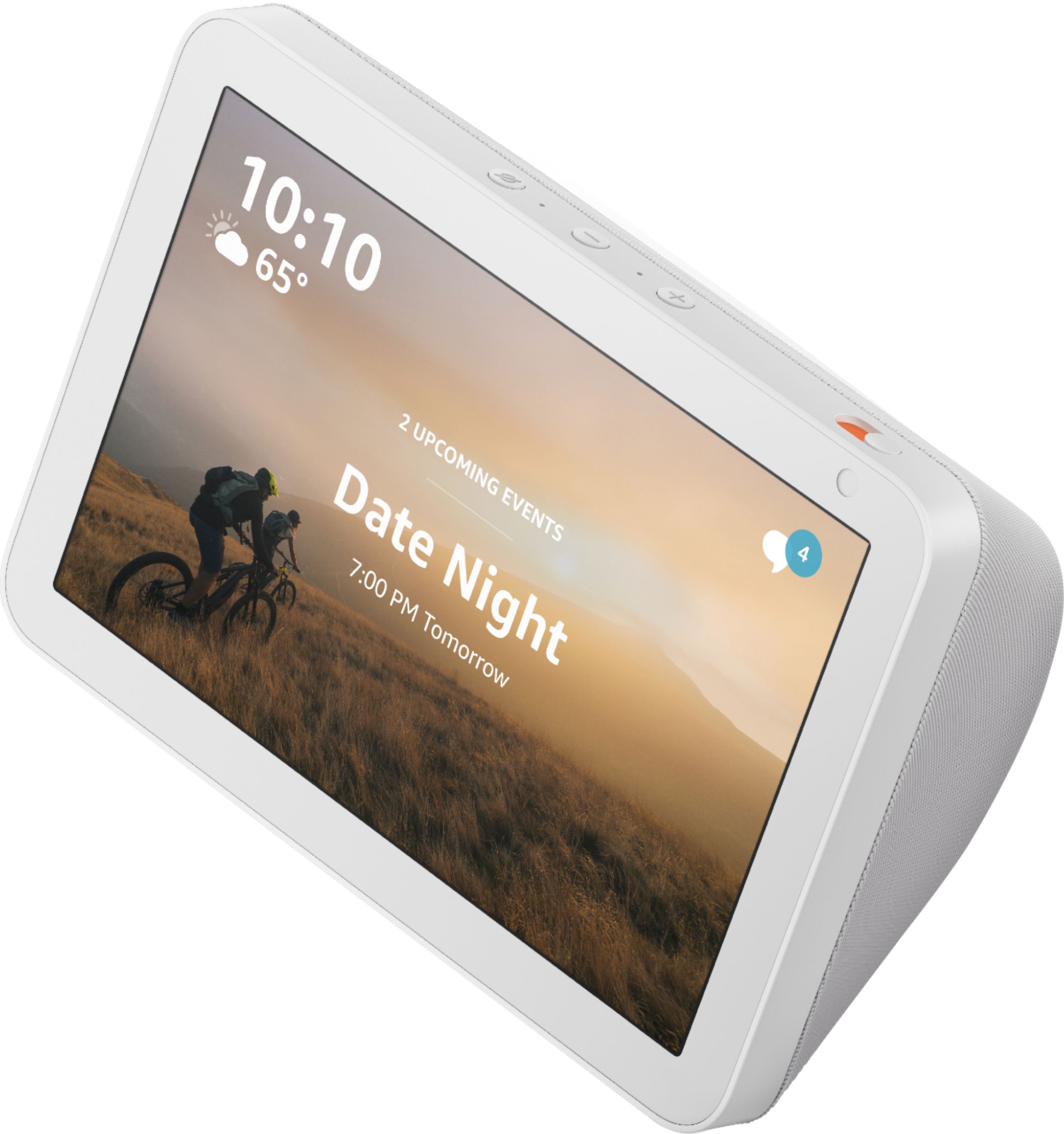
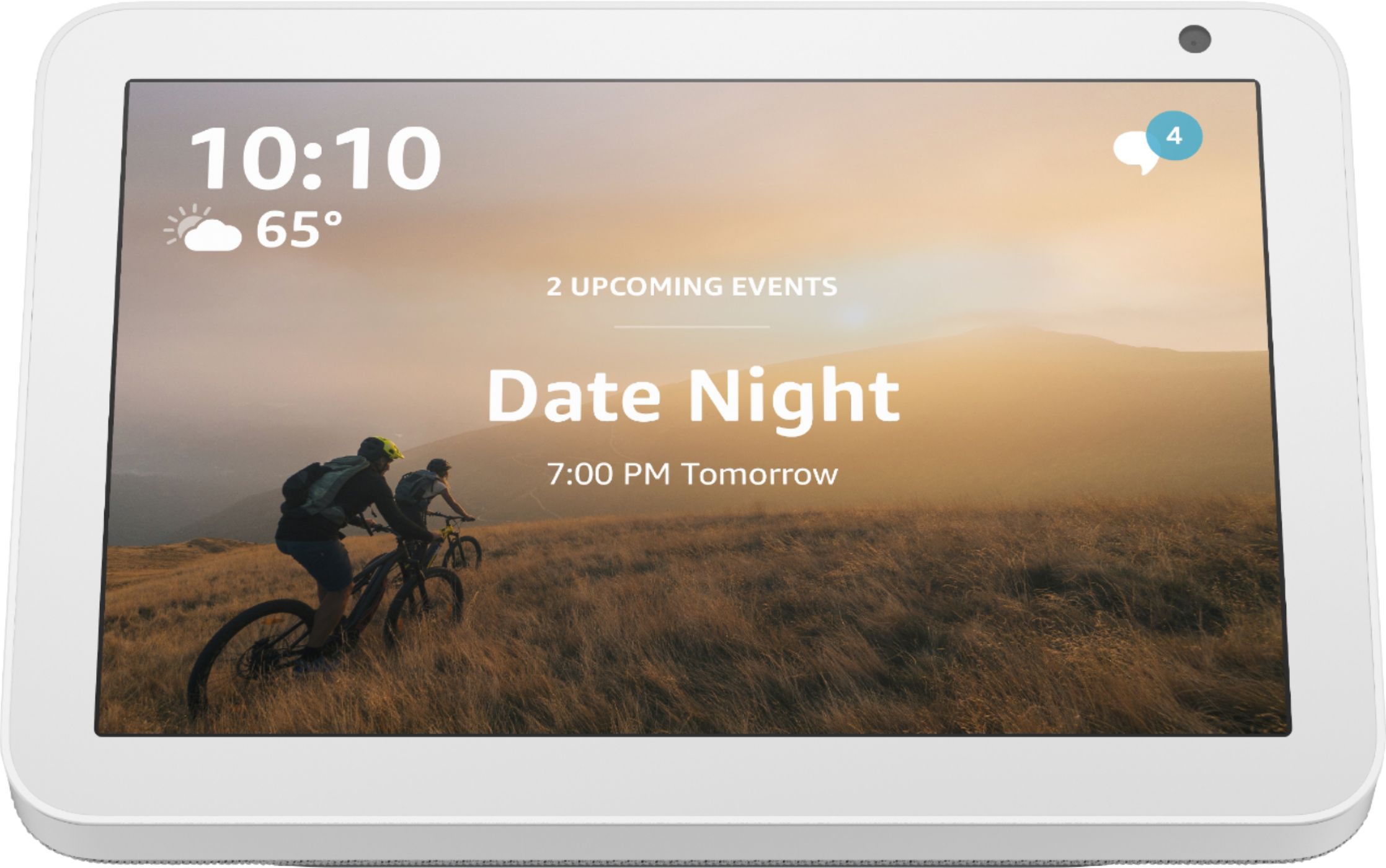
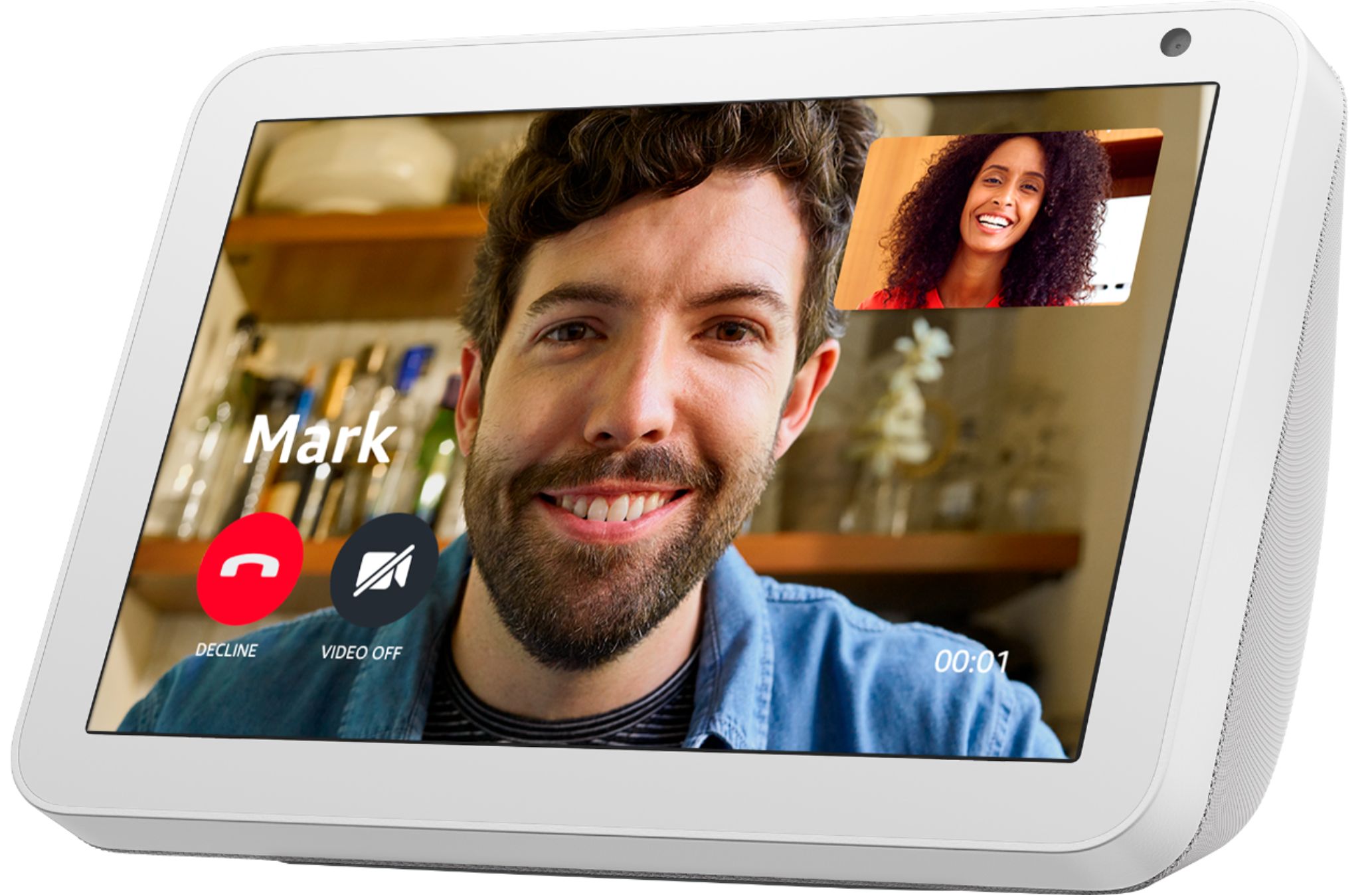
A:AnswerEcho Show 8 connects to Alexa to give you rich stereo sound with vivid visuals on an 8" HD screen. Set alarms and timers, display your favorite photos, check weather and traffic as you head out, or catch up on news highlights and movie trailers. Connect with your favorite people by making hands-free video calls to the Alexa app or another Echo with a screen, use Announcements to send voice messages to every room with a supported Echo device, or use Drop In as a two-way intercom between rooms.