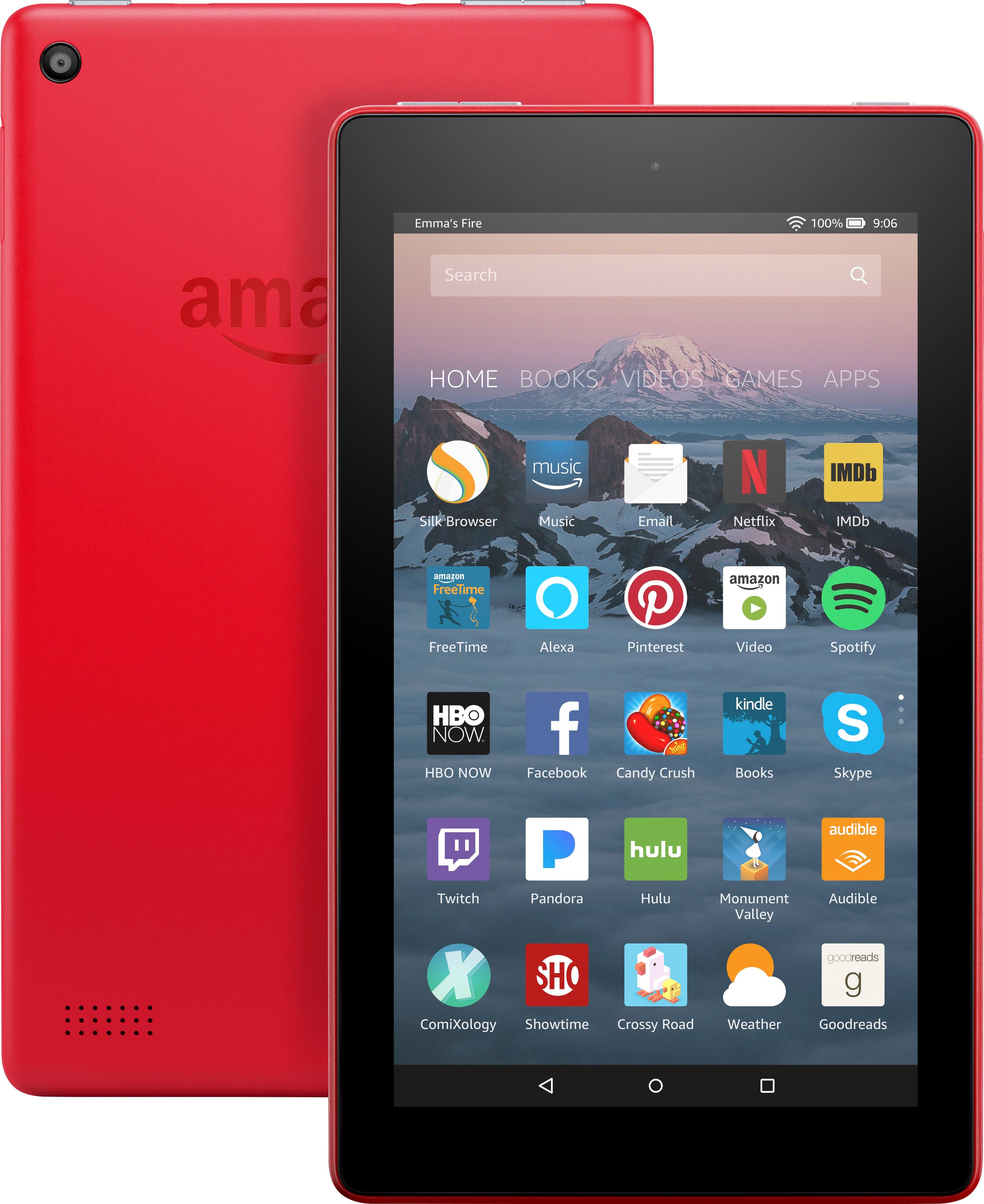
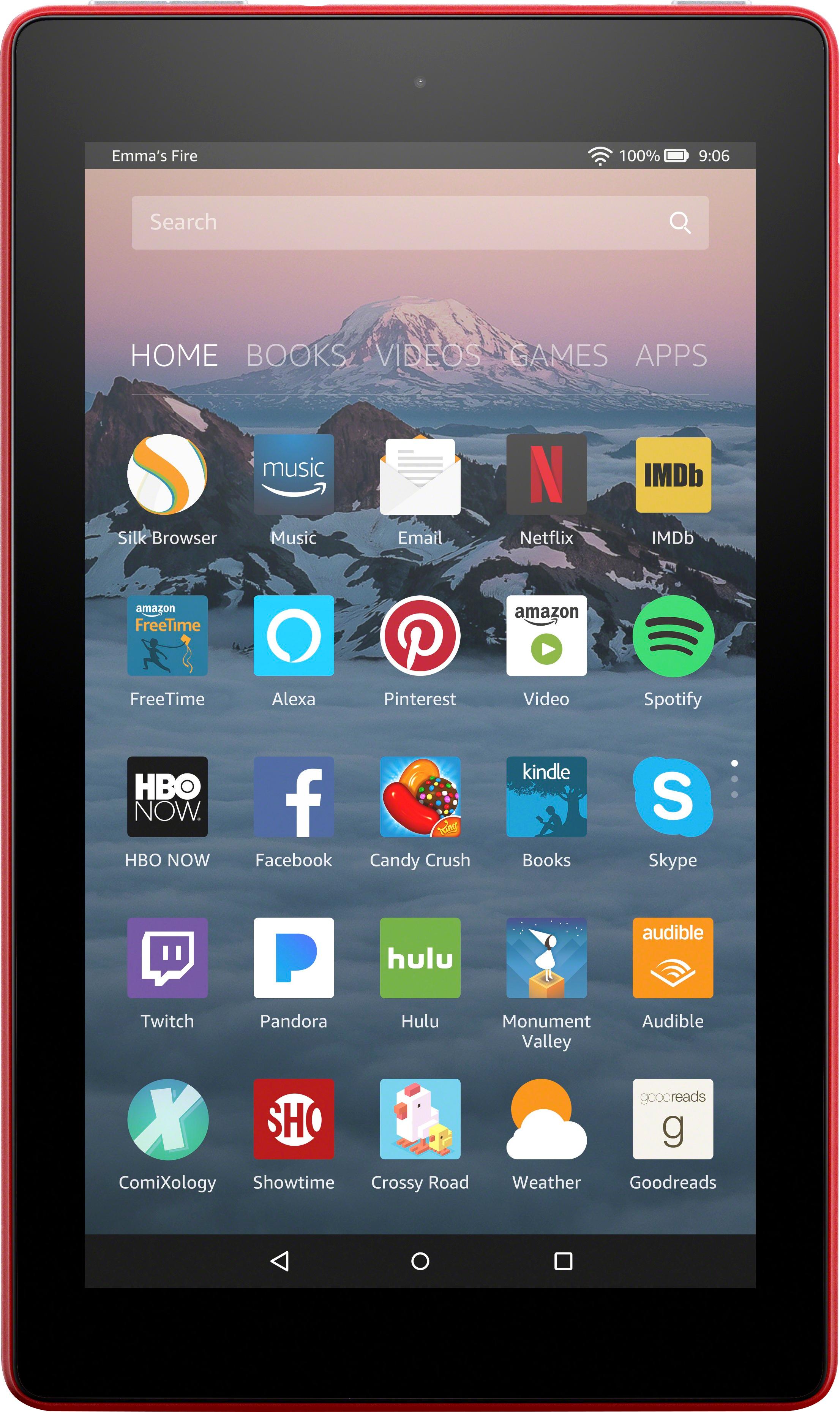
A:AnswerCheck the store availability tab to see what your local Best Buy has. Majority of stores carry only black but some stores will carry various colors.
A:AnswerOK so I've learned with the Kindle Fire when you download whatever you download you have to make sure the system to which your downloading volume is up also not only the kindles volume so uninstall the iheartradio app and reinstall it as your re-installing it turn the volume up then from the app volume so after its reinstalled then turn the Kindle volume up and down to your liking because you'll then see its very loud.
A:AnswerAmazon Fire Tablets all have a web browser specifically for them, called Silk Web Browser. It's simple to use and works almost like any other browser. If you want to get really techy and go online, there are tutorials on how to "side load" Google Chrome if you like as well. It's just not simple to do that. The native Browser is very good and works well with the Tablet and any other features it may interact with as well.
A:AnswerYes, you need some kind of internet at least WI-FI to activate it. If you know how to use a computer, you can connect through the USB to set it up. If you use public WI-FI, make sure the security software is loaded on a private connection before you use the public sites.
A:AnswerNo does not but it’s posible to do you need to find a way to install google play store first and then need to download google home then you can cast videos to your tv you also gonna need chromecast
https://youtu.be/FwowVteXD4c
A:AnswerIf your are on the same network that the printer is on and also have the device listed you can print
look in amazon store for the app for printing