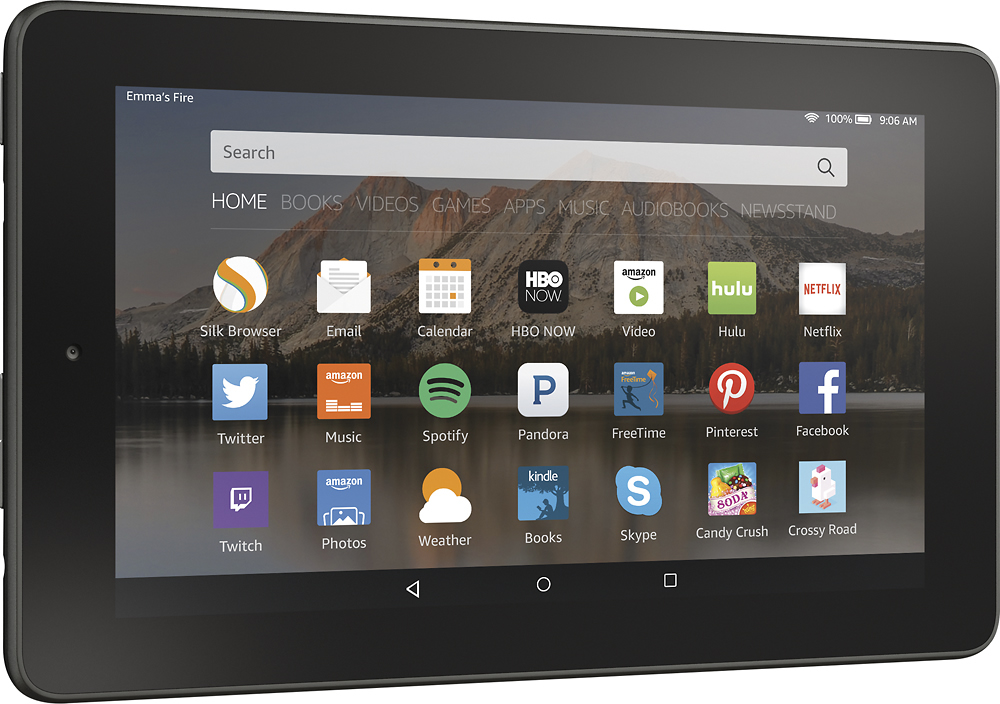
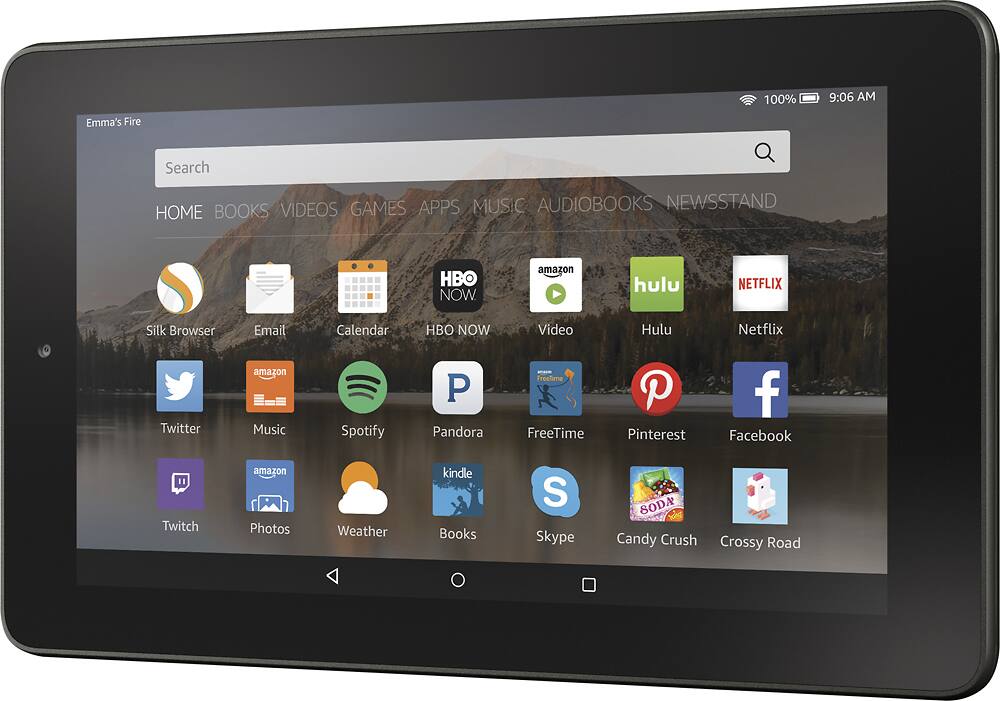
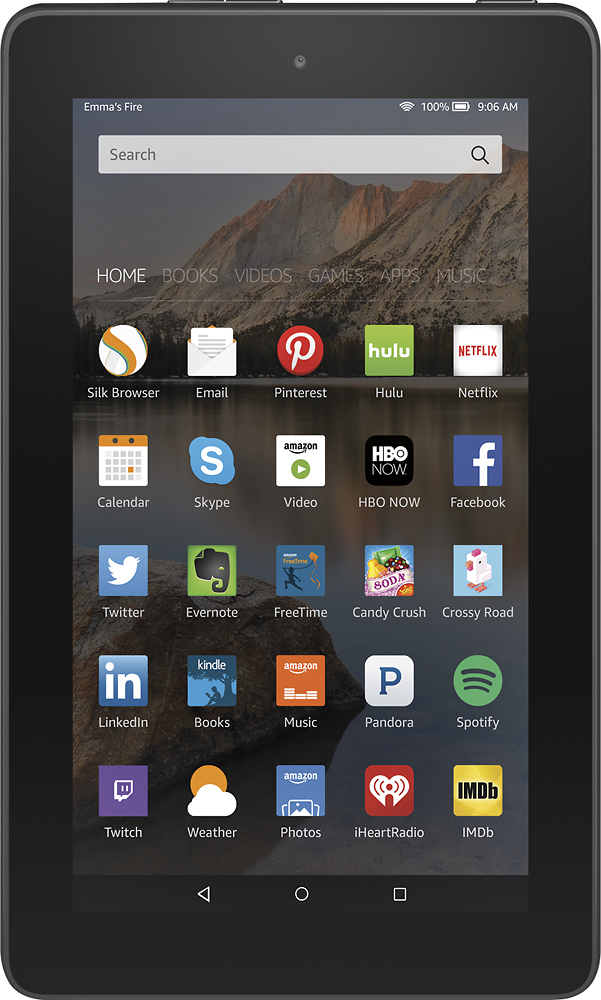
A:AnswerThe Kindle Fire displays whatever content is embedded in the digital file, including pictures. You can buy digital magazines through the Kindle store -- some are available for free if you have Kindle Unlimited. You can definitely use your existing account with a new device. You can also use the same account with multiple devices.
A:AnswerI have an older iPad and this Fire. The iPad has a slightly better picture and camera, but for basic email, searches, and app availabilities, the Fire is by far the best bargain around.
A:AnswerIf you want to remove the book permanently you can do that as well. Sign into the Amazon account you have linked with your Kindle and go to “Manage Your Content and Devices.” You should be looking at a list of your purchases. Find the book you want to delete and click the “…” button on the left side of the title.Nov 13, 2014