A:AnswerHello,
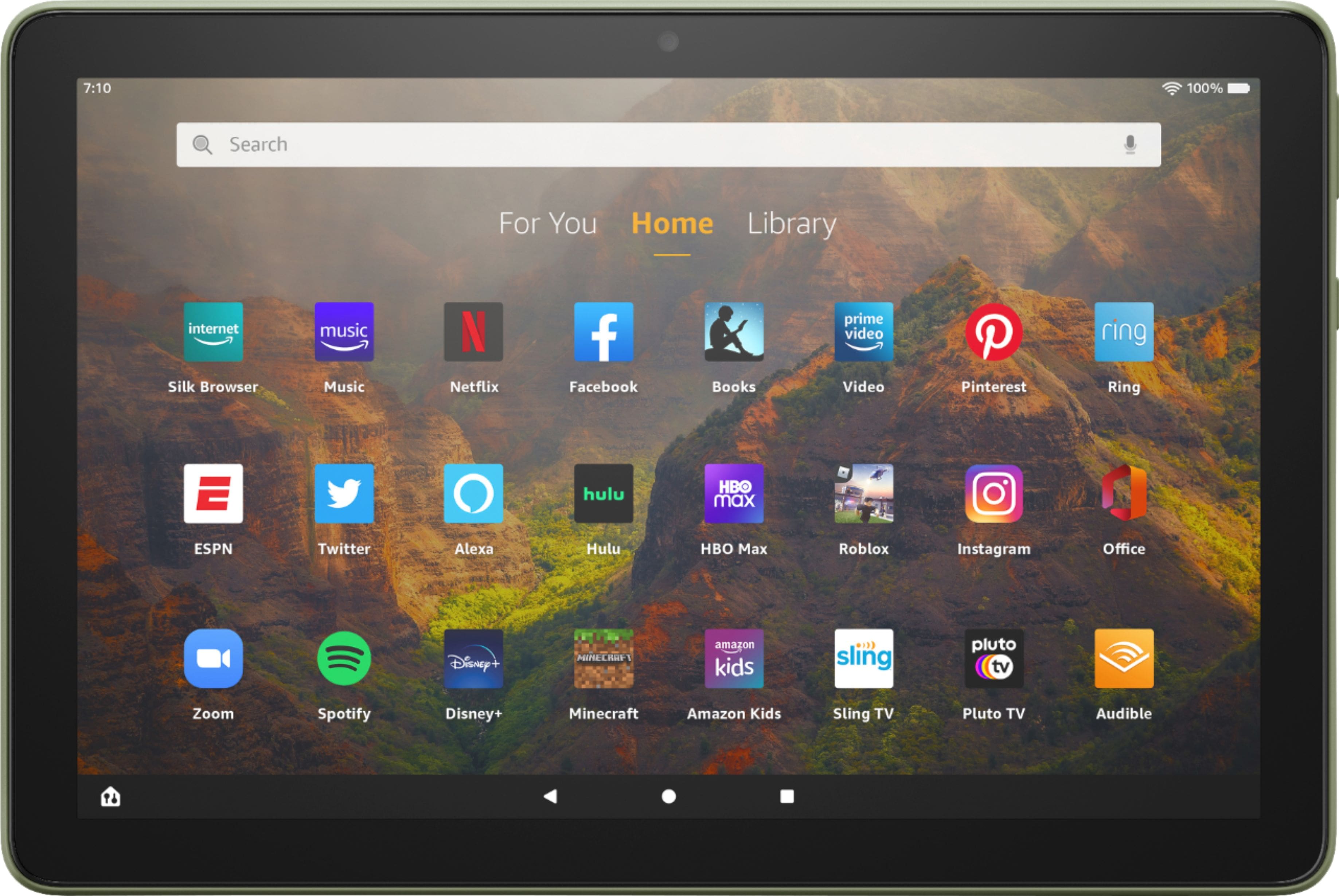
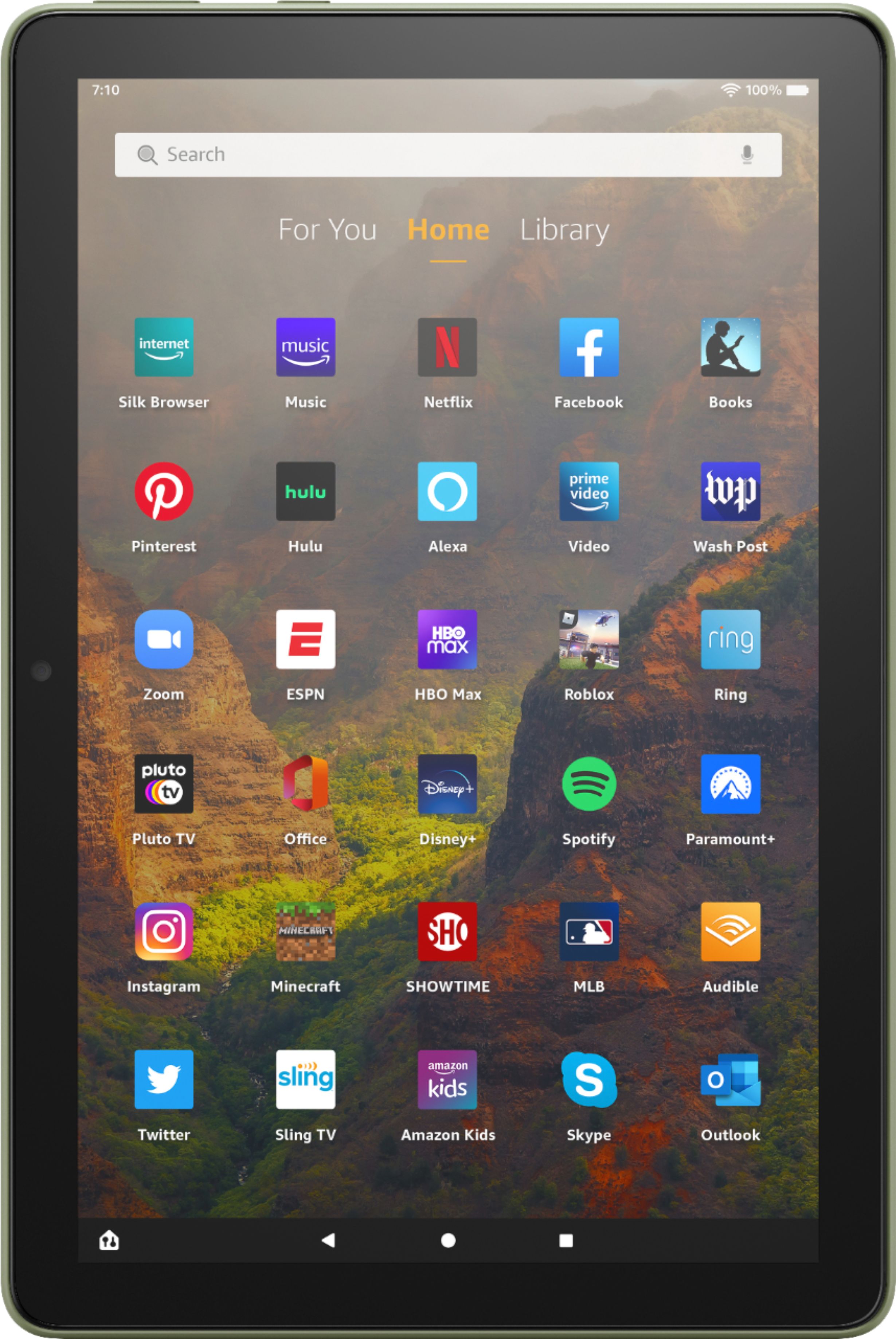
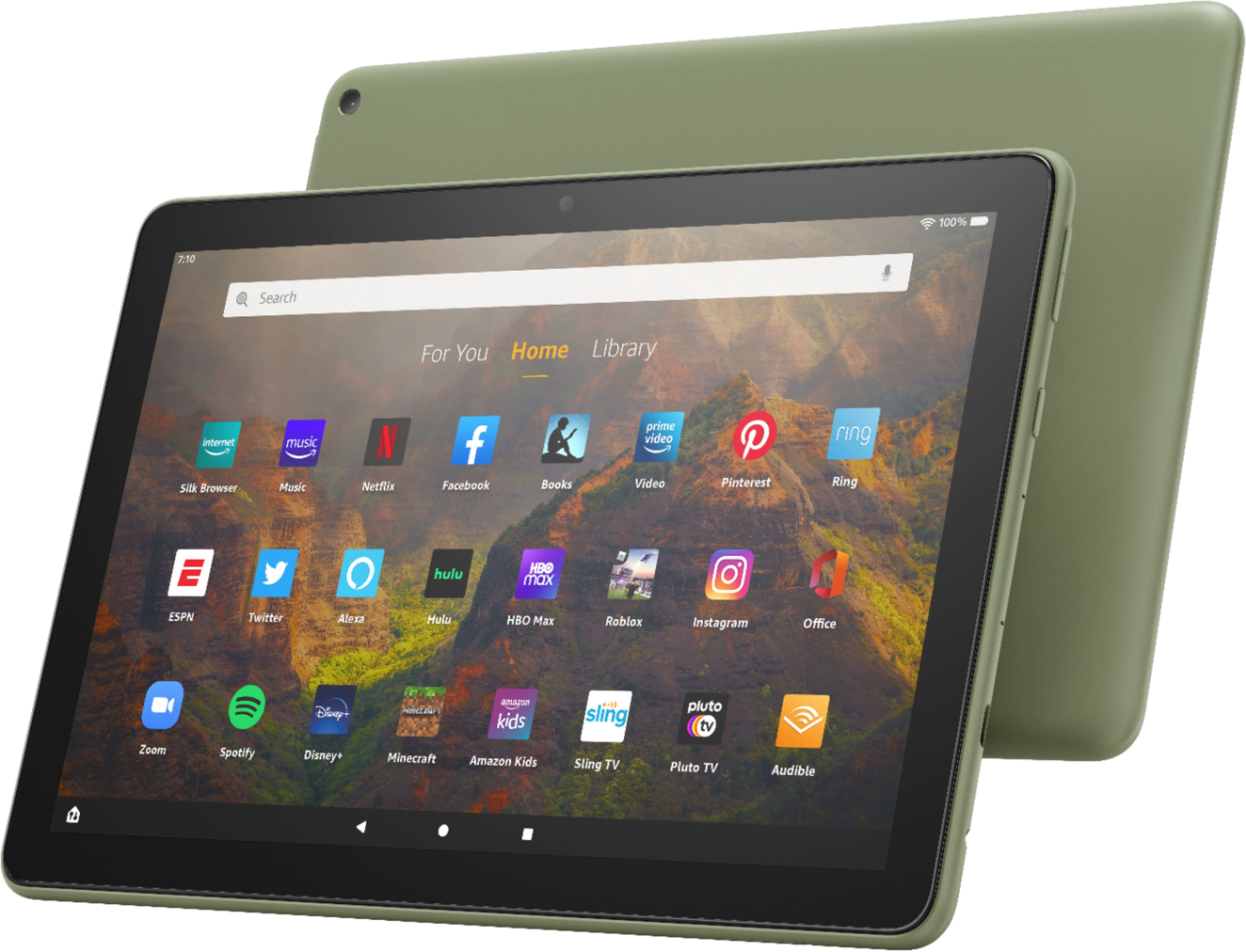
The newest Fire HD 10 Tablet is the 11th generation version. This years edition adds wireless charging for the "plus" model, a new front camera location, and slimmer side bezels, with a more symmetrical design and so much more!! I hope this helps, have a great day!
A:AnswerHi there! The Fire HD 10 was actually our first tablet that featured multitasking with multiple apps! I usually just press the Square button at the bottom, then tap on the app icon at the top for the first app I want to use. That will make the other half of the screen a scroll menu of other open apps to let you choose the secondary half of the screen. I hope that helps, have a great rest of your day!
A:AnswerHi Steph! Unfortunately the screen mirroring functionality is no longer supported on Fire Tablets as of around 2017. You can still cast from an app on the Fire Tablet to a compatible streaming service on your television, such as Prime Video. I hope that helps, have a great rest of your day!
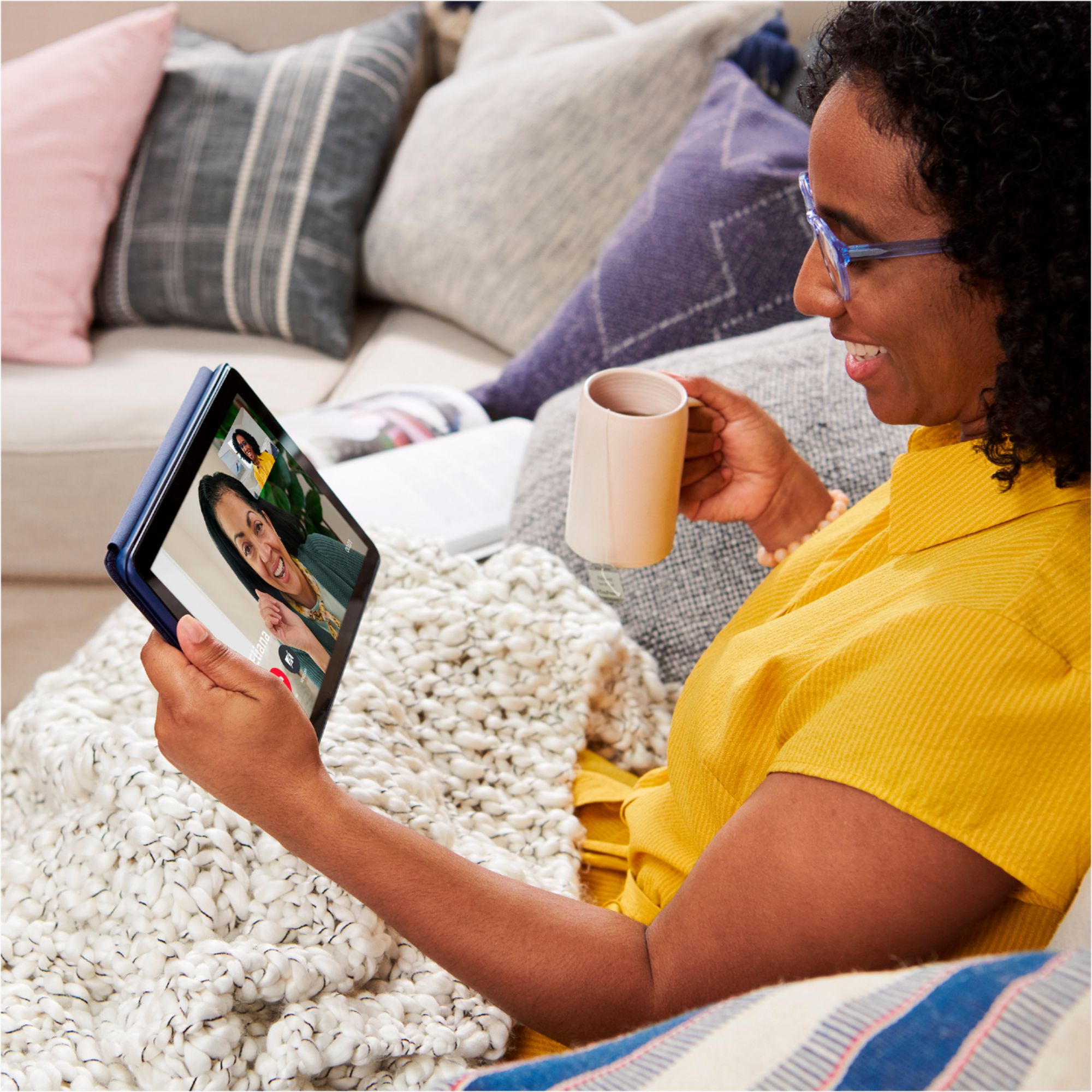
A:AnswerHello! The Fire HD10 Tablet does have a microphone and camera! Face Time is not available as that is an IOS feature. However, the Drop In feature with Alexa works the same way for video calling. You can go to the Alexa App on your tablet and follow these steps: -Select communicate -Select the contact icon in the top right corner -Select the menu in the top right corner -Select Add contact to add individuals you want to communicate with, then hit import contacts to enable Alexa to use contacts from your devices address book. If your contacts are linked through the Alexa App already you will be able to use drop in video calling with other echo/ tablet users as long as they are in your contacts. Hope that helps, and have a great day!
A:AnswerHi jessie! The YouTube TV app is not yet available in the Amazon App Store for download to your Fire Tablet. You can however access YouTube via the Silk browser which comes preinstalled on all Fire Tablets. I hope this helped answer your question, have a great day!
A:AnswerHello Wayne, you can get an HDMI adapter to connect your Amazon Fire Tablet to your TV. Unfortunately Rave is not currently supported on the Amazon Fire OS.
Have a great day!
A:AnswerHello, you want to know he weight of the All-New Fire HD 10. The weight of the All-New Fire HD is 16.4oz or 465 grams. Hope this has answered your question. Have an amazing day!
A:AnswerHello Sunflowergirl7845, you want to know if you are able to download the HEB curbside on the Amazon All-New Fire HD 10. At the moment the HEB curbside app is not available in the Amazon AppStore, however the AppStore has frequent updates. Hope this has answered your question. Have an amazing day!
A:AnswerHello, Ilovemax!
Yes, you would need an Amazon account to set up and begin using your Fire tablet. An Amazon account is free to have, and if you do not have an account, you can start one during the set up process on the tablet. I hope that information helps. Have a great day!
A:AnswerHello! There have been many upgrades with the new Fire HD 10 Tablet! The new generation has 3 GB of RAM (50% more than previous generation), a 10% brighter screen with more than 2 million pixels, a 5 MP rear camera, and expandable storage to 1 TB. The new tablet is 10% thinner and lighter than the previous generation, too! Another benefit is that the screen has been strengthened with aluminosilicate glass! I hope that helps to explain the upgrades made to the new HD 10 tablet. Have a great day!
A:AnswerHello! Before you mirror the screen of your Fire tablet, make sure your TV or media streaming device is turned on and discoverable. "Discoverable" means that your Fire tablet can identify and connect to your device wirelessly. If you're not sure how to make your TV or media streaming device discoverable, refer to the user guide that came with the device.
Note: If your TV or media streaming device is not compatible, you can use anHDMI adapter cable to plug into your TV.
From your Fire tablet, swipe down from the top of the screen and tap Settings.
Tap Display & Sounds, and then tap Display Mirroring.
Tap the name of your TV or media streaming device. This initial connection may take up to 20 seconds.
To stop displaying the screen, swipe down from the top of the screen and tap Stop Mirroring.
A:AnswerHi Chris! Currently, the JRNY, and Peloton apps are available on the Fire App store. However, the Zwift app is not. Hope this helps, enjoy your day!
A:AnswerHello,
The biggest difference is the branding, Apple ipads are Apple's and Amazon's Fire tablets are Amazon's. You cannot get the apps that are exclusive to Apple on a Fire tablet but, you can get 1,000's that are not exclusive. Can you get YouTube, Netflix, Disney, Search engines and so many many more yes you can! You can read, listen to music, and browse the web when connected to wifi. I hope this helps, have a great day!
A:AnswerHello GOTAQUESTION! Great name! Currently the Fire HD 10 utilizes the Amazon Appstore to download apps and games to the device. While there are many apps available that are also available on the Apple AppStore for Apple devices, not all games and apps are compatible or available with both Amazon and Apple. I hope this answers your question and that you have a fantastic day!
A:AnswerHello, Pat!
The Fire HD 10 tablet would weigh 16.4 oz (465 g), but actual size and weight may vary a small amount by configuration and manufacturing process. I hope that helps! Have a great day!
A:AnswerDear Phil,
Thank you for your question! We're happy to clarify the messaging and communication options available on the Fire HD 10 tablet.
Email: Yes, you can send and receive email messages on the Fire HD 10. The tablet comes with email support, and you can set up your email account (Gmail, Outlook, Yahoo, etc.) through the built-in email app or by downloading the official email app for your provider from the Amazon Appstore.
Telegram: Yes, Telegram is available on the Fire HD 10. You can download the Telegram app from the Amazon Appstore and use it to send and receive messages, just like on a smartphone.
Text Messages to Cellphones: The Fire HD 10 does not have cellular service, so it cannot send traditional SMS text messages to cellphones. However, you can:
Use messaging apps like Telegram, WhatsApp, or Facebook Messenger to send messages to contacts with those apps installed
Send emails to contacts
Use video calling apps like Skype or Google Meet for communication
Summary: Email ✓ | Telegram ✓ | SMS Text Messages ✗ (but messaging apps available)
If you have any other questions about the Fire HD 10's capabilities or app availability, please contact us at 1-888-280-4331 or through the Alexa app. I hope this helps. Have a great day!