A:AnswerHi Richad88! It appears the Verizon Messenger app is not currently available on the Amazon App Store, new apps are being added all the time! I would suggest reaching out to the app developer to know you're interested in accessing it via the Fire HD 10 so they know there is demand. Thanks for your question, I hope you have a great rest of your day!
A:AnswerHello Hozro! I am so sorry you're having these issues with your email attachments on these devices. My best recommendation would be to reach out to Amazon Customer Service directly as this may have something to do with the email service you are using or with the types of attachments you are trying to open up. This is not a known issue and I have not seen it happen or heard of it happen to anyone else. Amazon Customer Service can assist further with your specific concerns and issues. Thanks so much for reaching out and I hope you have an amazing day!
A:AnswerHi Maxwell! This listing is for a brand new Fire HD 10, though there may be open box items available for purchase. This newest generation has 3 GB of RAM (50% more than previous generation), a 10% brighter screen with more than 2 million pixels, a 5 MP rear camera, and expandable storage to 1 TB. I hope that helps, have a great rest of your day!
A:AnswerYes. Libby loads easily from the app store. My problem with it reading when off line. Books don't seem to dl to the device so it's useless when travelling or anywhere away from wifi. If someone has solved this I'd like to hear how.
A:AnswerHi cardlady! Microsoft 365 (which includes Word, Excel, and Power Point) is available! If it isn't pre-installed on your tablet, you can download it off the Amazon Appstore: 1. Select Games & Apps or open the Apps or Games app. 2. Select an app from your Library to download it or search for a new app in the Store. Have a great day!
A:AnswerHello and thank you so much for your question! The Comcast Xfinity Stream app is available for download from the Amazon Appstore with this device and should be included with your Xfinity subscription service. I hope you have a phenomenal day!
A:AnswerHi Betty! It looks like the product you are inquiring about is the Fire HD 10 tablet. As for the Echo 4th Gen speaker, you will need to connect it to her internet when you set up the device at her house. You can either reset the Echo and set it up at her house or you can connect it to her WiFi. If you want her information on the device, you can add her information through the Alexa app. Hope this helps and have a great day!
A:AnswerHi Betty! Yes, you can connect this Fire HD 10 tablet to your Echo 4th Gen speaker. Here are the steps on how to do so: You can use the Alexa app to pair your tablet or Bluetooth speaker with your Echo Device. Follow these steps do pair the device: 1. Put your Bluetooth device in pairing mode. 2. Open the Alexa app . 3. Select Devices . 4. Select Echo & Alexa. 5. Select your device. 6. Select Bluetooth Devices, and then Pair A New Device. The next time you want to connect, enable Bluetooth on your phone or Bluetooth speaker and say, "Pair Bluetooth." Once the initial pairing is complete, certain Bluetooth devices may automatically reconnect to your Echo when in range. I hope that helps! Have a great day!
A:AnswerHello Curt, you want to know if the Amazon Fire HD 10-10.1" Tablet supports the verizon mobile TV app. The Amazon Fire HD 10-10.1" Tablet supports the Fios TV Mobile app by verizon service corp. Always keep in mind you will be able to use Prime Video which will provide you with endless entertainment. Hope this has answered your question. Have an amazing day!
A:AnswerHello Iooi! Yes, Alexa settings can be turned off during the initial setup, through the Settings, or even by swiping down from top of the screen and toggling the Alexa Hands-Free switch when outside of Show Mode or the mute button when in Show Mode. Thank you so much for your question and I hope you have a terrific day!
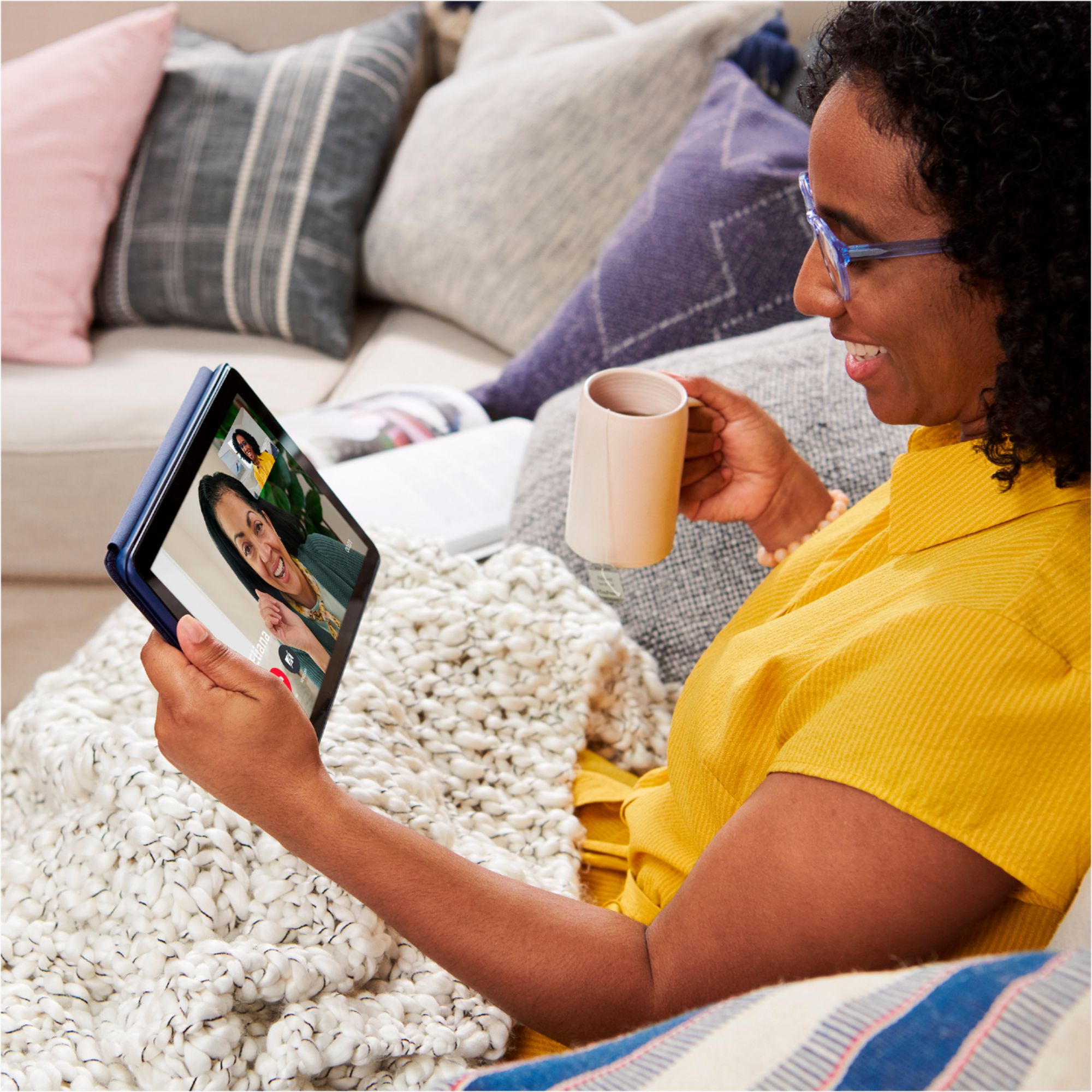
A:AnswerHello GrandmaP! FaceTime is exclusive to Apple devices and is not available on any other platform. You are able to use Alexa Calling when this device is in Show Mode and can call anyone that has the Alexa app on their smartphone or that has an Alexa device such as an Echo or Echo Show. There are also a plethora of different communication apps available such as Zoom that can be downloaded from Appstore. I hope this helps answer your question and that you have a superb day!
A:AnswerHello twig! While you can skip the registration process to use this device with its pre downloaded content, you would want to register it to an Amazon account in order to be able to download new content from the Appstore and unlock all features available on this device. It does not require any subscription and it is free to set up an Amazon account if you don't already have one and it can be set up during the initial set up of the device. You can definitely use this device for emails and searches as well. Thanks so much for your questions and I hope you have an amazing day!
A:AnswerHello! Yes, you can print from a Fire Tablet. First, you will need to pair your compatible wireless printer to your device. Here are the steps to do that: 1. Download an office app or a PDF viewer from the Amazon App store 2. Select the menu icon (three vertical dots) or select File for the item you wish to print then select Print. 3. Select Save as PDF then select All printers.... 4. Locate the IP address for your printer (refer to your printer's product's user guide). 5. Select the Add Printer icon (plus sign) to add a printer manually using the IP address of the printer. After you have done this, you should have access to print from that printer. Be sure to follow these steps to make sure you have the correct printer: 1. Make sure that your printer is turned on and connected to Wi-Fi. 2. Select the menu icon (three vertical dots) for the item or web page that you want to print, and then select Print. 3. Select your printer from the list or select All Printers for nearby printers. 4. Select the number of copies or tap More options to choose the paper's size, color, and orientation. 5. Tap Print. Have a great day!
A:AnswerHi Hummingbird,
Yes, you can download books, look at email through your browser, play and download games, stream peacock and free to me on prime video. You can search for and download apps via the Amazon App store. The speed of the tablet will be determined by your wifi connection and router.
Hope that helps!