A:AnswerHello and thank you for asking this question. This tablet has two small stereo speakers built into the device. I hope this answers your question and that you have a good day.
A:AnswerHi Toklatkate! The app "Hay Day" is available to download from the Amazon App store, so the app itself should work just fine on the Fire HD 10. One thing to figure out before the move though, is how to transfer your account in the game from one device to another. Lots of games will use an account sign in, so you'll want to make sure that you know the information you're using currently and can use it to login on the new device. I hope that helps, have a great rest of your day!
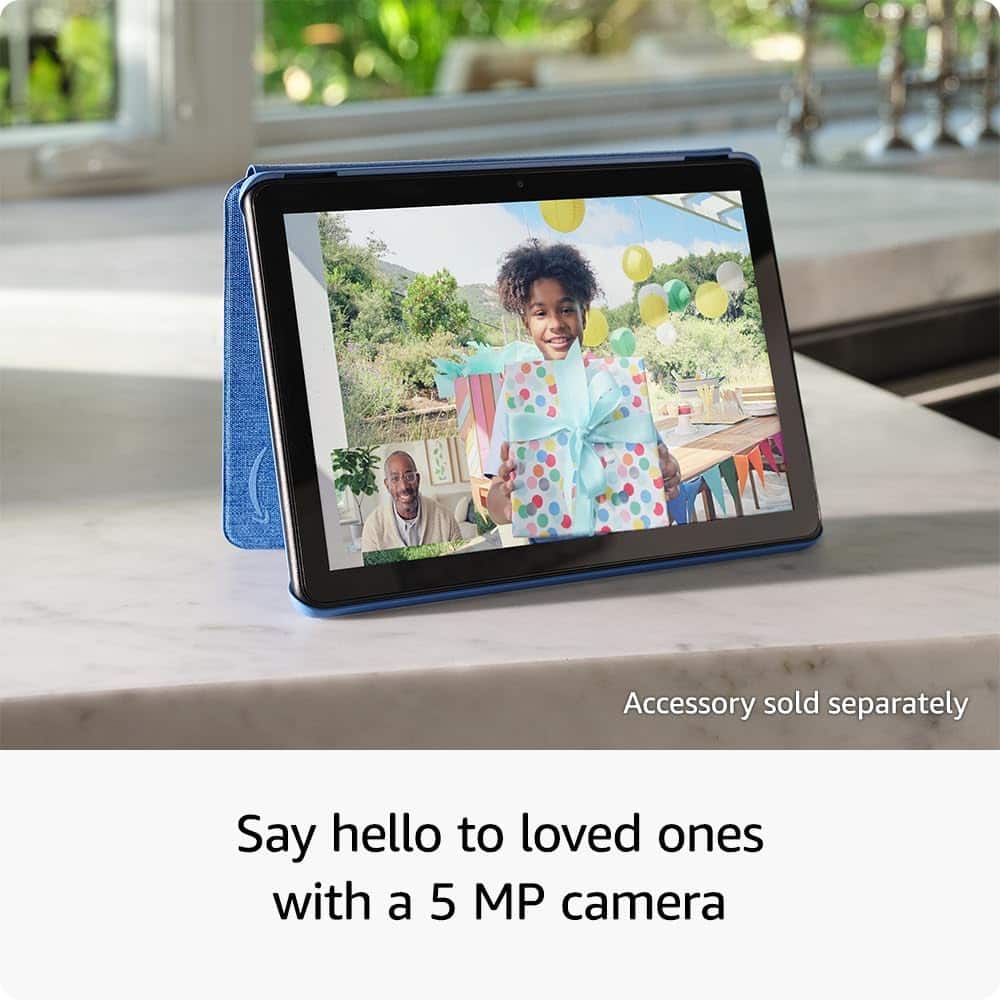
A:AnswerYes, Fire HD 10 tablets can call friends and family using Wi-Fi, primarily through the pre-installed Alexa app, which supports voice and video calls to other Alexa-enabled devices. Users can also download third-party apps like Facebook Messenger, Skype, or Zoom for video calls. This can also be disabled by avoiding downloading third-party apps and by enabling parental controls on Alexa for the specific device. Hope this helps!
A:AnswerHi Jason,
The Disney case you mentioned is only compatible with the Amazon Fire HD 8. Because of the size difference, it will not fit the Fire HD 10.
A:AnswerHi Chris!
You do not need to buy a new keyboard for the Amazon Fire HD 10; you can use your existing one as long as it supports Bluetooth. The Fire tablet connects to most Bluetooth-enabled keyboards.
Yes, brand-new Amazon Fire HD 10 tablets come with a USB-C cable and a 9W power adapter included in the box.
To transfer apps to a new Fire HD 10, register it to the same Amazon account as your old device, then download apps via the Appstore's "My Apps" section. While app data like game progress often doesn't transfer, using Amazon’s cloud backup on the old tablet can restore some settings.
I hope this answers your questions!
A:AnswerHello Bino,
Yes, you would be able to create hand written documents with the Fire HD 10 Tablet. You would be able to use an application such as Microsoft OneNote, Squid or Handwrite Note Pro. Once you had these apps, or a similar one of your choosing, and a Stylus made to work with the HD10 you would be able to create all of your own handwritten notes. As far as a Stylus goes, I would make sure to purchase one at your local Best Buy or on Amazon.com that is specifically made for Amazon Fire Tablets. Looking at our website (Amazon.com) there's a good selection depending on price and color.
I hope this helps!
A:AnswerHello Remy, there are several cases available if you search for Fire HD10 Cases and choose one that fits the 2023 release. Here is the model number for the black one, B0BSN4K54V. Hope that helps.
Have a great day!
A:AnswerHello Thee,
The 2023 release of the Fire HD 10 is the 13th Generation of the tablet. You can access this from the devices settings as well. By clicking Settings, scrolling down to "Device Options" and selecting, scrolling down on that menu will give you the Device Model number and Generation.
I hope this helps!