A:AnswerIt doesn't replace the nook. But I think you can install the nook app on it and read your nook books. However, you can't transfer your nook books to this tablet.
A:AnswerIf you have a strong external WiFi connection. There is no mobile 4G or 5G data on the device. You'll need your phone's mobile Hotspot or a WiFi connection
A:AnswerHello DJ! Yes, the apps can be downloaded to your Fire Tablet. You can download games and apps and use them on the go by following these steps:
1. Select Games & Apps or open the Apps or Games app.
2. Select an app from your Library to download it or search for a new app in the Store.
Have a great day!
A:AnswerHello, Nessa! Yes, it is compatible with Amazon Kids. You can set up a child profile on an Amazon Fire HD 10. To do so, open the settings menu, select Profiles & Family Library, and then select Add a Child Profile. Enter the information and select Add Profile. I hope this helps. Have a great day!
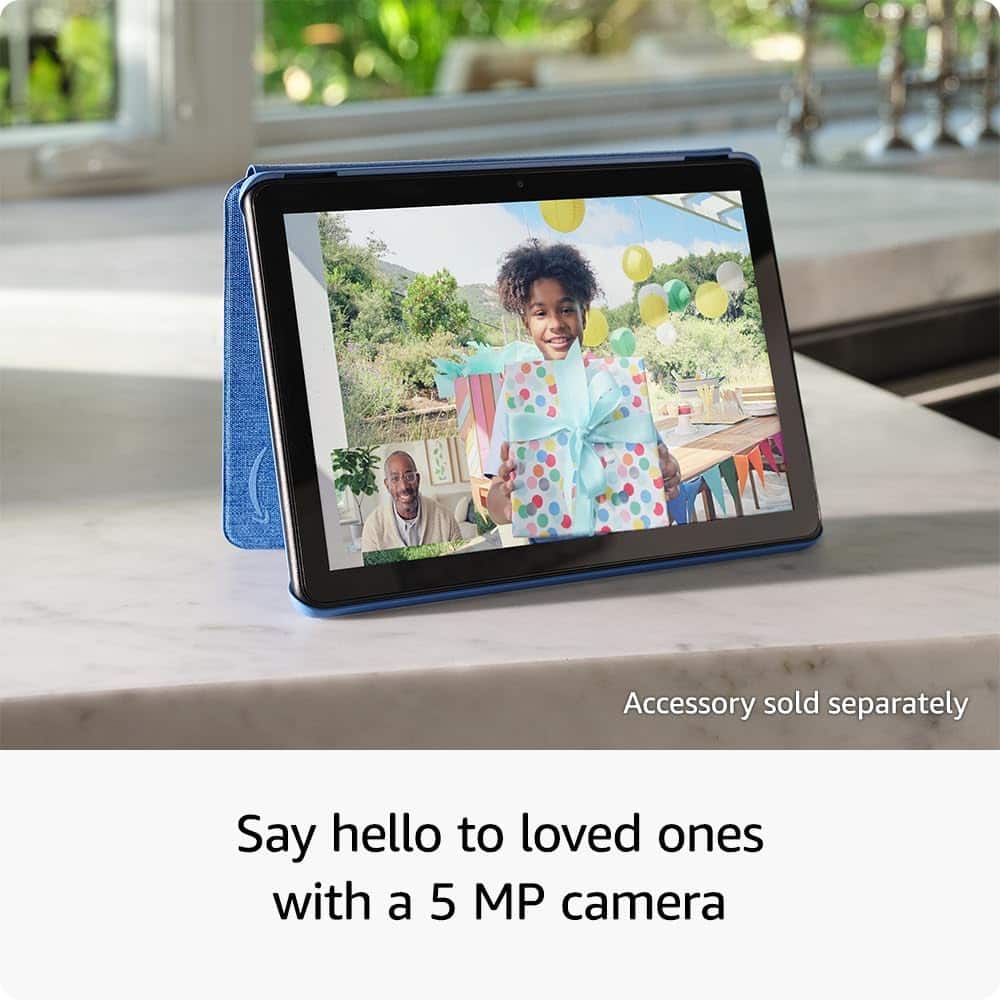
A:AnswerHello JJ, there are several apps that will allow you to make video calls on the Amazon Fire HD 10. It has a front and a rear facing camera.
Have a great day!
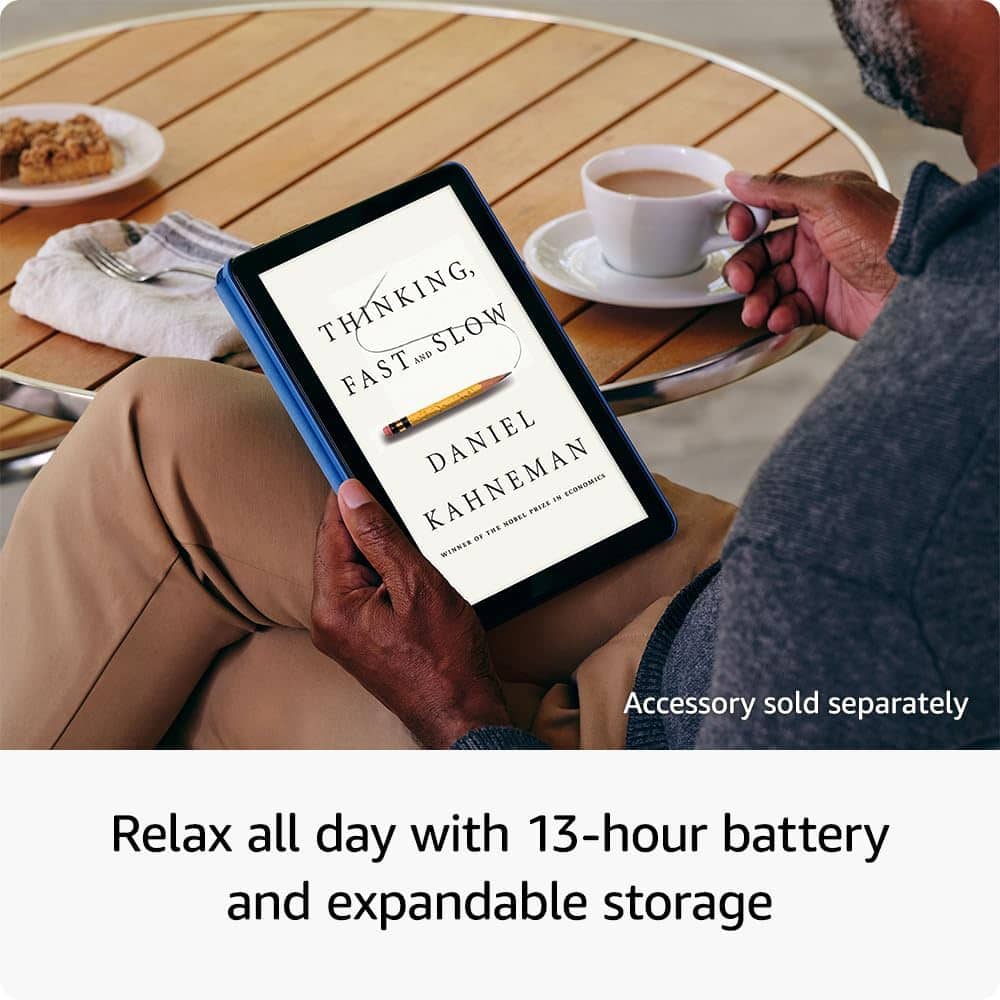
A:AnswerHello Chat96 & thank you for your question! The Amazon Fire HD 10 tablet has a 13 hour battery life off a full charge. If the tablet is being used heavily and at max brightness, that could diminish the battery life. If the Tablet continues to have issue, I would bring the device back to the place of purchase to determine if there is a defect. Hope this helps! Have a great day!
A:AnswerHello CF,
Thank you for your question. Each retailer has a different return policy, check the retailer you purchase from to confirm the specific return policy. Hope this helps, have a nice day!
A:AnswerHi Scott! Currently Salesforce is not available on the Amazon App Store, but you can always reach out to the developers and let them know that there's demand! If you're looking to use the Fire HD 10 for productivity, consider checking out the Made For Amazon Bluetooth Keyboard case as an accessory. I hope that helps, have a great rest of your day!
A:AnswerHello James8 and thank you for your question! Unfortunately, since there is a large degree of variance when it comes to drone technology, there is no way to know if the Amazon Fire HD 10 Tablet would work with a drone. Most drone manufactures provide a list of recommended specifications in order to operate, I would consult that to determine if the hardware in the Amazon Fire HD 10 Tablet could work. You would also want to see if that drones specific application is available in the Amazon App store, so that you can download and run that app. Hope this helps! Have a great day!
A:AnswerHello LW and thank you for your question! The Amazon Fire HD 10 tablet does not come with a bult in CD/DVD player. You do have the ability to download your favorite streaming service app from the Amazon App Store and play videos through that. Hope that helps! Have a great day!
A:AnswerHello Granny. Thank you for your question. Our Fire HD 10 tablet has a port for MicroSD cards and supports up to 1TB of data. You will require help from someone with a computer to go from regular size SD card to MicroSD, in order to transfer your data first. Hope this helps. Have a great day!
A:AnswerHello! The Fire HD 10 does not support cellular service, so a SIM card cannot be installed, but it can be used on Wi-Fi. Also, the Fire HD 10 can be used with a mobile hotspot or tethered to a smartphone with cellular data capabilities. I hope this helps. Have a great day!
A:AnswerHi dottie! The Fire HD 10 doesn't have a built-in QR code reader, but there are apps available on the Amazon App Store to help with that function! Just open the Amazon App Store and search for "QR Code Reader" to see what's available. I hope that helps, have a great rest of your day!
A:AnswerHi Dimpledr! The Amazon Fire HD 10 absolutely works with Zoom, however I do not see the Mayo Clinic Patient Portal app available on the Amazon app store. In my experience the web version of many patient portals has worked fine through mobile browsers, but I would reach out to the developers of the patient portal to see if there would be any missing features or potential issues before I relied on the Fire HD 10 as your only solution. I hope that helps, have a great rest of your day!