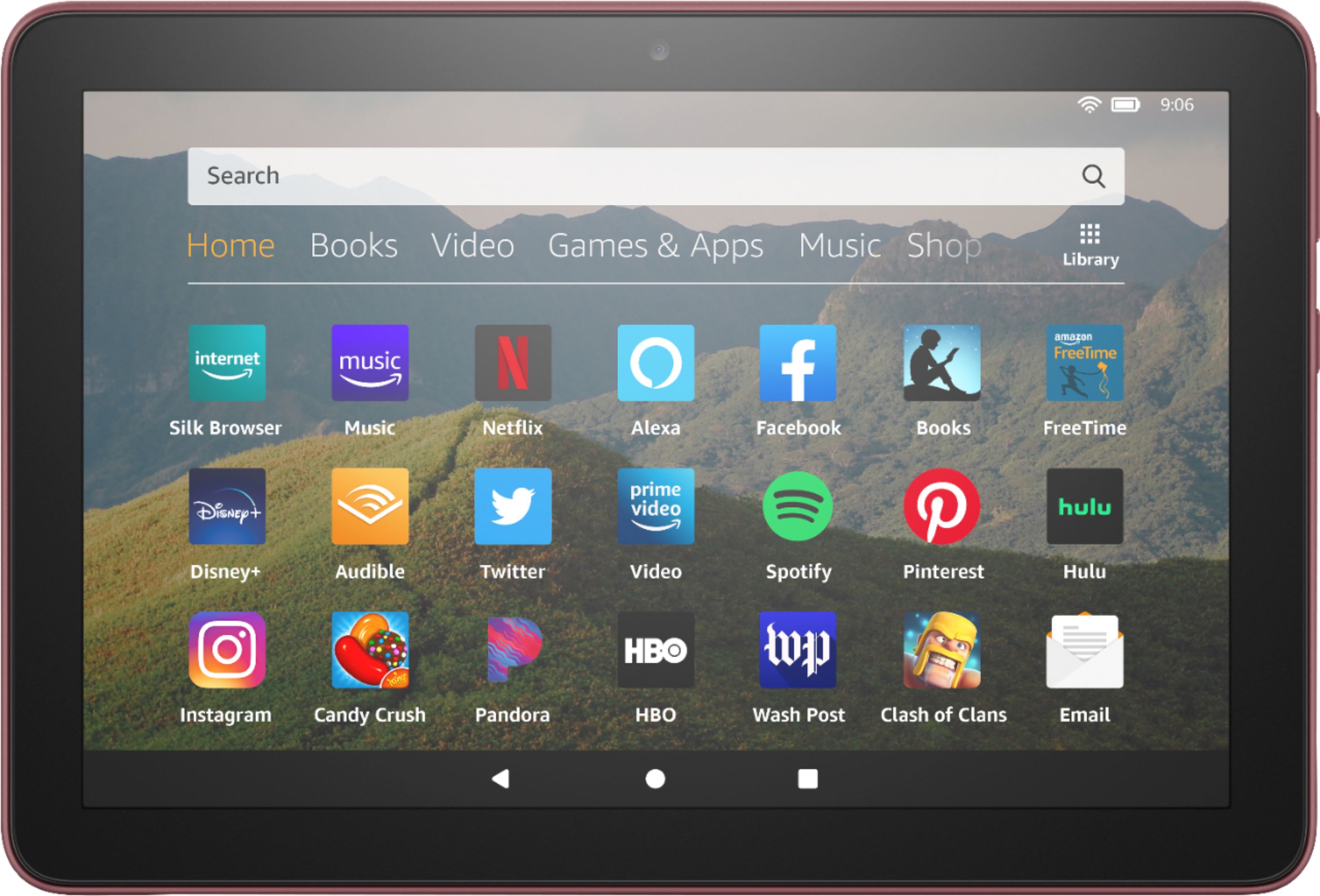
A:AnswerHello, Jem!
Without knowing which app you use to bank with, it is hard to give you a definite answer. I can say, that if you bank allows banking through a web browser, that is definitely an option. The Fire Tablets all come with a fully functioning web browser on them where you could go to your bank's website and log into your account. I hope that helps! Have a great day!
A:AnswerHi Offers! There is not a way to remove offers only for show mode.
To remove special offers from your Fire Tablet, follow these steps:
1. Go to Manage Your Content and Devices.
2. Select Devices, and then select your device.
3. Under Special Offers, click Remove offers. A pop-up window then displays the price to remove special offers. Select End Offers and Pay the Fee to proceed.
Have a great day!
A:AnswerHello RogueSailor! Yes, there a number of different ways you can transfer data to this device from a laptop. Some can be done rather easily via cloud services such as Amazon Photos which enable you to upload to the cloud and then pull up the cloud on your tablet using the same Amazon login you used for both the tablet and the Photos app. Another way you can transfer data would be by using a compatible flash drive that fits a USB-C port located on the side of the HD 8 tablet or using an adapter that fits a USB-C port. Once plugged in with the data you would like to transfer, your files can be located simply by tapping the Files icon on your home screen. Thanks so much for your question and I hope you have a terrific day!
A:AnswerHello, yes you can. When you go through the set up process on your new Fire Tablet it will prompt you to log into your Amazon account and sync your old content onto the new device.
Have a great day!
A:AnswerHello Sunset, yes this App is available in the Amazon App Store. All of the Amazon Fire Tablets use the Amazon App Store to download apps.
Have a great day!
A:AnswerHello Will! This device has an onscreen touch keyboard that shows when you are able to type in fields that allow it. I hope this answers your question and that you have an awesome day!
A:AnswerHello Riley,
Yes, games can be downloaded easily to your Fire Tablet. You can download games and apps and use them on the go by following these steps:
1. Select Games & Apps or open the Apps or Games app.
2. Select an app from your Library to download it or search for a new app in the Store. The speed has more to do with your Wifi connection and what game your trying to play, I hope this helps.
Have a great day!
A:AnswerHey Diana!
Yes, the Minecraft app can be downloaded to your Fire Tablet. You can download games and apps and use them on the go by following these steps:
1. Select Games & Apps or open the Apps or Games app.
2. Select an app from your Library to download it or search for a new app in the Store.
Hope this helps! Have a great day!
A:AnswerHello, Fanc!
There is not a USB port on the device, so you would need to get a USB to USB-C adapter to connect the two. Depending on the format of the video, you should be able to pull it up. If the file is on your computer, you can also connect your tablet to the computer to transfer the file over. I hope that helps! Have a great day!
A:AnswerHello Jocy! Fire tablets are able to download select 3rd party antivirus apps to add additional layers of protection to the device but they are optional. Thanks for your question and you have a great day!
A:AnswerHello Lisa,
All Fire tablets do come with preinstalled apps, however you can set up the tablet with two profiles. One way to do this would be, as if you were the parent and you were granting access to your child.
1. Open the Settings menu.
2. Select Profiles & set up 2 profiles
3. Enter your Father's information then select Add Profile.
This way you can decide what he has access to, I hope that helps! Have a great day!
A:AnswerHello Kristy! This device is solely WiFi connected so as long as you have some sort of home WiFi or mobile hotspot that it can connect to, then you can have full use of this tablet. There aren't any major speed requirements that are needed but for streaming services you may want a higher speed for a better quality without buffering. There are quite a few capabilities and features that are available for offline use as well however. I hope this answers your question and you have a great day!
A:AnswerHello willow! This tablet is fully backlit with adjustable light settings for use in any lighting environment. It is easily accessible by swiping down from the top of the screen. I hope this answers your question and you have an amazing day!
A:AnswerYou can spend money on kindle apps and such. Amazon has a prime membership monthly fee if you want to get prime member benefits. However if you get the ad supported version of the tablet it is cheaper than non ad supported devices