A:AnswerThere are so many, I don't even know where to start..some have a monthly charge, but way less than cable or satellite, and now they even offer a DirecTV app on the fire stick..so if you have satellite and; like myself travel and take the fire stick with you to use in hotels, you have all the same channels as your home TV with DirecTV..pretty awesome
A:AnswerYes, just sign in with your existing Amazon account, and all your apps and programs automatically load to the new one, once you sign on the apps automatically load onto the new one
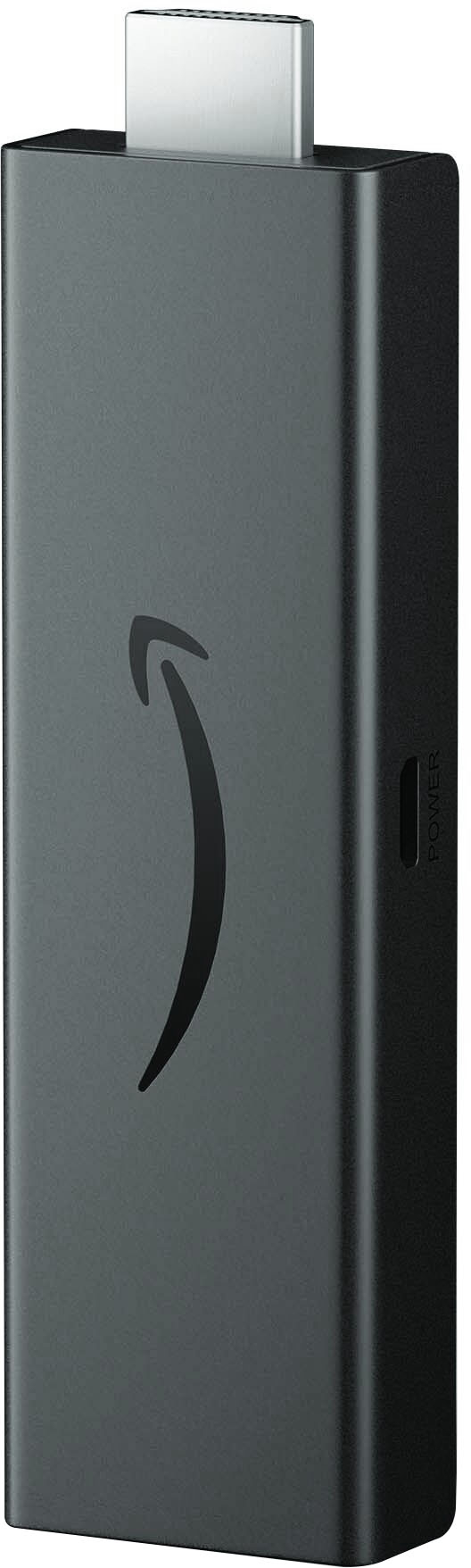
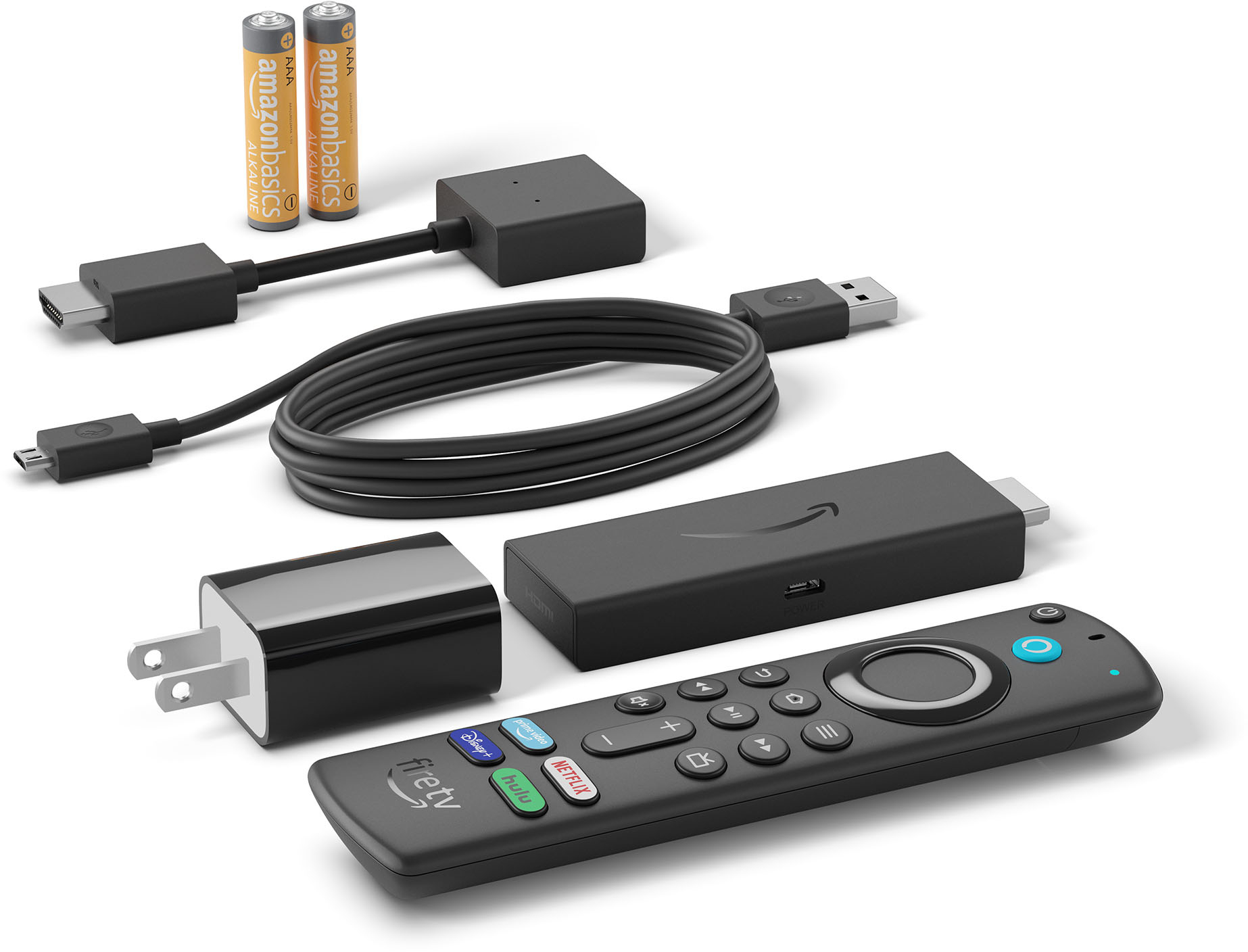
A:AnswerReally hooks up basically the same as the older version..the wires plug into the fire stick, one side of the plug goes to your HDMI plug on the TV,the other plugs into a power outlet..simple as that
A:AnswerWith the Firestick 4k I am able to see all local channels in South Texas and Mexican channels, plus over 100+ other channels and sports. Honestly, you don't really have to pay for any streaming apps. With all the channels you get for free is enough!!! New and old movies and tv series. Excellent product!
A:AnswerAmazon Firesticks sold at retail stores are not jailbroken. To modify (or jailbreak) a Firestick, you will have to search the Internet on how to add external apps to your device.
A:AnswerI don't know for sure about local. Major markets, maybe. The stick opens up many opportunities to (BUY!!) streaming services that I stayed away from, especially the 'free' trials. I mainly got it because NBC deferred my favorite show to Peacock only.