Amazon - Fire TV Stick 4K with Alexa Voice Remote, Dolby Vision, HD Streaming Media Player (includes TV controls) - Black
About this product
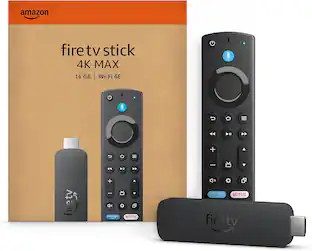
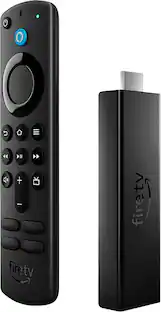
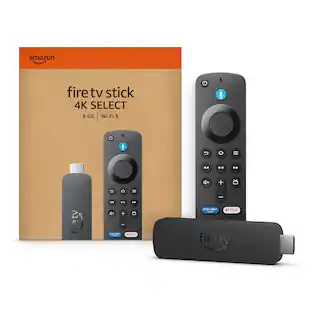
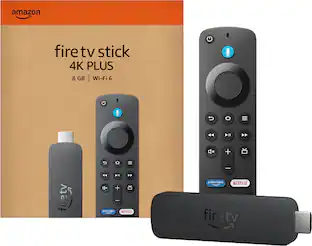
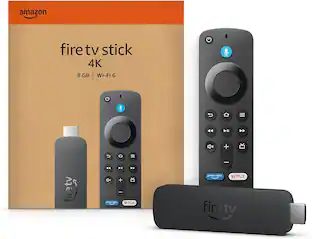
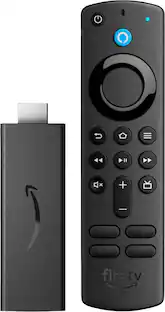
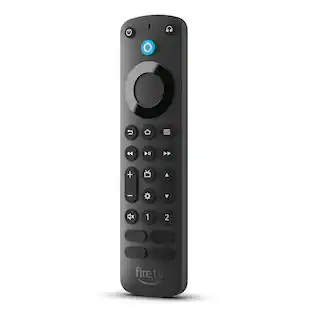
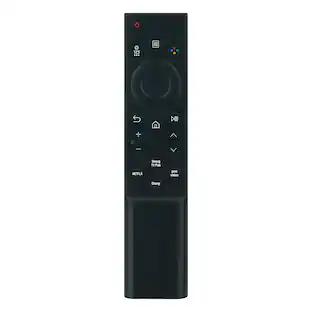
Vibrant 4K cinematic experience - Unlock a complete 4K Ultra HD experience with support for leading HDR formats, Dolby Vision, Dolby Atmos Audio, access to the latest 4K content, and a lightning-fast processor, Fire TV Stick 4K enables you to experience the beauty of 4K Ultra HD movies and shows on your TV. Includes the Alexa Voice Remote with dedicated power and volume buttons to control your compatible TV, soundbar and receiver. Plus, convenient preset app buttons make it easy to go directly to your favorite apps.
Series
Amazon Fire TV Stick 1st Gen 4K (TV controls)Cinematic experience
Watch in vibrant 4K Ultra HD with support for Dolby Vision, HDR, and HDR10+.
Home theater audio with Dolby Atmos
Feel scenes come to life with support for immersive Dolby Atmos audio on select titles with compatible home audio systems
Endless entertainment
Stream more than 1 million movies and TV episodes from Netflix, Prime Video, Disney+, Peacock, and more, plus listen to millions of songs. Subscription fees may apply.
Live and free TV
Watch live TV, news, and sport with subscriptions to SLING TV, YouTube TV, and others. Stream for free with Pluto TV, IMDb TV, YouTube and more.
Alexa Voice Remote
Search and launch content with your voice. Get to favorite apps quickly with preset buttons. Control power and volume with one remote.
Control your smart home
Ask Alexa to check weather, dim the lights, view live camera feeds, stream music and more.
Simple and intuitive
Quickly access your favorite apps, live TV, and things you use most, all from the main menu.
Easy to set up, compact enough to stay hidden
Plug in behind your TV, turn on the TV, and connect to the internet to get set up
- Featured Streaming ServicesNetflix, Hulu, Disney+, HBO Max, Prime VideoMaximum Supported Resolution2160p (4K)High Dynamic Range (HDR)YesOperating System CompatibilityFire OSRemote Control IncludedYesStorage TypeInternal, Cloud
Reviews
Rating 4.8 out of 5 stars with 29844 reviews
Customer Images
The vast majority of our reviews come from verified purchases. Reviews from customers may include My Best Buy members, employees, and Tech Insider Network members (as tagged). Select reviewers may receive discounted products, promotional considerations or entries into drawings for honest, helpful reviews.
Compare similar products
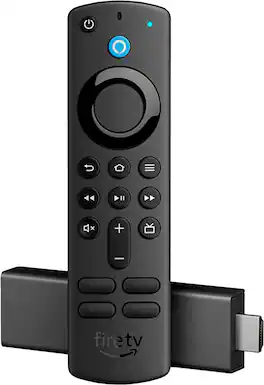
Vibrant 4K cinematic experience - Unlock a complete 4K Ultra HD experience with support for leading HDR formats, Dolby Vision, Dolby Atmos Audio, access to the latest 4K content, and a lightning-fast processor, Fire TV Stick 4K enables you to experience the beauty of 4K Ultra HD movies and shows on your TV. Includes the Alexa Voice Remote with dedicated power and volume buttons to control your compatible TV, soundbar and receiver. Plus, convenient preset app buttons make it easy to go directly to your favorite apps.
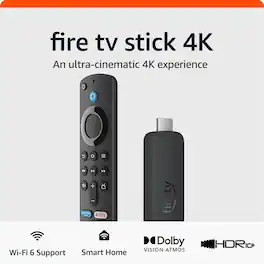
Cinematic experience - Watch in vibrant 4K Ultra HD with support for Dolby Vision, HDR10+, and immersive Dolby Atmos audio.

Our most powerful streaming stick - Elevate your entertainment experience with a powerful processor for lightning-fast app starts and fluid navigation.
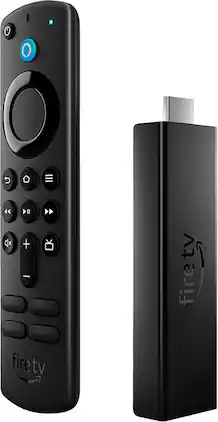
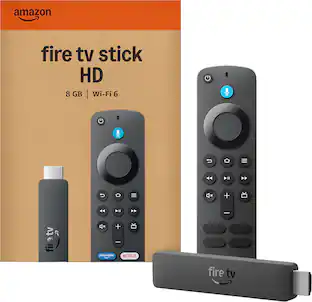
Our most powerful streaming stick with Wi-fi 6 support - Dive into 4K Ultra HD cinematic entertainment with a new quad-core 1.8 GHz processor that brings a 40% more powerful experience compared to Fire TV Stick 4K, plus faster app starts and more fluid navigation. Support for next-gen Wi-Fi 6 means you can enjoy smoother streaming across multiple Wi-Fi 6 connected devices. Enjoy vivid, lifelike colors with support for Dolby Vision, HDR 10, HDR10+, and the immersive audio of Dolby Atmos. Includes the Alexa Voice Remote with dedicated power and volume buttons to control your compatible TV, soundbar and receiver.
| Pros for Amazon - Fire TV Stick 4K with Alexa Voice Remote, Dolby Vision, HD Streaming Media Player (includes TV controls) - Black | |||
|---|---|---|---|
| There were no pros for this product— | There were no pros for this product— | Overall Performance, Ease of use, Speed, Storage, Setup | There were no pros for this product— |
| Cons for Amazon - Fire TV Stick 4K with Alexa Voice Remote, Dolby Vision, HD Streaming Media Player (includes TV controls) - Black | |||
| There were no cons for this product— | There were no cons for this product— | Buffering, Remote Control, Lag | There were no cons for this product— |
Specs
Customers often buy these together
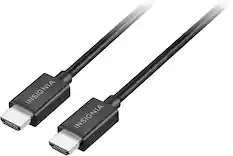
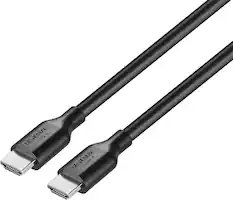
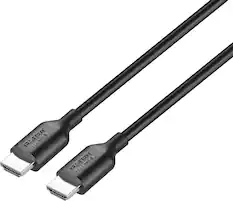
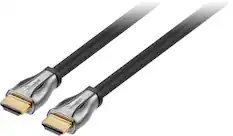
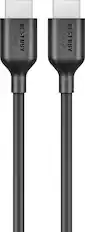
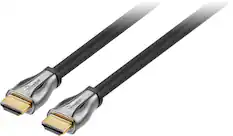
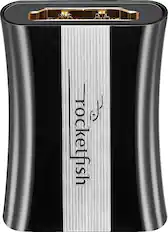
4K HDMI (2.0) Cables
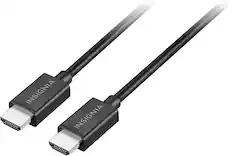


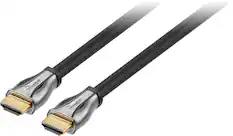
8K HDMI (2.1) Cables




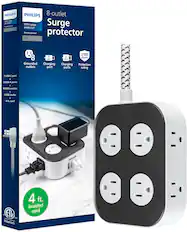
More to consider
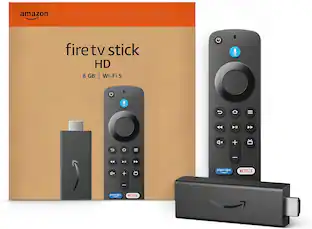 Clearance$29.99The price was $34.99
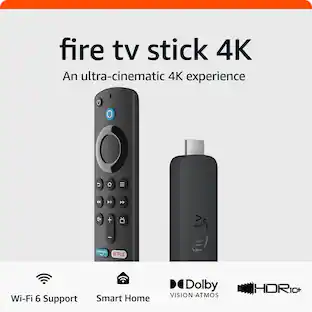

Elevate your entertainment Sponsored


Discover related products


Keep exploring
 $15.99The price was $29.99