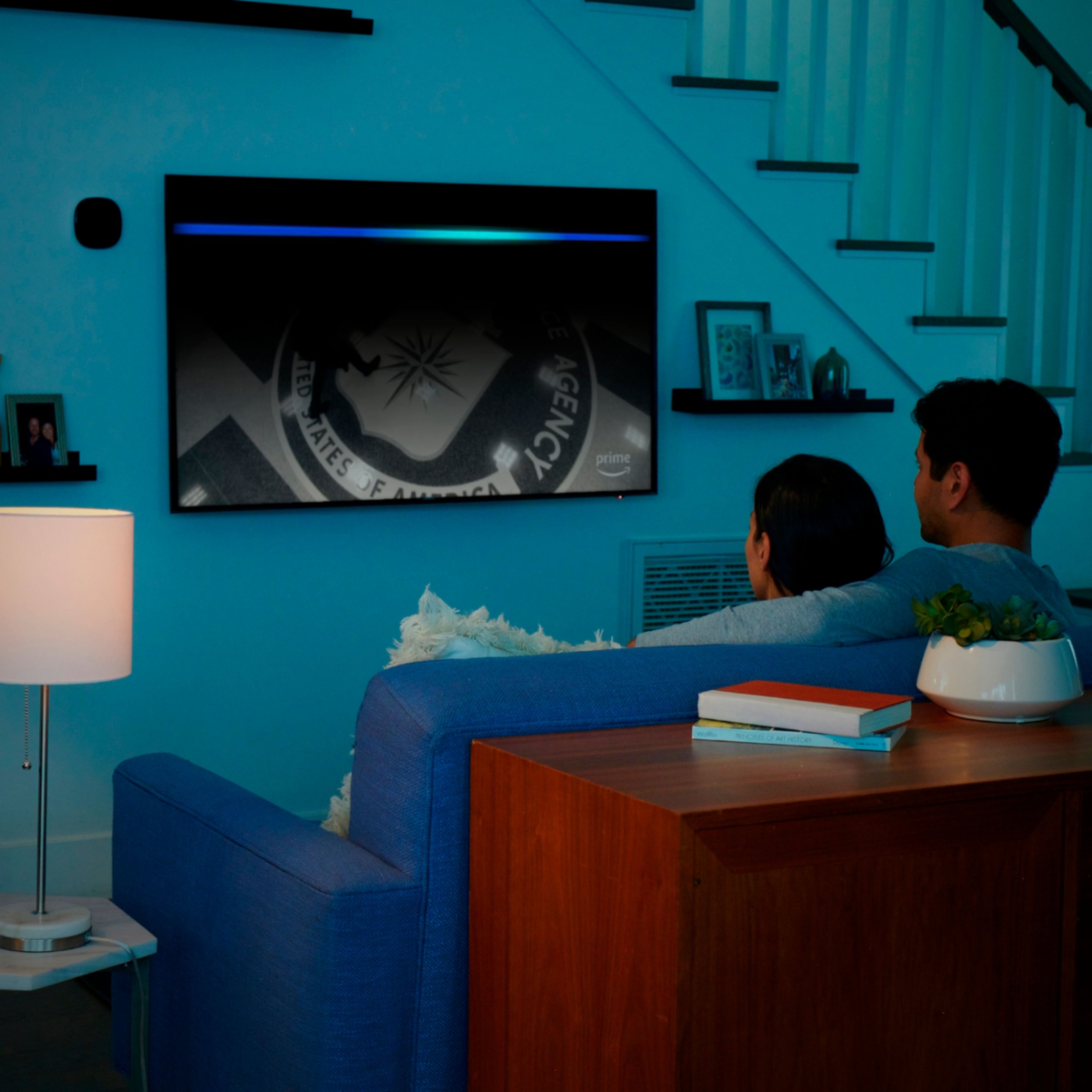
A:AnswerThe Fire Stick must be programmed properly to view your desired channels. If there are some channels that you are not able to view, you may want to go back and add them to your Fire Stick. Your television and service has no bearings on your Fire Stick. It all comes down to proper programming. Hope this helps.
A:AnswerI don’t use it for that purpose but I do use it for practically every other app at the store. It is soooo simple and easy.
In fact, I just purchased 2 more units
A:AnswerYou need some food internet honestly but hey some people have good phone service & are able to hotspot it to work everyone service is different
A:AnswerThe easy way to do that is purchase from Apple a Lightning Digital AV adapter. It will let you connect the phone directly to an HDMI port on your TV. That way anything you see on the phone will show up on the TV screen.
A:AnswerNo, not I unless you do it through services not approved by Amazon, then possibly. Obiously at that point you would be better of using a different device.
A:AnswerNo I bought one but know someone that connected me with service to watch all movies from theaters new releases every cable channels movie channels ect. Live fights 20 buck a month this is the only reason I bought this fire stick best thing I bought this year you get to watch all apple, prime, Netflix, etc. As soon as they come out
A:AnswerYes, a much better device overall than the Roku as well. I have both, but the Roku is no longer connected, it's not user friendly and the content is not up to par with the FireStick.